What are the US visa photo requirements?
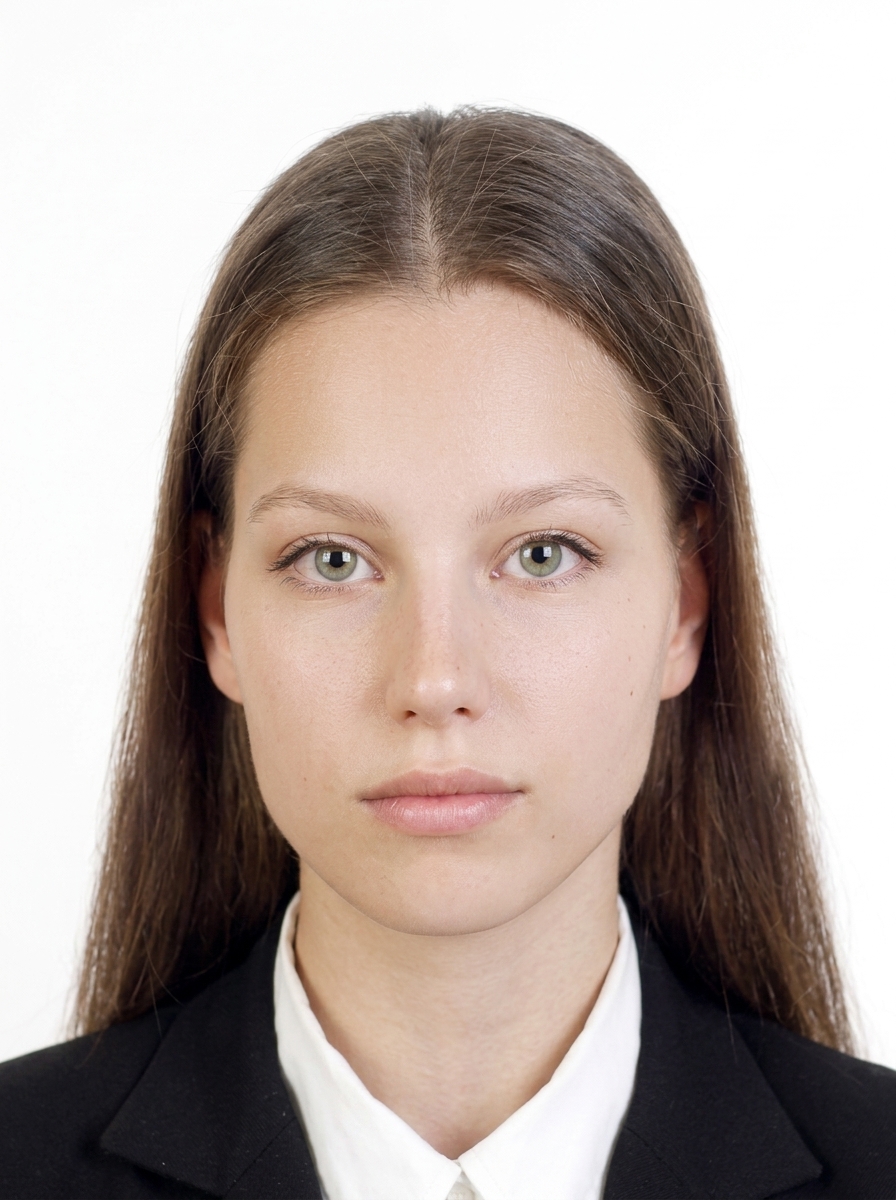
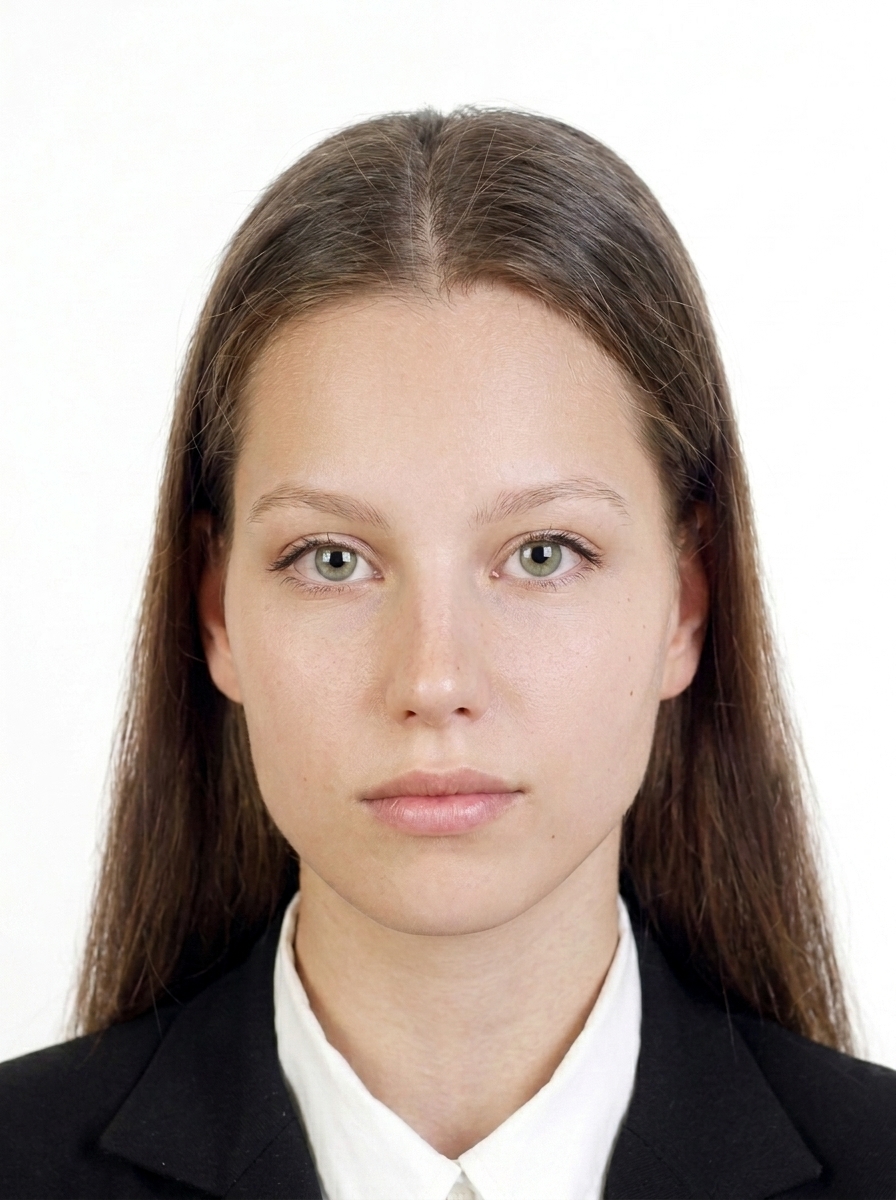
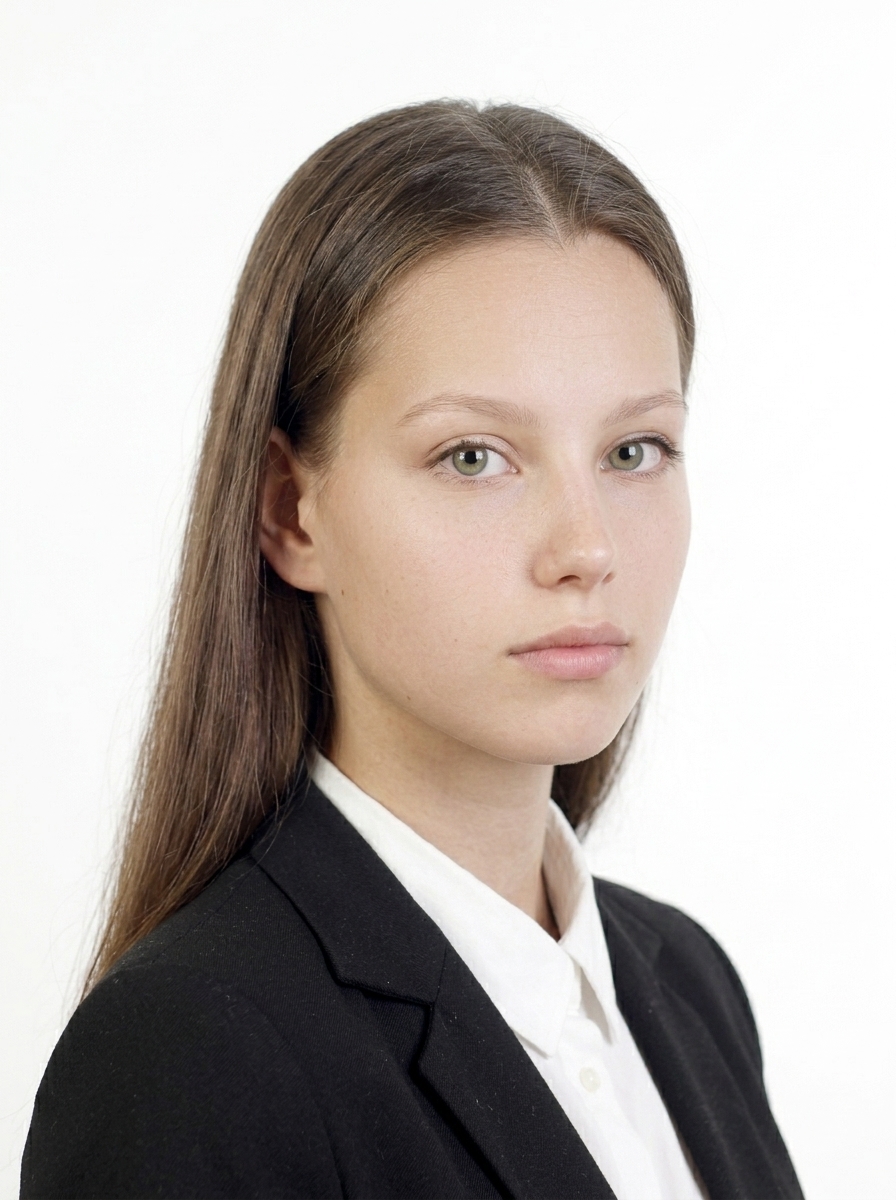
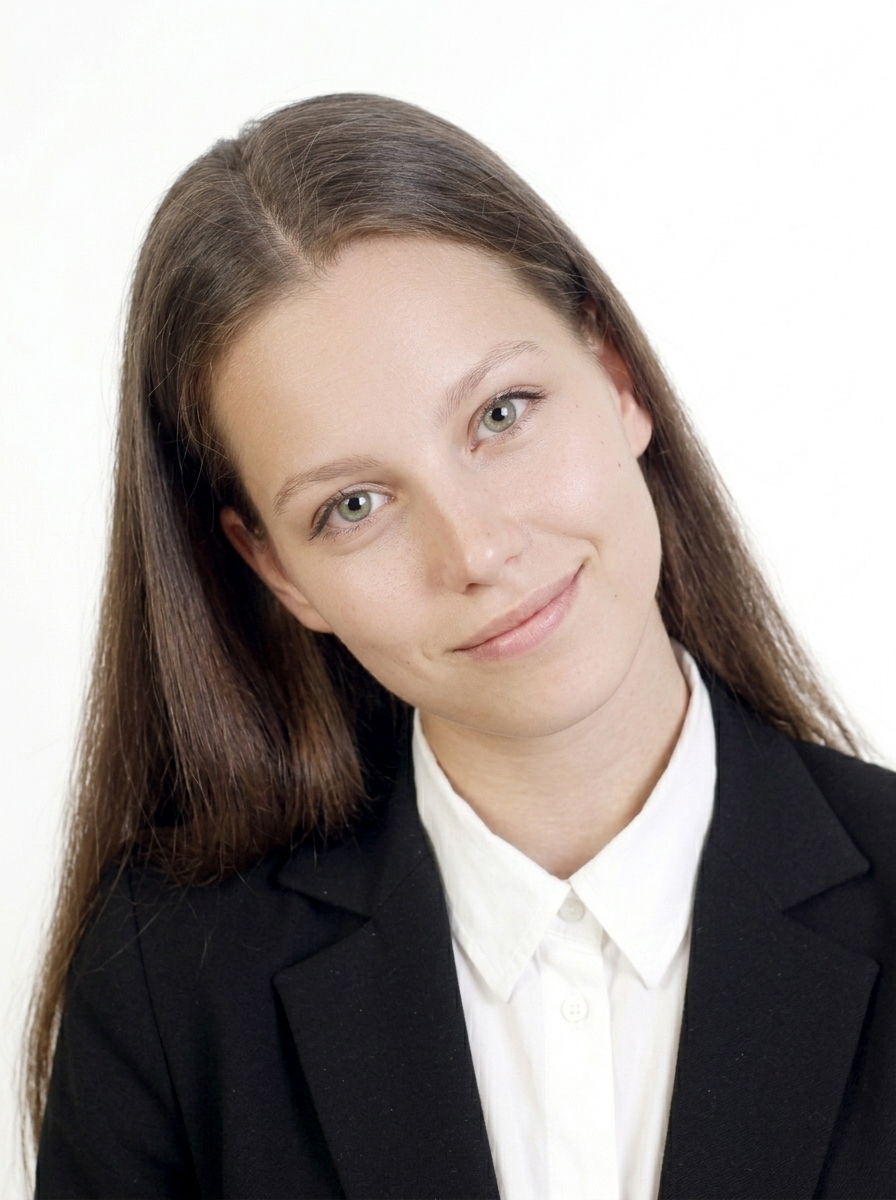
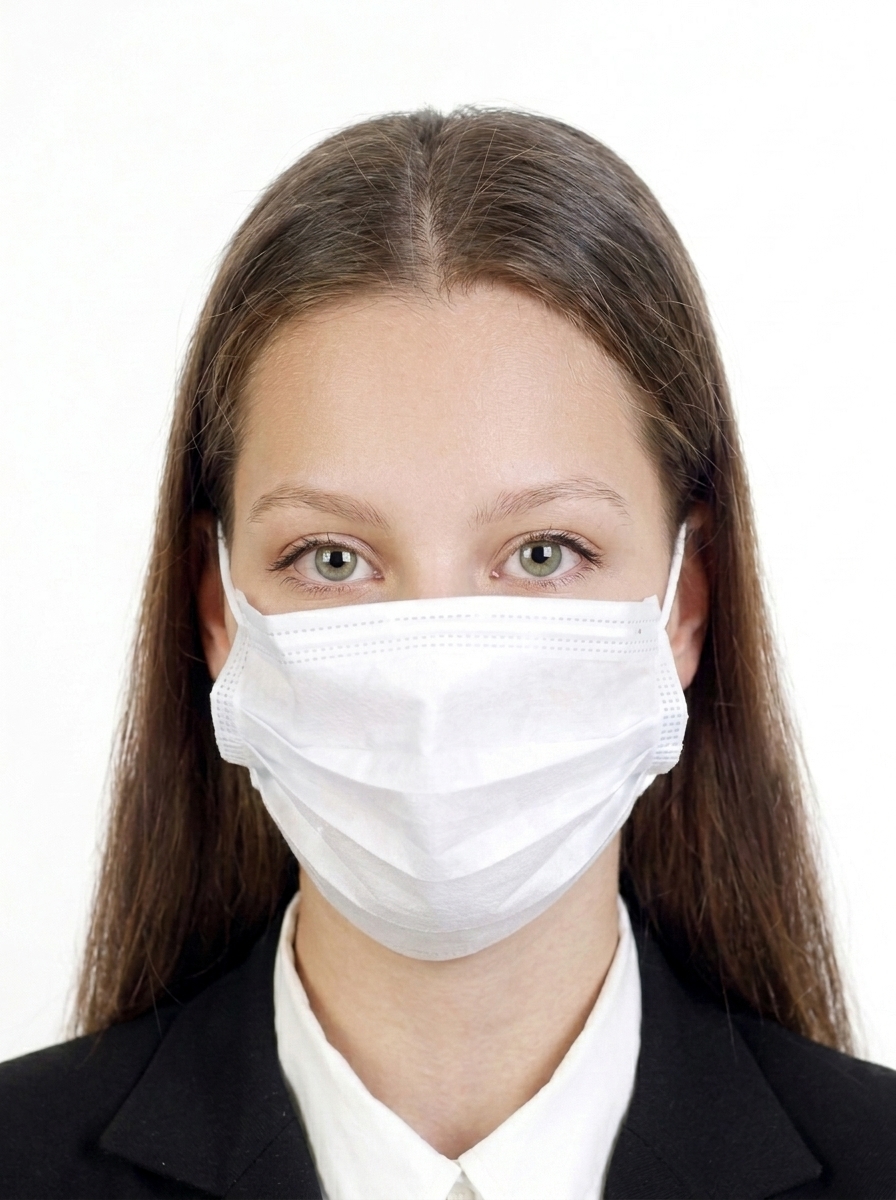
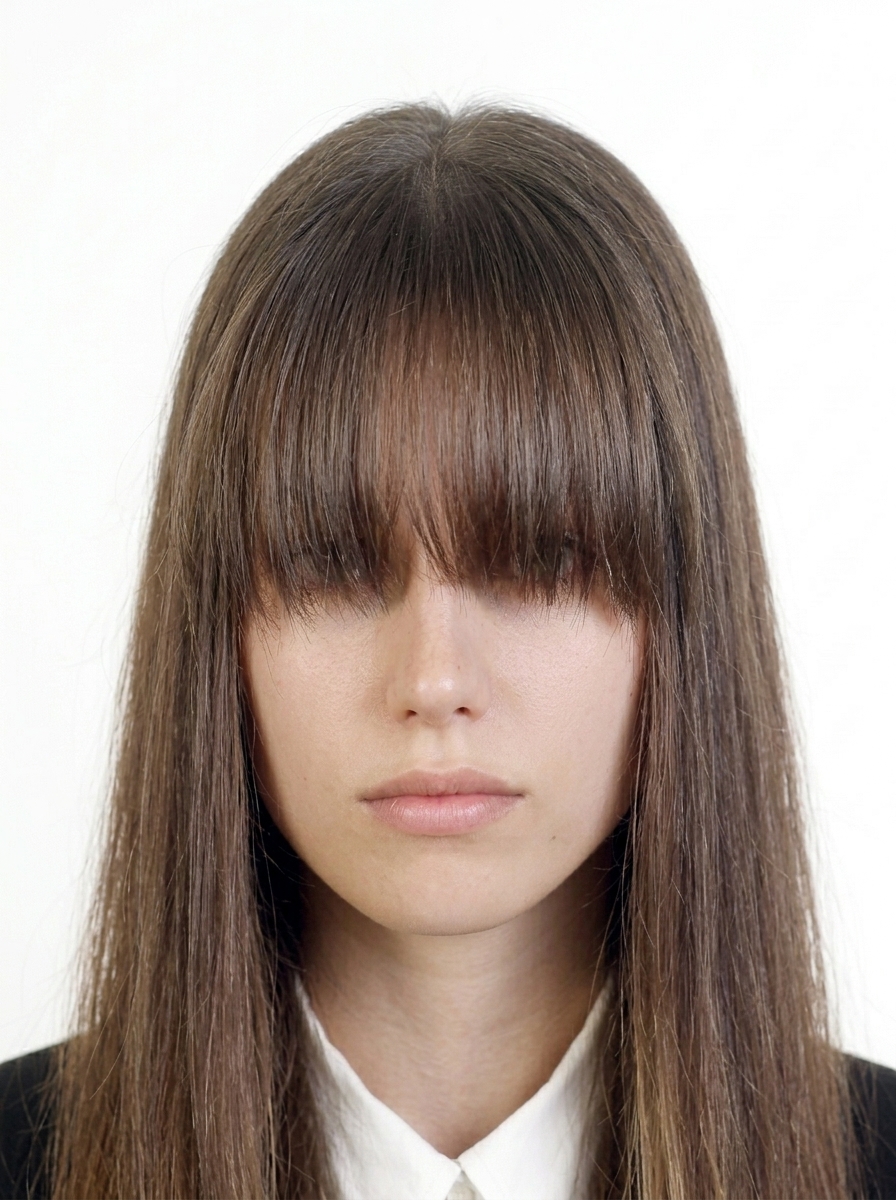
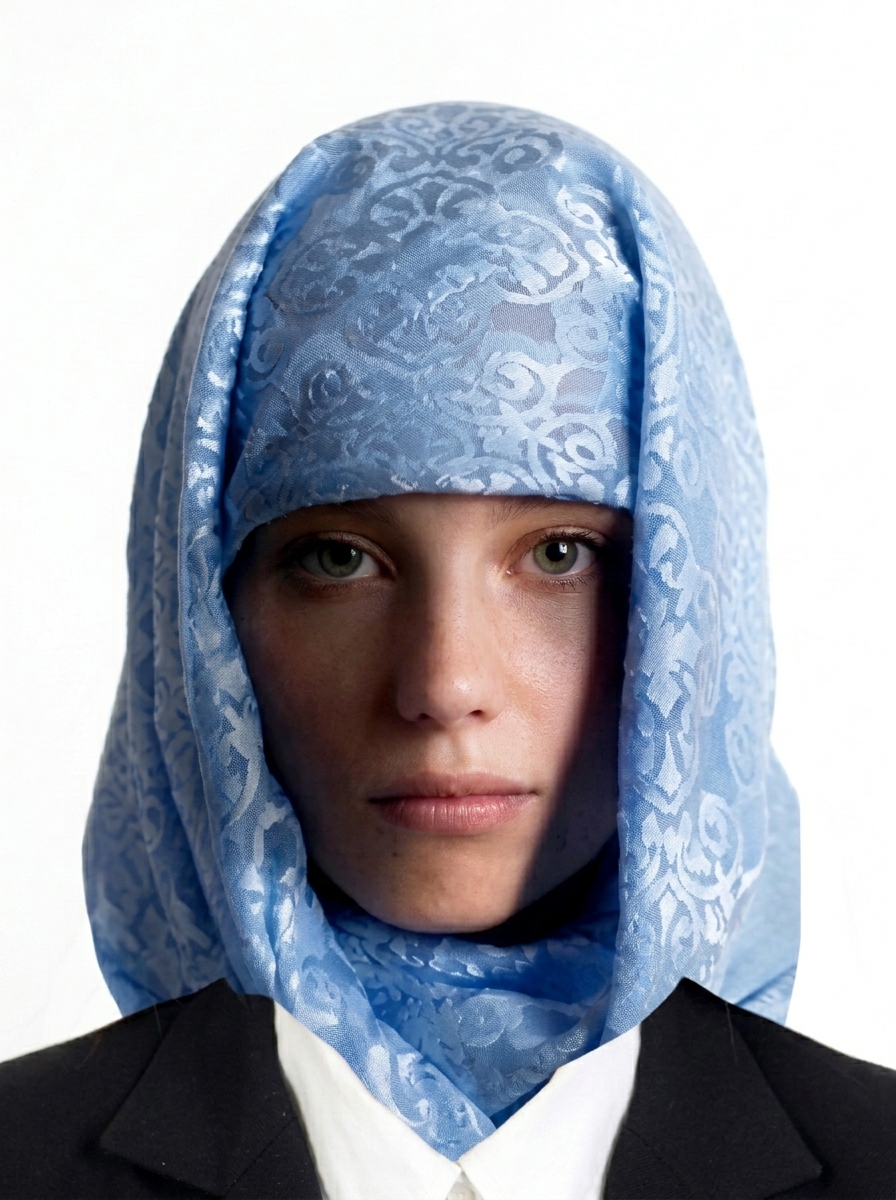
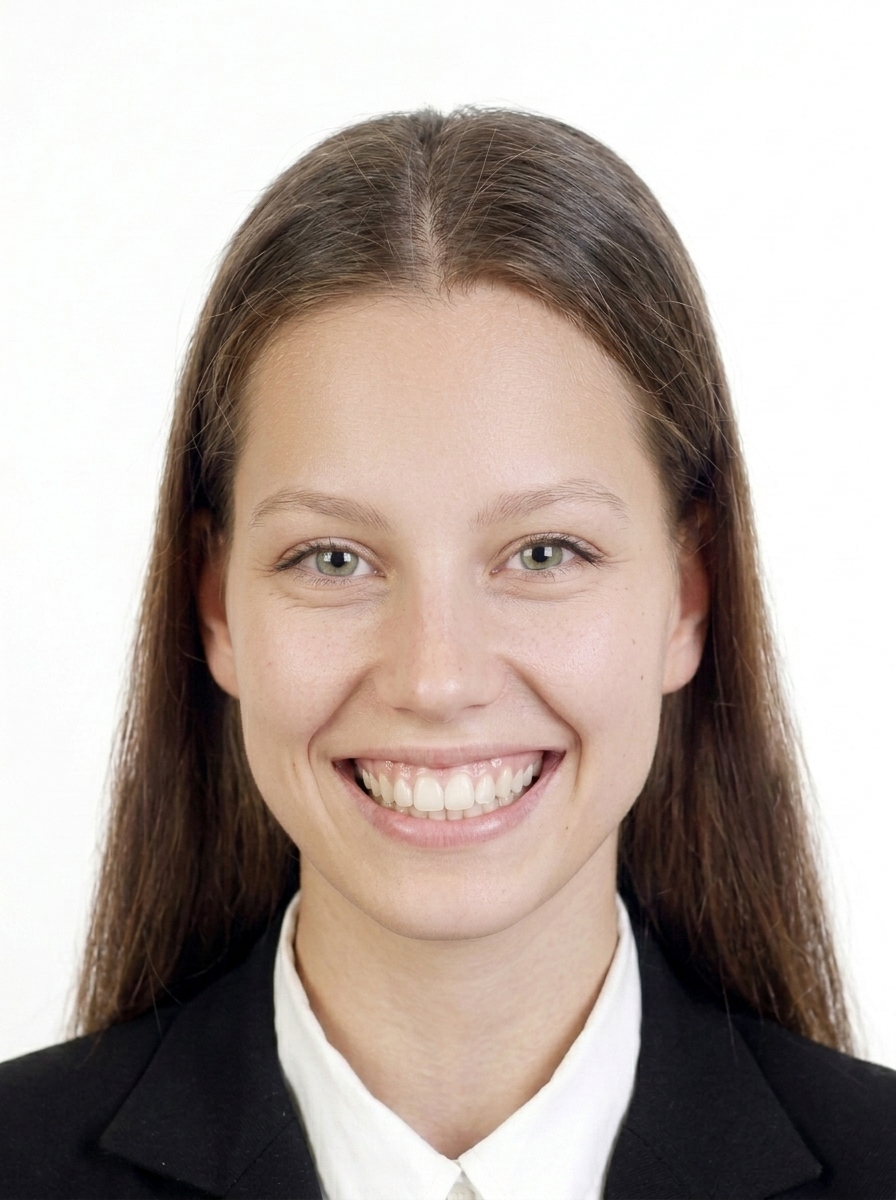
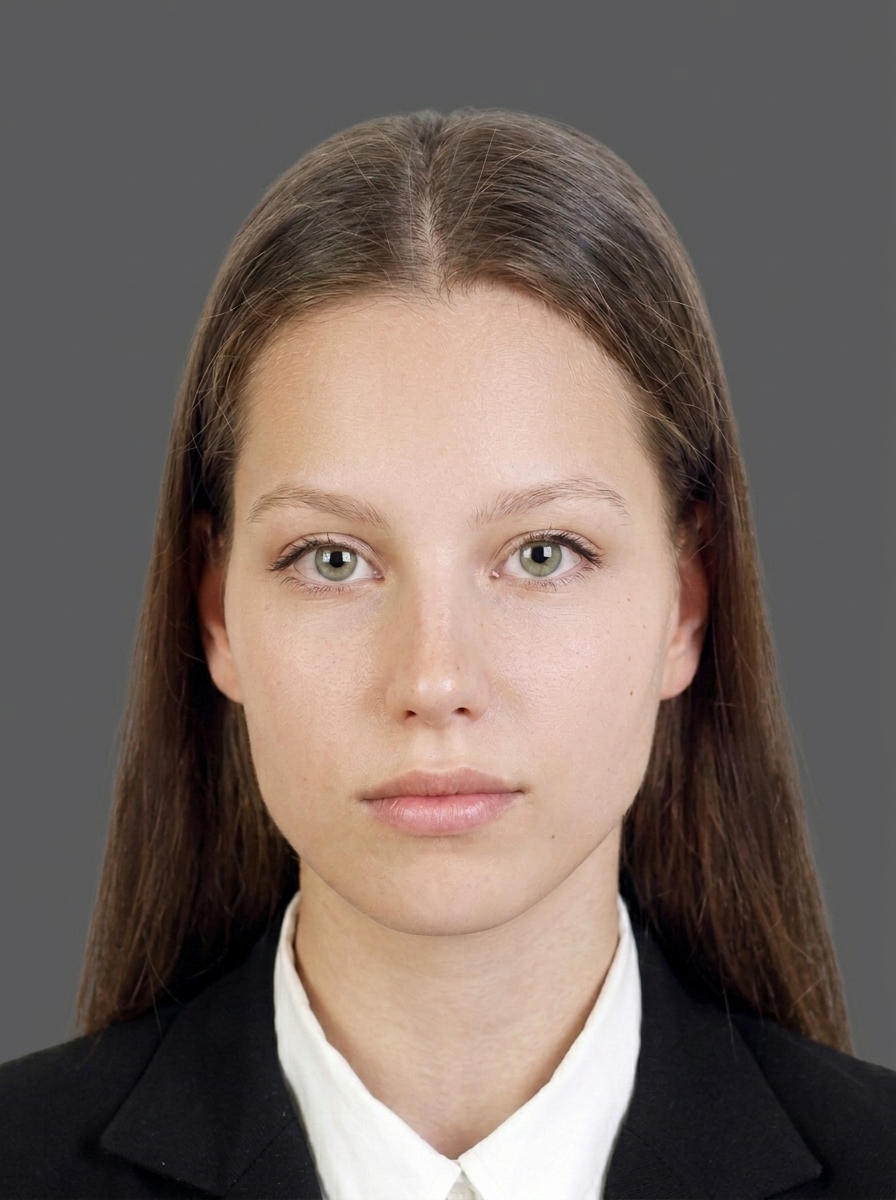
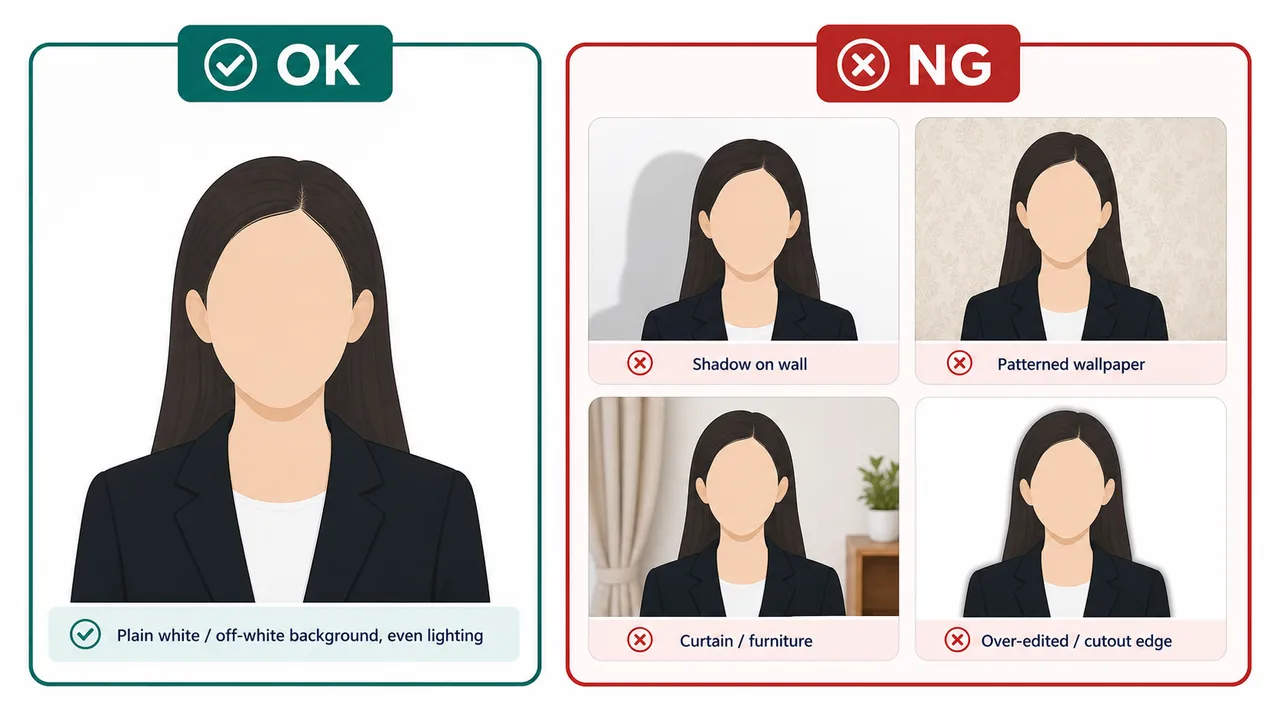
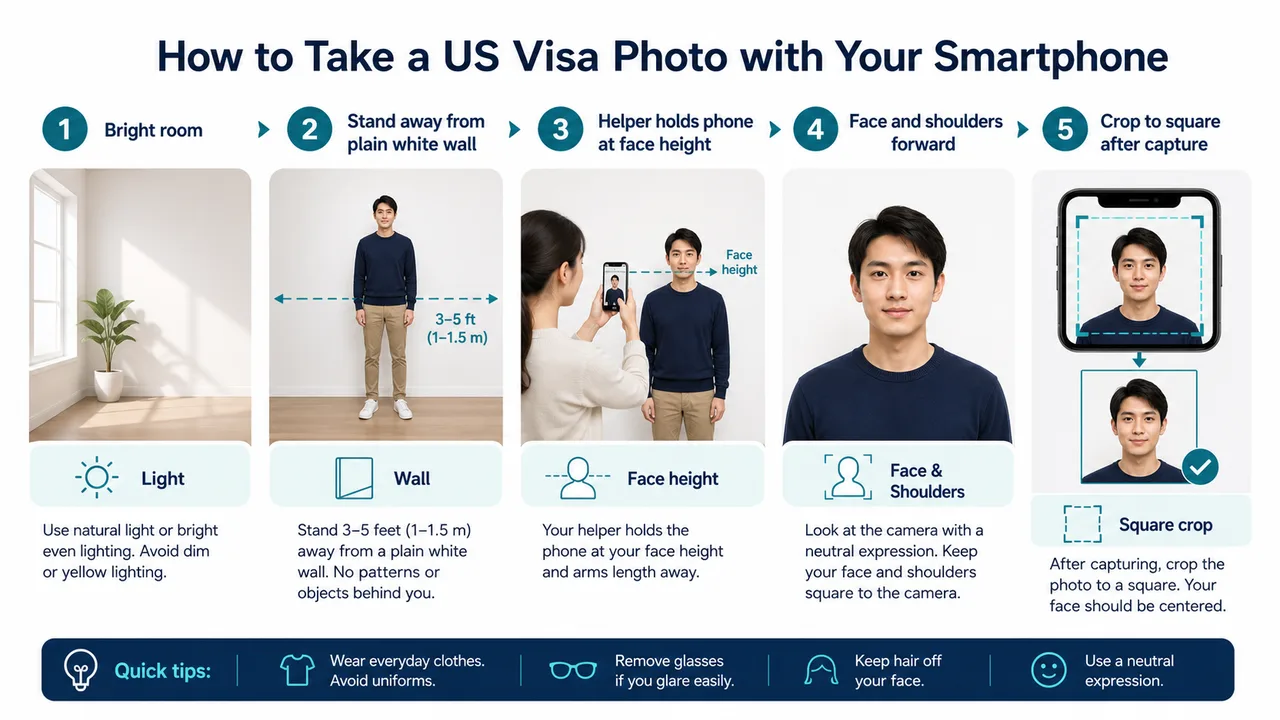
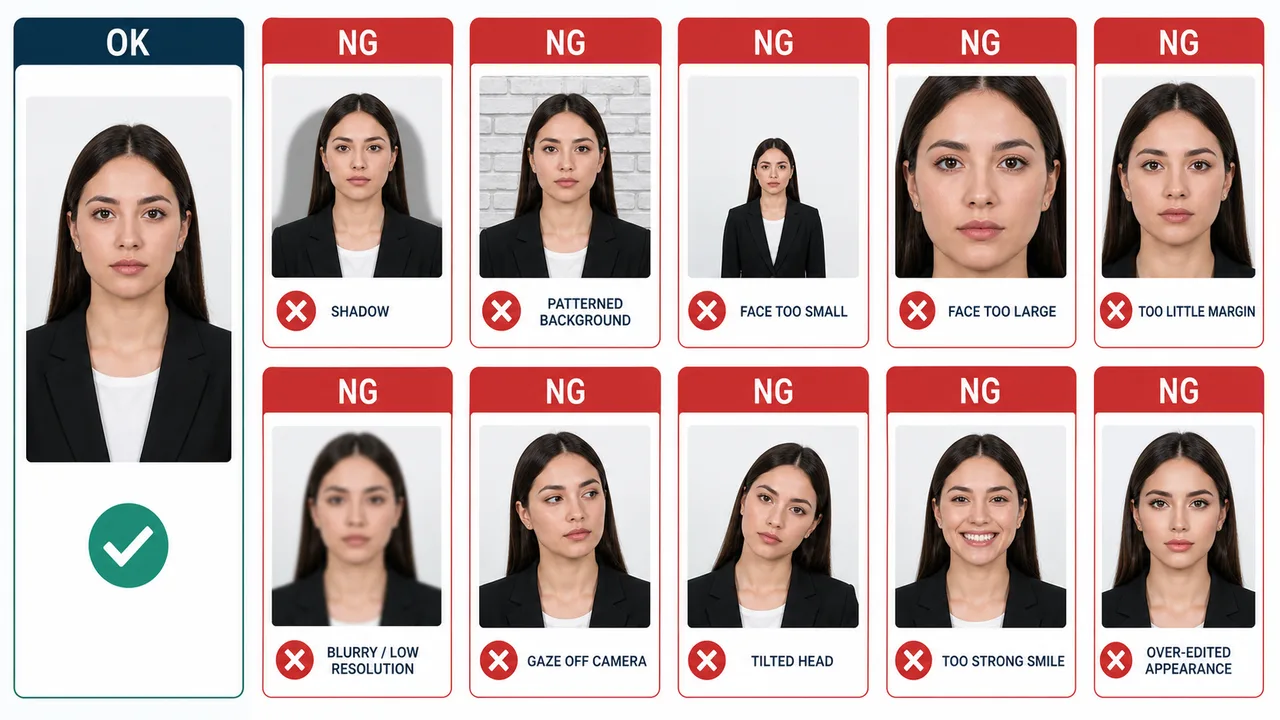
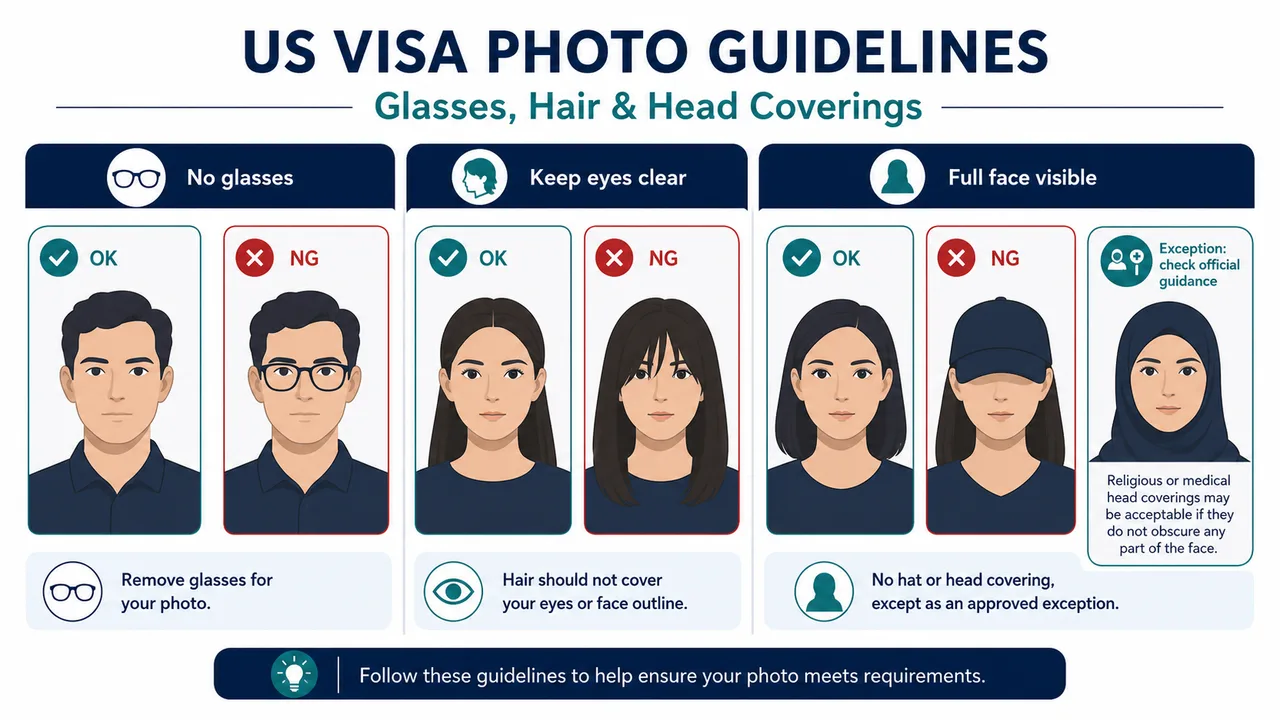
A US visa photo must be a color digital image in JPEG format, square aspect ratio, under 240 KB, with a plain white or off-white background. The face must be fully visible with a neutral expression and both eyes open. Glasses are not allowed except in rare documented medical circumstances. The photo must have been taken within the last 6 months.
What are the DS-160 photo requirements?
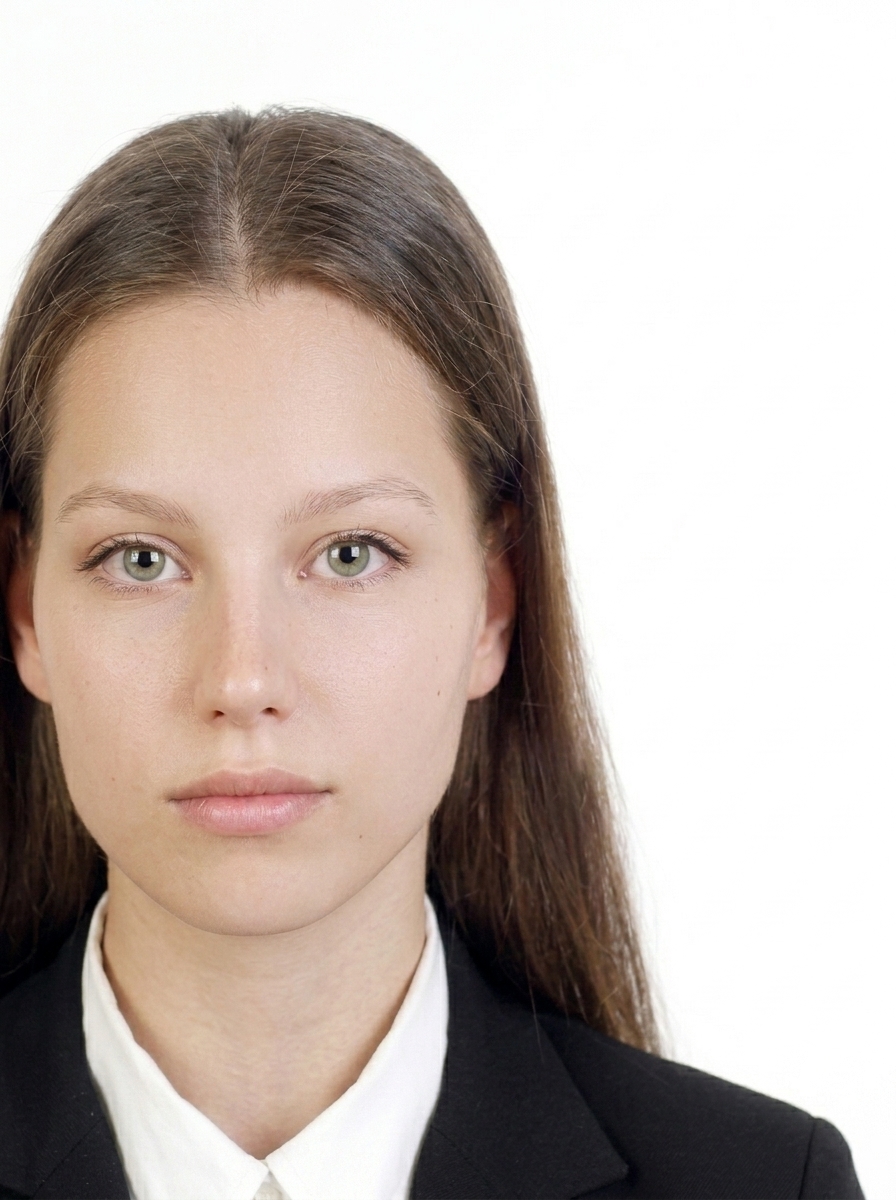
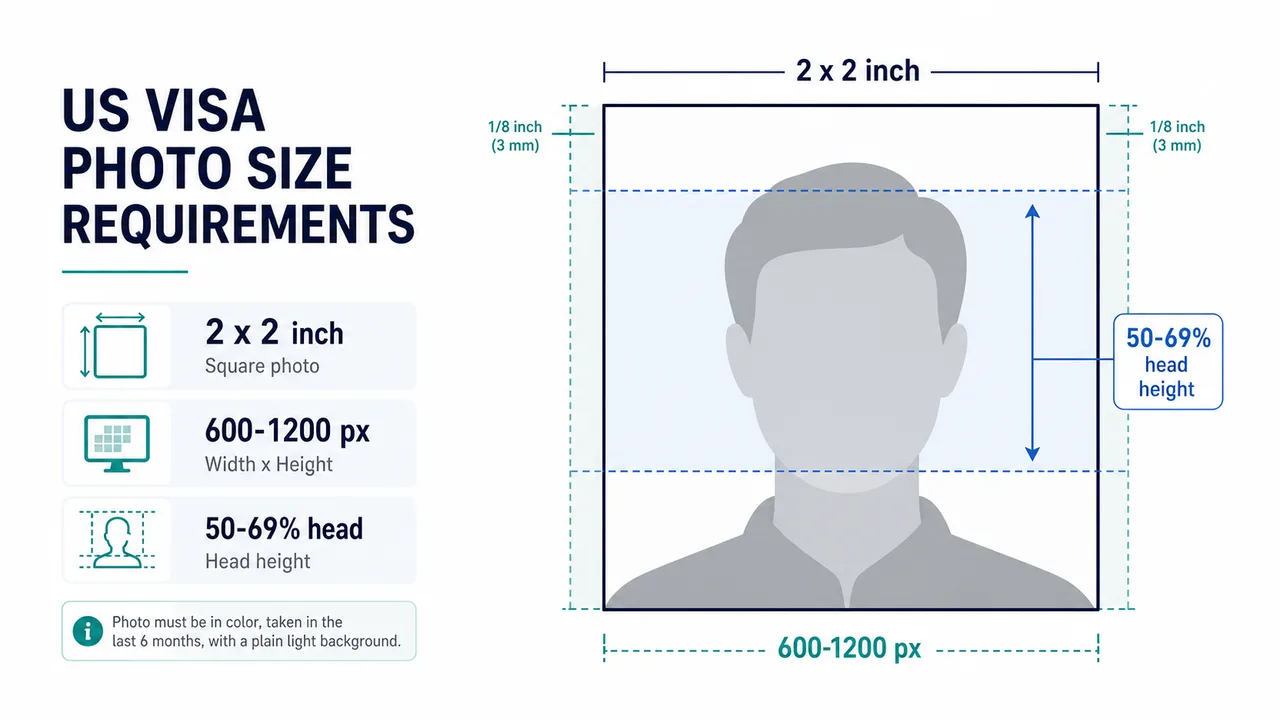
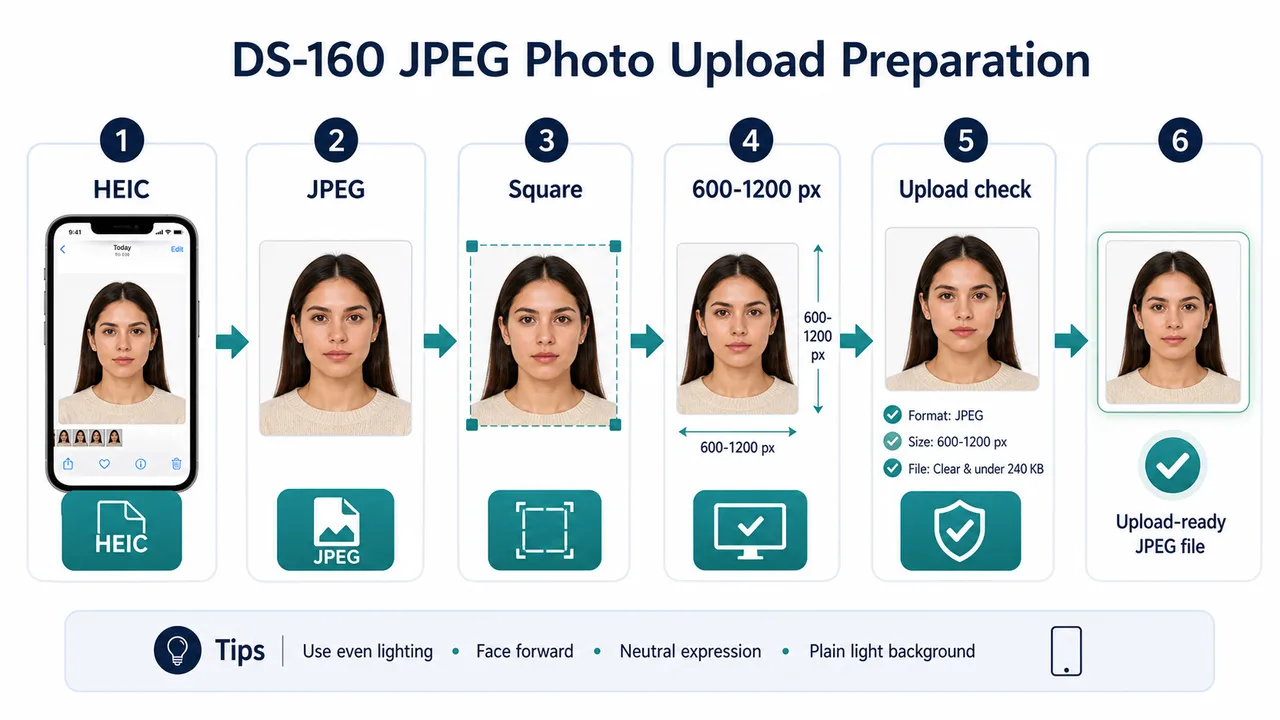
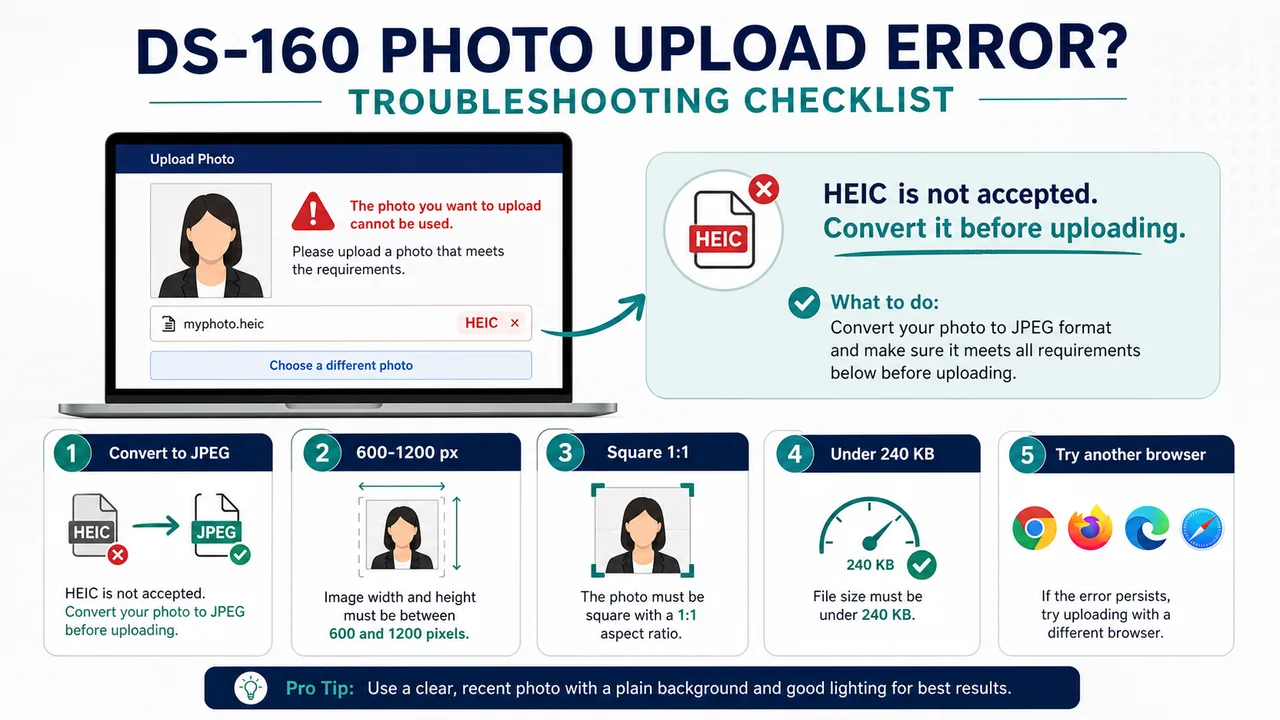
For DS-160 digital uploads, the U.S. Department of State requires a square JPEG between 600×600 and 1200×1200 pixels, under 240 KB, in sRGB color space. The head height should be 50–69% of the image height, and eye height 56–69% from the bottom. The background must be white or off-white. This app exports 600×600 px for broad compatibility.
What are the DV Lottery photo requirements?
DV Lottery photos must be exactly 600×600 pixels, JPEG format, under 240 KB, with a plain white or off-white background. Head height must be 50–69% of the image, face forward, neutral expression, both eyes open, and no glasses except rare documented medical exceptions. The photo must be taken within the last 6 months.
Does a US visa photo need to be exactly 600×600 pixels?
For DV Lottery entries, the official requirement is exactly 600×600 pixels. For general U.S. visa digital images, travel.state.gov lists 600×600 pixels as the minimum and 1200×1200 pixels as the maximum. This app exports 600×600 pixels as a broadly compatible baseline for both uses.
What is the file size limit?
The digital photo file must be 240 KB or smaller. It should be in JPEG format and compressed appropriately to maintain visual quality without exceeding this limit. The app previews the output so you can check for heavy compression artifacts before exporting.
Can I wear glasses?
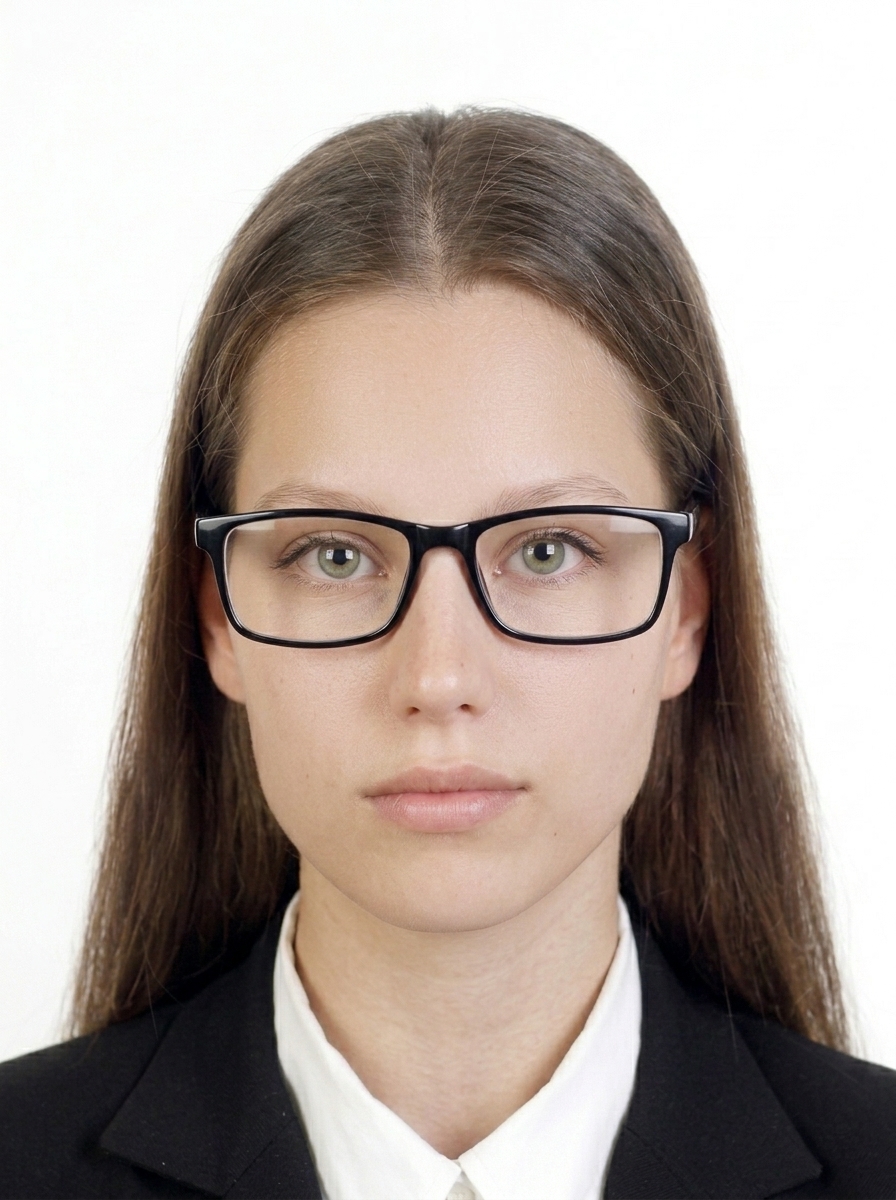
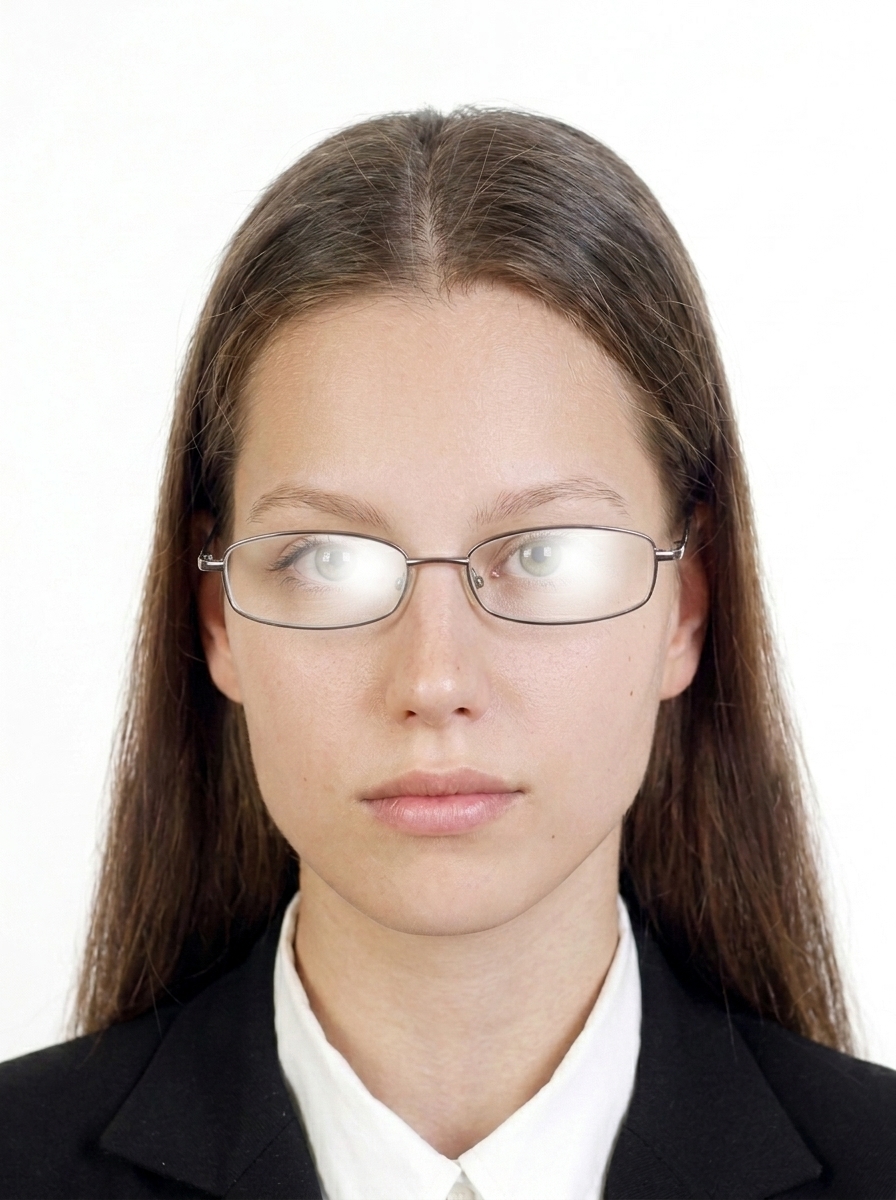
No. Since November 1, 2016, glasses are not allowed in U.S. visa photos. Please remove glasses before taking your photo. In rare circumstances when eyeglasses cannot be removed for medical reasons (for example, recent ocular surgery), a signed medical statement from a medical professional is required. If accepted for medical reasons, the frames must not cover the eyes, and there must be no glare or shadows from the lenses.
Can I digitally edit or swap the background?
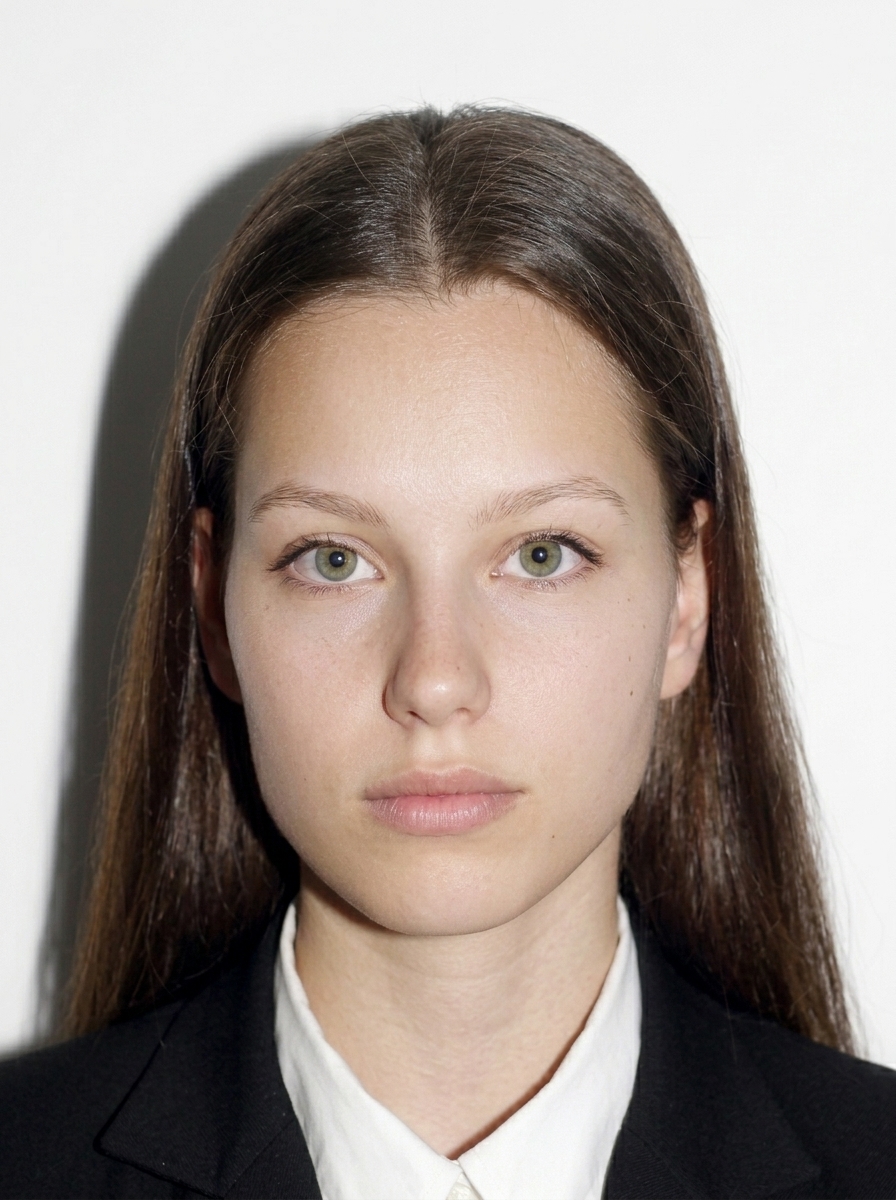
No. The U.S. Department of State requires photos to be taken in front of a plain white or off-white background. Do not digitally swap or alter the background for your submission photo. Take your photo with a proper backdrop. This app helps with framing, sizing, JPEG compression, EXIF removal, and preview before export.
Can I use AI face modification or appearance-altering edits?
No. Photos must not be digitally enhanced or altered to change your appearance in any way. This includes AI face modification, heavy retouching, digital background removal or replacement, removing moles or scars, enlarging eyes, or smoothing skin excessively.
What is the printed photo size?
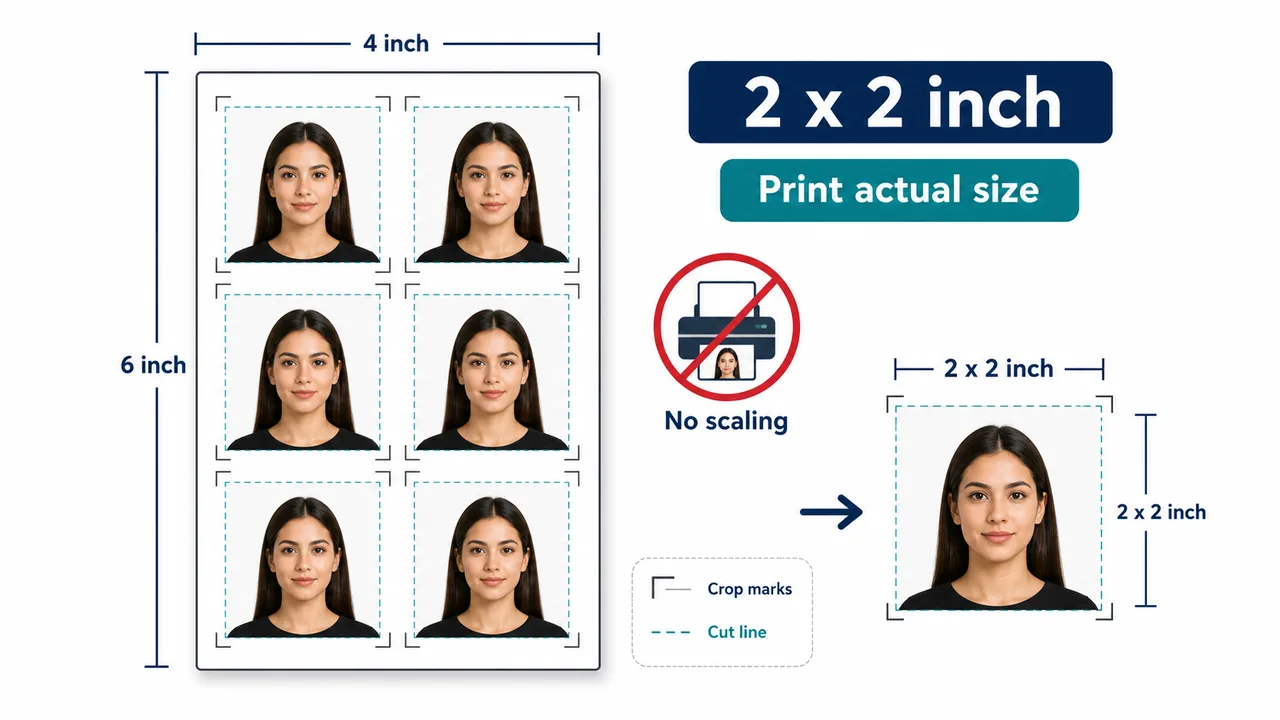
Printed visa photos must be 2×2 inches (51×51 mm) on photo-quality paper. Head height should be 1 to 1 3/8 inches (25–35 mm). Check your specific embassy or consulate instructions for whether printed photos are required for your interview. Print at actual size with no scaling.
Does this app submit my DS-160 or DV entry?
No. This app is an independent photo formatting tool. It does not submit visa or DV applications. You must submit your application yourself through the official CEAC or E-DV website.
Is this an official U.S. visa photo app?
No. This app is an independent photo formatting tool. It is not affiliated with the U.S. Department of State, any U.S. embassy or consulate, CEAC, or the DV Program.
Does this app guarantee acceptance?
No. This app helps you create a photo that meets published U.S. Department of State specifications, but final acceptance is determined by the reviewing authority or the official online system. Requirements may change, so always check the latest official guidance.
Are photos uploaded to a server?
No. All photo processing, face detection, and JPEG export happen entirely on your iPhone. Only App Store billing uses the network, and it never includes your photo data.
How do I print the 2×2 inch photos?
The app generates a 4×6 inch print sheet layout containing two 2×2 inch photos. Save it to your photo library and print at a photo lab or drugstore on matte or glossy photo-quality paper. Use actual size / no scaling. Check your embassy or consulate instructions for whether printed photos are required.
What about children's visa photos?
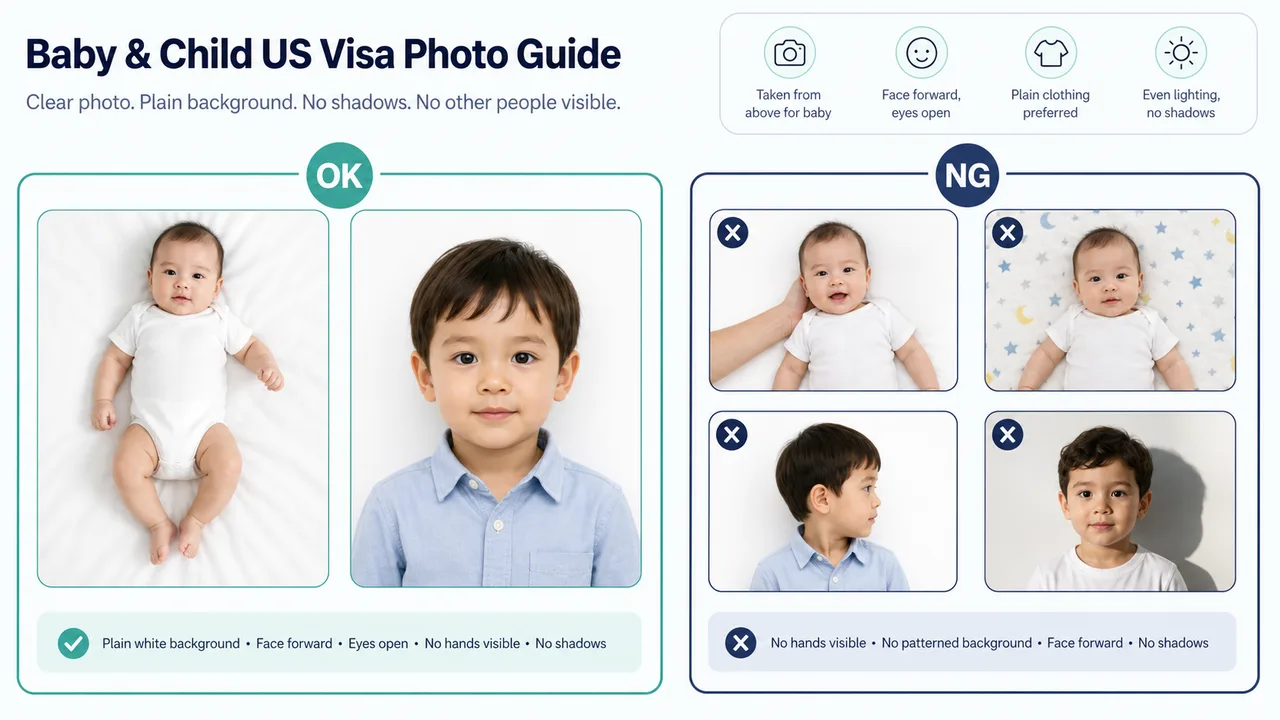
The same requirements apply to children: white background, facing forward, eyes open, no glasses. For infants, lay the child on a white sheet and photograph from above, or use a car seat with a white cloth draped over it.