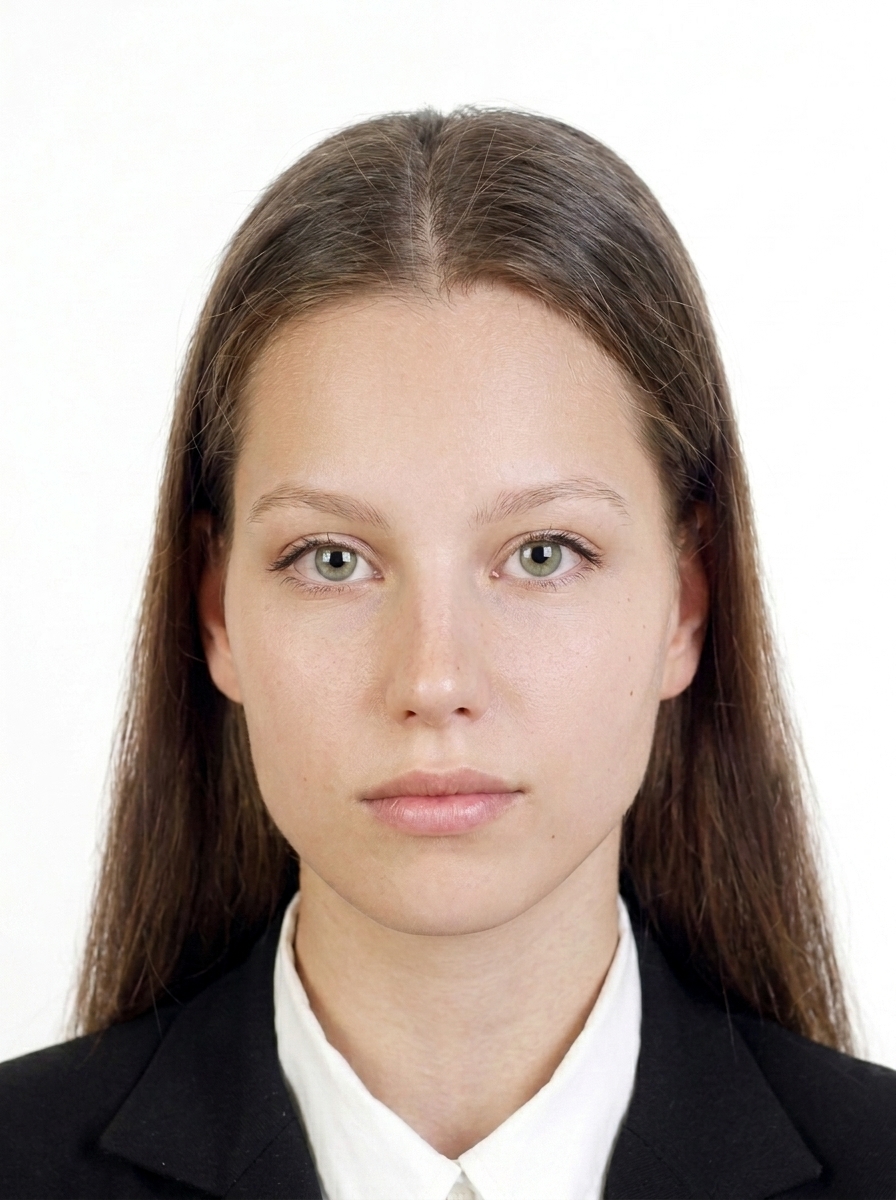
What are the digital photo requirements for a UKVI visa?
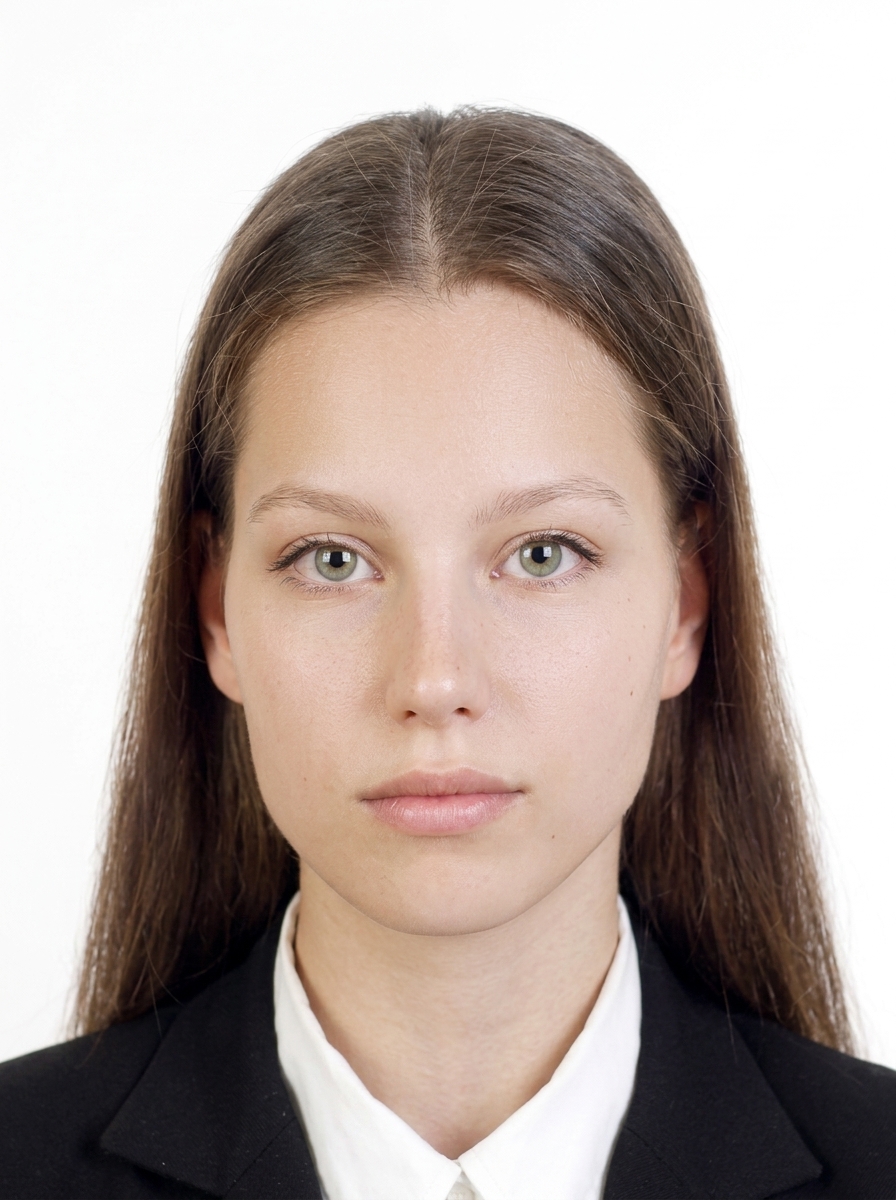
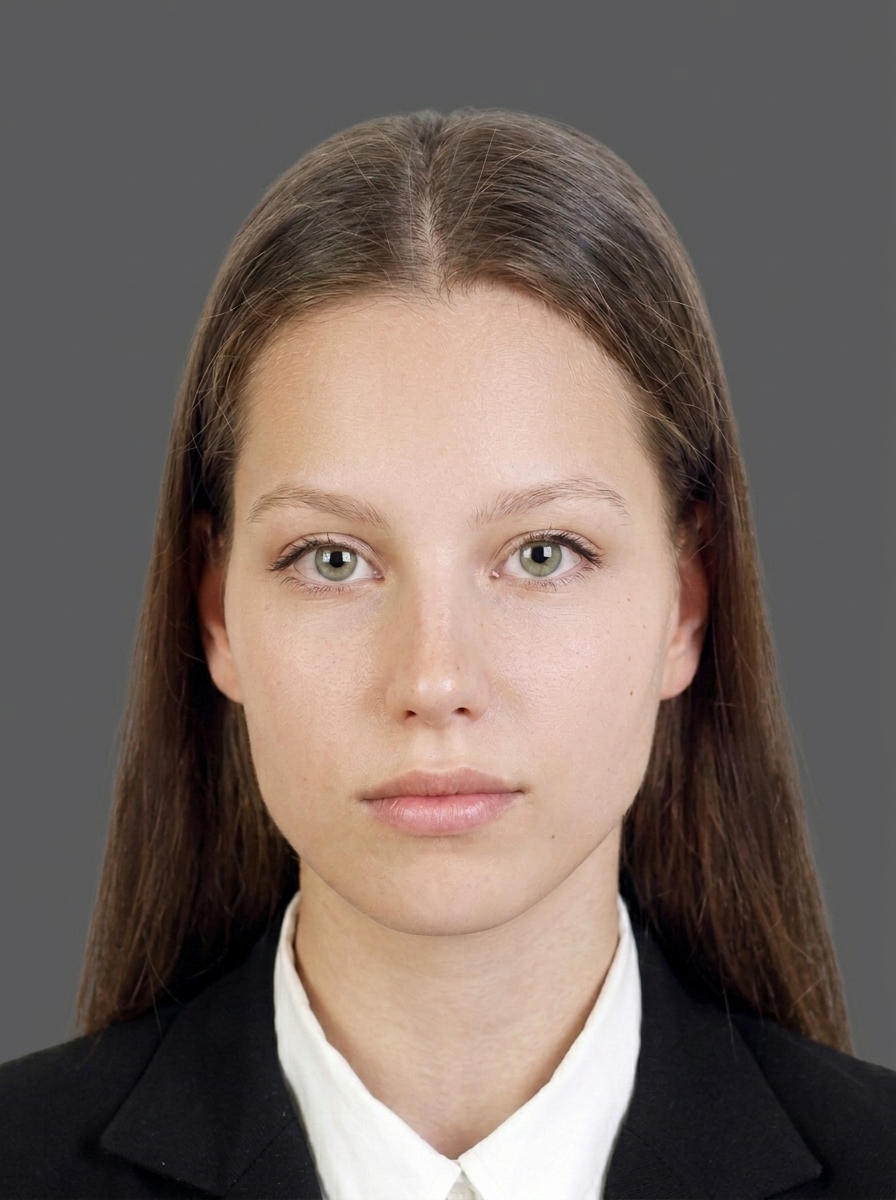
Official requirements for UKVI digital photos: 600 × 750 px, JPG / JPEG, up to 6 MB, plain light background, portrait orientation. Your head, shoulders, and upper body must be visible. App output: 1200 × 1500 px (product specification), up to ≤6 MB.
What are the digital photo requirements for a UK passport application?
Official requirements for UK passport digital photos: 600 × 750 px, JPG / JPEG, up to 6 MB, taken within 1 month, plain light background, portrait orientation. Your head, shoulders, and upper body must be visible. App output: 1200 × 1500 px (product specification), up to ≤6 MB.
What are the printed photo requirements for a UK passport application?
Official requirements for UK passport printed photos: 45 × 35 mm (height × width), face height 29–34 mm (chin to crown), 2 identical photos, plain light background.
Are there UK application routes where I do not need to prepare a photo file in advance?
Yes. For the following routes, an official photo is captured during your appointment or via the UK Immigration: ID Check app, so you do not need to prepare a photo file yourself: UKVCAS (biometrics appointment), VAC (Visa Application Centre), UK Immigration: ID Check app.
Can I use this app for an ETA application photo?
It depends on the route. For the online ETA application, you upload a digital face photo that follows the current GOV.UK digital photo rules, and this site's UK ETA (online) web tool prepares that file. The UK ETA app route is different: the UK ETA app captures your passport and face itself, so you do not prepare a photo file. How the ETA portal validates uploads is not yet resolved publicly, so acceptance is not guaranteed.
What is the difference between UKVI and UK passport digital photos?
The main difference is the file size limit. UKVI visa: up to 6 MB. UK passport: up to 10 MB. Both require the same minimum pixels (600 × 750 px), plain light background, and similar composition. App output: 1200 × 1500 px for UKVI / 1200 × 1500 px for passport (both product specifications).
What are the digital photo requirements for a UK passport?
UK passport digital photo requirements vary by application route. Please check the Size and Composition section below for route-specific official requirements.
What are the photo requirements for a UKVI visa application?
UKVI visa photo requirements vary by application route. Please check the Size and Composition section below for route-specific official requirements.
What is the difference between UK passport and UKVI digital photos?
The main differences are the file size limit and recency requirements. See the Size and Composition section below, or the first questions in the FAQ for details.
Can I wear glasses in my UK passport photo?
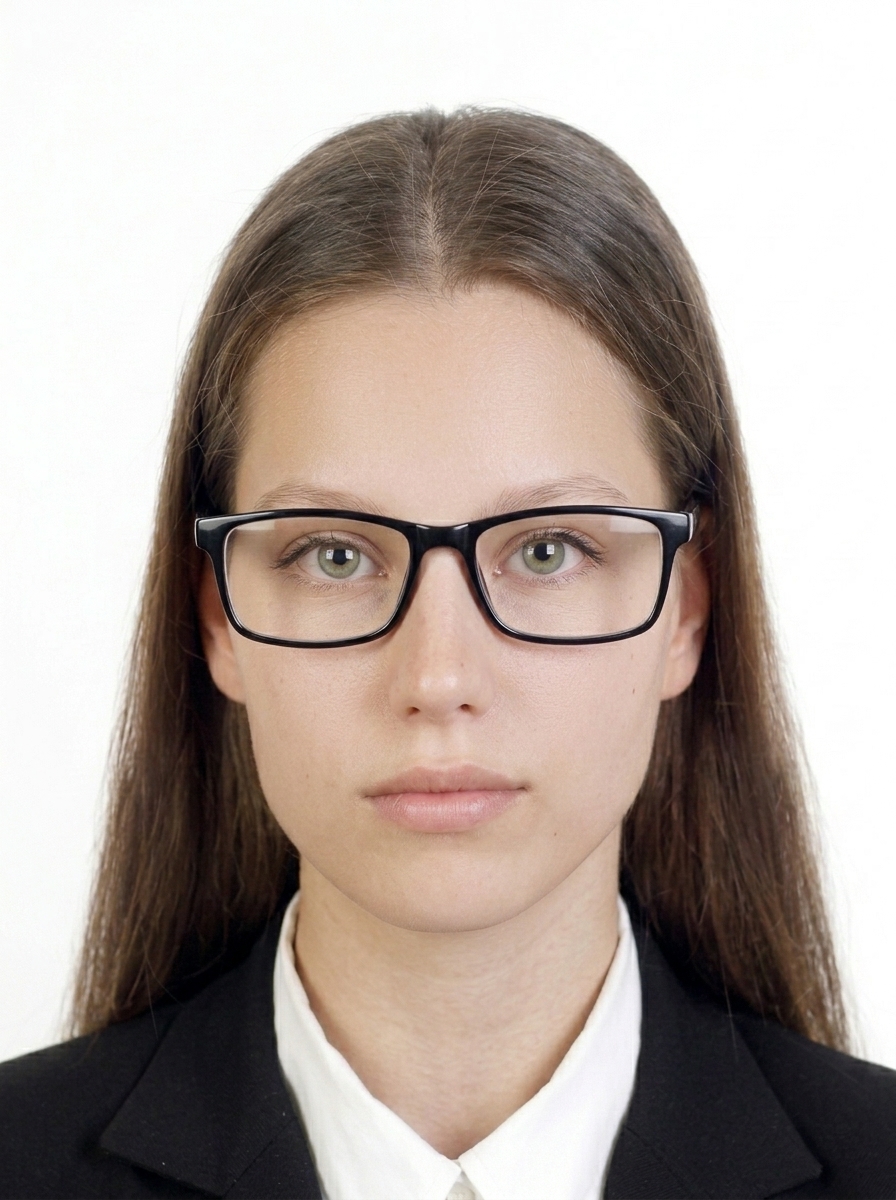
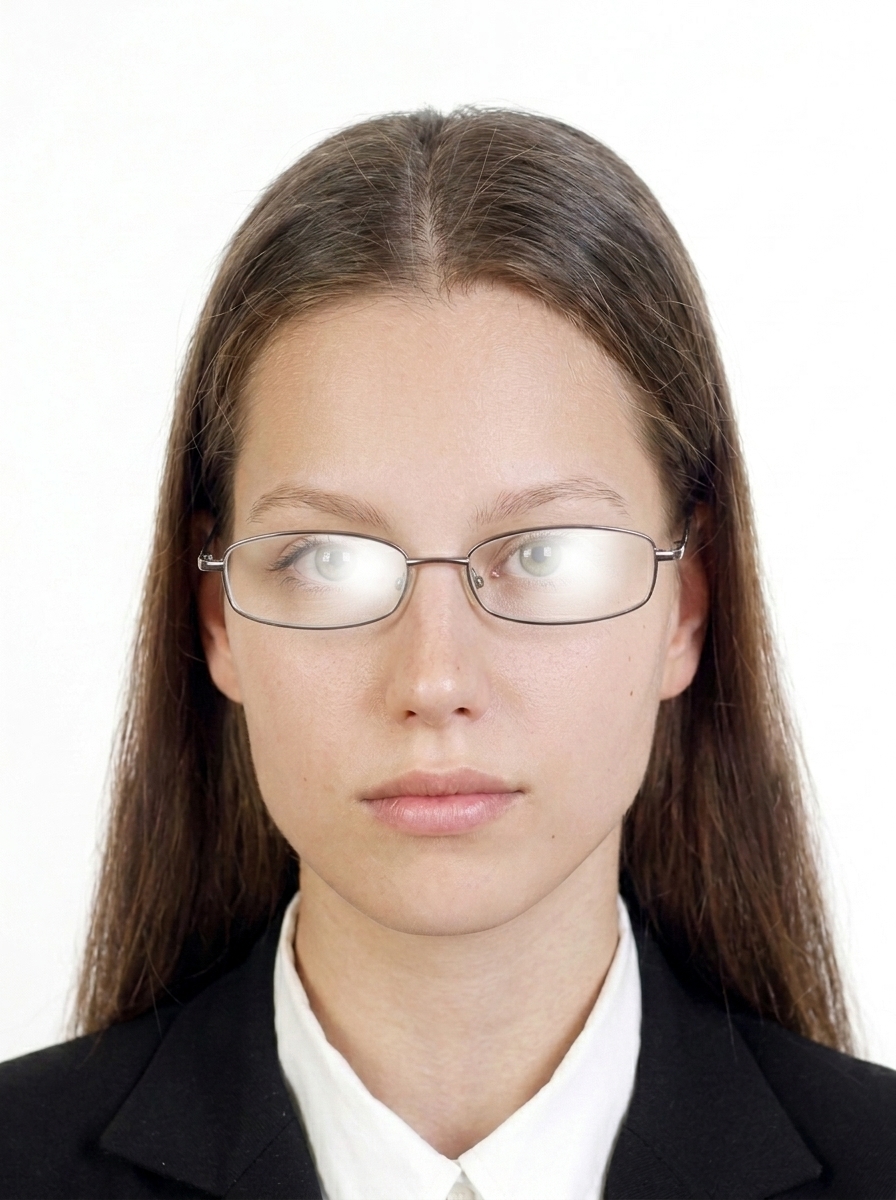
Do not wear glasses unless you have to. If you must wear them, they cannot be sunglasses or tinted glasses, and your eyes must be clearly visible with no glare, reflections, shadows, or frames covering the eyes. Removing glasses is the safest option.
What background colour is required?
A plain light grey or cream background is required. Photos with patterned, dark, or coloured backgrounds will be rejected. The app provides guidance to help you achieve a compliant background.
What photos are commonly rejected?
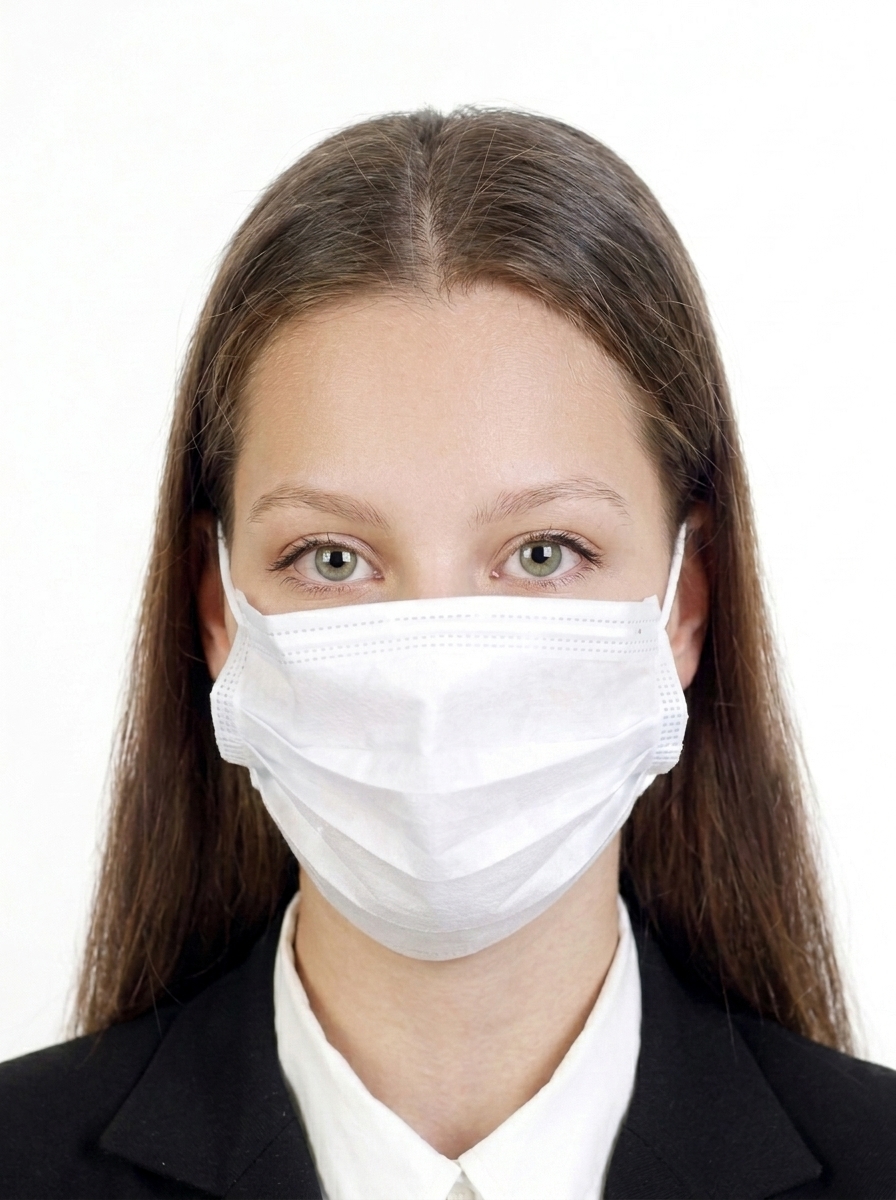
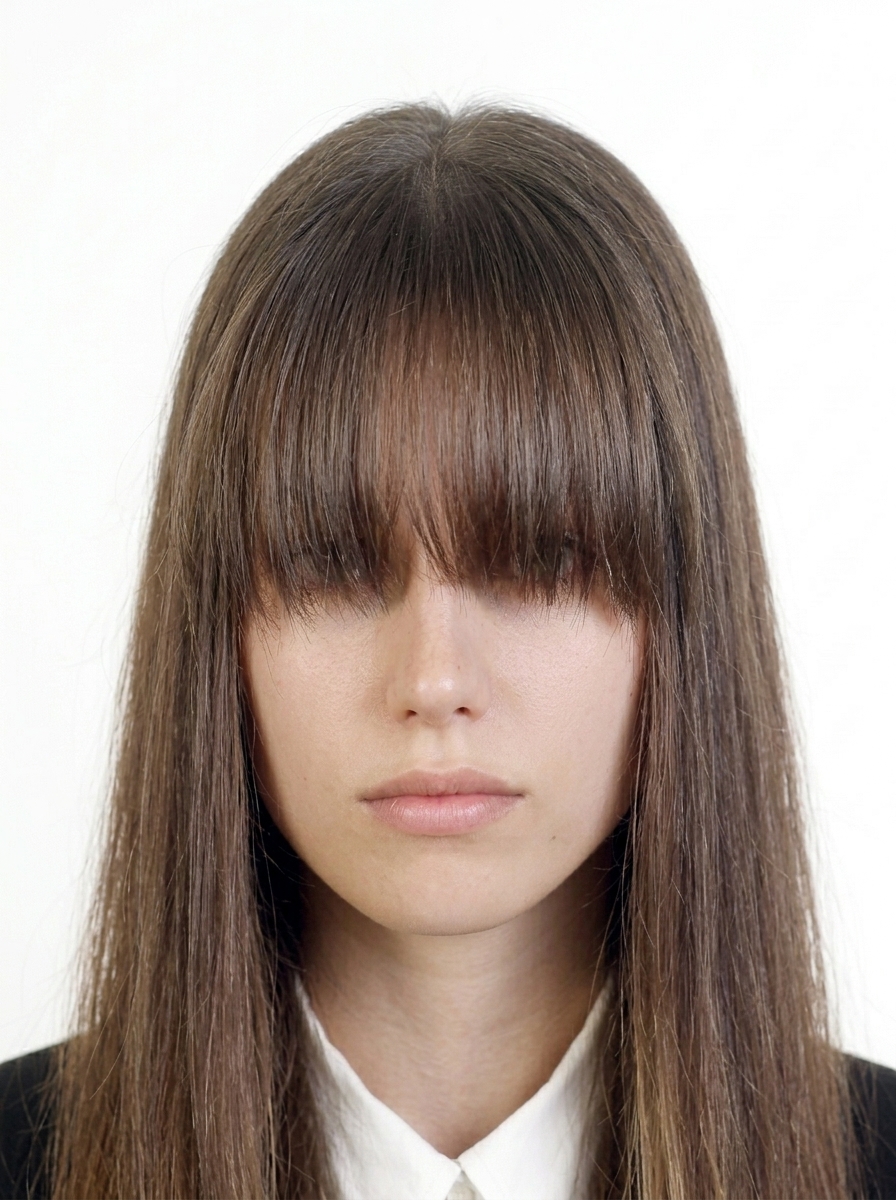
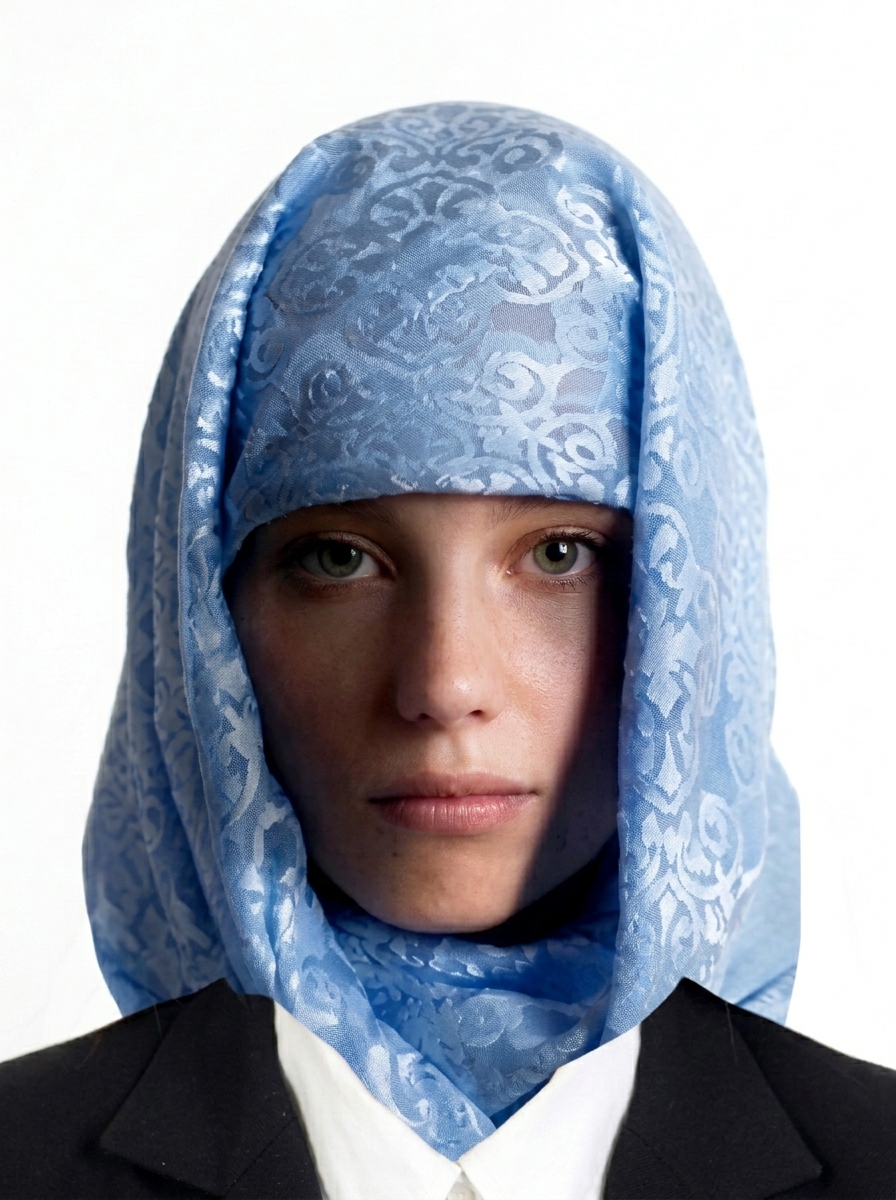
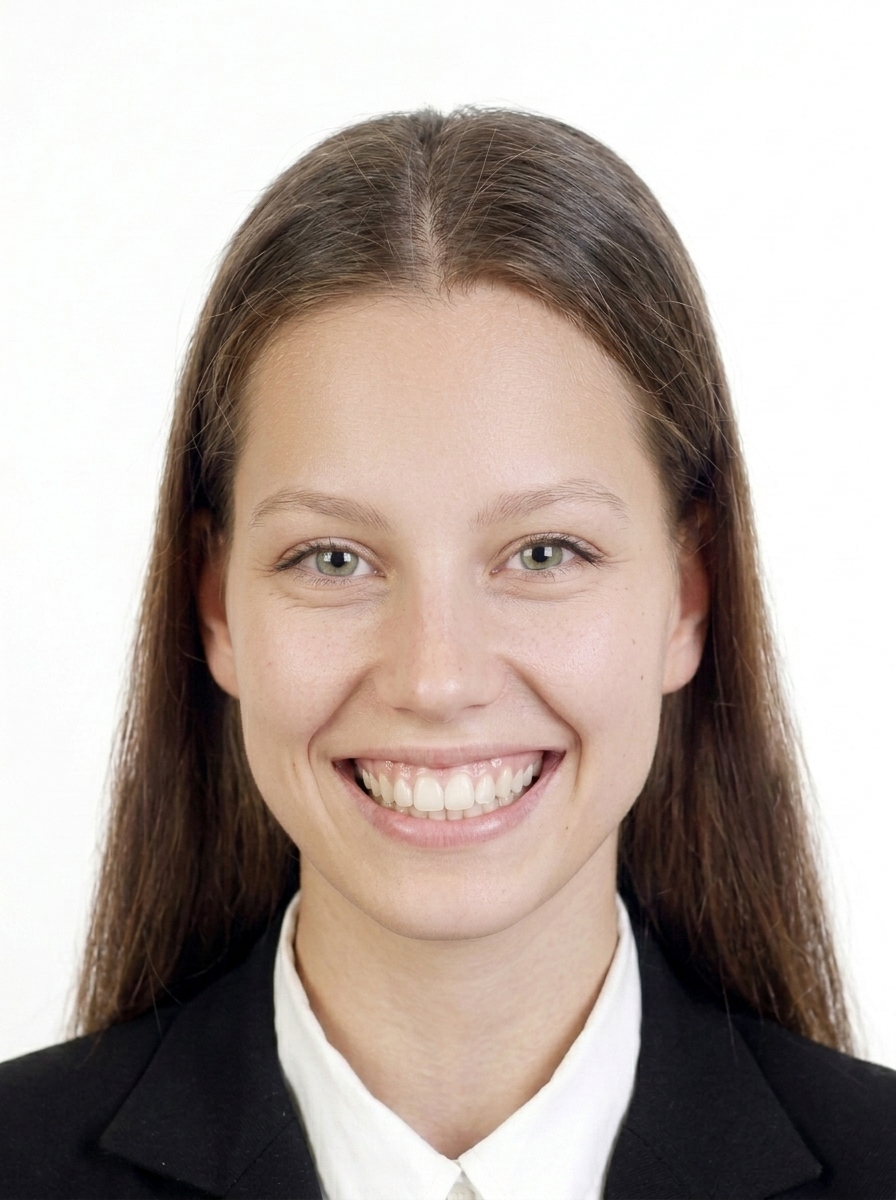
Common rejection reasons: wrong dimensions, file too large or too small, face off-centre or wrong size, shadows on face or background, glasses with glare/reflection/shadow/frames covering eyes, hair covering eyes, dark background, blurry image, unnatural expression, head tilted, digital alterations to appearance, or digitally altered backgrounds.
Does this app guarantee my photo will be accepted?
No. This app helps you create a photo file that follows published GOV.UK photo requirements, but final acceptance is determined by the reviewing authority. Requirements may also change, so always check the latest official guidance on GOV.UK.
Is this app affiliated with HM Passport Office or the UK government?
No. This app is a photo file creation tool and is not affiliated with, endorsed by, or connected to HM Passport Office, UKVI, the Home Office, or any UK government body.
Does the app provide a photo code for online passport renewal?
No. This app creates digital photo files (JPEG) that you can upload yourself. It does not generate a photo code. To get a photo code, you would need to visit a photo shop that offers the HMPO digital photo code service.
Are my photos uploaded to a server?
No. All photo processing, face detection, and JPEG export happen entirely on your iPhone. Only App Store billing uses the network, and it never includes your photo data.
How do I print the passport photos?
The app generates a print sheet. Save it to your photo library and print at a photo lab or home printer. For paper applications, always check official print requirements.
What about children's passport photos?
Children under 6 must have a photo with a plain light background, facing forward if possible. Children under 1 do not need to have their eyes open. For infants, lay the child on a plain light sheet and photograph from above.