Canada Visa Photo app icon

Canada Visa Photo

35×45mm Visa & Permit Photo Helper

Helps you create 35×45mm photo files used in Canada visa, Study Permit, and Work Permit applications. Includes face positioning guide, pre-save preview, and JPEG export. PR card, citizenship, and Canadian passport photos have different requirements — please verify official requirements before submitting.

This app is not an official service of the Government of Canada or IRCC, and does not submit or approve applications.

Download on the App Store

Key features

35×45mm Photo Guide

Check face position and margins against Canada visa / Study Permit / Work Permit composition requirements.

Pre-save Preview

Review face position, margins, background, and expression before paying.

JPEG Export

Save as a JPEG file ready for online upload. Always verify the latest requirements of the portal you are submitting to.

Print Layout

Create L-size / 4×6 print layouts. Useful for visa photo sizing and printing assistance. Not a substitute for photos from a commercial photo studio where required (e.g., PR card, citizenship).

On-device Processing

Photo loading, face position guide, and export all happen on your iPhone. No photo content is sent to external servers.

Pricing

Export plan

$4.99

One export

  • 35×45mm visa & permit photo file
  • Free preview before saving
  • Print layout included
  • For PR card / citizenship where commercial photographer details are required, please check official requirements

Photo checklist

Even a slightly non-compliant photo can be rejected during your application. Check these points before saving.

  • Use the correct size: 35×45mm for visa / Study Permit / Work Permit.
  • Taken within the last 6 months. Face the camera directly with a natural expression.
  • White or light-colored plain background with no shadows.
  • Both eyes open and clearly visible. Sunglasses and tinted glasses are not allowed. Non-tinted prescription glasses are acceptable only if your eyes are clearly visible, there is no glare, and the frame does not cover your eyes. If in doubt, remove your glasses.
  • No beauty filters, AI face modification, heavy retouching, or mirrored images.

Size and composition

These specifications are based on official IRCC photo requirements. Keep face position and margins close to these specs. Always verify official requirements before submitting.

Visa / Study Permit / Work Permit photo (35×45mm)

FormatJPEG, sRGB, no EXIF
Size420 × 540 px (min) / 840 × 1080 px (recommended)
File sizeTarget ~240 KB, minimum 60 KB
Photo size35 × 45 mm
Face height31–36 mm (target 33.5 mm)
Headroom3–6 mm (target 4.5 mm)
BackgroundWhite / light-coloured plain

Reference: PR card & citizenship photos have different requirements (50×70mm)

FormatJPEG, sRGB, no EXIF
Size1000 × 1400 px (min 715 × 1000, max 2000 × 2800)
File size≤ 4 MB
Photo size50 × 70 mm
Face height31–36 mm (target 33.5 mm)
Headroom10–17 mm (target 13.5 mm)
Chin to bottom17–24 mm (target 20.5 mm)

PR card and citizenship photos may require photos taken by a commercial photographer or studio, with studio information and the date taken on the back. This app's 50×70mm layout is for size and composition reference only and does not guarantee acceptance as a submission photo.

Examples that are OK

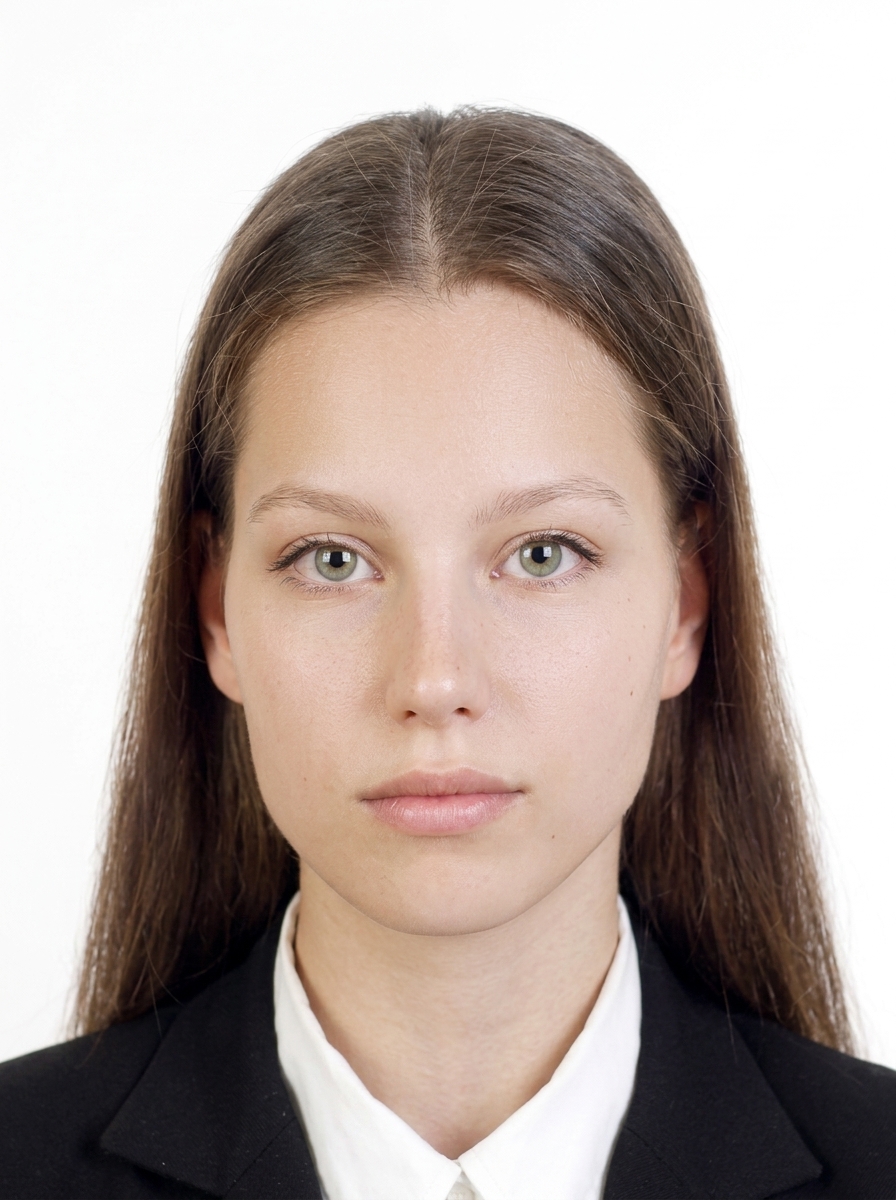
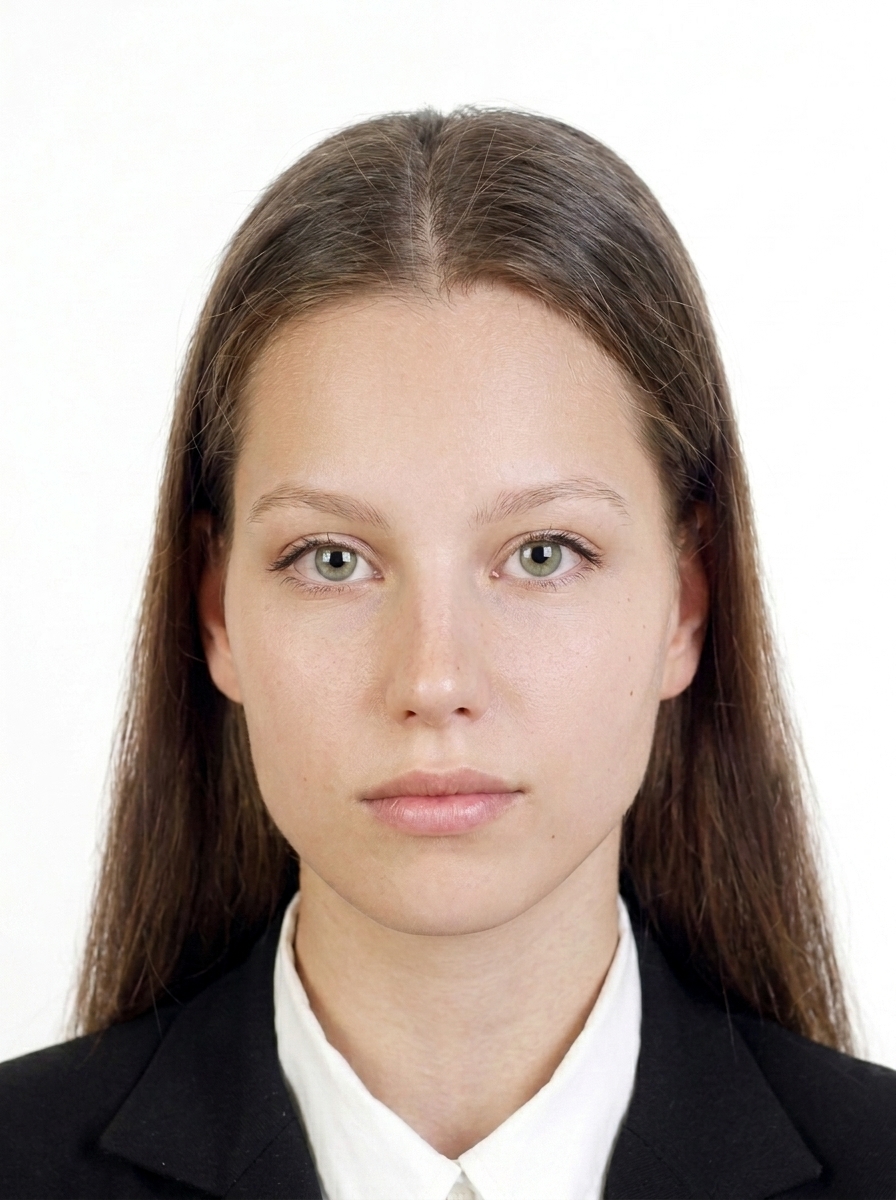
The person faces forward, background is white, and the face is clearly visible with a natural expression.

Acceptable photo example 1
Forward-facing with a white background.
Acceptable photo example 2
Face is clear with no strong shadows.

Common examples that are not OK

These are common reasons a photo may be rejected by IRCC.

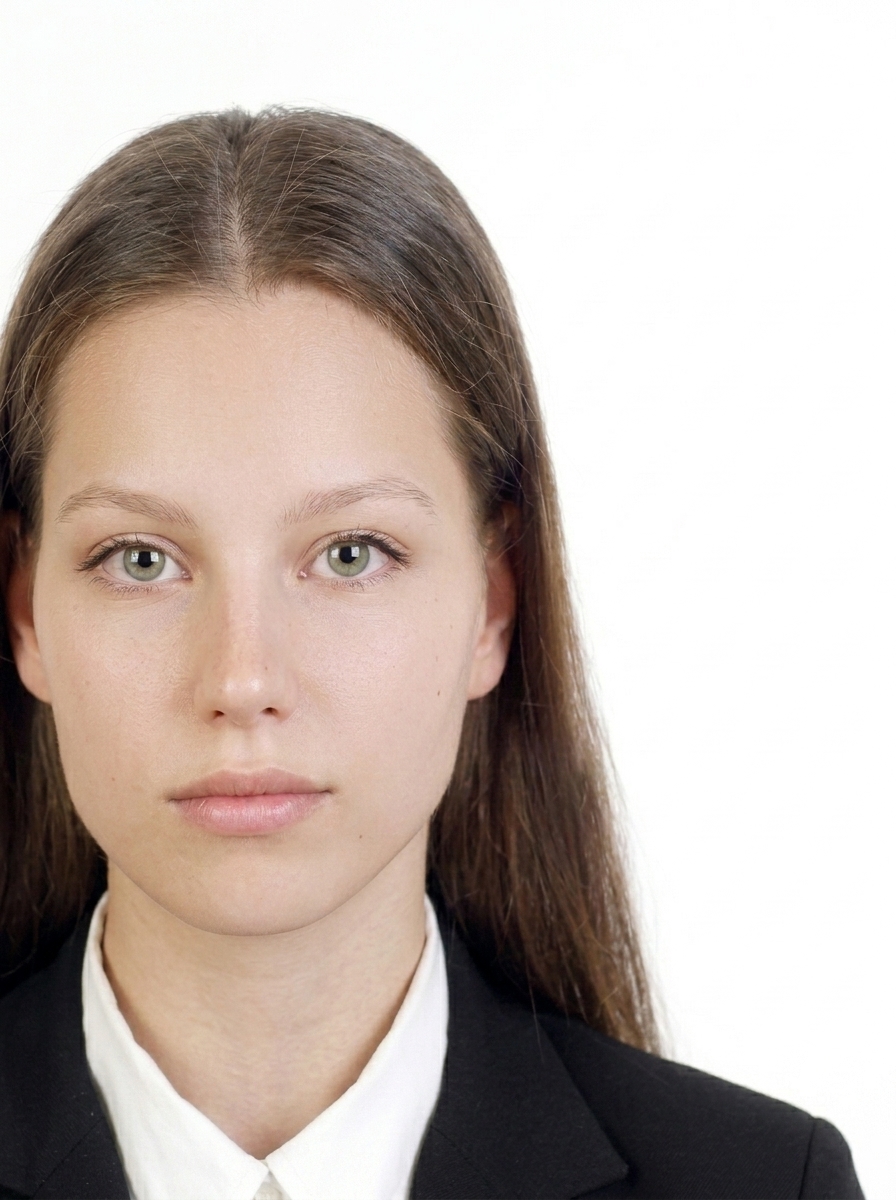
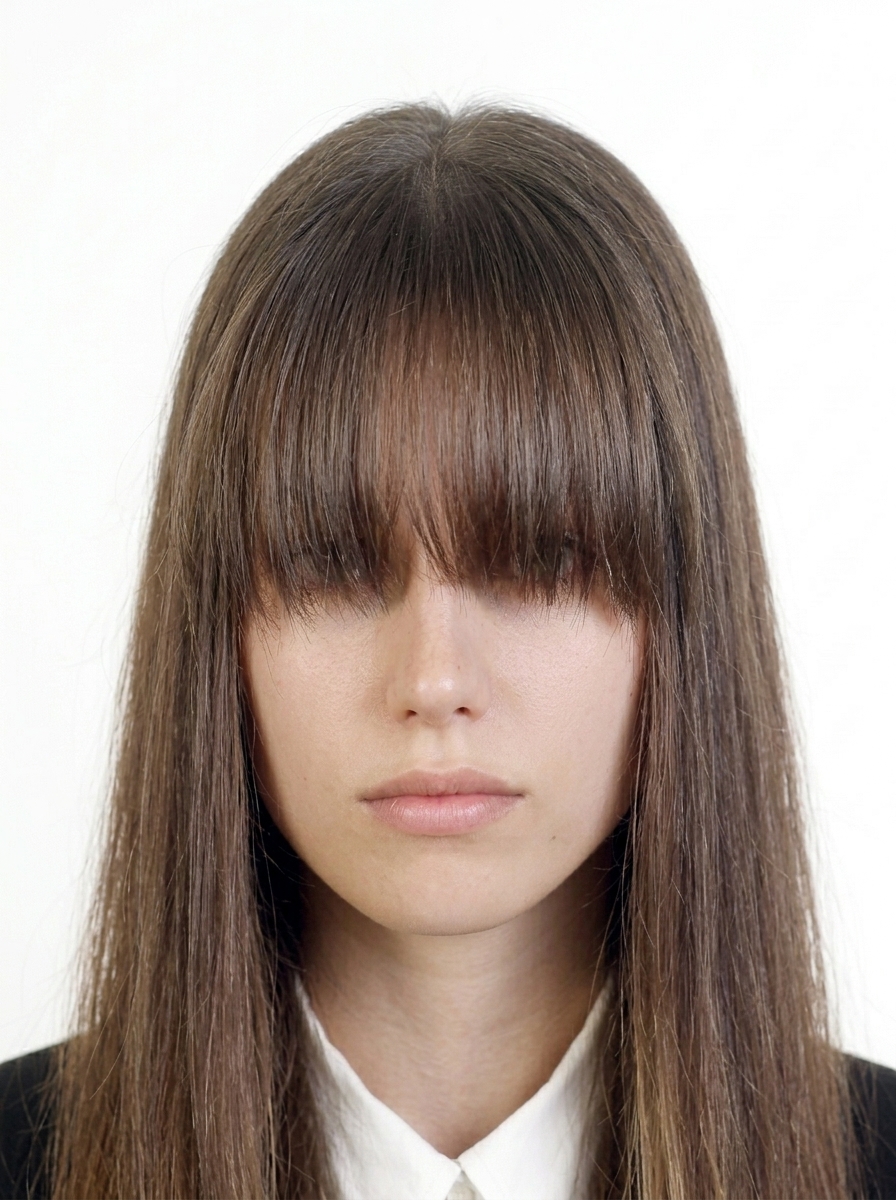
Off-center photo
Face is too far from center.
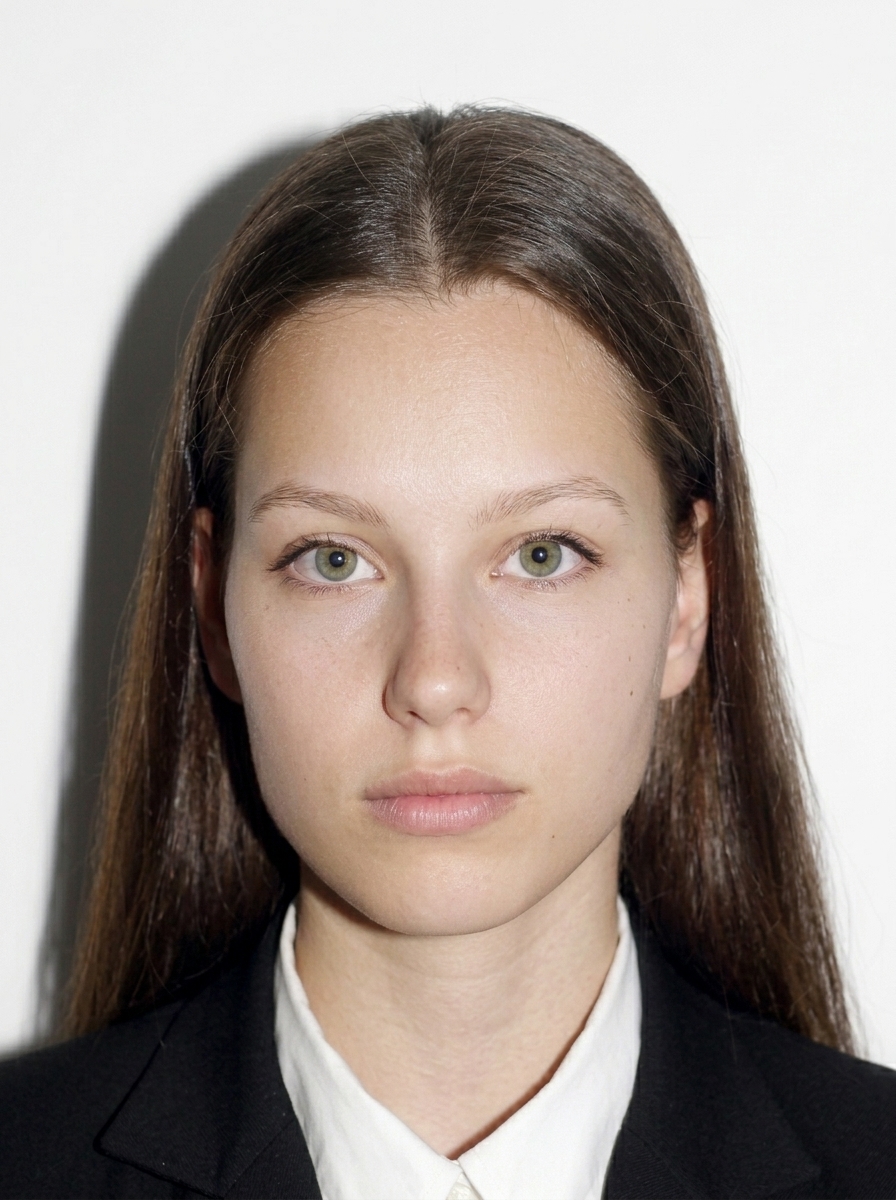
Photo with shadow on the background
Background shadows make the outline harder to see.
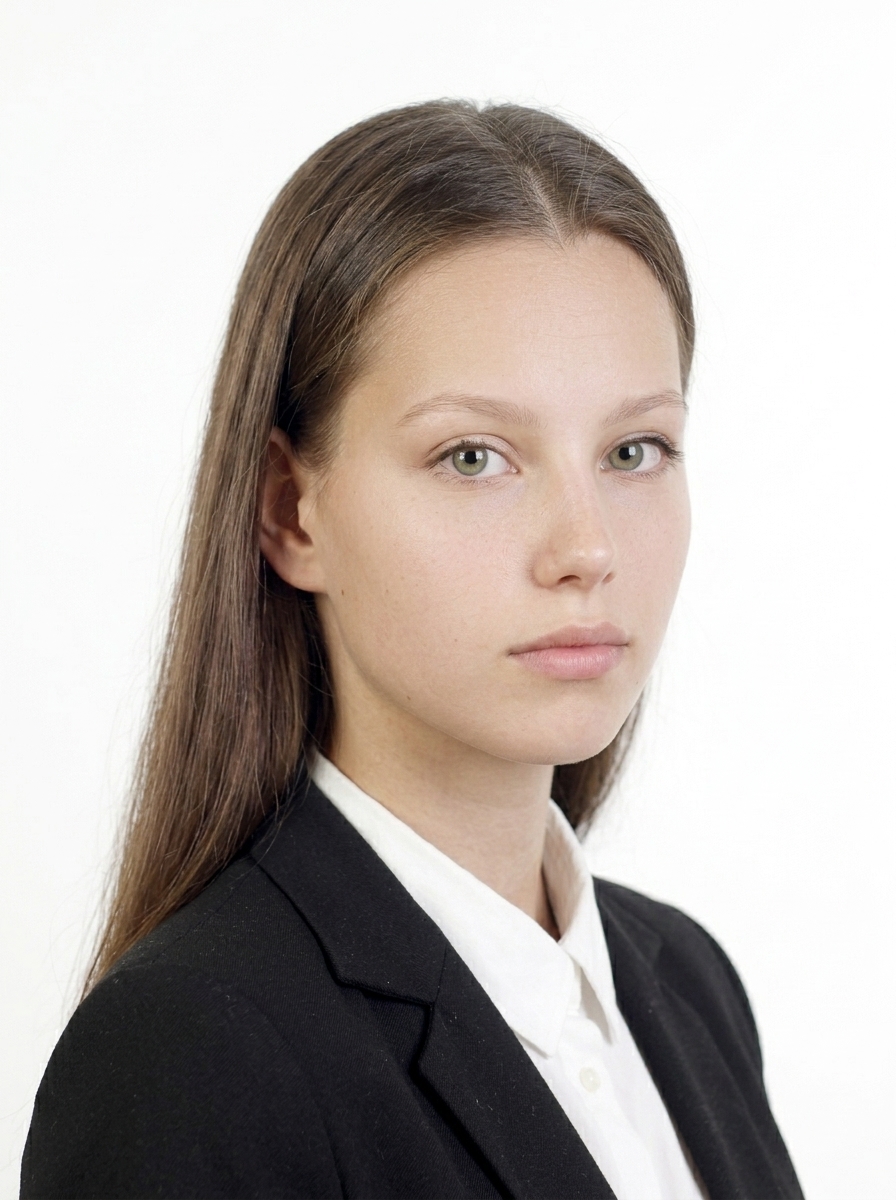
Side-facing photo
You must face the camera directly.
Tilted head photo
Keep your head straight and level.
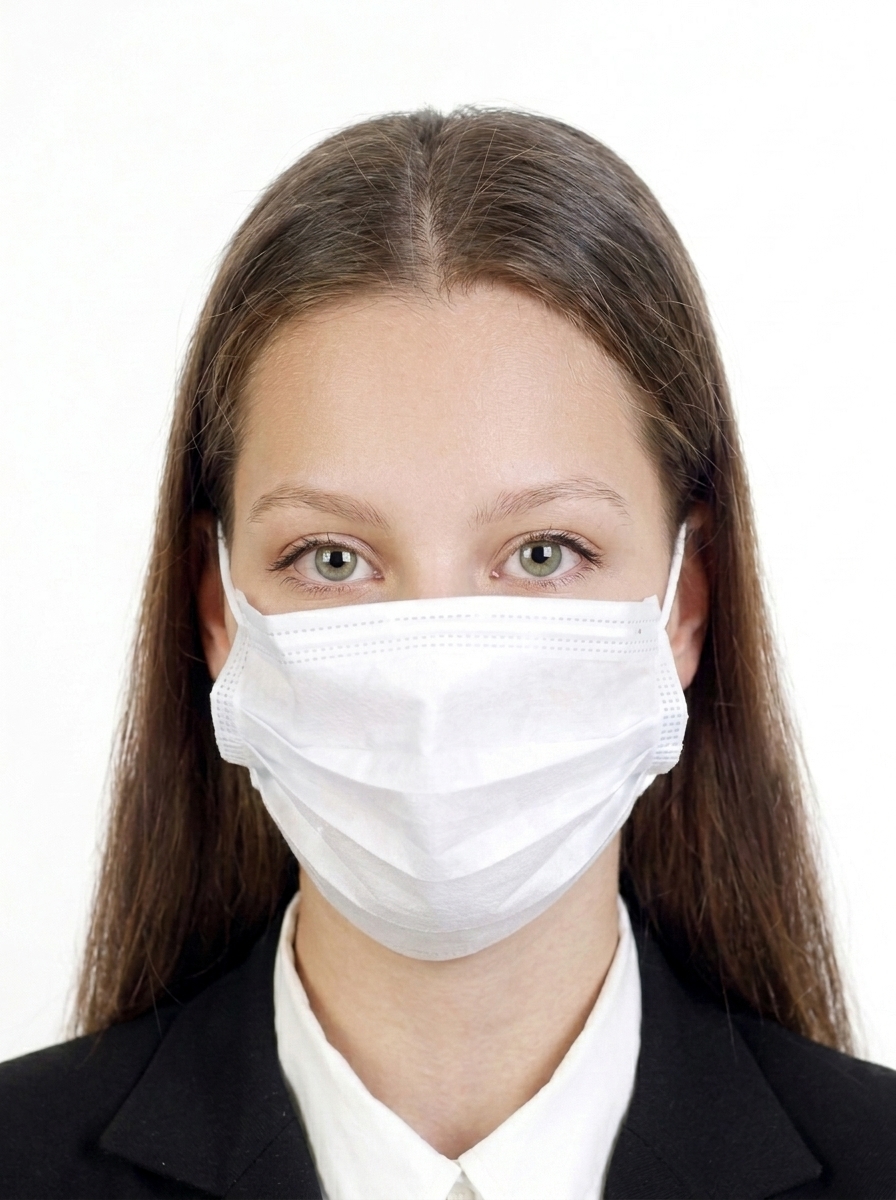
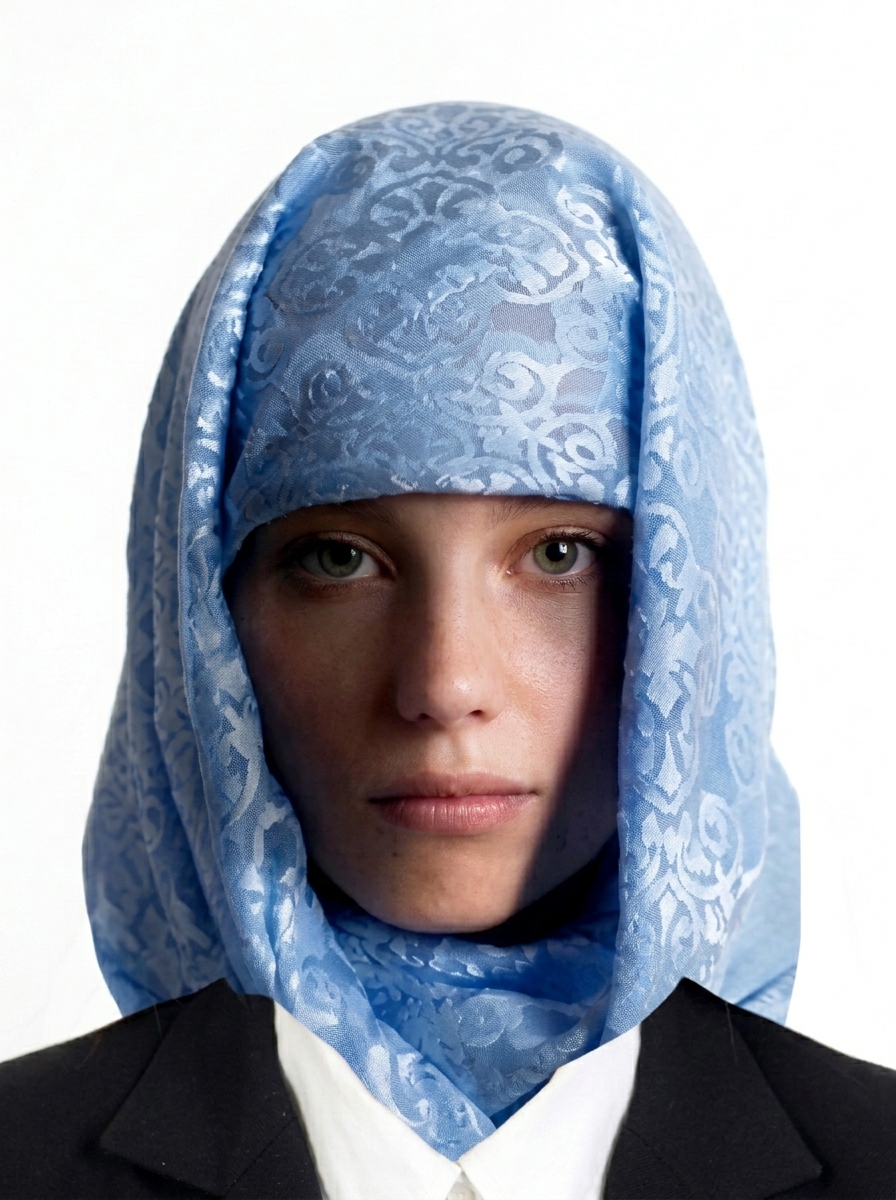
Photo with face partially covered
Your full face must be visible.
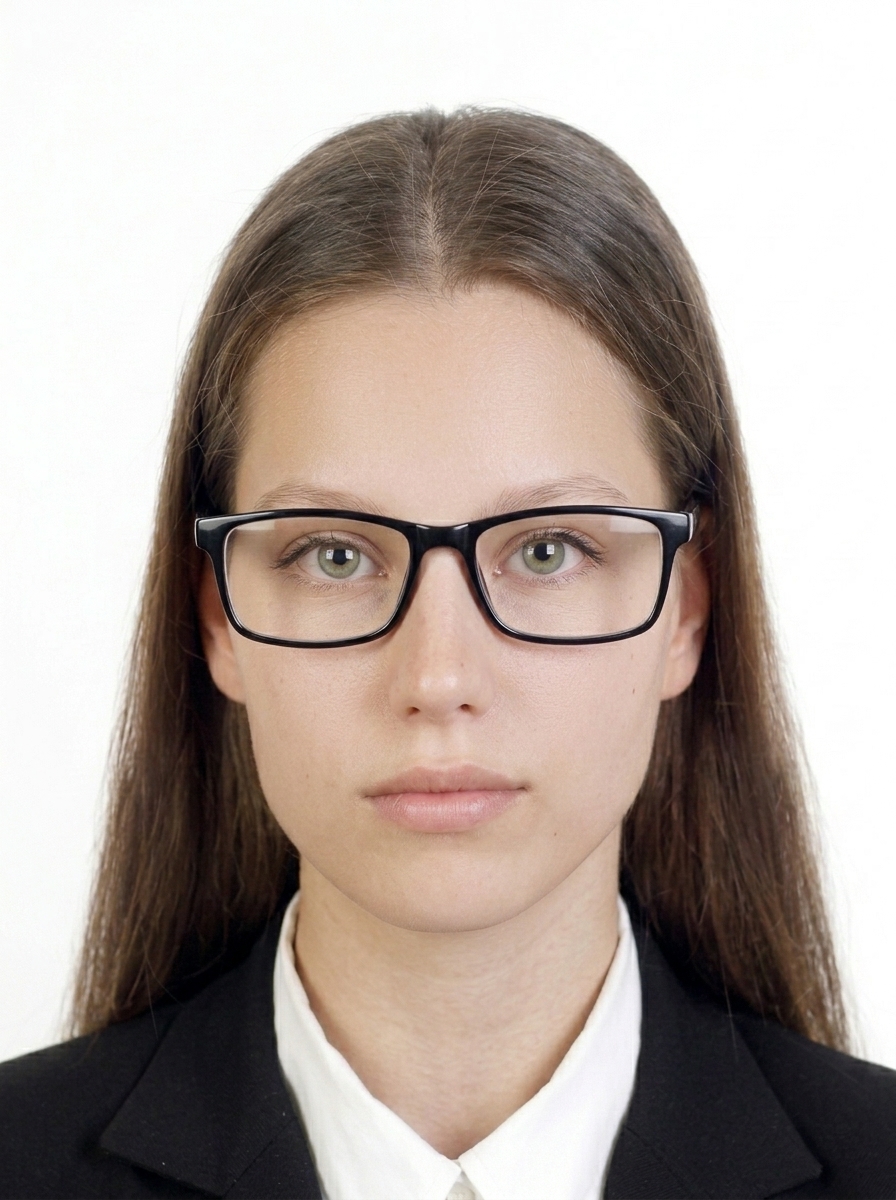
Photo with glasses frame over eyes
Frames covering the eyes are not allowed.
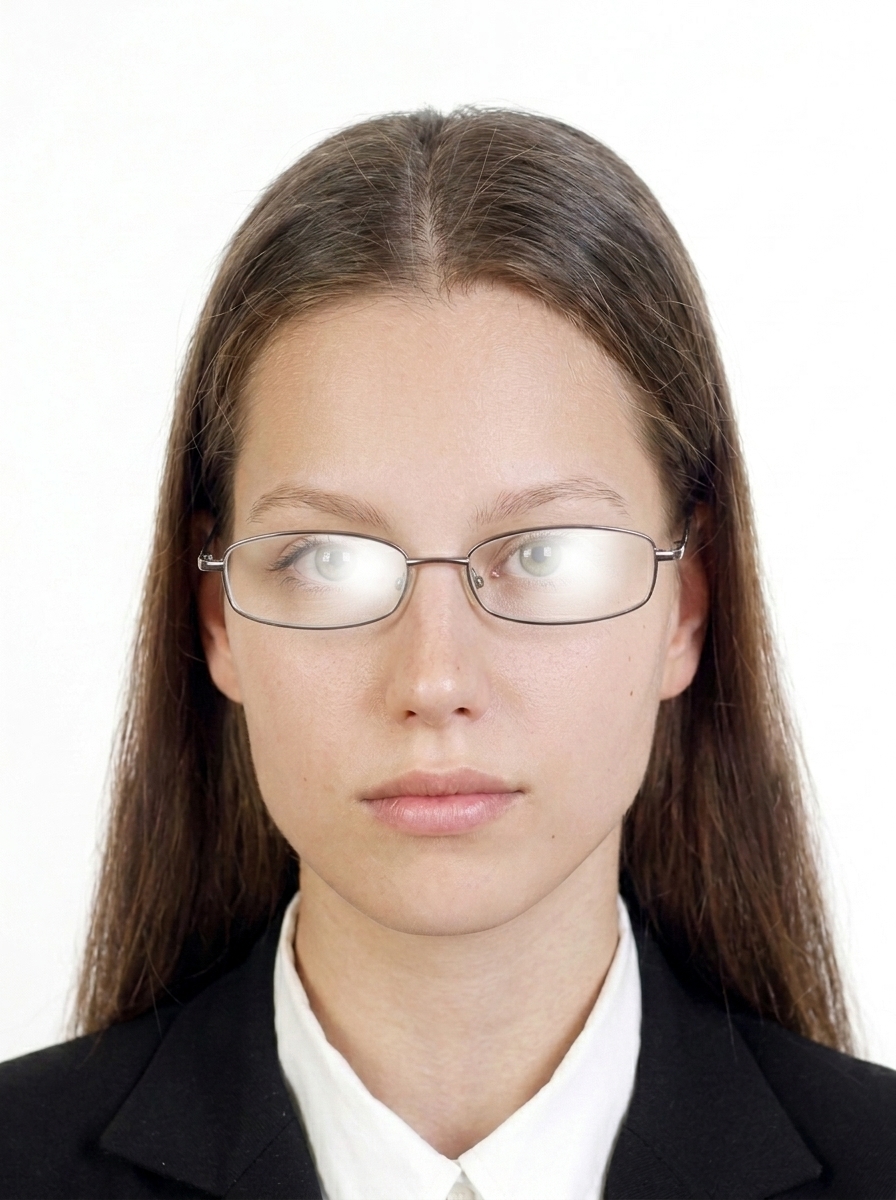
Photo with glare on glasses
Lens glare making eyes invisible is not allowed. If in doubt, remove glasses.
Photo with hair covering the eyes
Hair must not cover your eyes.
Photo with cloth or shadow on face
The face must be fully visible with no obstructions.
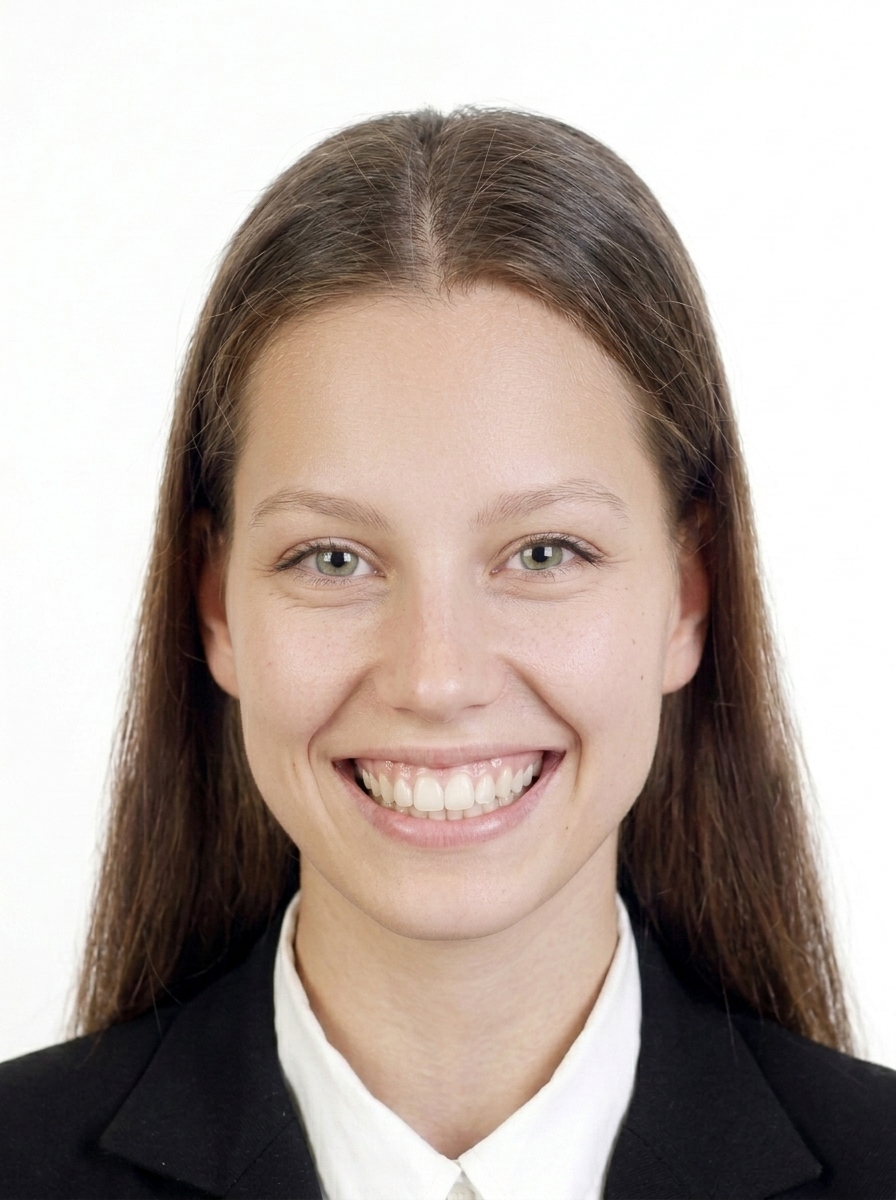
Photo with unnatural expression
Use a natural, neutral expression.
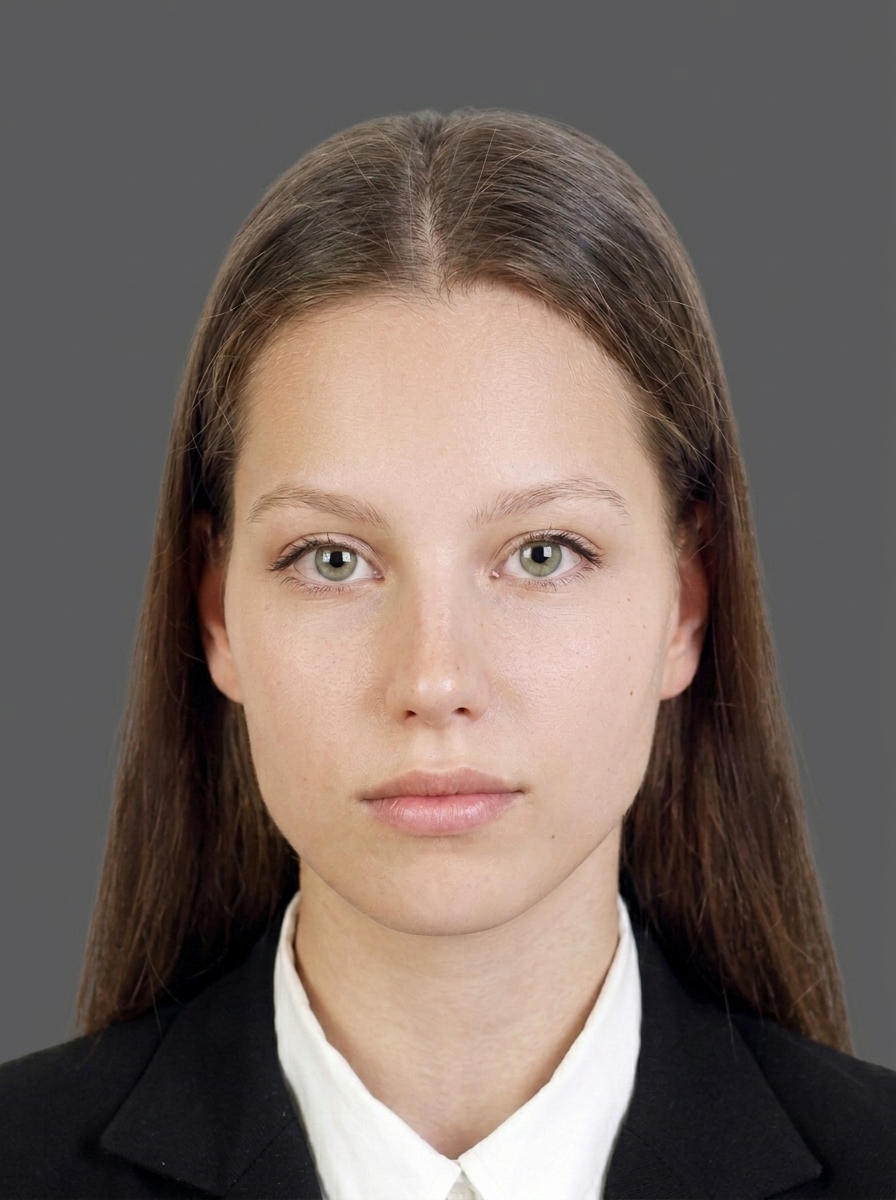
Photo with background too dark
Background must be white or light-colored.
Blurred photo
The photo must be sharp and in focus.
Photo with shadow on the face
Even lighting with no harsh shadows on the face.

About editing

Take your photo with a white or light plain background, even lighting, and a natural appearance from the start. This app mainly helps with composition checking, size adjustment, pre-save preview, and file export. Do not alter your facial shape, skin, hair, background, or clothing. For applications where editing or alterations are prohibited (e.g., PR card, citizenship), use photos taken at a commercial photo studio as required by official guidelines.

Official guidance IRCC Photo Requirements

💡 Check Canada Visa Photo Requirements Guide

FAQ

What is the photo size for a Canada visa?

Canada visa (Temporary Resident Visa), Study Permit, and Work Permit photos are 35×45mm (35mm wide × 45mm high). Face height must be 31–36mm from chin to crown, with a white or light-colored plain background, taken within the last 6 months.

Can I use this for Study Permit or Work Permit photos?

Yes. Study Permit and Work Permit applications use the same 35×45mm photo specification as visitor visas. You can use this app's 35×45mm mode. Always verify the latest requirements of the portal you are submitting to.

Can I use this for PR card photos?

PR card photos must be 50×70mm and are officially required to be taken by a commercial photographer or studio. The back must include the studio's name, address, and the date taken. This app's 50×70mm layout is for size and composition reference only and does not guarantee acceptance as a submission photo. Please check official PR card photo requirements.

Can I use this for citizenship photos?

Citizenship photos may also be 50×70mm and may require a commercial photographer. This app can help you check the 50×70mm size, but it does not substitute for officially required studio photos. Please check official citizenship photo requirements.

Why is a commercial photographer required for PR card and citizenship photos?

PR card and paper-based citizenship applications require the back of one photo to include the commercial photographer's or studio's name, address, and the date taken (per IRCC Guide IMM 5445, etc.). Photos must be "taken by a commercial photographer" and must be original, unaltered photographs. A smartphone app alone may not satisfy these official requirements.

Can I wear glasses in a Canada application photo?

Sunglasses and tinted glasses are not allowed. Non-tinted prescription glasses are acceptable only if your eyes are clearly visible, there is no glare on the lenses, and the frame does not cover any part of your eyes (per IRCC Visa Application Photograph Specifications). If in doubt, remove your glasses before taking the photo.

Does this app guarantee my photo will be accepted?

No. This app helps you create a photo based on published IRCC specifications, but final acceptance is determined by IRCC. Requirements may change, so always check the latest official guidance at canada.ca before submitting.

Is this an official Government of Canada or IRCC app?

No. This app is not affiliated with the Government of Canada or IRCC. It is an independent utility tool.

Can I submit my application through this app?

No. This app helps you prepare a photo file. You must submit your application yourself through the official IRCC portal.

Are my photos uploaded to a server?

No. All photo processing, face detection, and JPEG export happen entirely on your iPhone. Only App Store billing uses the network, and it never includes your photo data.

Create your Canada visa photo now

Capture and preview for free. Pay only when you save.

Download on the App Store (free)

Need help?

Contact us about usage, exports, purchases, or website information.