K-ETA Photo Resizer app icon

K-ETA Photo Resizer

K-ETA application photo

Create a K-ETA ready photo on your iPhone. Resize, crop, and compress to JPEG under 100KB. All processing happens on your device — your photos are never uploaded.

Coming soon on the App Store

Key features

600×600px

600×600 px guidance

On-screen guide to align your face with the K-ETA 600×600 px photo composition.

CROP

Resize and crop

Resize and crop your photo to the K-ETA 600×600 px requirement.

JPEG

Under 100KB JPEG

Export a JPEG under 100KB, 24-bit sRGB, ready for K-ETA upload.

ON DEVICE

On-device processing

Import, face detection, adjustments, and export all run on your iPhone — nothing is uploaded.

PRE-SUBMISSION CHECK

Pre-submission checks

Review face position, head size, background, and glasses before you save.

Pricing

Export plan

Pay only when saving

Preview before purchase

  • 600×600 px JPEG for K-ETA
  • Preview before you pay

Photo Guide

Photo checklist

Even a slightly non-compliant photo can be rejected during your K-ETA application. Check these points before saving.

  • Use a square photo (600×600 px) with only the applicant in the frame.
  • Taken within the last 6 months. Face the camera directly with a natural expression.
  • Plain, light-colored background with no shadows.
  • Both eyes open and clearly visible. No hair covering the eyes.
  • No cosmetic effects, AI face modification, heavy retouching, or mirrored images.

Size and composition

Keep face position and margins close to this template to meet K-ETA photo requirements.
K-ETA photo composition (600×600 px)

Format JPEG
Size 600 × 600 px
File size < 100 KB
Color 24-bit sRGB
Head height 50–69% of image
Eye height 56–69% from bottom
Background White / off-white
Glasses Not allowed

Based on K-ETA photo requirements

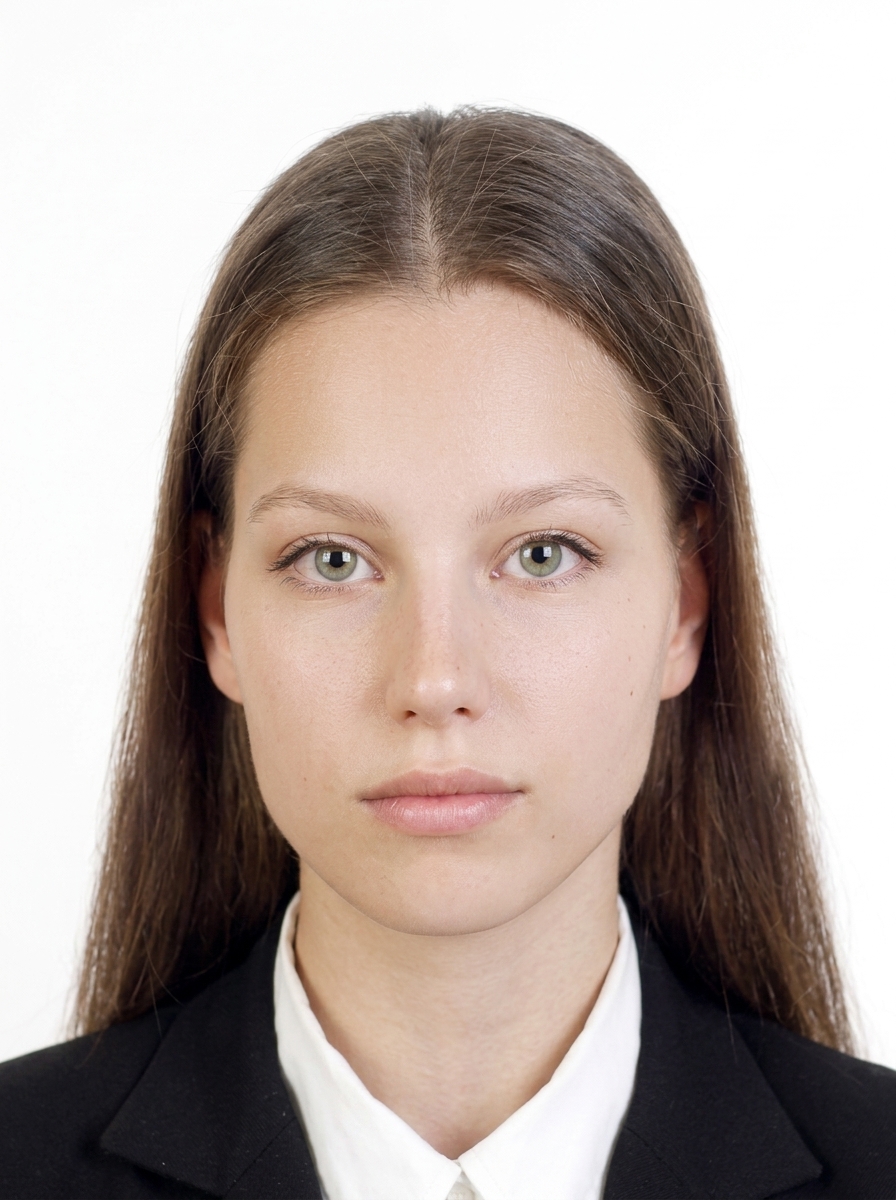
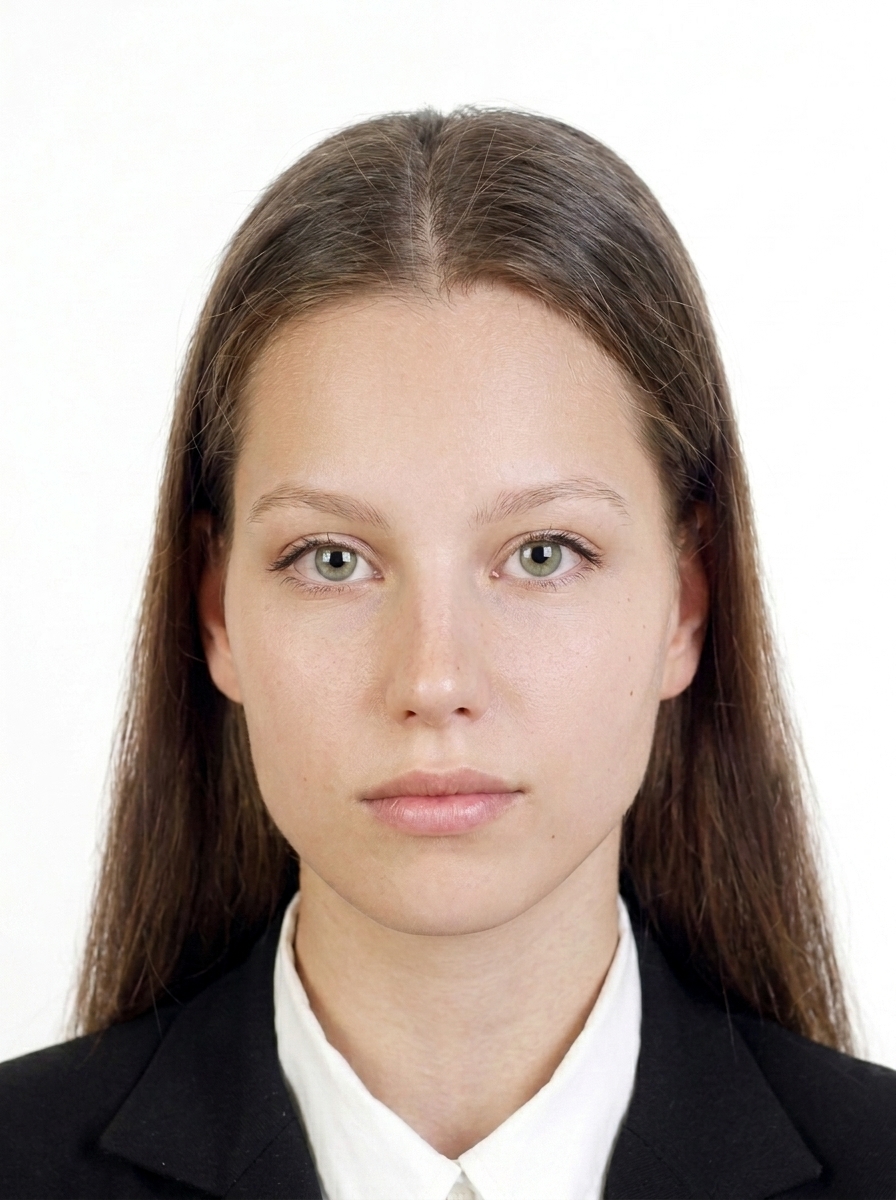
Examples that are OK

The person faces forward, the background is plain, and the face is clearly visible with a natural expression.

Acceptable photo example 1
Forward-facing with a white background.
Acceptable photo example 2
Face is clear with no strong shadows.

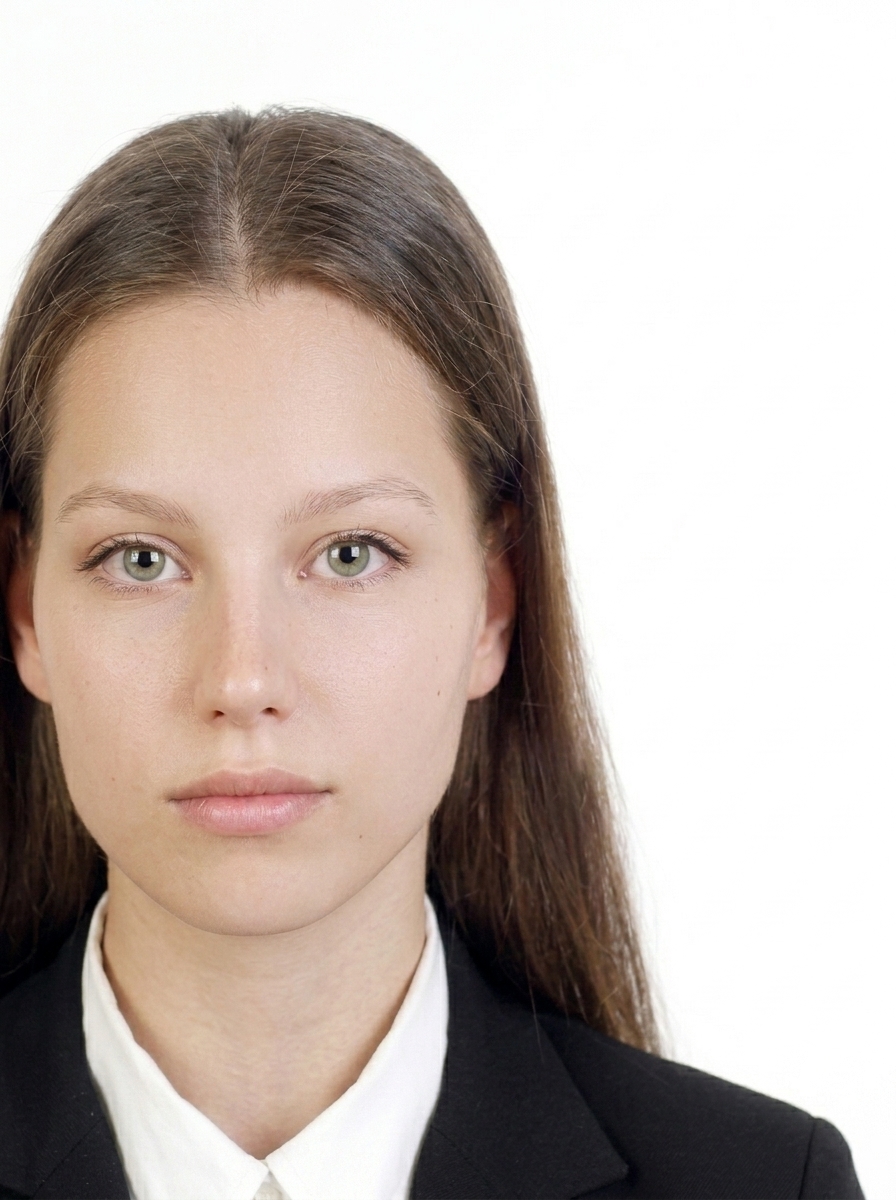
Common examples to avoid

These examples show common reasons a photo may be rejected for a K-ETA application.

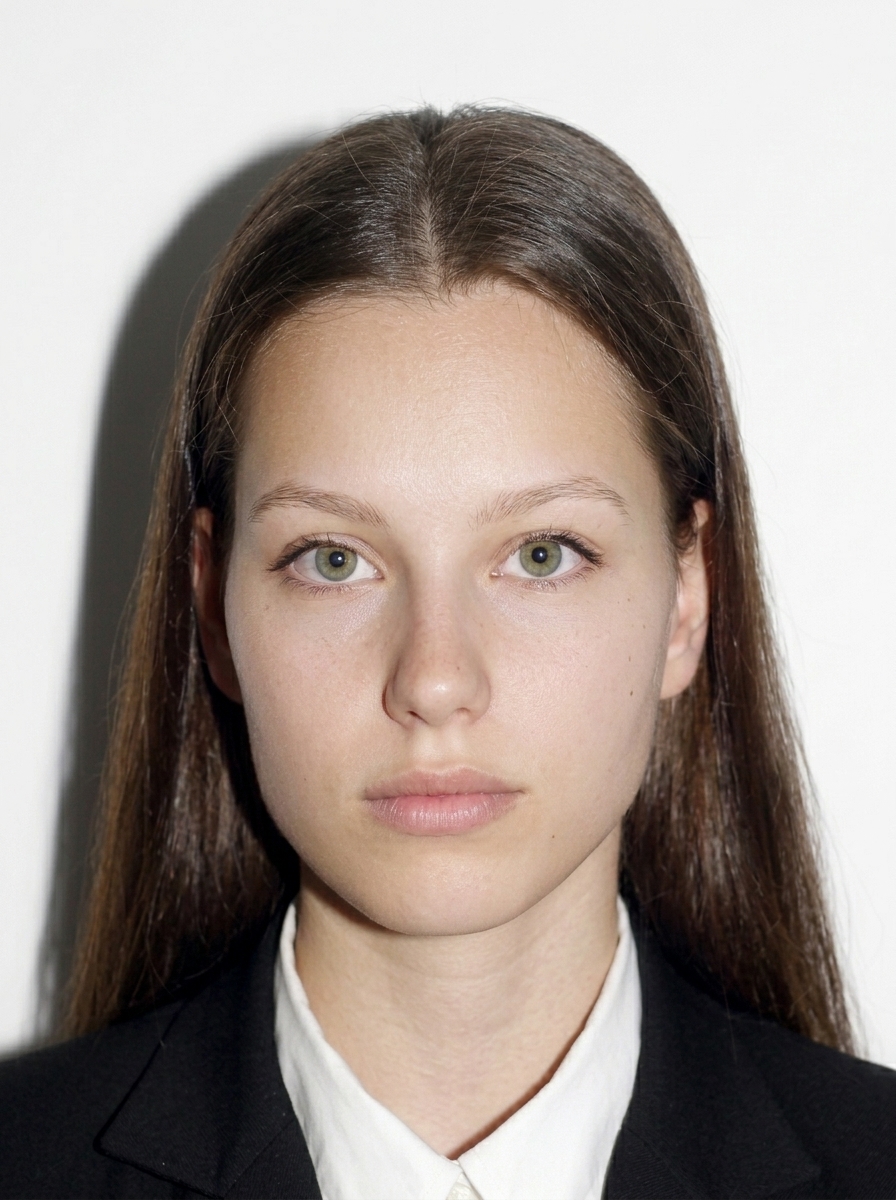
Off-center photo
Face is too far from center.
Photo with shadow on the background
Background shadows make the outline harder to see.
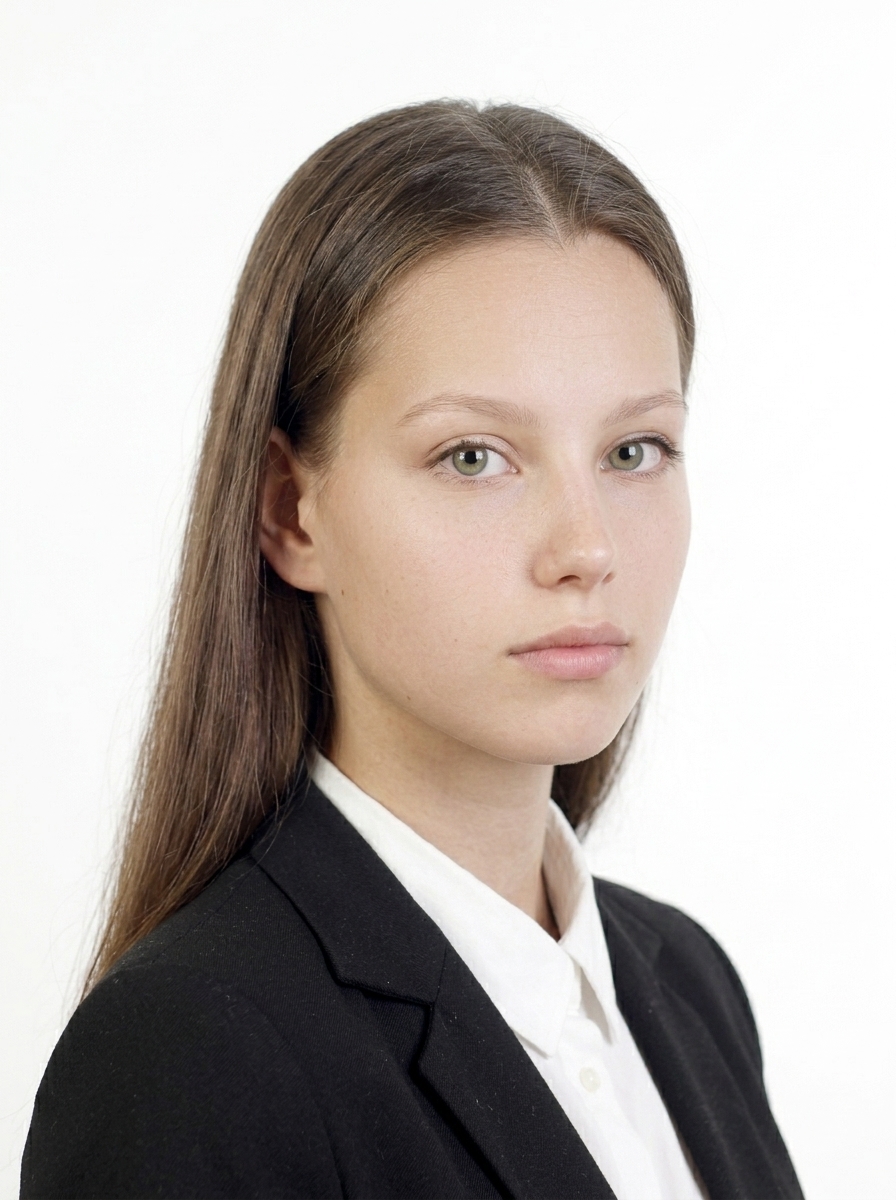
Side-facing photo
You must face the camera directly.
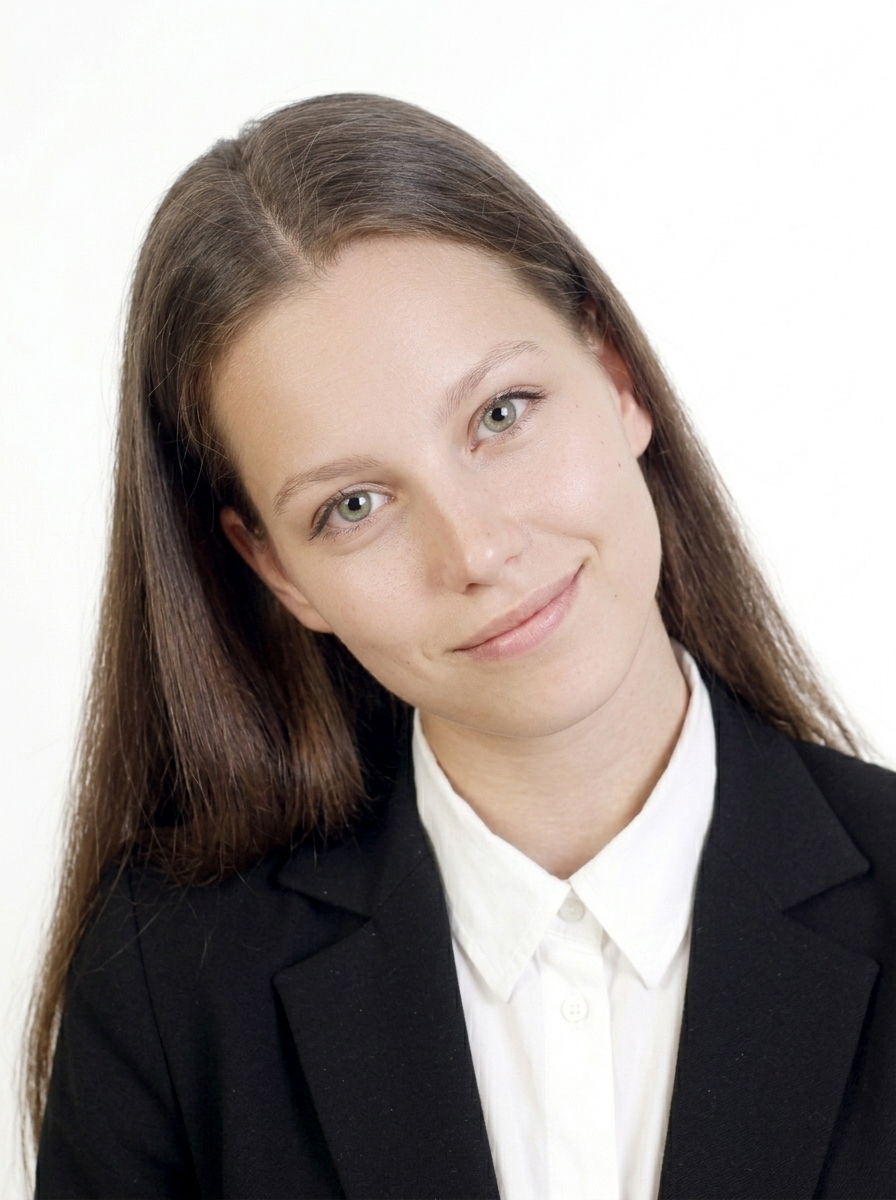
Tilted head photo
Keep your head straight and level.
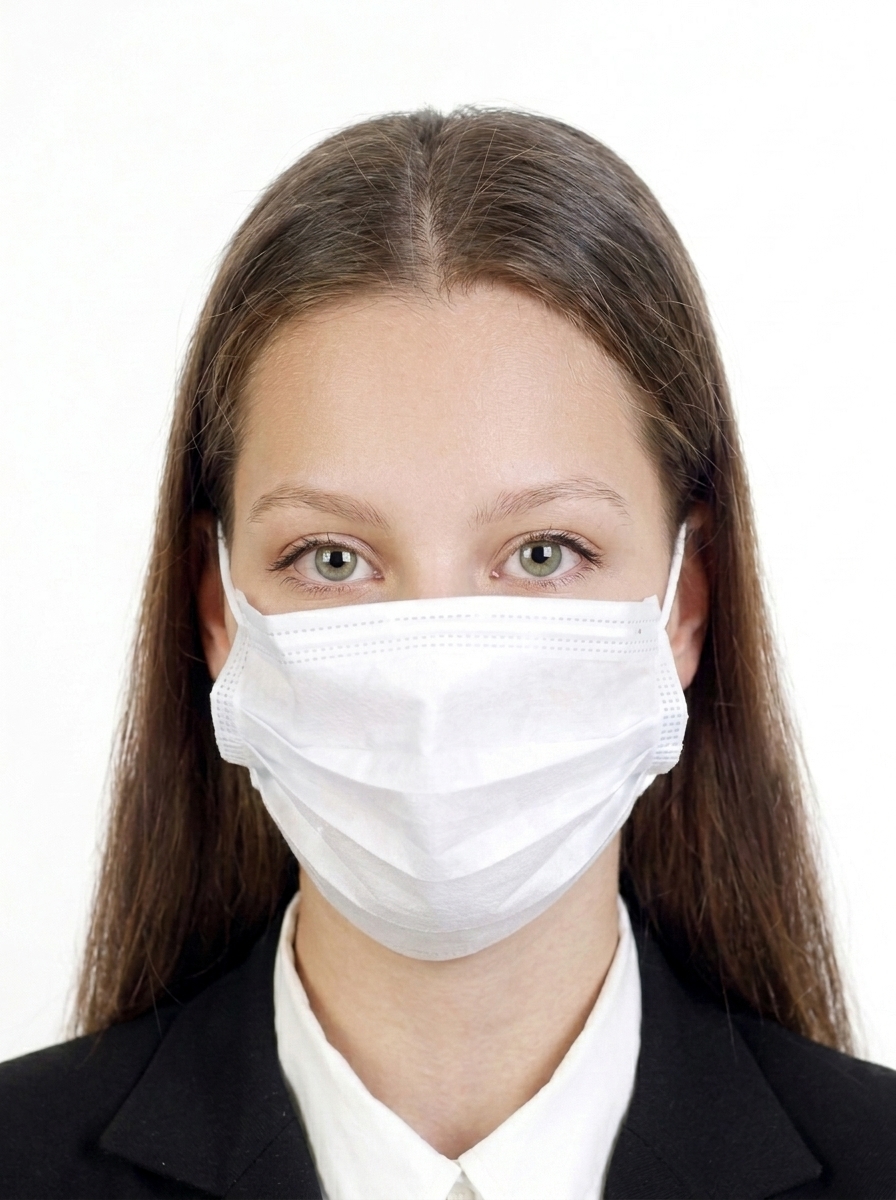
Photo with face partially covered
Your full face must be visible.
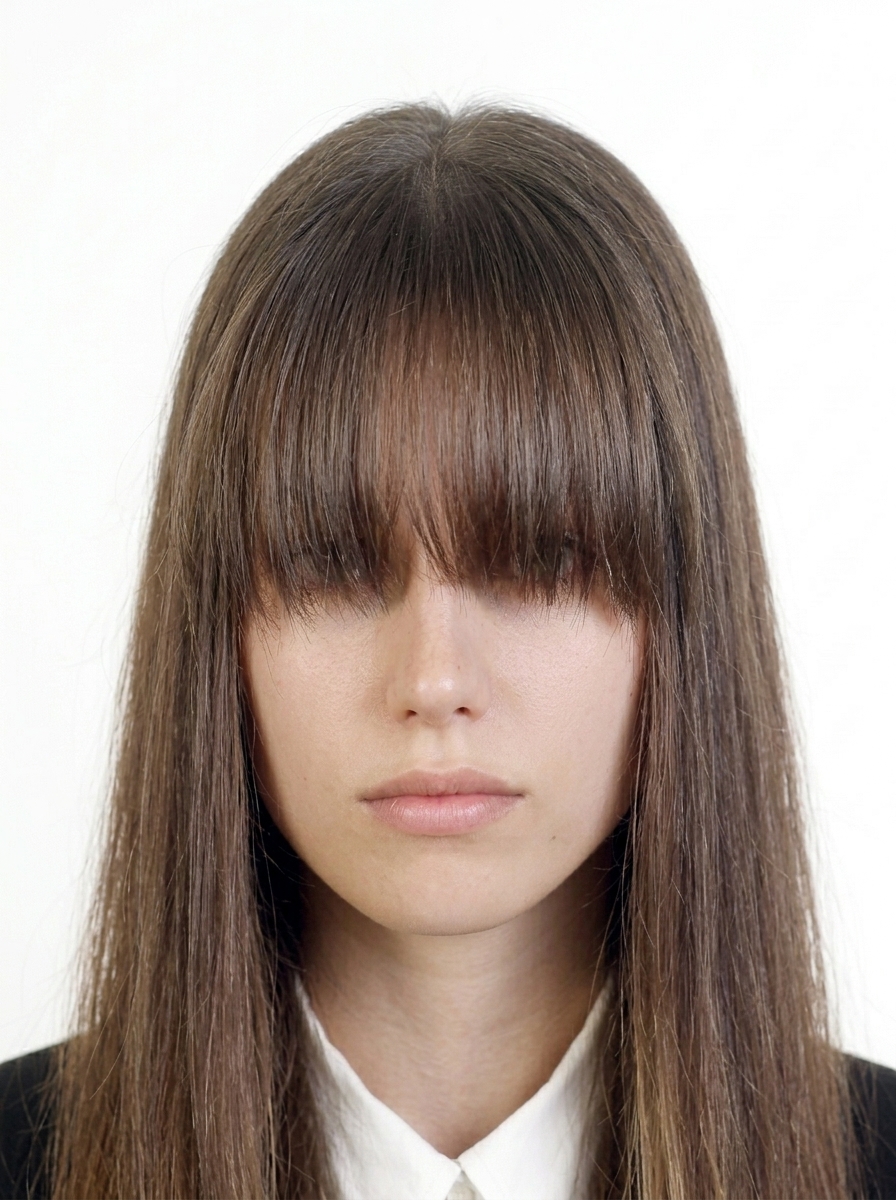
Photo with hair covering the eyes
Hair must not cover your eyes.
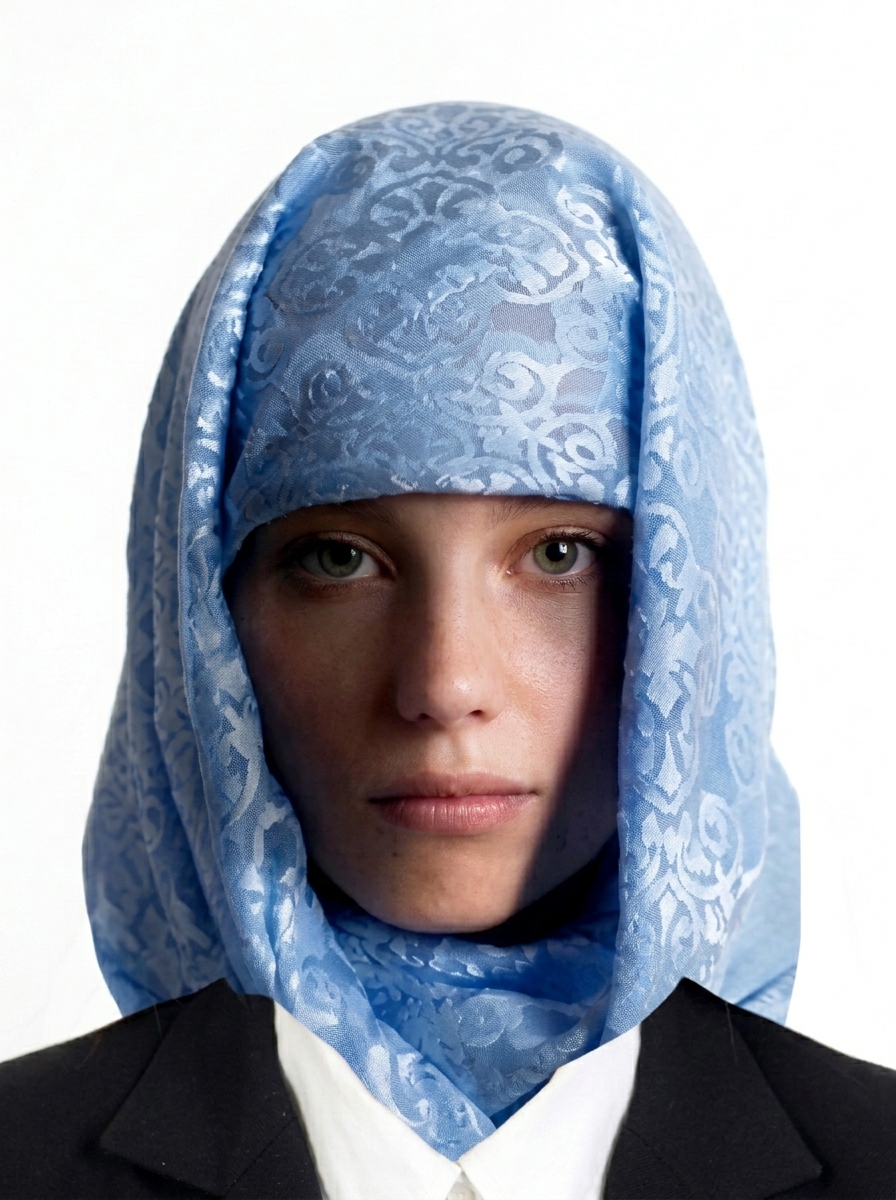
Photo with cloth or shadow on face
The face must be fully visible with no obstructions.
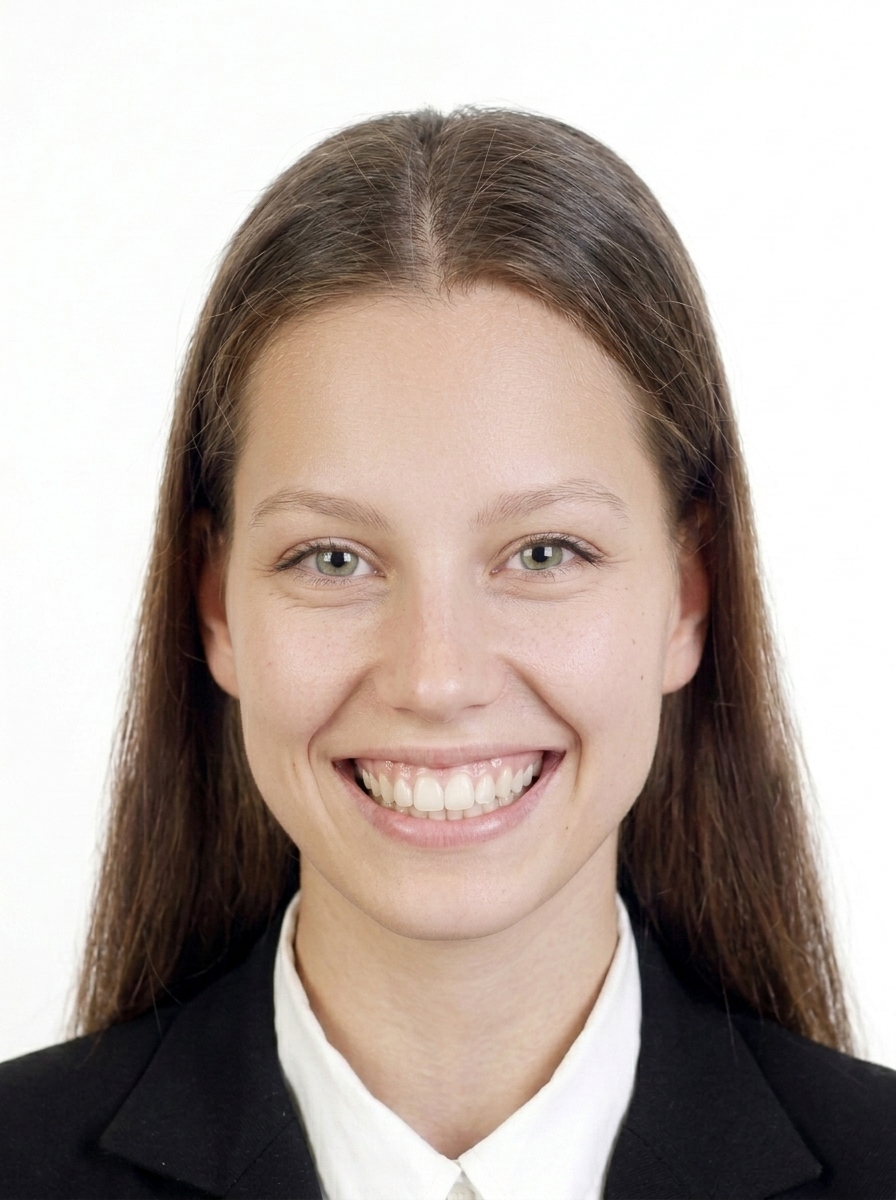
Photo with unnatural expression
Use a natural, neutral expression.
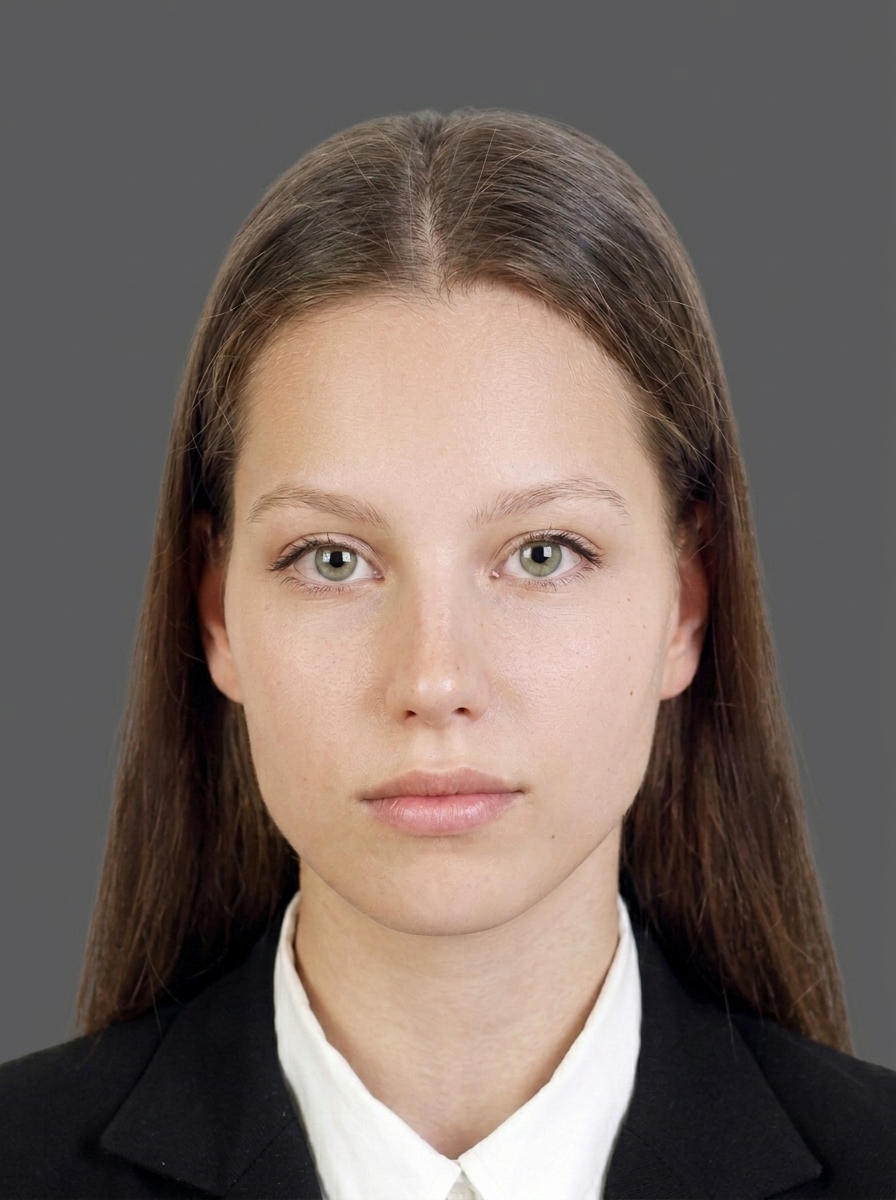
Photo with background too dark
Background must be plain and light-colored.
Blurred photo
The photo must be sharp and in focus.
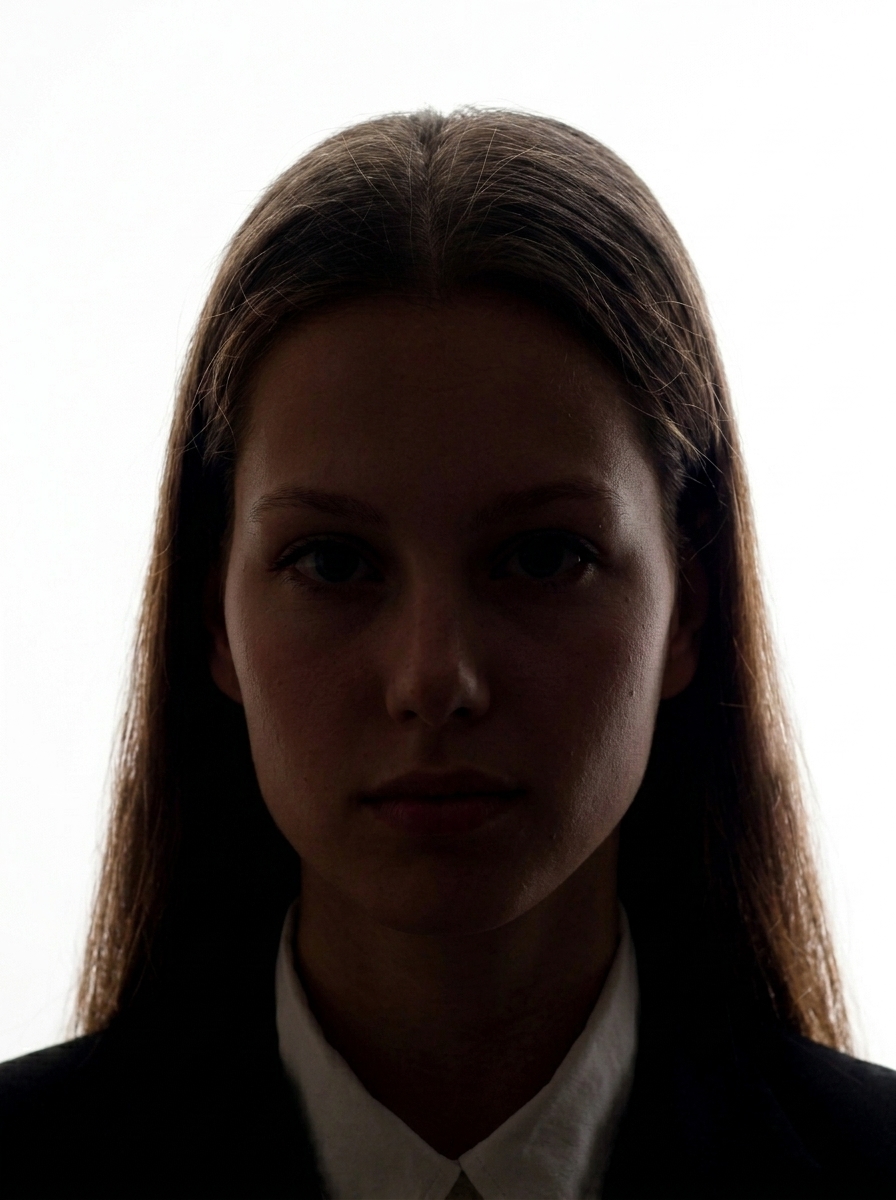
Photo with shadow on the face
Even lighting with no harsh shadows on the face.

About editing

K-ETA does not accept photos that have been digitally altered to change your appearance. This includes enlarging eyes, smoothing skin excessively, modifying facial features, removing moles or scars, or applying AI-generated changes. Use the app for background adjustment and brightness adjustment only.

Official guidance K-ETA Official Website

K-ETA and Korea visa photo guides

Check official-source guidance for K-ETA 100 KB uploads, Korea visa 35 x 45 mm photos, white backgrounds, and upload errors.

View photo guides

FAQ

What are the photo requirements for K-ETA?

The photo must be a square JPEG, 600×600 pixels, under 100KB, in color with a plain background, and taken within the last 6 months. Your face should be clearly visible, facing forward with a natural expression.

Can I use a selfie for my K-ETA application?

Yes, as long as the photo meets the K-ETA requirements: 600×600 pixels, under 100KB, with a plain background. The app helps you crop and resize your selfie to the correct format.

What background color is required for K-ETA?

A plain, light-colored background is required. This app provides automatic white background adjustment. Photos with patterned or dark backgrounds may be rejected.

What file format and size does K-ETA require?

K-ETA requires a JPEG file that is exactly 600×600 pixels and under 100KB in file size. This app automatically compresses your photo to meet these requirements.

What photos are commonly rejected for K-ETA?

Common rejection reasons: wrong dimensions, file too large (over 100KB), face off-center or wrong size, shadows on the face or background, blurry image, unnatural expression, tilted head, or excessive digital retouching.

Does this app guarantee my photo will be accepted?

No. This app helps you create a photo that meets published K-ETA specifications, but final acceptance is determined by the reviewing authority. Requirements may also change, so always check the latest official guidance on the K-ETA website.

Are my photos uploaded to a server?

No. All photo processing, face detection, background adjustment, and JPEG export happen entirely on your iPhone. Only App Store billing uses the network, and it never includes your photo data.

Is this app affiliated with the Korean government?

No. This app is not affiliated with the Korean government. It is a photo file creation tool that helps you prepare a photo based on the publicly available K-ETA photo requirements.

Create your K-ETA photo now

Resize and preview for free. Pay only when you save.

Download on the App Store (free)

Need help?

Contact us about usage, exports, purchases, or website information.

Open contact form