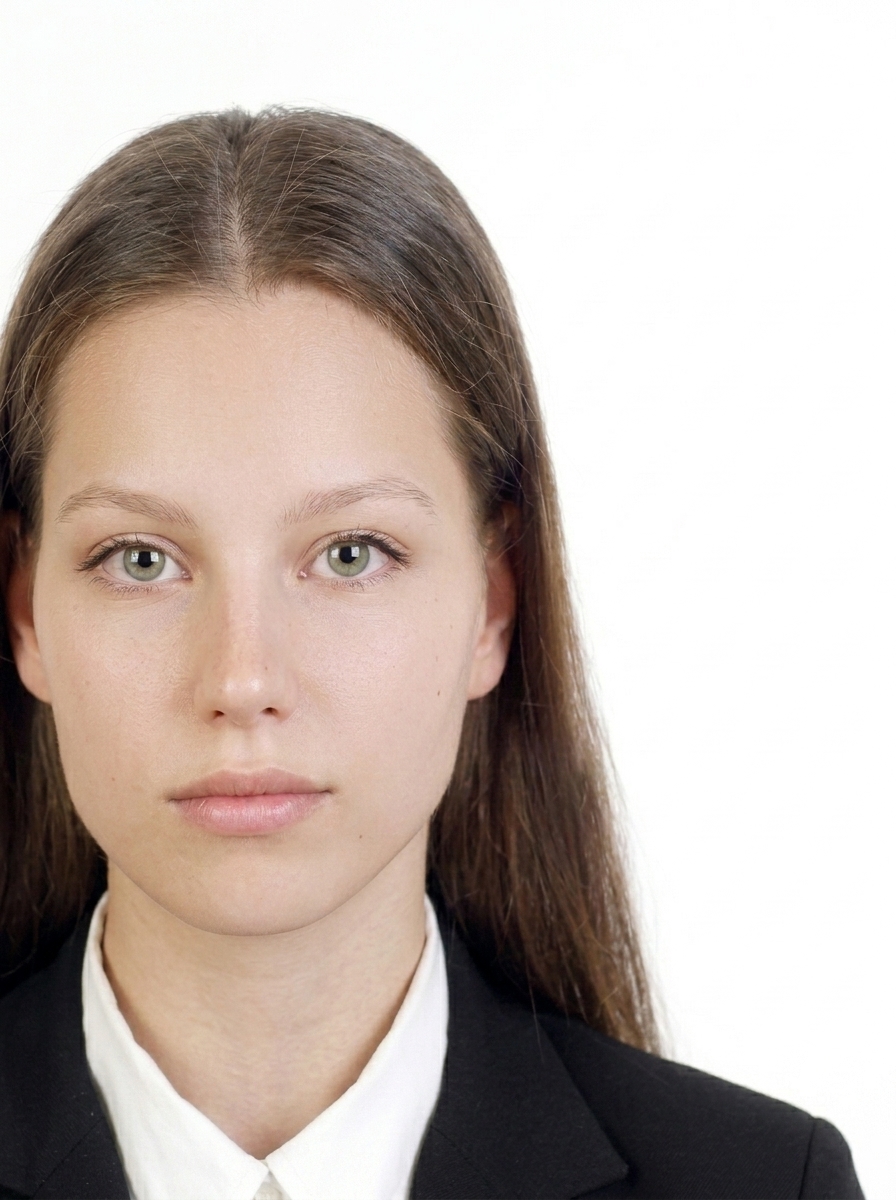
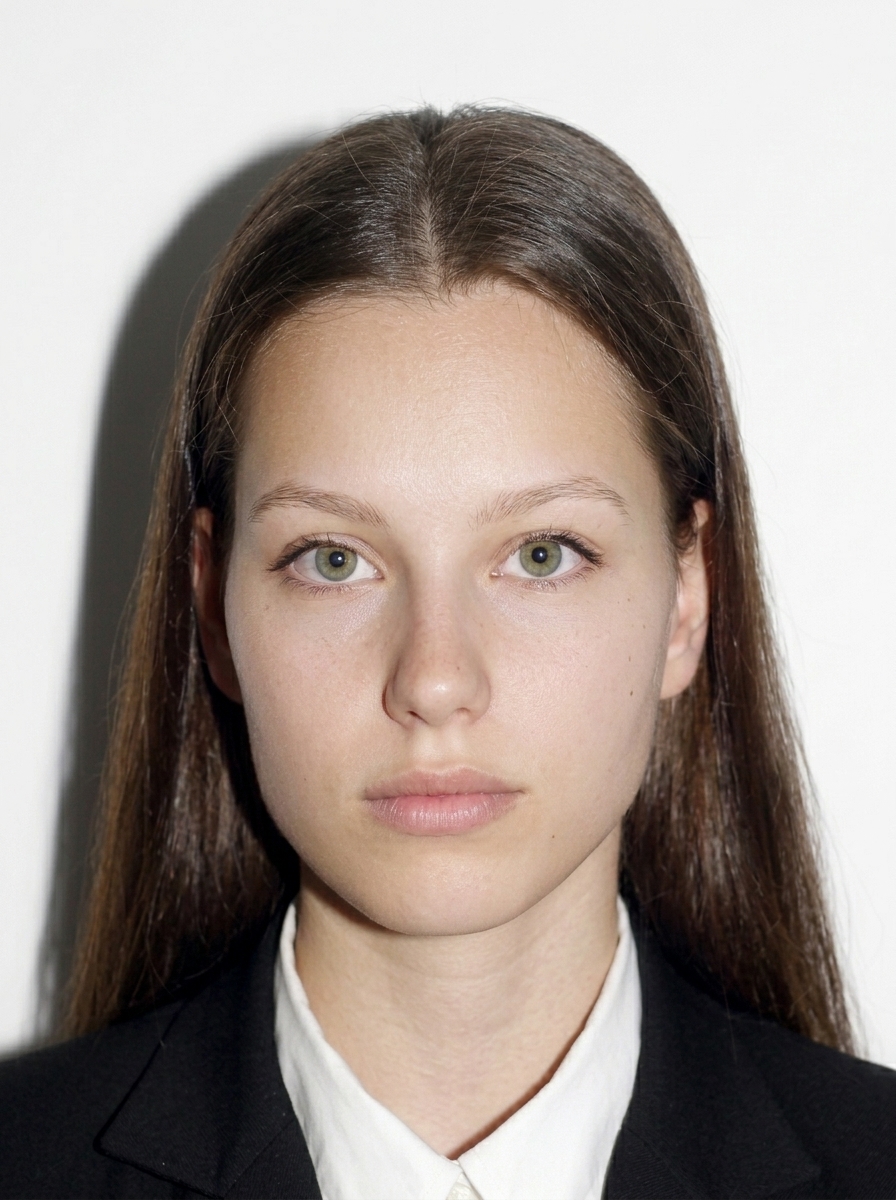
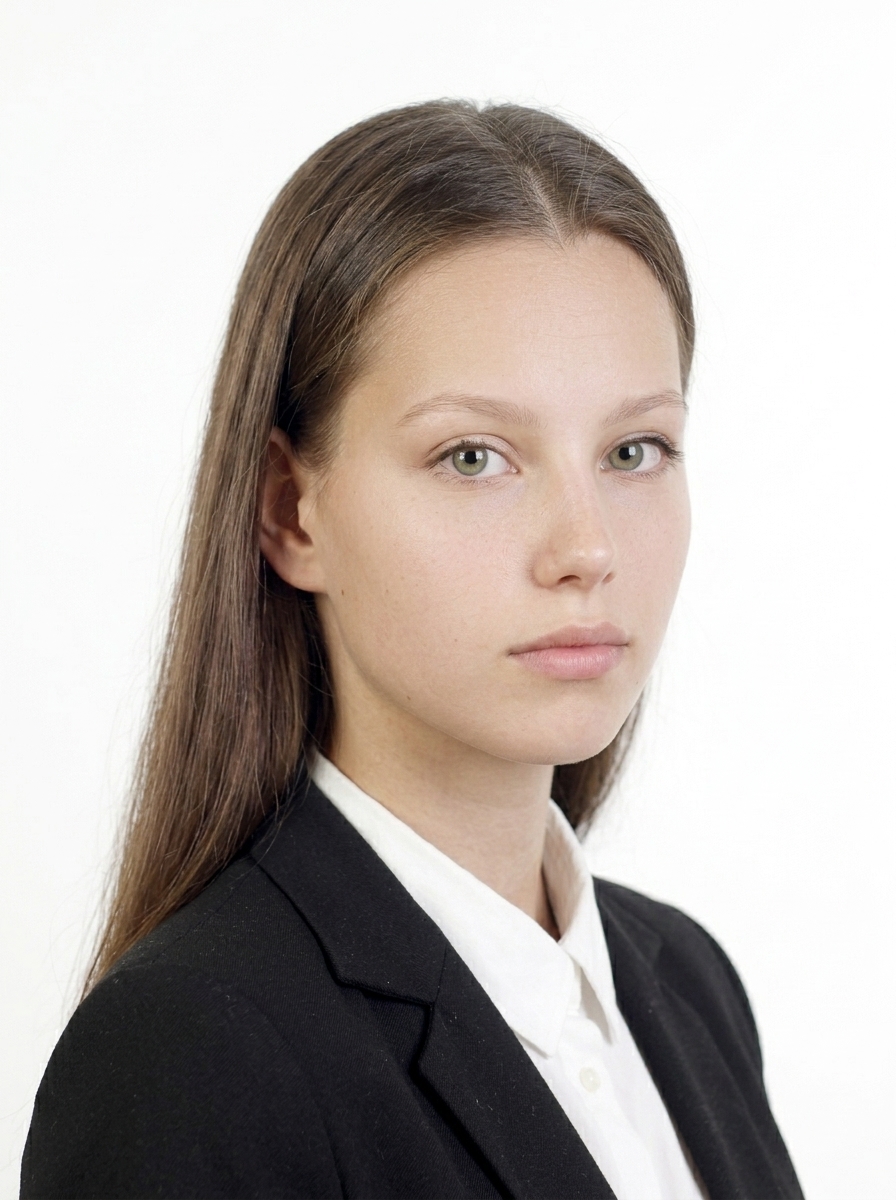
What are the photo specifications for residence card procedures?
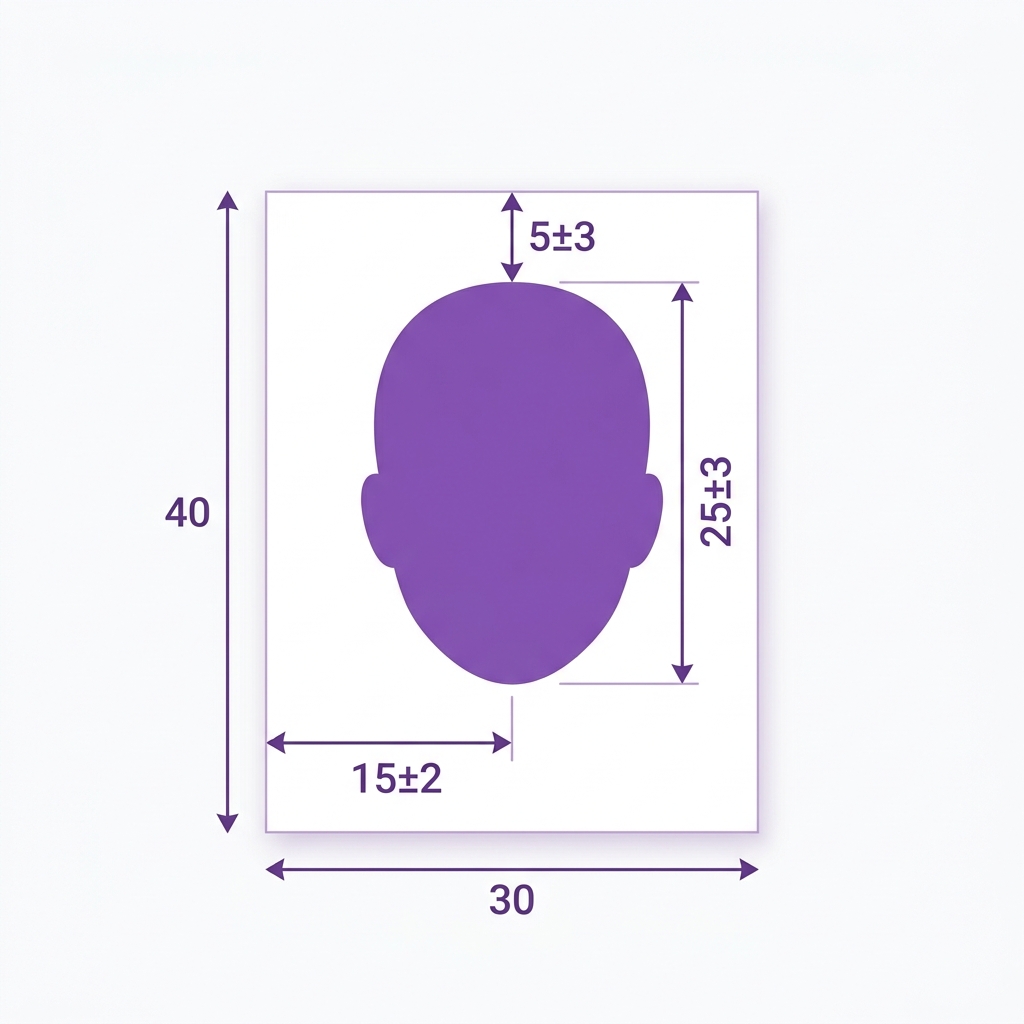
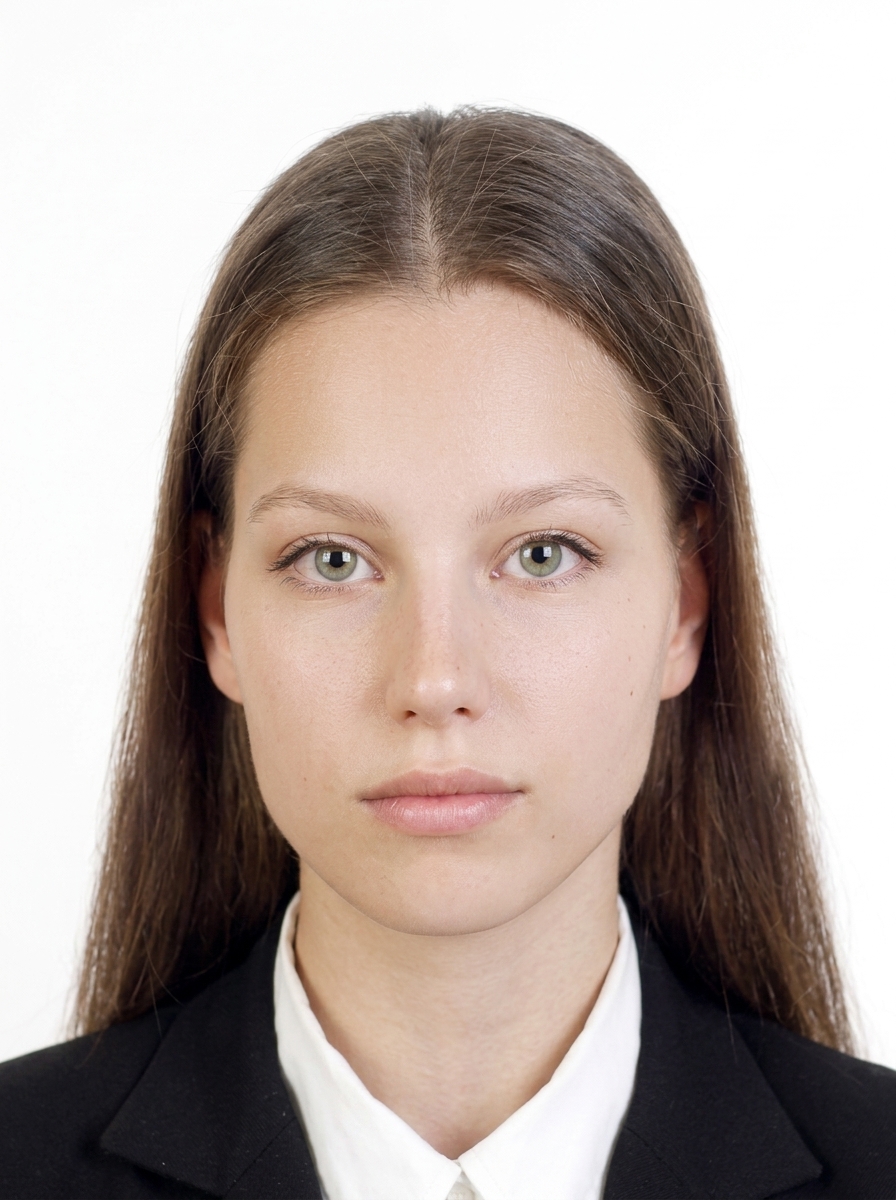
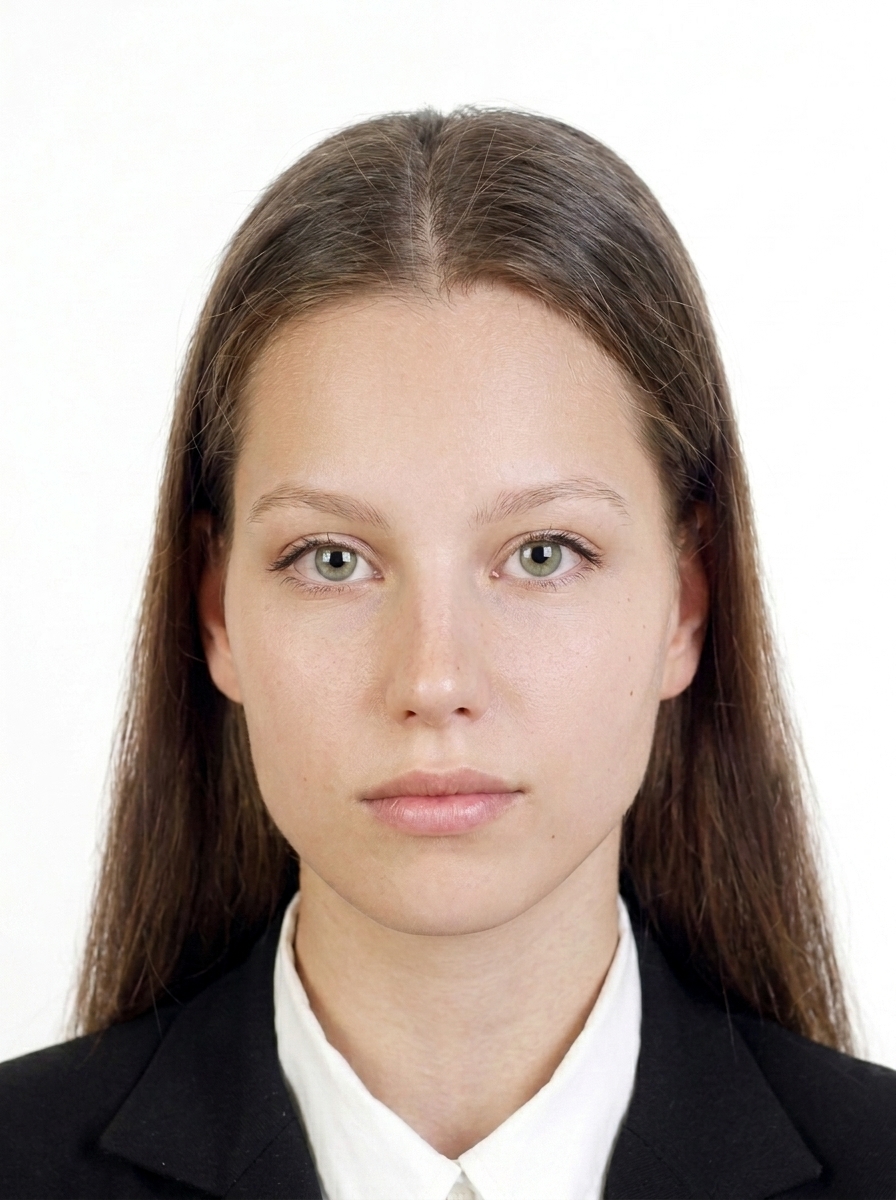
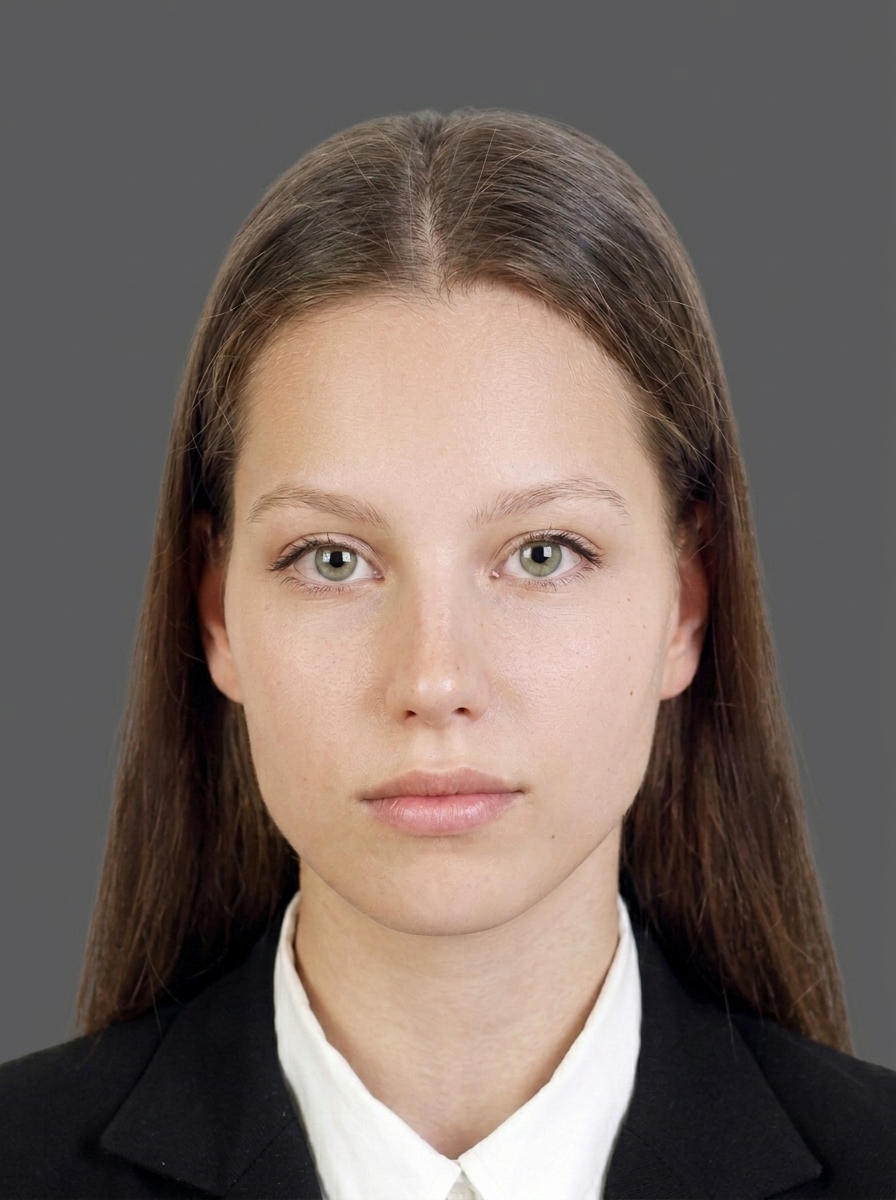
The photo must be 40 mm tall x 30 mm wide. Recency depends on the route: for window/paper applications (e.g., COE, status change, permanent residence at the counter) use a photo taken within the last 3 months; for online applications, within the last 6 months. The applicant must face forward, wear no hat, have a plain background, and a clear image. The face from the top of the head to the chin should fit properly in the photo with appropriate spacing between the eyes.
Which procedures can I use this app for?
The app helps create submission photos for applications involving residence card issuance (period extension, change of status, permanent residence application, etc.), re-issuance applications, and status change applications. Document requirements including photos vary by procedure, so please check the latest Immigration Services Agency guidance before applying.
Who can submit photos without a photo?
Some procedures may not require photos for applicants under 16 years old. Online guidance also includes information about alternative data for applicants who do not need a face photo, so please confirm the specific procedure requirements. From June 14, 2026, photos will be displayed on residence cards for applicants aged 1 and older.
Can anyone use online application?
No. Eligibility for online application depends on the applicant's role, age, and procedure type. There are age-based restrictions for applications filed by the foreign national themselves, and only certain procedures are supported. Also, the Online Application System for Residence Procedures does not accept Special Residence Card issuance applications. Please check the official guidance beforehand.
What photos are considered 'inappropriate'?
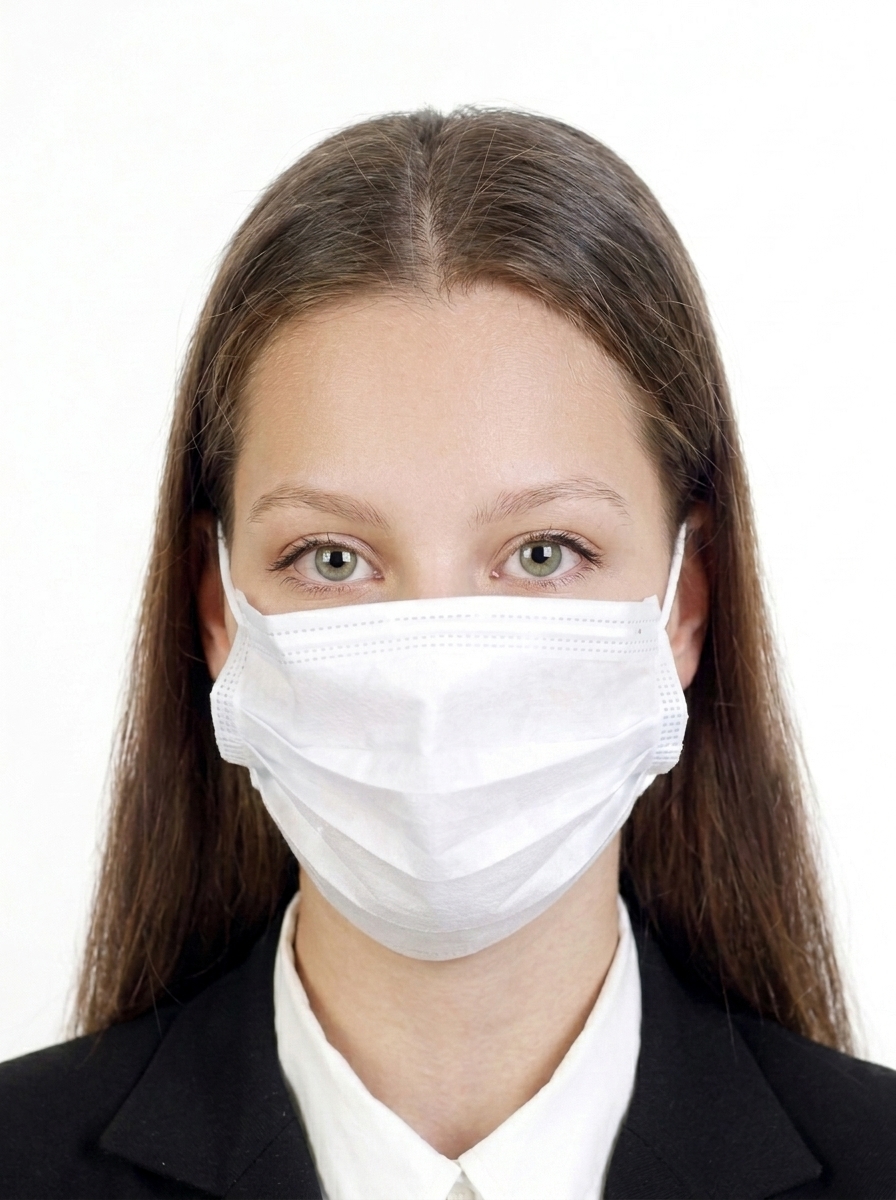
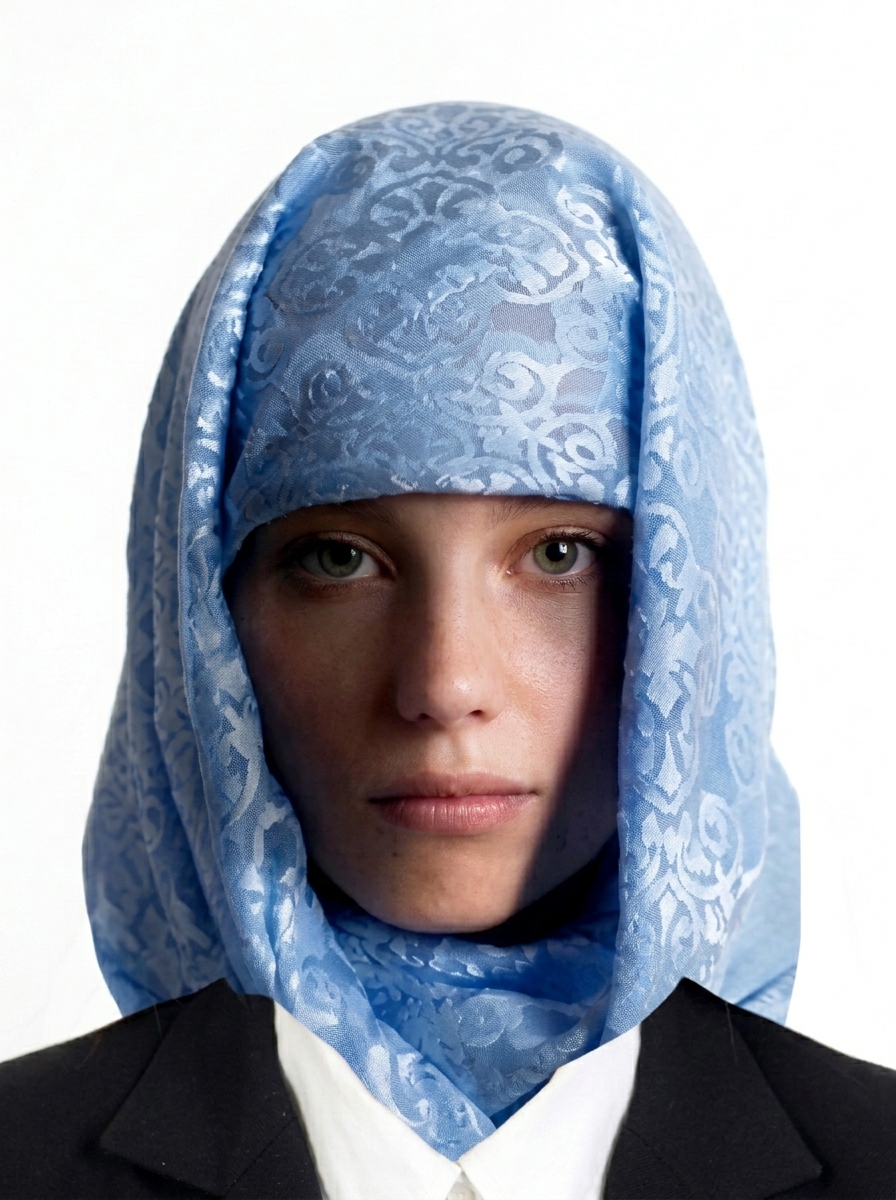
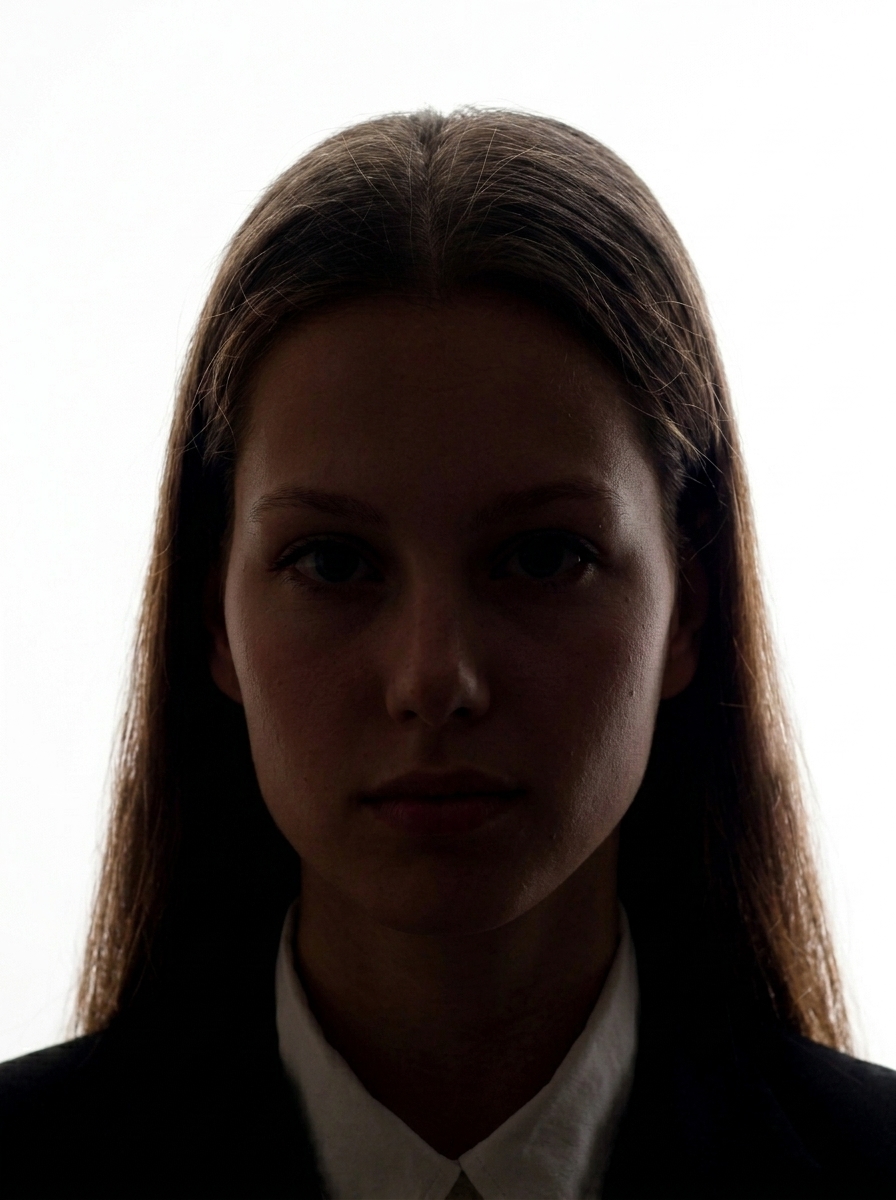
The Immigration Services Agency of Japan specifies the following as inappropriate: photos that do not meet the specified dimensions or standards, photos with part of the face hidden (masks, cloth, etc. - except for religious or medical reasons with a statement form submitted), photos that make it difficult to identify the person, photos that have been digitally processed to enlarge eyes, apply excessive skin lightening, or modify facial features, and mirrored photos.
What should I watch for regarding hair and glasses?
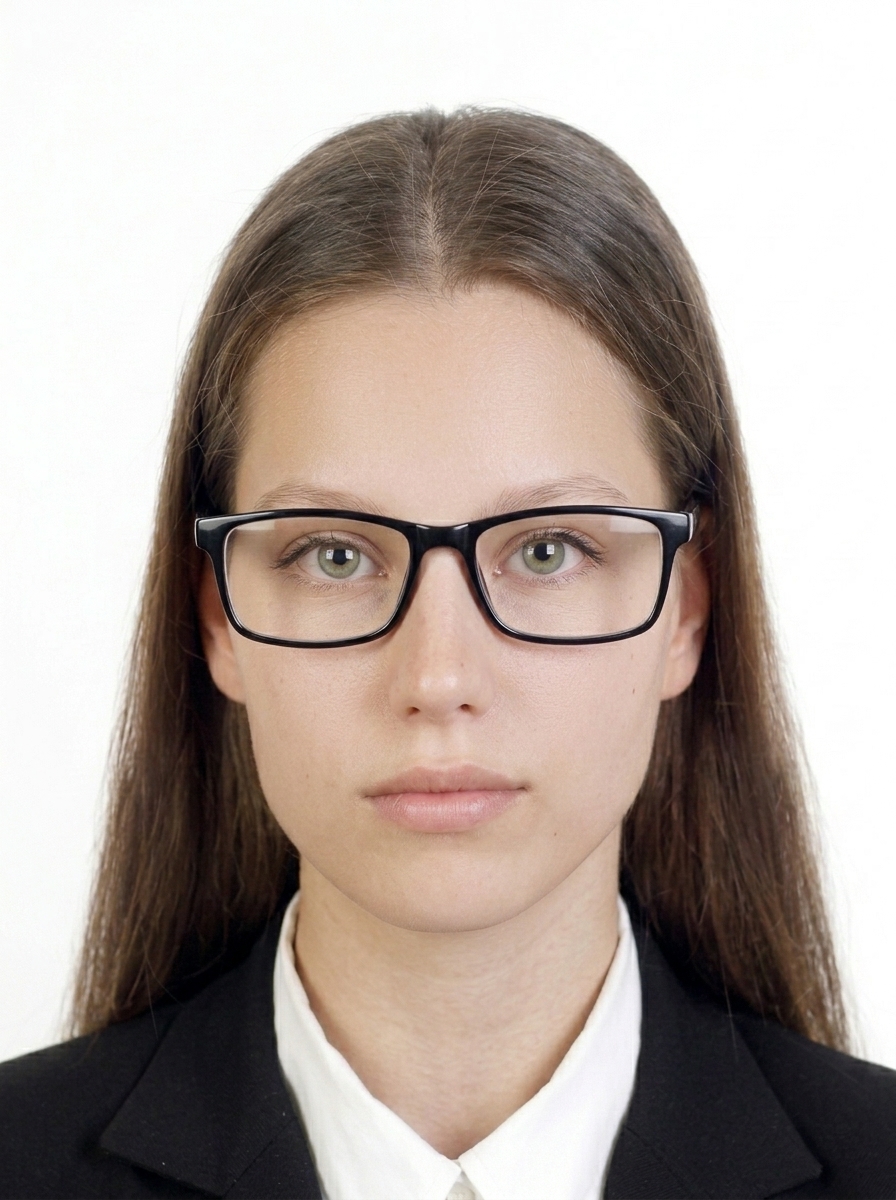
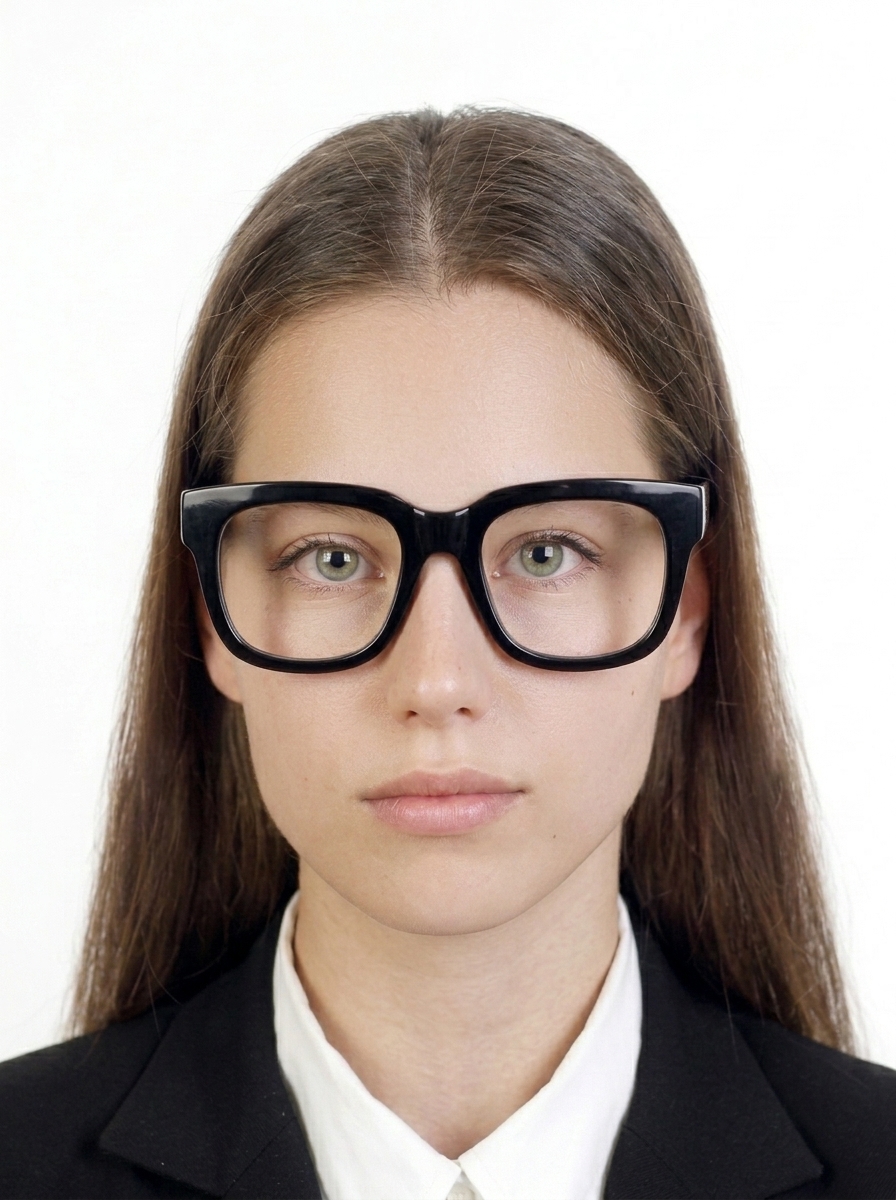
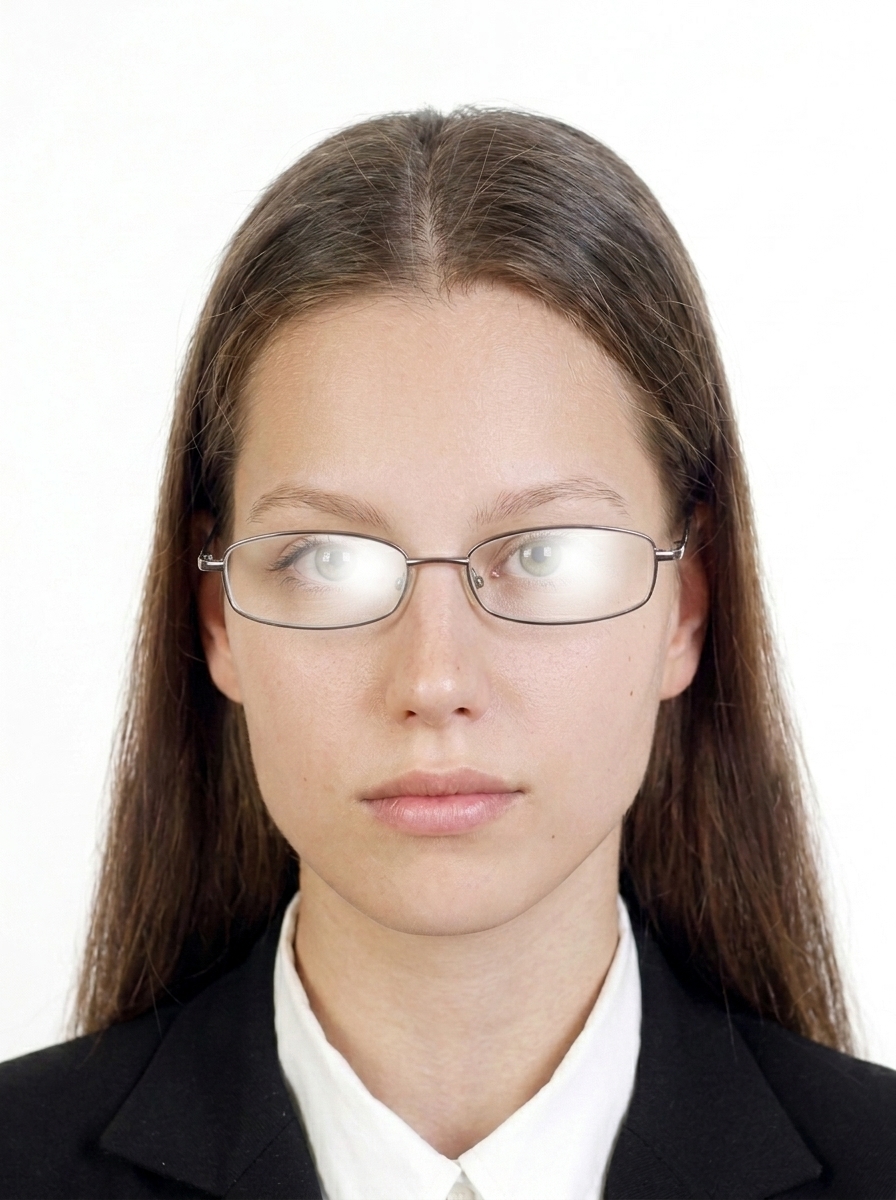
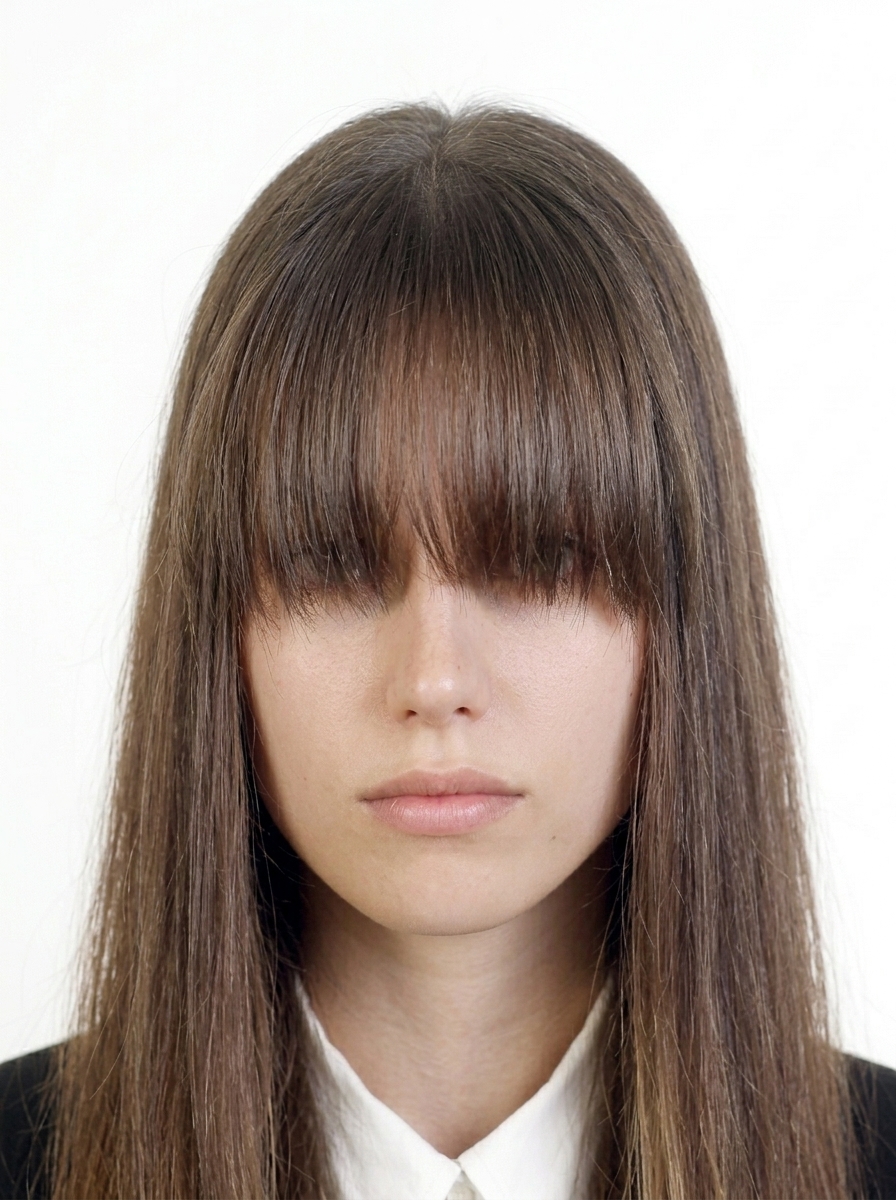
Avoid submitting photos where bangs cover the eyes. When wearing glasses, make sure the frames do not overlap the eyes, and avoid frames that are very thick or have reflections that make the eye area difficult to see.
Does the app guarantee acceptance?
No. The app helps you prepare a submission photo, but it does not guarantee acceptance. The final decision is made by the Immigration Services Agency of Japan or the relevant office.
Are my photos uploaded to a server?
No. Importing photos, face detection, background adjustments, and export generation all happen on your iPhone. Purchases use Apple's StoreKit, but photo data is not part of payment processing.
Can I print or re-export later?
Yes. The app can save an L-size print layout and shows printing guidance inside the app. Re-export availability depends on the purchase option and the data still stored on your device.
What is a Special Residence Card? How is it different from a regular residence card?
From June 14, 2026, Special Residence Cards (residence cards with MyNumber card functionality integrated) will become available. Obtaining a Special Residence Card is optional, and you can continue to hold both a regular residence card and a MyNumber card separately.