ID photo
A broad category used for identity cards, permits, residence documents, licenses, school or employment records, and other applications.
Practical photo preparation guide
Create photos from your phone for print or online applications
Passport photos, visa photos, eVisa photos, and ID photos can require different sizes, backgrounds, file formats, and print or upload formats. This guide explains what to check and helps you choose the right country or purpose-specific guide.
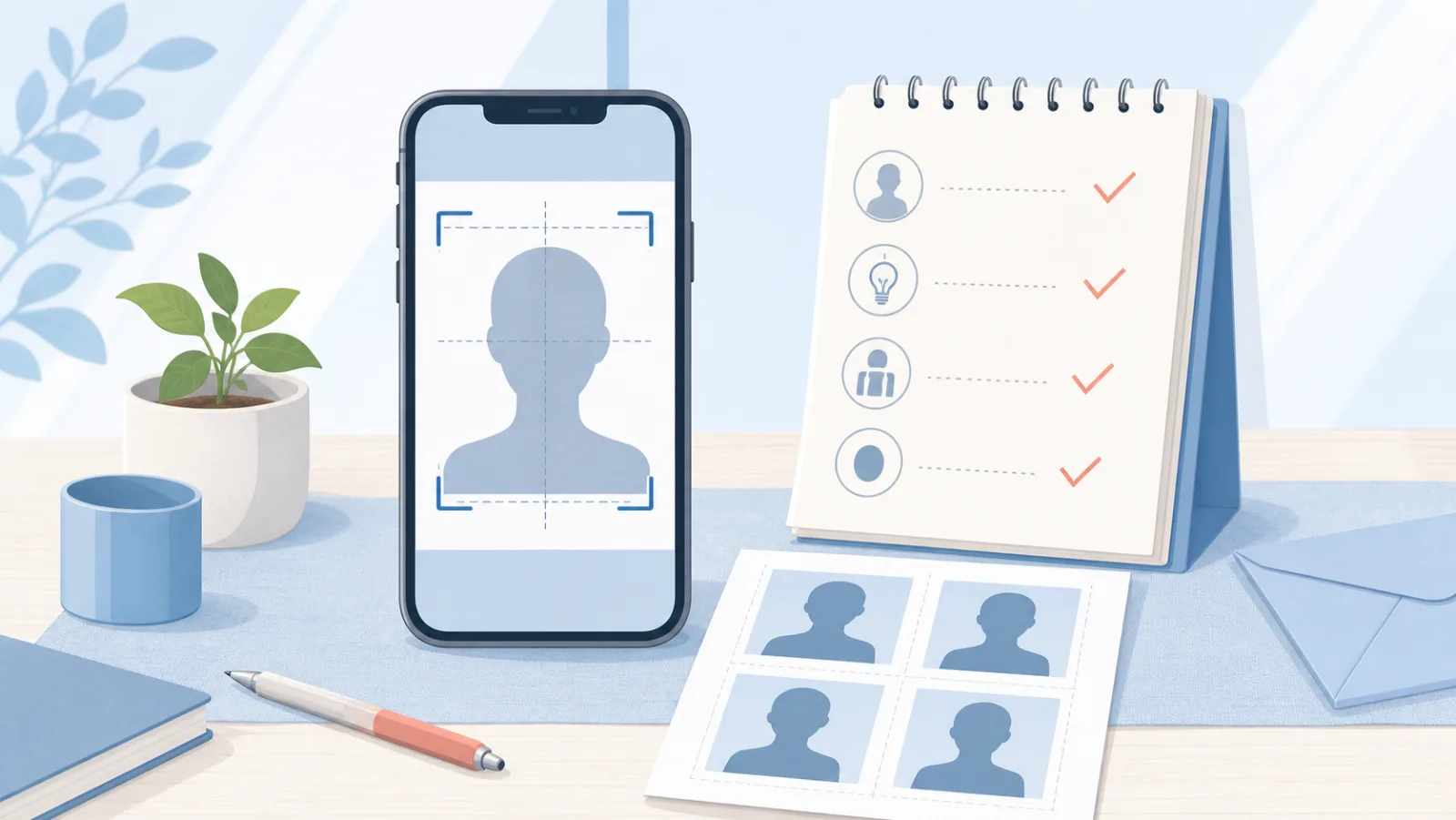
Illustration of preparing an application photo with a phone
Quick answer
In many cases, yes. A phone can be used to take a photo, check the crop and background, and save either a print layout or a digital image. The important part is matching the final file or print to the exact application—not simply making a photo that looks like a passport photo.
Start with the document
A broad category used for identity cards, permits, residence documents, licenses, school or employment records, and other applications.
A photo made for a specific passport authority. Printed size, face measurements, background, recency, and digital rules are country-specific.
A photo for a destination country and visa type. Embassy, consulate, eVisa portal, and appointment processes may ask for different outputs.
A photo that is correct for one document is not automatically correct for another. Recheck the requirements even when you plan to reuse the same original image.
Choose the output before editing
Check physical width and height, paper type, print layout, cutting margins, number of copies, and whether the printer applies scaling.
Check pixel dimensions, aspect ratio, JPEG or other format, color space, file size, image quality, and whether scanned prints are allowed.
Some applications require both a printed photo and a digital file. Local photo-printing services can be useful, but you still need to confirm that the printed size and layout match your application.
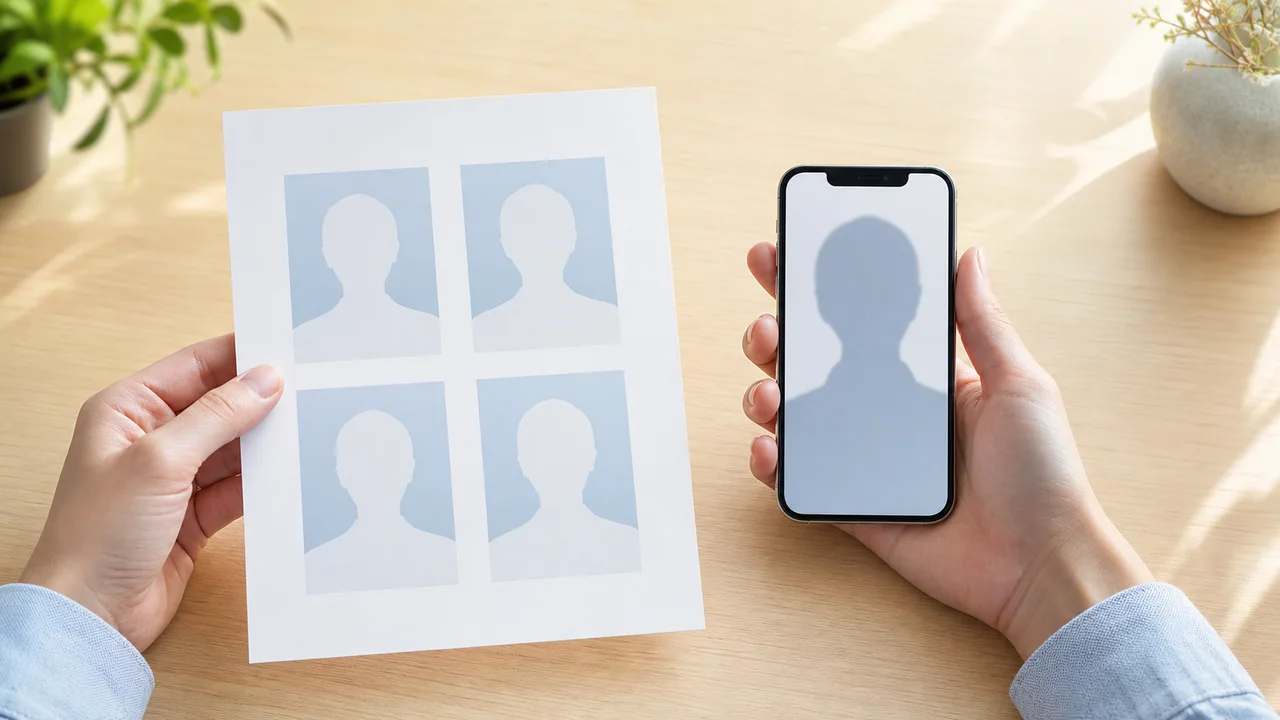
スマホで証明写真を準備するためのガイド画像
Use the official checklist
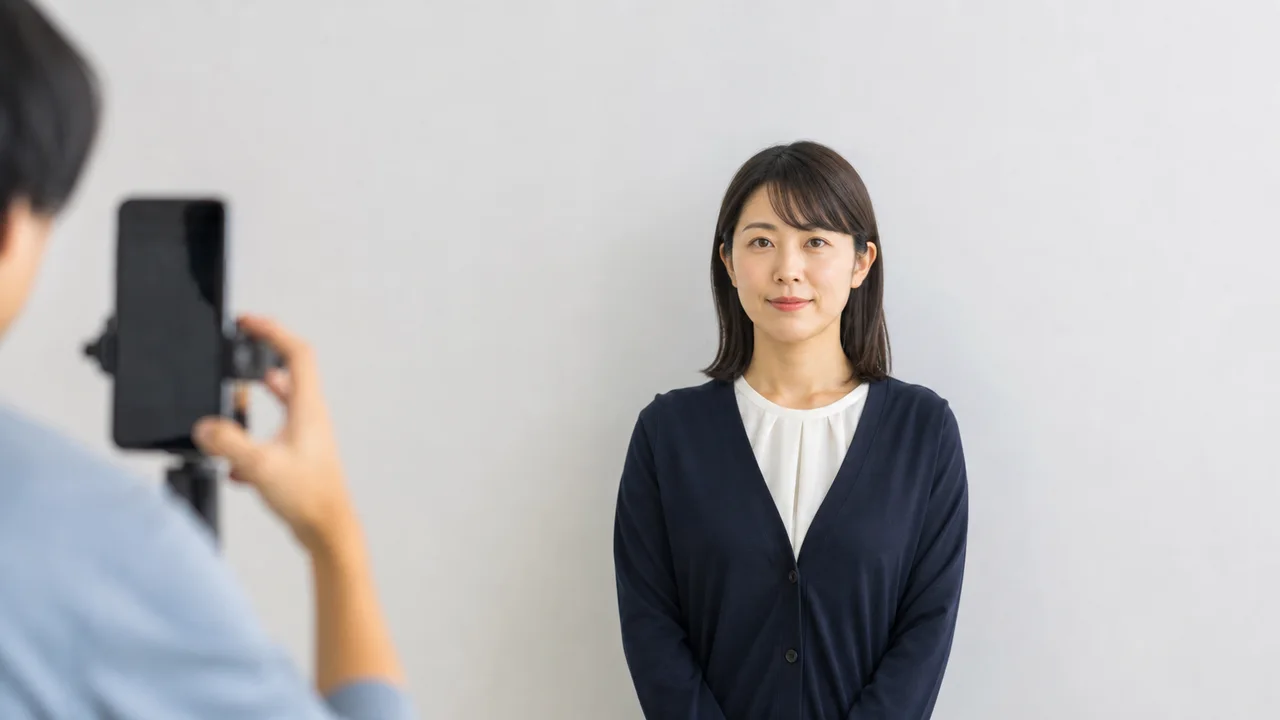
スマホで証明写真を準備するためのガイド画像
Take, check, save, then submit
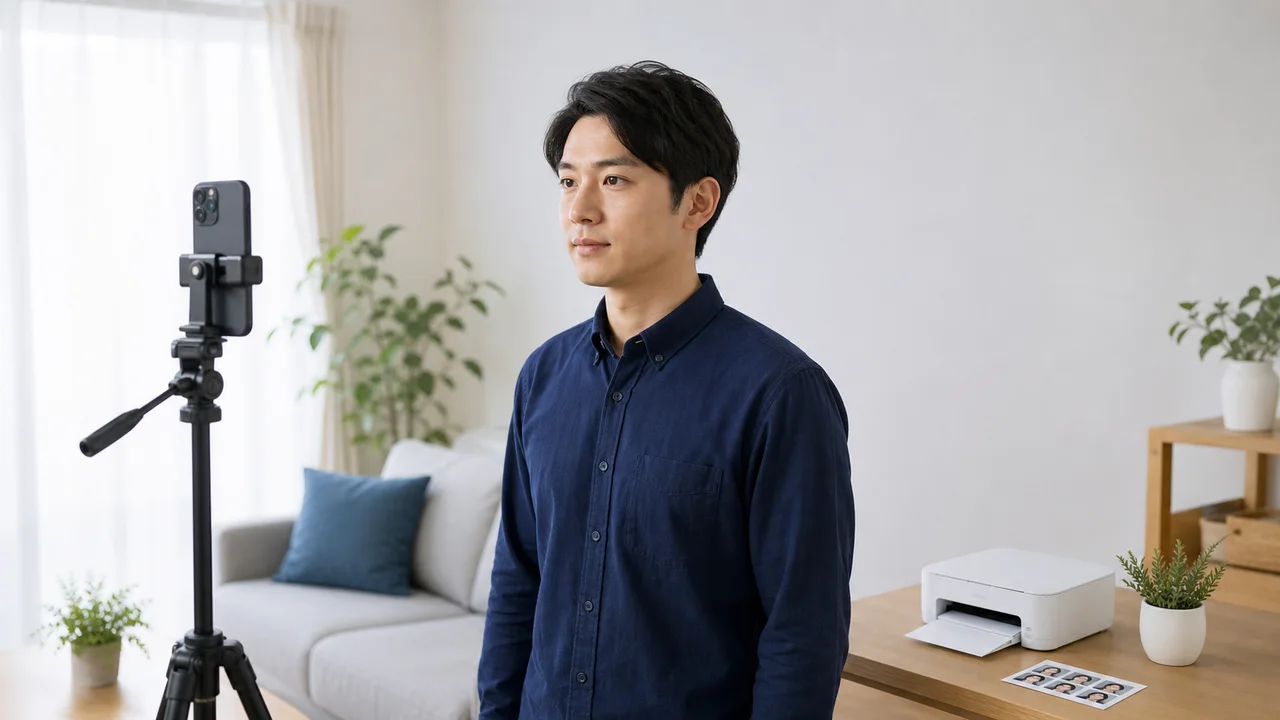
スマホで証明写真を準備するためのガイド画像
Retake instead of over-editing
The face or background has uneven dark areas.
The camera is too close, too high, too low, or not level.
The head position does not match the required example.
The outline of the head and hair is difficult to see.
Beauty effects or AI face editing change identity features.
A print image is uploaded where specific pixels and file size are required.

スマホで証明写真を準備するためのガイド画像
Choose by purpose or country
Use the purpose cards for general preparation, then open a country-specific guide when one is available. Related app links are shown only where the site has a matching app.
For passport applications and renewals.
Check: Country, print size, digital dimensions, background, and recency.
For identity cards, permits, residence cards, and other records.
Check: The issuing authority, exact dimensions, face position, and submission method.
For embassy, consulate, and immigration applications.
Check: Destination country, visa class, background, size, and print or upload rules.
For online visa and electronic travel authorization forms.
Check: Pixel dimensions, aspect ratio, JPEG rules, file size, and portal instructions.
For a photo uploaded directly to an application portal.
Check: Pixels, crop, color space, format, file size, and whether scans are allowed.
For paper forms, in-store printing, or printing at home.
Check: Physical size, paper layout, cutting margins, and printer scaling.
For UK visa and immigration-related applications.
Check: Whether your current process asks for an uploaded photo, an appointment capture, or both.
For DS-160, diversity visa, and other US visa processes.
Check: Square digital dimensions, background, file limits, and whether your visa program has separate photo rules.
For Canadian visa, permit, and permanent-residence processes.
Check: Application category, digital or printed format, dimensions, and photographer details.
For China visa applications and the COVA system.
Check: Image dimensions, white background, head position, JPEG, and file size.
For India e-Visa online applications.
Check: Square portrait image, white background, JPEG limits, and passport-page PDF.
For Vietnam e-Visa online applications.
Check: Portrait image, passport data-page image, file limits, and portal instructions.
For Saudi visa and related online applications.
Check: Visa type, image ratio, background, format, and the active application portal.
For short-stay applications across the Schengen area.
Check: 35×45 mm print rules, face size, recency, and the local consulate or visa center instructions.
For Korean visa or K-ETA-related photo preparation.
Check: Whether you are preparing for K-ETA, a visa application, or another Korean travel process, because upload rules may differ.
For JAPAN eVISA or paper visa applications.
Check: Application channel, 35×45 mm or 45×45 mm requirement, white background, and local mission rules.
A phone workflow, not an acceptance promise
Purpose-specific apps can help you frame the face, check composition, adjust the background or brightness where appropriate, and export a digital image or print layout. Features and outputs differ by app and country.
The submitting authority has the final rule
shoumei.org and the listed apps are independent tools. They are not official government services and cannot guarantee that a photo or application will be accepted. Requirements can change by country, document, visa class, applicant, portal, embassy, consulate, or appointment provider.
Before submitting, verify the latest instructions on the official website or application screen for your exact process.
Frequently asked questions
In many cases, you can use a phone to take and prepare a passport photo, but the final photo must still match the official requirements for your country and application method. Before submitting, check the required size, background, head position and head size, recency, and whether you need a printed photo, a digital file, or both.
Do not assume that you can. Passport and visa authorities may use different dimensions, head-size rules, backgrounds, recency limits, or digital-file requirements. Compare both sets of instructions first.
A printed photo is checked by its physical dimensions, paper layout, finish, and cutting. A digital photo is checked by pixel dimensions, aspect ratio, format, color space, and file size. Some applications require both.
A plain, evenly lit background is common, but the required color varies. Choose a background that keeps the face and hair clearly visible, and follow the exact color and shadow rules published by the authority.
You may be able to print at home or through a photo-printing service if the application accepts self-prepared prints. Use the correct paper size and physical photo dimensions, disable unintended scaling, and cut accurately.
A close handheld selfie can distort facial proportions and create an unsuitable angle. If phone photos are allowed, place the phone farther away, keep it level, and use another person or a timer when possible.
Avoid beauty filters, face reshaping, feature replacement, and AI retouching that changes your appearance. Limited brightness or background adjustments may also be restricted, so follow the destination authority's editing rules.
Each government, document type, visa class, and application system sets its own identity-photo and technical requirements. Rules may also differ between a paper application, online portal, and in-person appointment.
No. shoumei.org and the apps listed here are independent tools for preparing photo files. They are not operated, approved, or endorsed by a government or application authority.
Confirm the document or visa type, application channel, photo size, aspect ratio, face position, background, recency, editing rules, file format, file size, and print settings against the latest official instructions.
Find the country, document, and output format first—then take and save the photo your application actually asks for.