Saudi Visa & Umrah Photo
Face Photo JPEG & Bio Page Image
Created easily on your phone
Prepare both files needed for Saudi eVisa
right on your phone.
On-device processing keeps your data private.
Face Photo JPEG & Bio Page Image
Created easily on your phone
Prepare both files needed for Saudi eVisa
right on your phone.
On-device processing keeps your data private.
On this page, you can check the size, background, file format, and key points for Saudi eVisa photos.
With the app, you can create both the print-ready data and the online application data on your iPhone.
Automatically detects your face and guides positioning to meet Saudi eVisa requirements (square, frontal, white background).
Face photo as JPEG (square, under 1MB) and passport Bio Page as an optimized image.
All photo processing happens entirely on your iPhone. Nothing is sent to any server.
Face photo is auto-cropped to square. The passport Bio Page image is optimized for file size while keeping text readable.
Adjust backgrounds and fine-tune brightness and contrast to help meet Saudi eVisa requirements.
Verify both files are ready before submission. Checklist of acceptance criteria included.
Preview before purchase
Photo Guide
Even a slightly non-compliant photo can be rejected during your Saudi eVisa application. Check these points before saving.
These are the composition requirements for Saudi eVisa photos. Keep face position and margins close to this template.
| Format | file format not stated on the current official page |
| Size | 200 × 200 (unit not stated on the current official page) |
| Dimensions | 200 × 200 (unit not stated on the current official page) |
| Background | plain white and unpatterned, with no other person/object or background shadow |
| File size | 5 KB–100 KB |
| Aspect ratio | 1:1 (derived from equal width and height) |
| Glasses | spectacles are not specified on the current official page |
| Face | 70–80% of the face or 1.4 × 1.6 in from chin to crown (wording and denominator are ambiguous) |
Source: Saudi eVisa photo requirements
The person faces forward, the background is white, and the face is clearly visible with a natural expression.
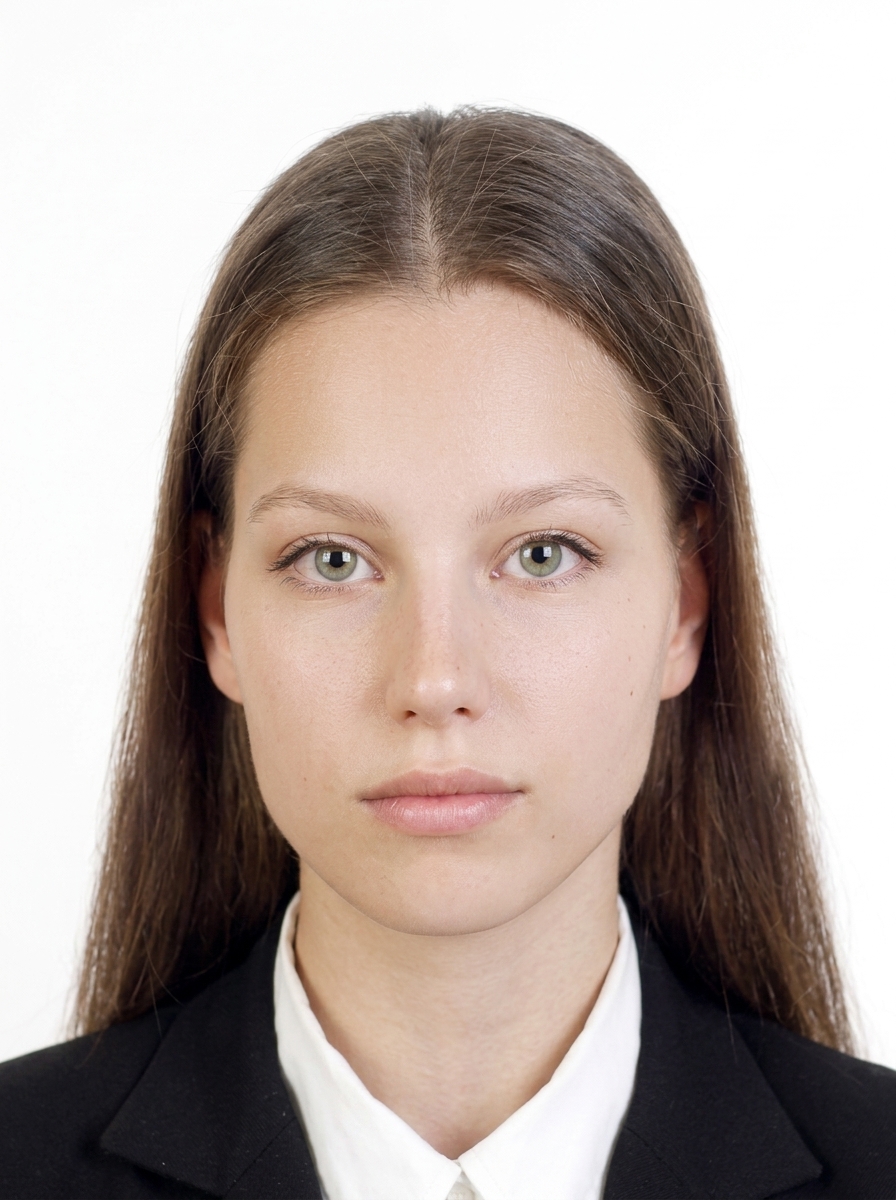
These are common reasons a photo may be rejected during a Saudi eVisa application.
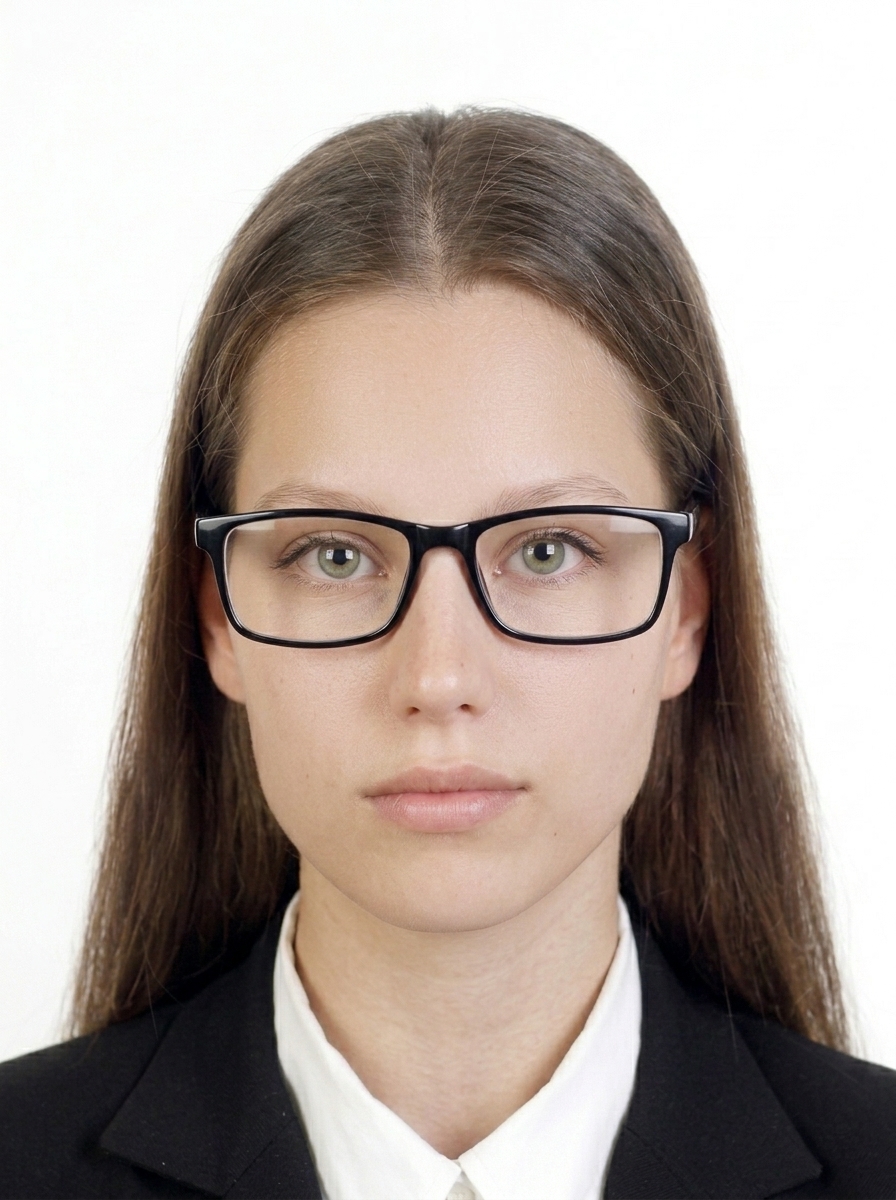
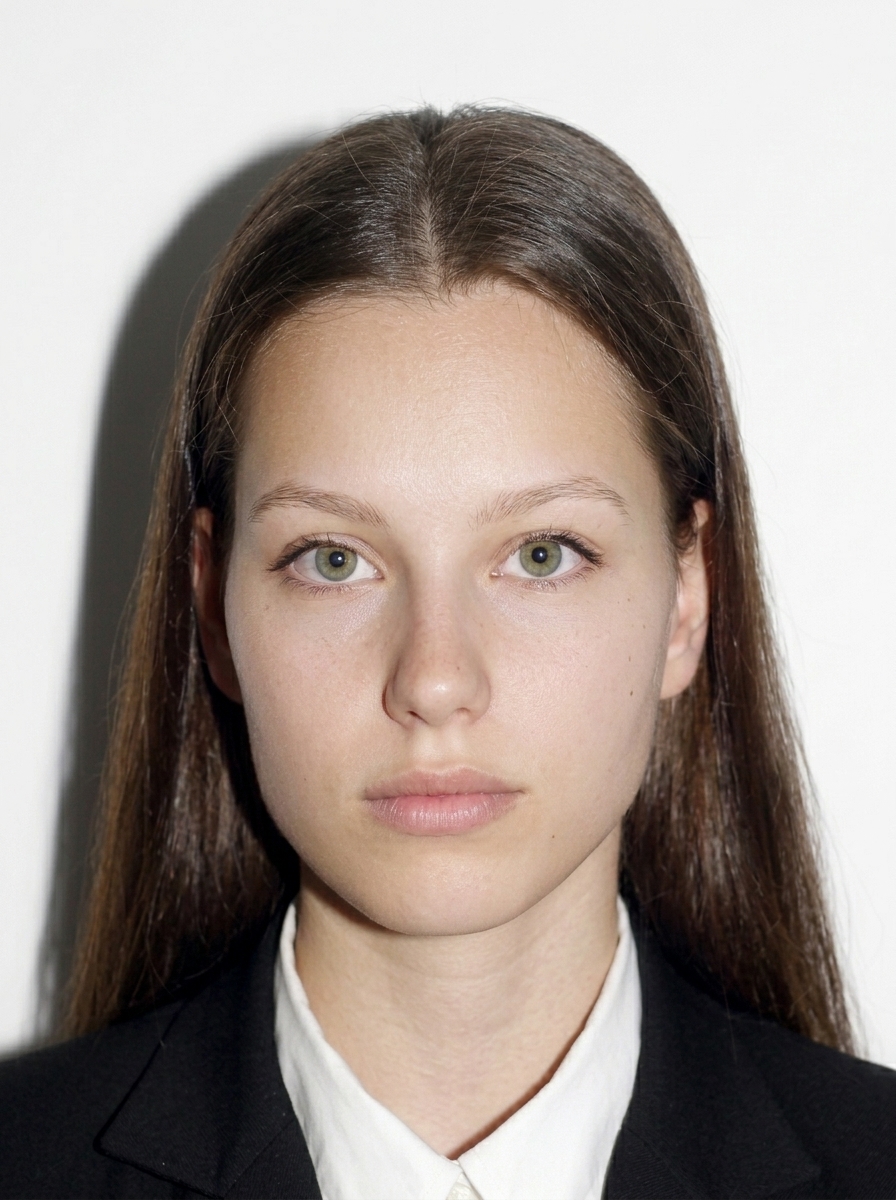
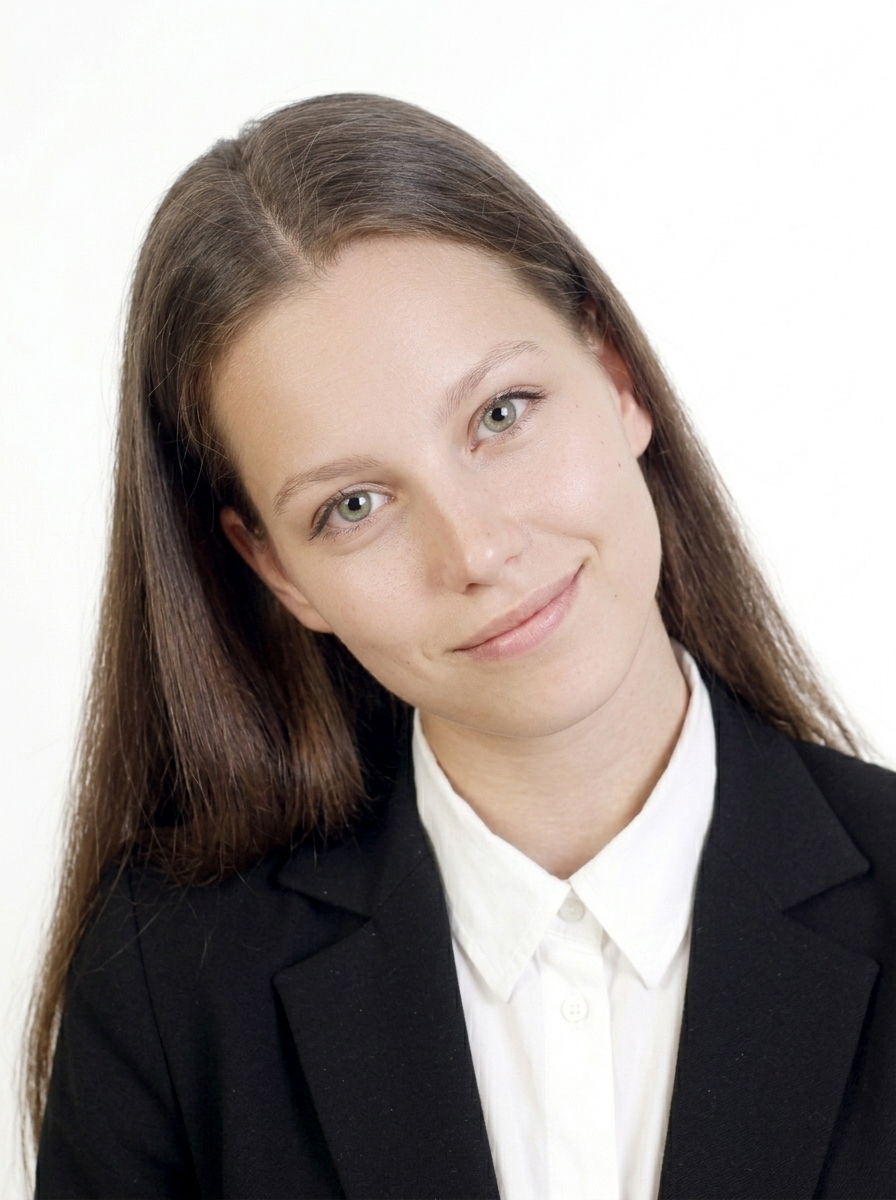
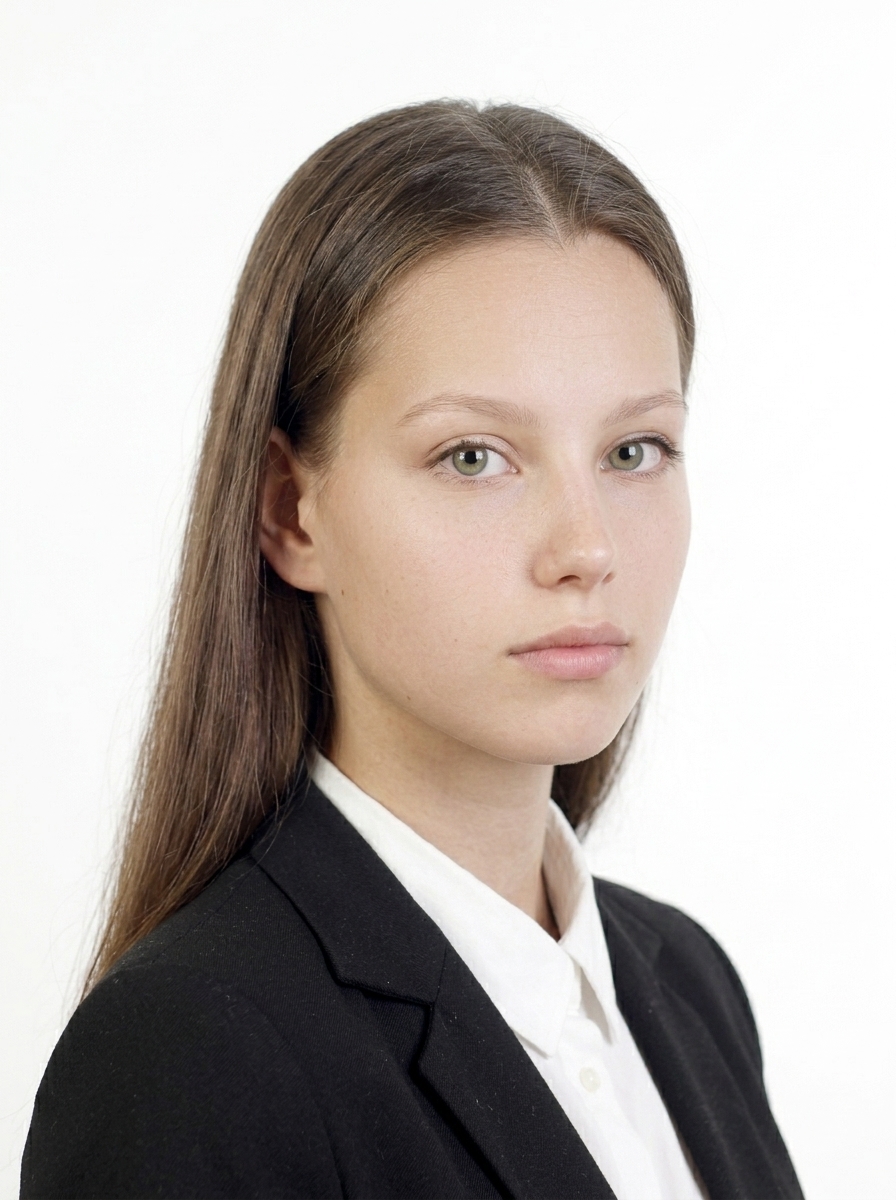
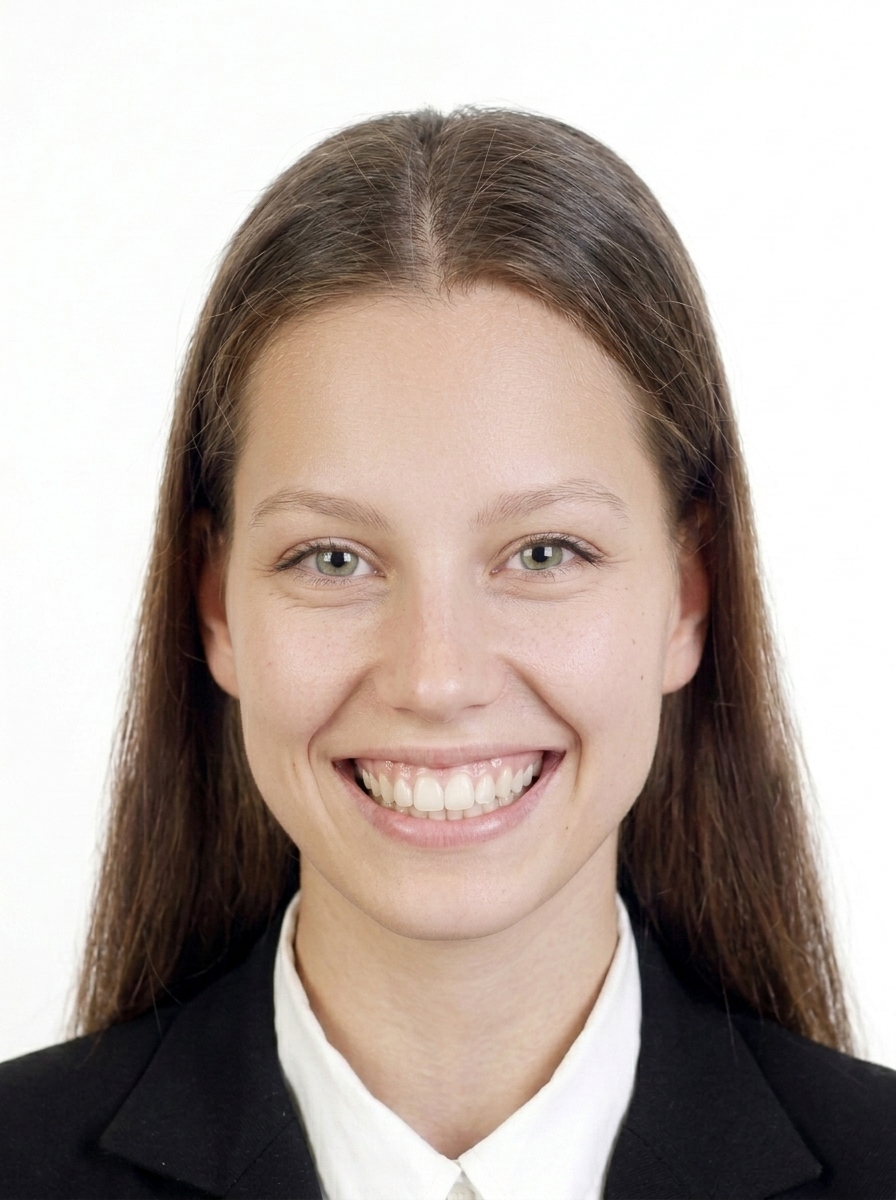
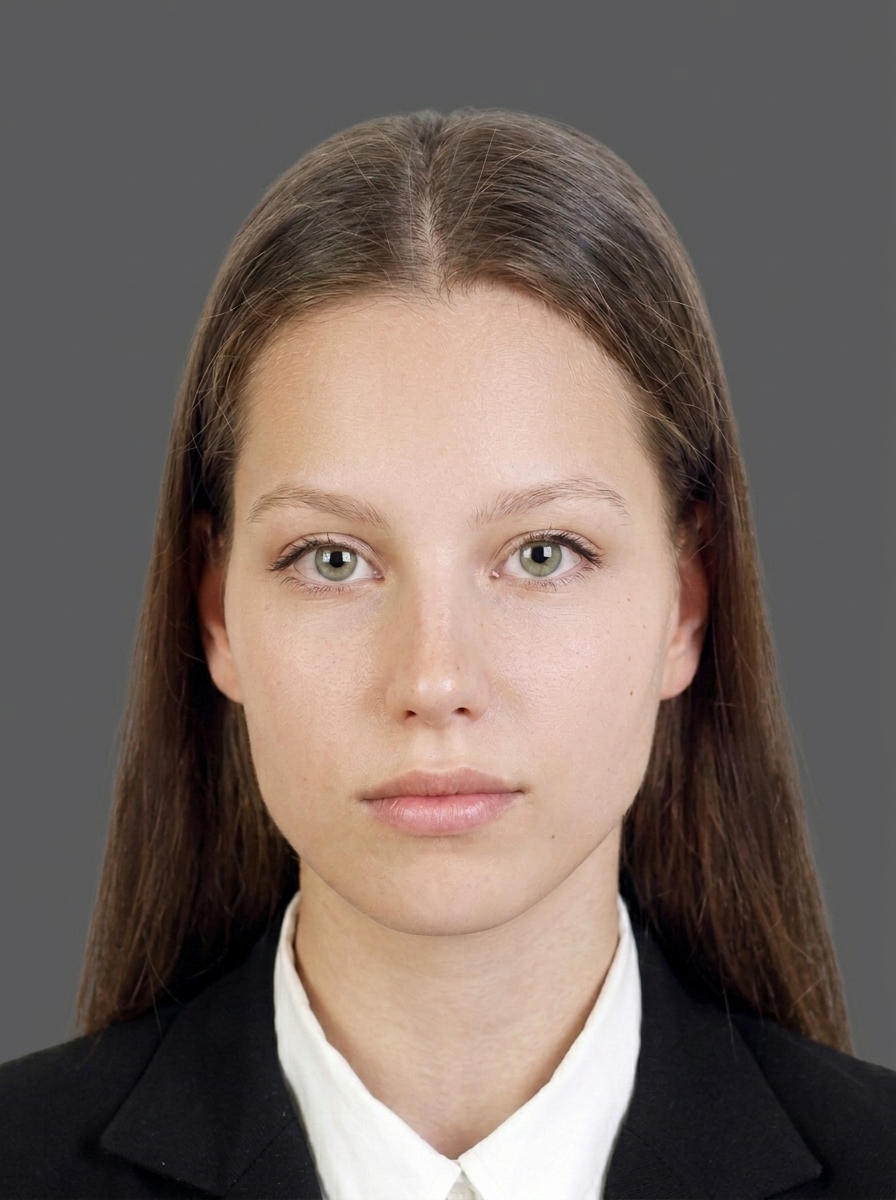
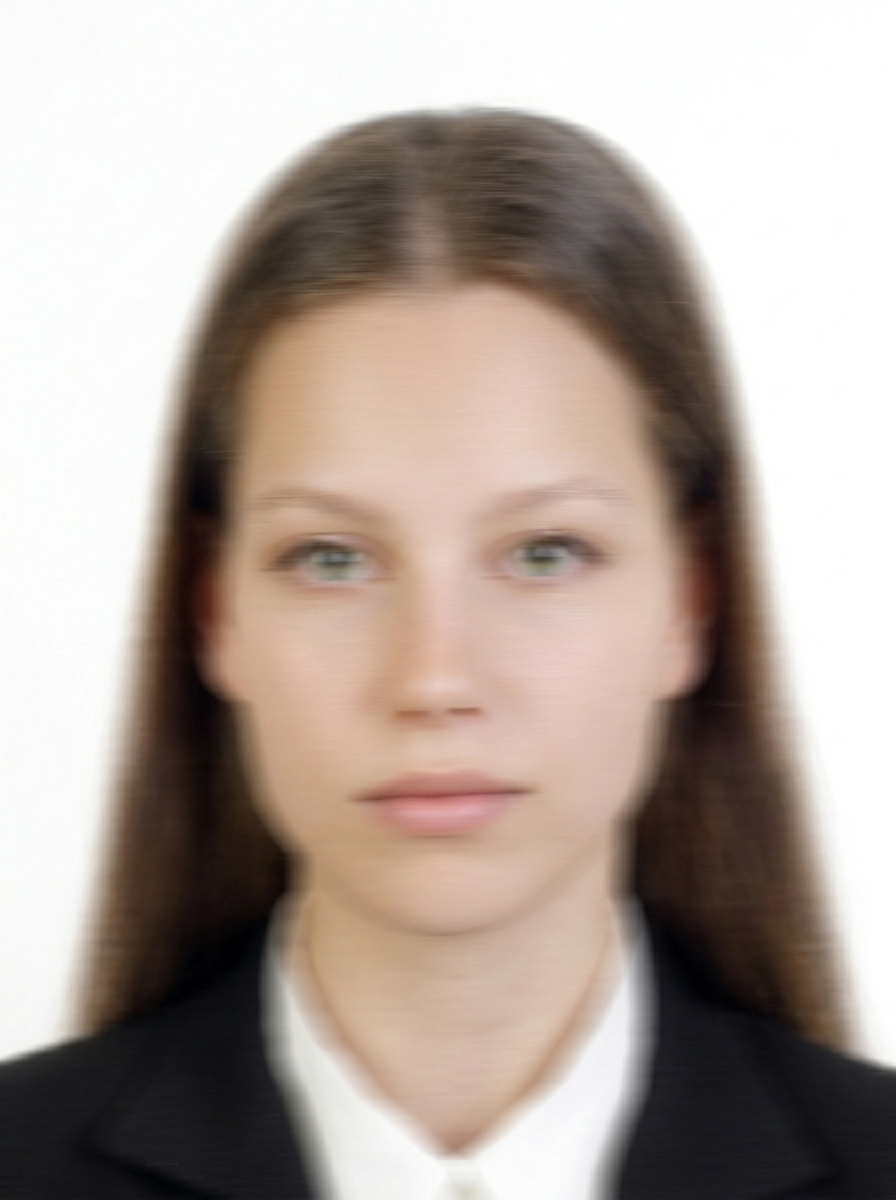
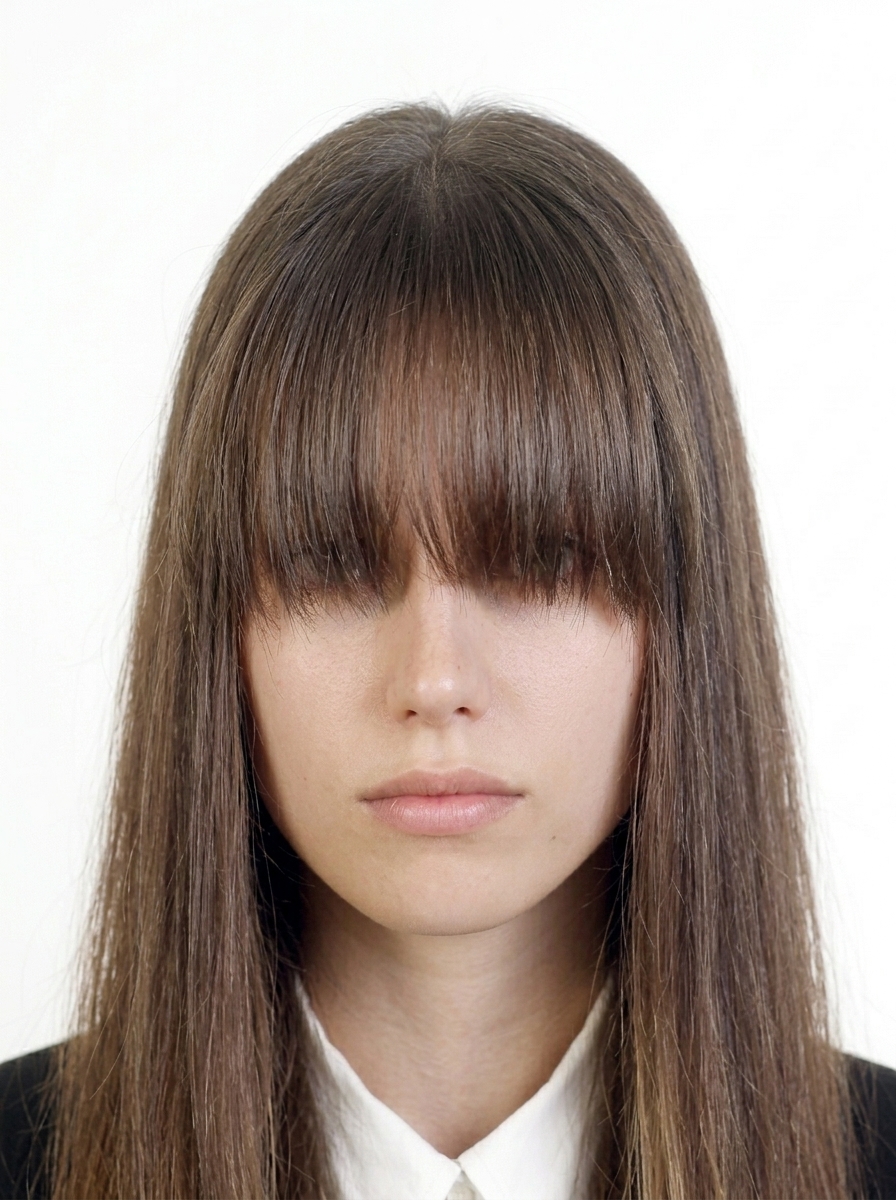
Saudi eVisa authorities do not accept photos that have been digitally altered to change your appearance. Use the app only for background color and brightness adjustments.
Official guidance Saudi eVisa Photo Requirements
Complete guide to photo requirements for Saudi eVisa, Umrah & Hajj
Go to Homefile format not stated on the current official page, square (equal width and height), 5 KB–100 KB, frontal, eyes open, spectacles are not specified on the current official page, plain white or light-colored background, no shadows, border rule not stated on the current official page. This app automatically creates a file that meets these requirements.
Simply photograph your passport photo page (Bio Page) with your camera, or select it from your photo library. The app will automatically optimize the image (file size and readability). You can also check a final preview to ensure text is readable.
No. All processing happens entirely on your iPhone. Face detection, background correction, and image output — everything runs on-device. Your photos are never sent to any server.
Currently, the app supports basic Saudi eVisa use (tourism, visiting family/friends). Support for e-Business, e-Medical, and e-Conference is planned for future updates.
No. This app is a file preparation tool only. You need to submit your visa application yourself at visa.visitsaudi.com/. The app does not guarantee visa acceptance or approval.
Saudi eVisa (1 yr / 5 yr): 4–120 days before arrival. 30-day visa: 4–30 days before arrival. Your passport must be valid for 6+ months with at least 2 blank pages.
file format not stated on the current official page, 5 KB–100 KB. Recommended listed width and height: 200 × 200 (unit not stated on the current official page) (square). The face should occupy 70–80% of the face or 1.4 × 1.6 in from chin to crown (wording and denominator are ambiguous) of the photo. This app automatically adjusts to the correct size.
No, wearing spectacles are not specified on the current official page (including sunglasses) is not allowed for e-Visa photos. Please remove spectacles are not specified on the current official page before taking the photo, even prescription spectacles are not specified on the current official page.
Photos must be taken within the last 6 months. Using an older photo may result in rejection. This app recommends taking a new photo.
A plain white or light-colored background is required. Shadows, patterns, or dark backgrounds may cause rejection. This app provides background adjustment to help meet requirements.
Common reasons include: wrong size (not square), non-white background, wearing spectacles are not specified on the current official page, shadows, old photo, face too small/large. This app detects and warns about these issues.
file format not stated on the current official page with an optimized file size. Text must be clearly readable. This app optimizes the file size while keeping text readable.
The same requirements apply to children: white background, facing forward, eyes open, spectacles are not specified on the current official page. For infants, lay the child on a white sheet and photograph from above, or use a car seat with a white cloth draped over it.
Capture and preview for free. Pay only when you save.
Download on the App Store (free)