Vietnam eVisa Photo
Face Photo JPEG & Passport Image
Created easily on your phone
Prepare both files needed for Vietnam e-Visa
right on your phone.
On-device processing keeps your data private.
Face Photo JPEG & Passport Image
Created easily on your phone
Prepare both files needed for Vietnam e-Visa
right on your phone.
On-device processing keeps your data private.
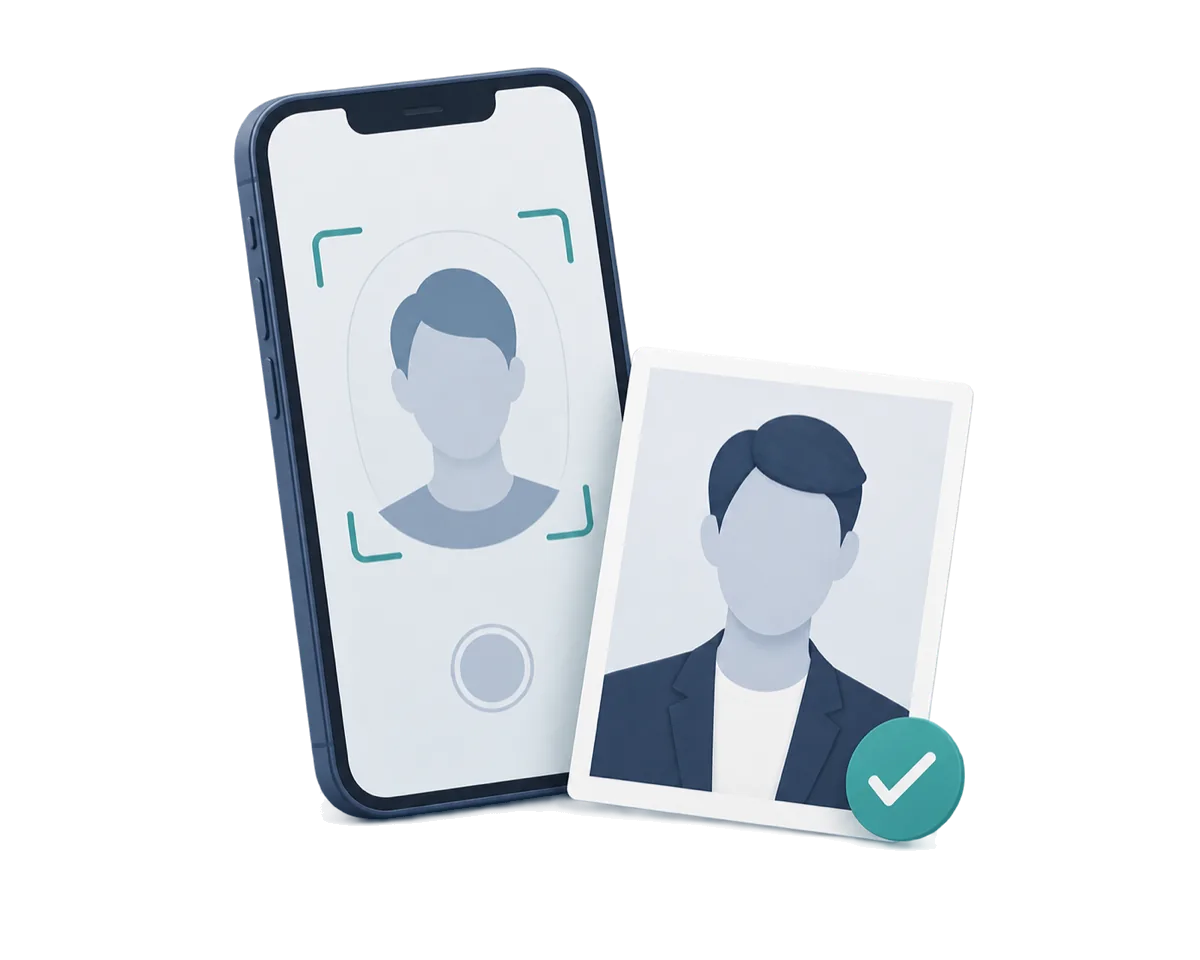
Detects your face and offers product guidance for preparing a clear file (4 × 6 cm, 2:3 portrait crop, frontal, white background). The 2:3 crop is derived from 4×6 cm.
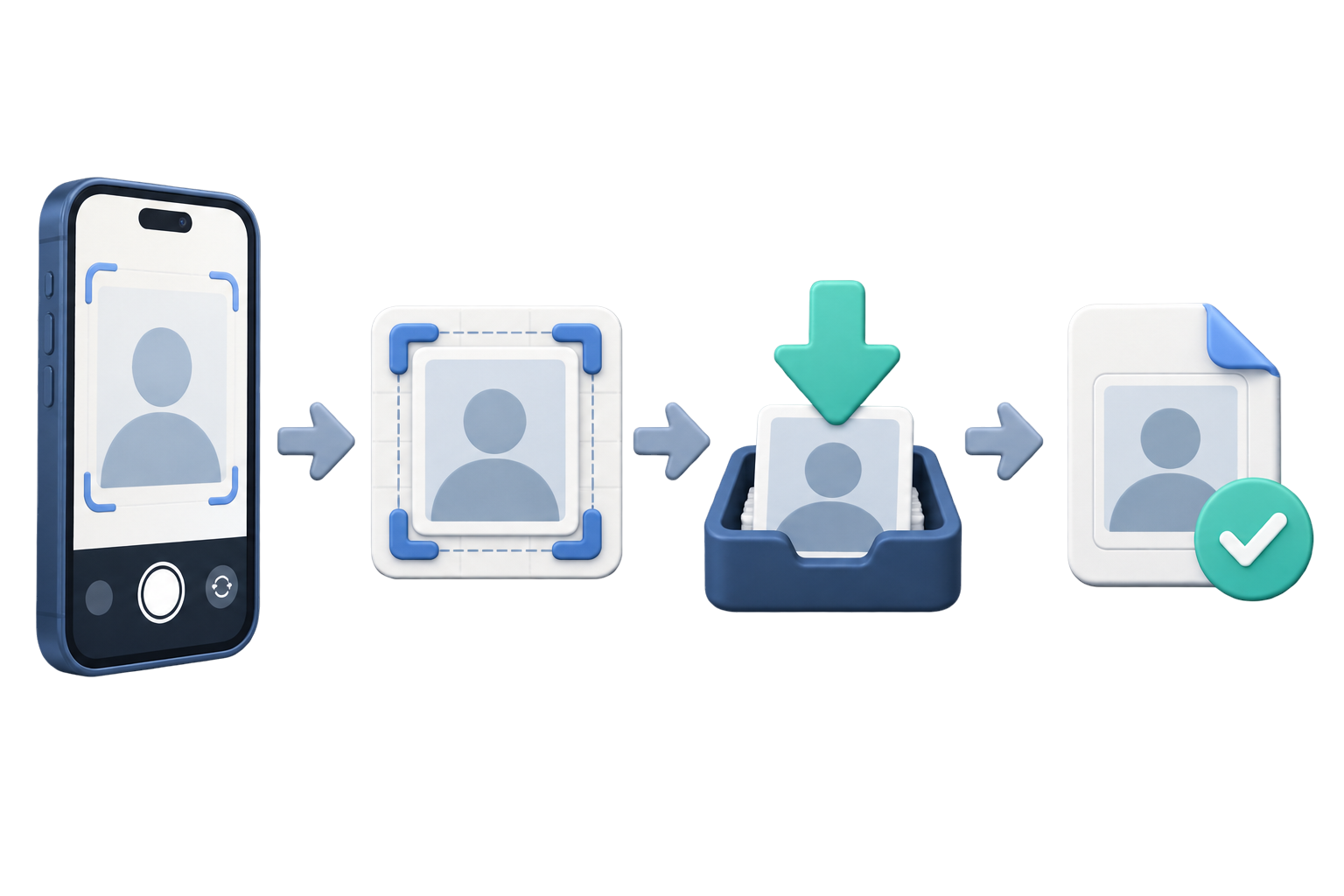
Outputs the face photo as JPEG (4 × 6 cm, under 2 MB) and the passport Data Page as a JPG image. The current portal does not specify the passport format or size; the app's passport output is a product decision.
All photo processing happens entirely on your iPhone. Nothing is sent to any server.
The face photo is auto-cropped to 4 × 6 cm (2:3 portrait). The passport JPG image is automatically compressed while keeping text readable.
Adjusts the background, brightness, and contrast to help prepare a clear submission file; this is product guidance, not an additional government specification.
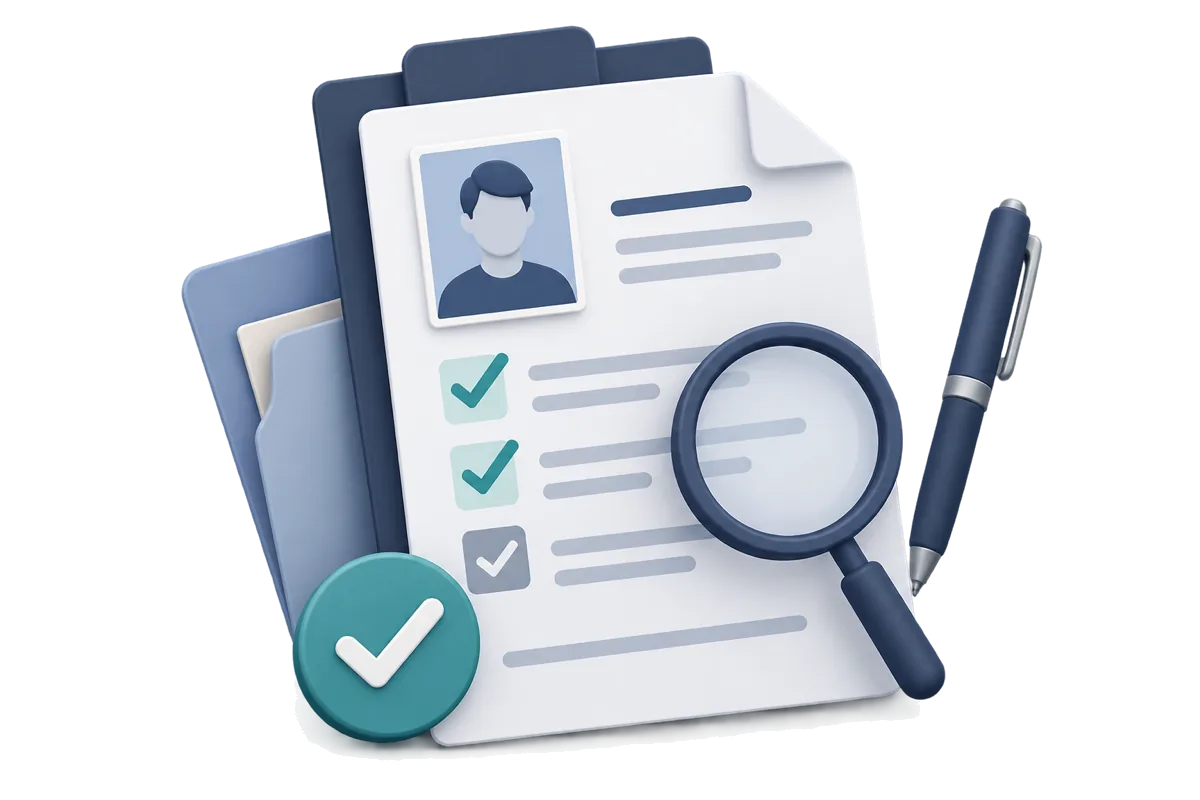
Verify both files are ready before submission. Includes a checklist of acceptance criteria.
The developer does not collect or store photo content or facial analysis results.
All photo and image data is processed only on the device
Preview before purchase
Photo Guide
Even a slightly non-compliant photo can be rejected during your Vietnam e-Visa application. Check these points before saving.
This is app composition guidance based on the official 4×6 cm size. The portal does not publish face position or margin measurements.
| Format | JPG / JPEG |
| Size | 4 × 6 cm |
| Background | Plain white |
| Glasses | Not allowed |
| File size | Under 2 MB |
| Aspect ratio | 2:3 portrait |
| Dimensions | 4 × 6 cm |
Source: Vietnam e-Visa photo requirements
The person faces forward, the background is white, and the face is clearly visible with a natural expression.
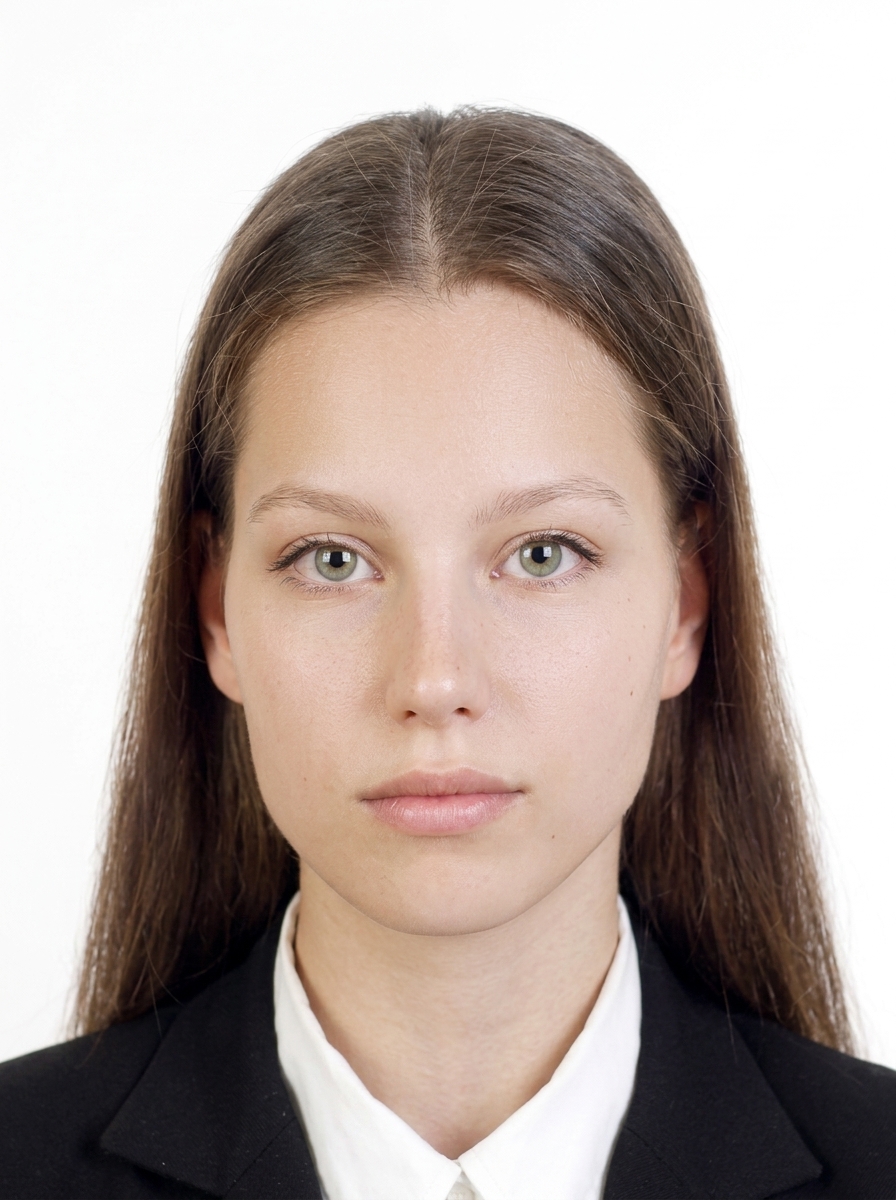
Examples of issues to check before upload; this is not a complete list of official rejection criteria.
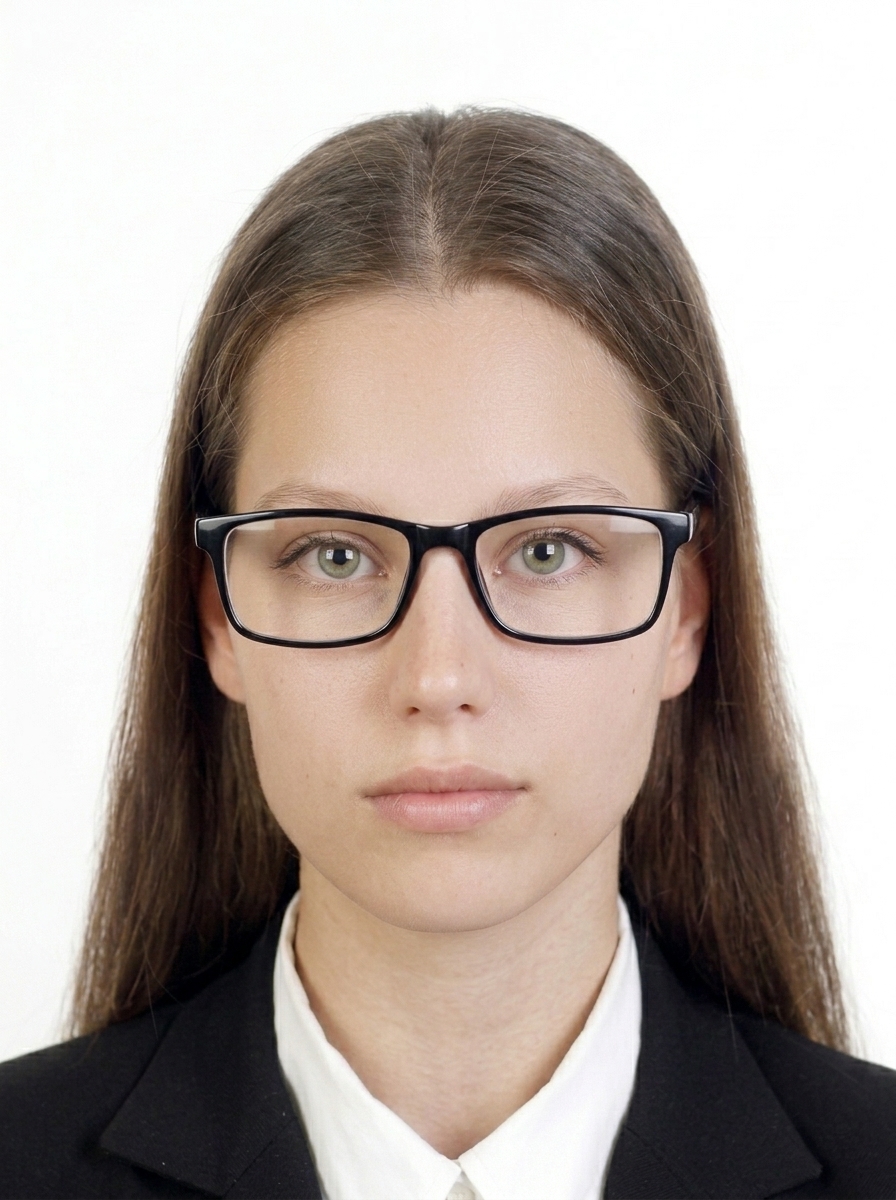
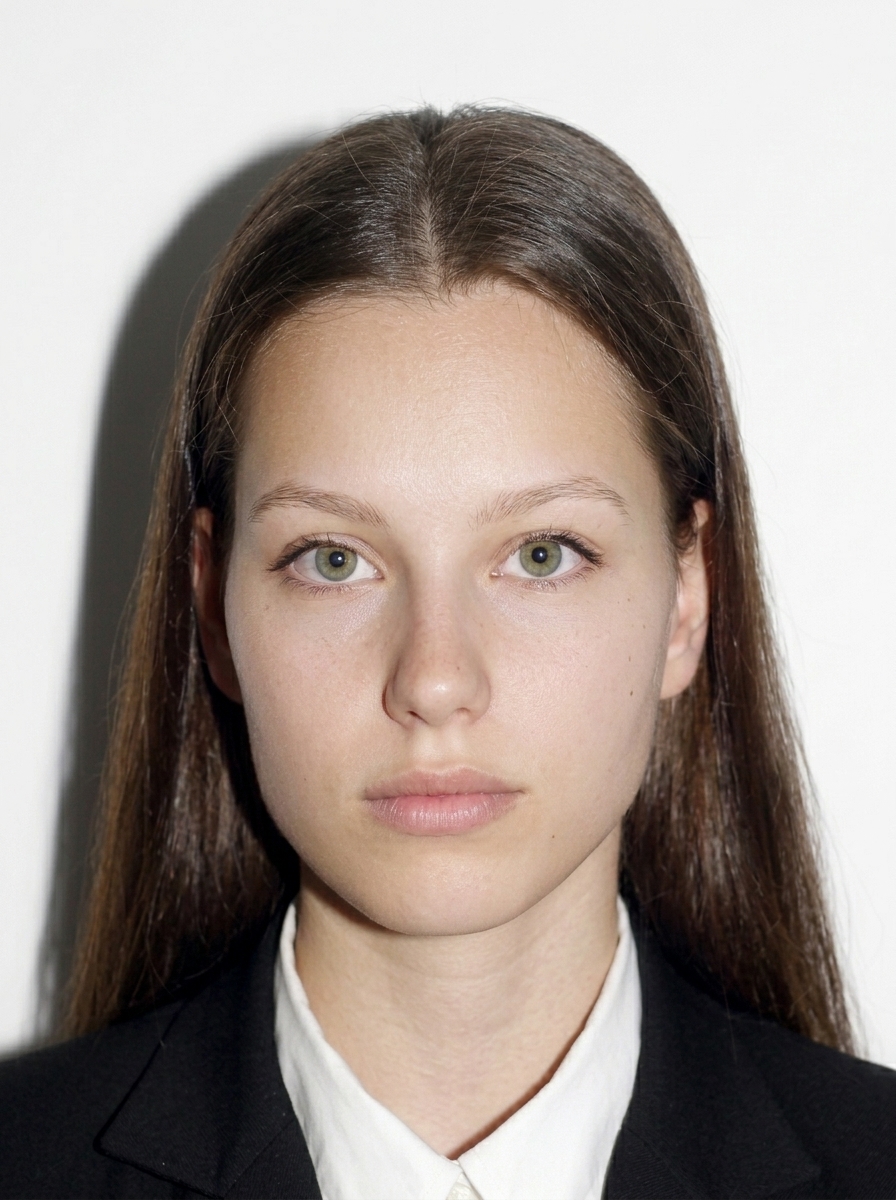

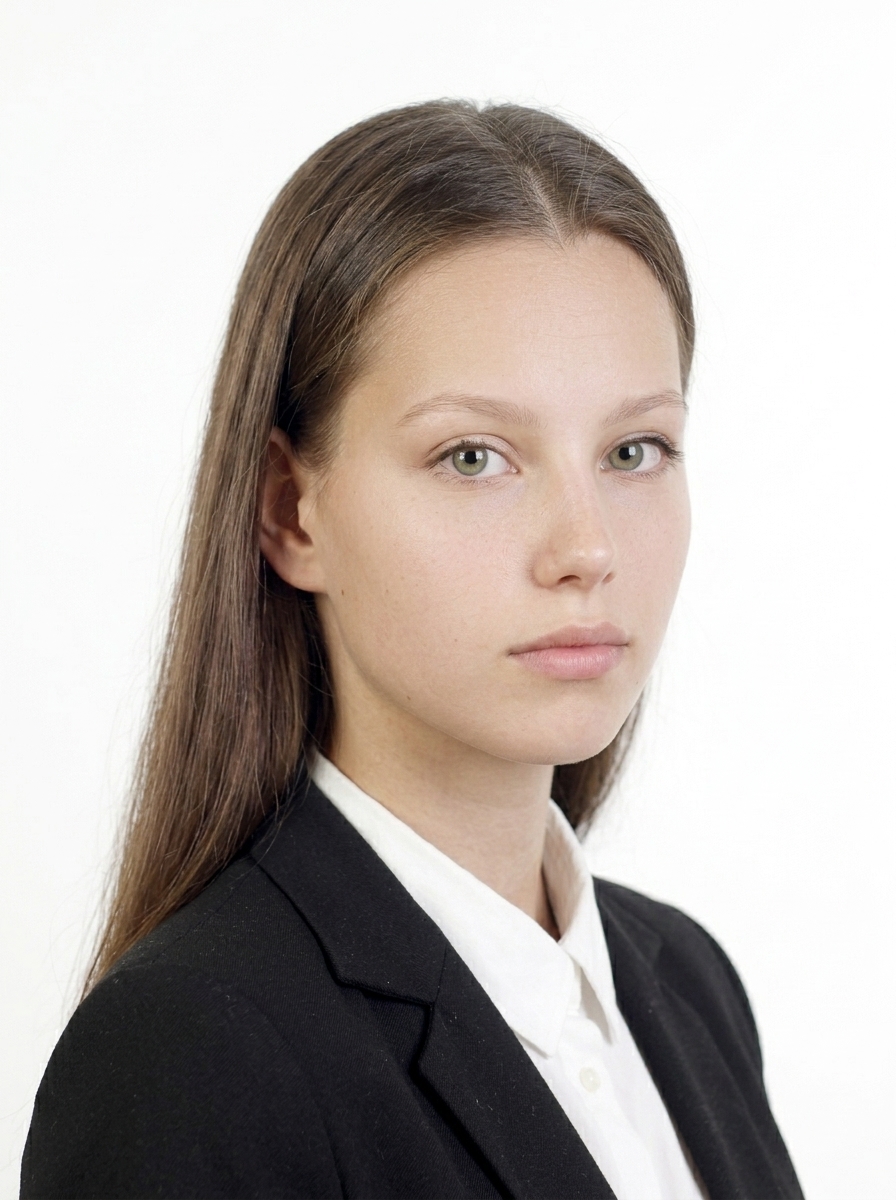
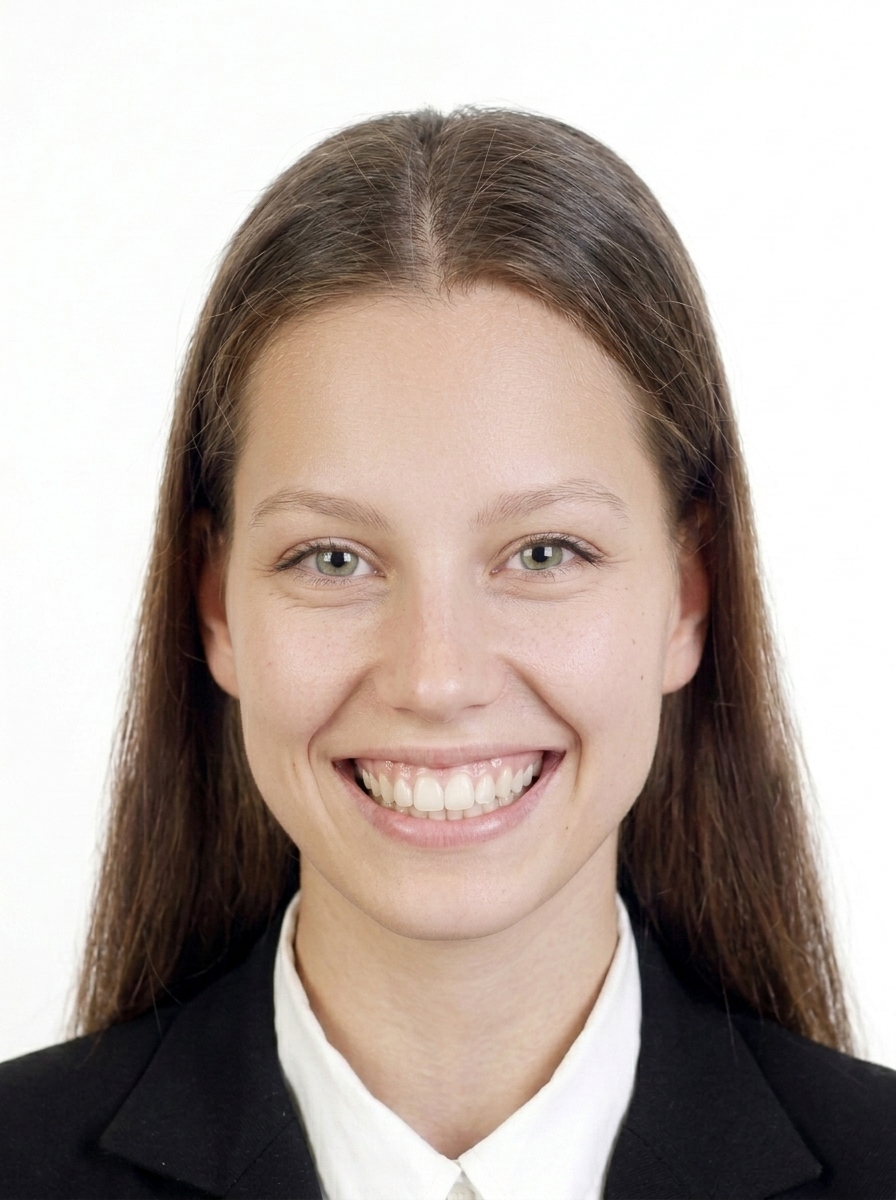
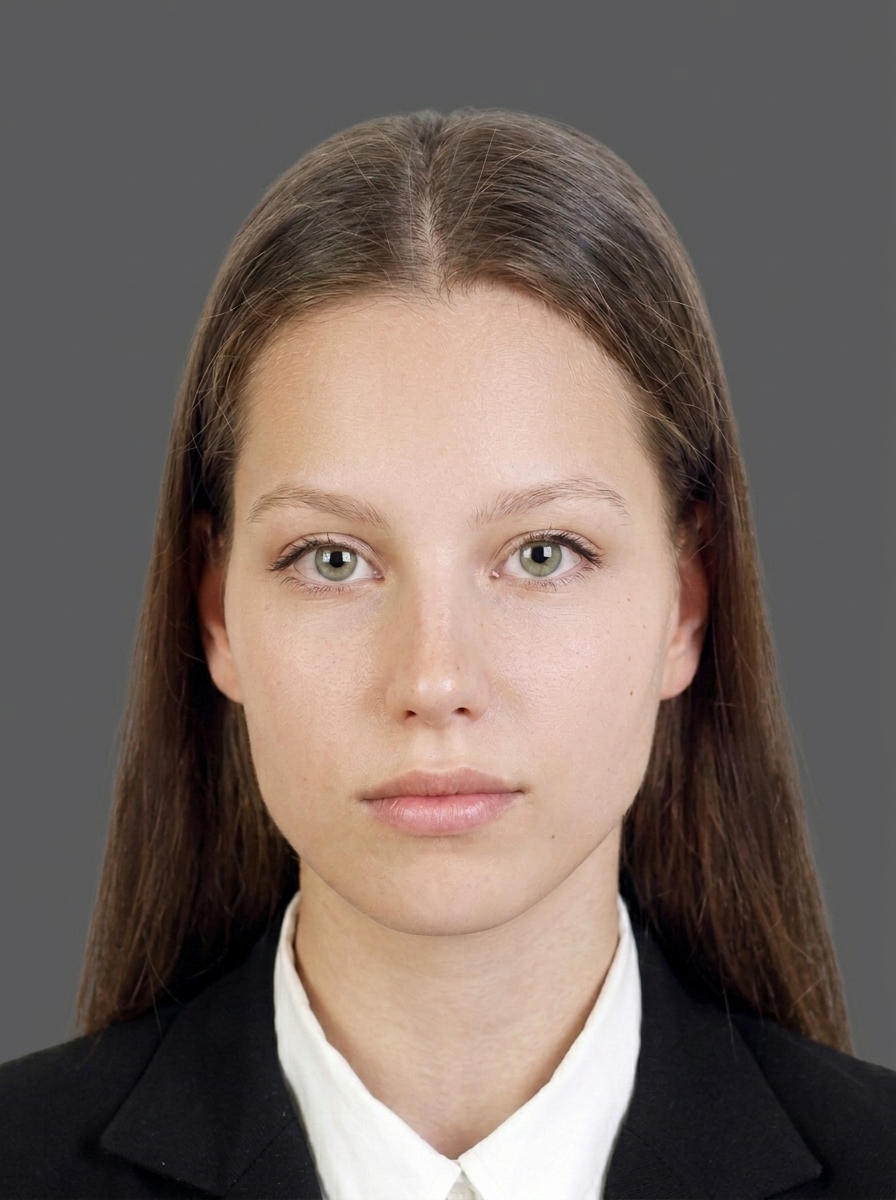
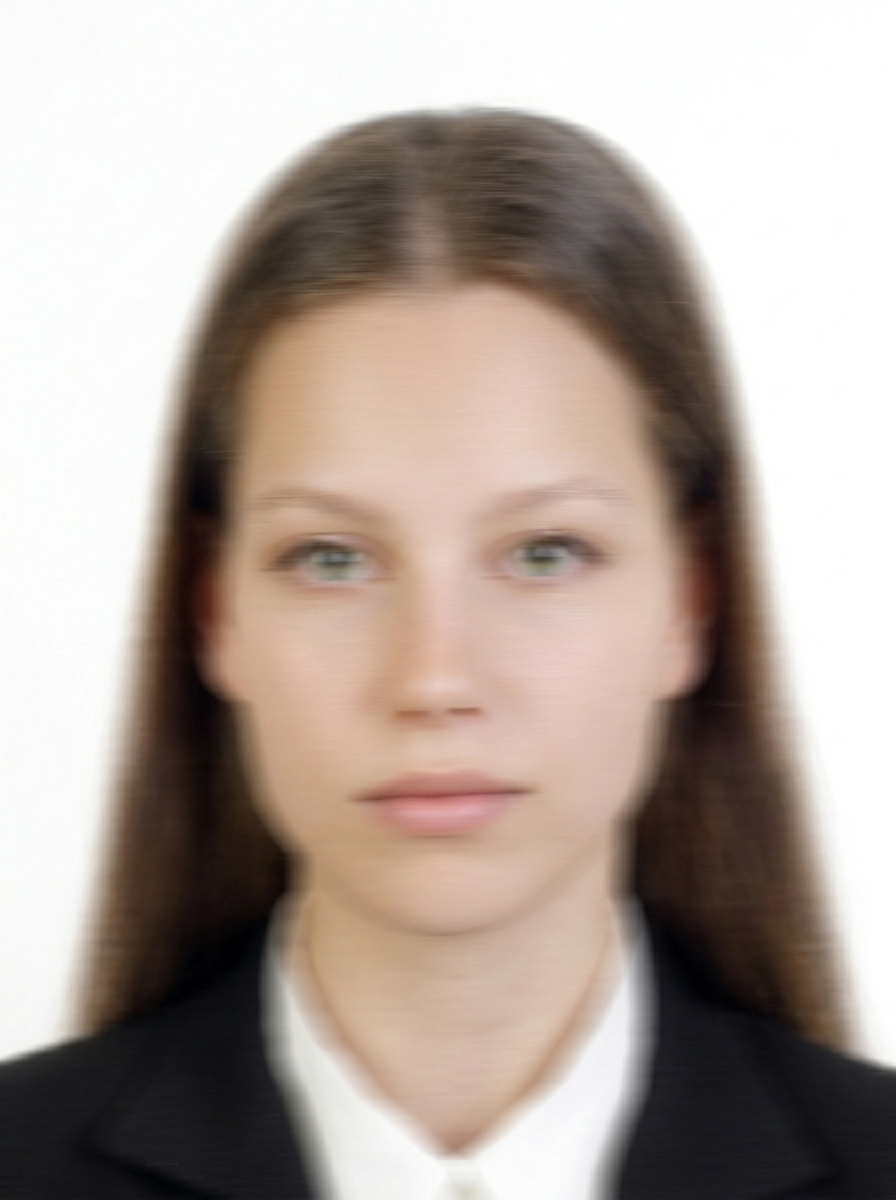
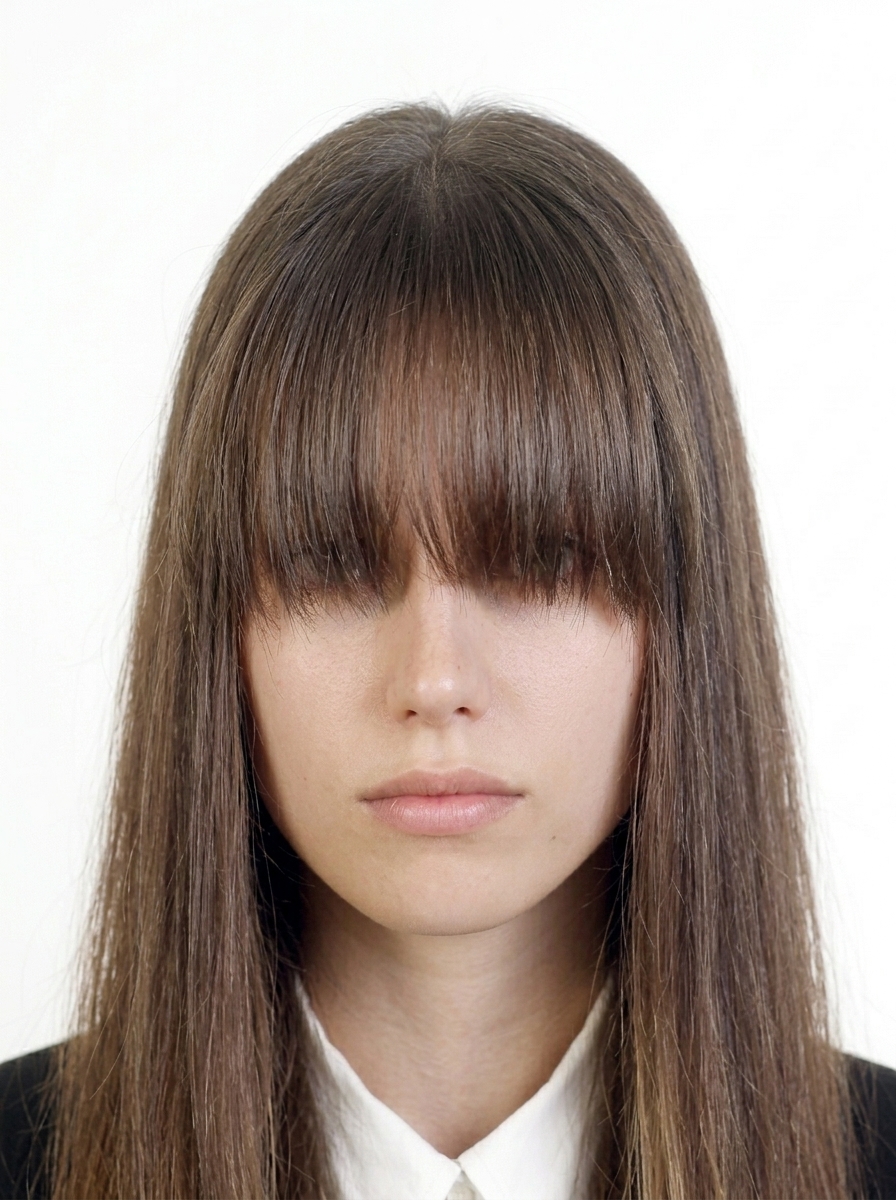
The current official portal does not publish detailed editing limits. Use the app for background and brightness adjustments, avoid changes that alter appearance, and verify the file before upload.
Official guidance Vietnam e-Visa Photo Requirements
The current official portal states a 4 × 6 cm face photo in JPEG format under 2 MB, with a straight face, no hat, no glasses, formal clothes, and a white background. The 2:3 portrait shape is derived from 4×6 cm; exact face proportions and pixel dimensions are not published. This app helps prepare the file.
Prepare one clear image of the passport data page. The current official portal does not specify its file format or size; this app prepares a readable JPG output as a product choice, without presenting that output policy as an official limit. Keep the entire passport data page in the image with all four corners visible; do not submit an image with a lost corner.
No. All processing happens entirely on your iPhone. Face detection, background correction, JPG/image generation — everything runs on-device. Your photos are never sent to any server.
Currently, the app supports basic e-Tourist Visa use (tourism, visiting family/friends). Support for e-Business, e-Medical, and e-Conference visas is planned for future updates.
No. This app is a file preparation tool only. You need to submit your visa application yourself at evisa.gov.vn. The app does not guarantee visa acceptance or approval.
e-Tourist Visa (1 yr / 5 yr): 4–120 days before arrival. 30-day visa: 4–30 days before arrival. Your passport must be valid for 6+ months with at least 2 blank pages.
The current official portal states 4 × 6 cm, JPEG format, and under 2 MB. The 2:3 portrait shape is derived from the 4×6 cm physical size, while the portal does not publish a required face-to-photo ratio. This app uses an in-app guide as product guidance.
No, wearing glasses (including sunglasses) is not allowed for e-Visa photos. Please remove glasses before taking the photo, even for vision correction.
The current official portal asks for a newly taken photo but does not publish a specific age limit. This app recommends taking a new photo before applying.
The current official portal specifies a white background. For clarity, use a plain, evenly lit background; shadow details are not separately published. The app provides brightness guidance.
Check the published items: 4 × 6 cm, white background, straight face, no hat, and no glasses. Other rejection criteria are not specified by the current portal; the app provides product checks.
The current official portal asks for one clear image of the passport data page and does not specify its format or size. The app output format and size are product decisions, so check the portal again before uploading.
Capture and preview for free. Pay only when you save.
Download on the App Store (free)