India e-Visa Photo
Face Photo JPEG & Passport Bio Page PDF
Created on your iPhone
Prepare both files needed for India e-Visa
right on your iPhone.
Face photo JPEG + Passport Bio Page PDF.
On-device processing keeps your data private.
Face Photo JPEG & Passport Bio Page PDF
Created on your iPhone
Prepare both files needed for India e-Visa
right on your iPhone.
Face photo JPEG + Passport Bio Page PDF.
On-device processing keeps your data private.
India e-Visa applications require uploading a face photo (JPEG) and the passport Bio Page (PDF). Here are the official submission requirements.
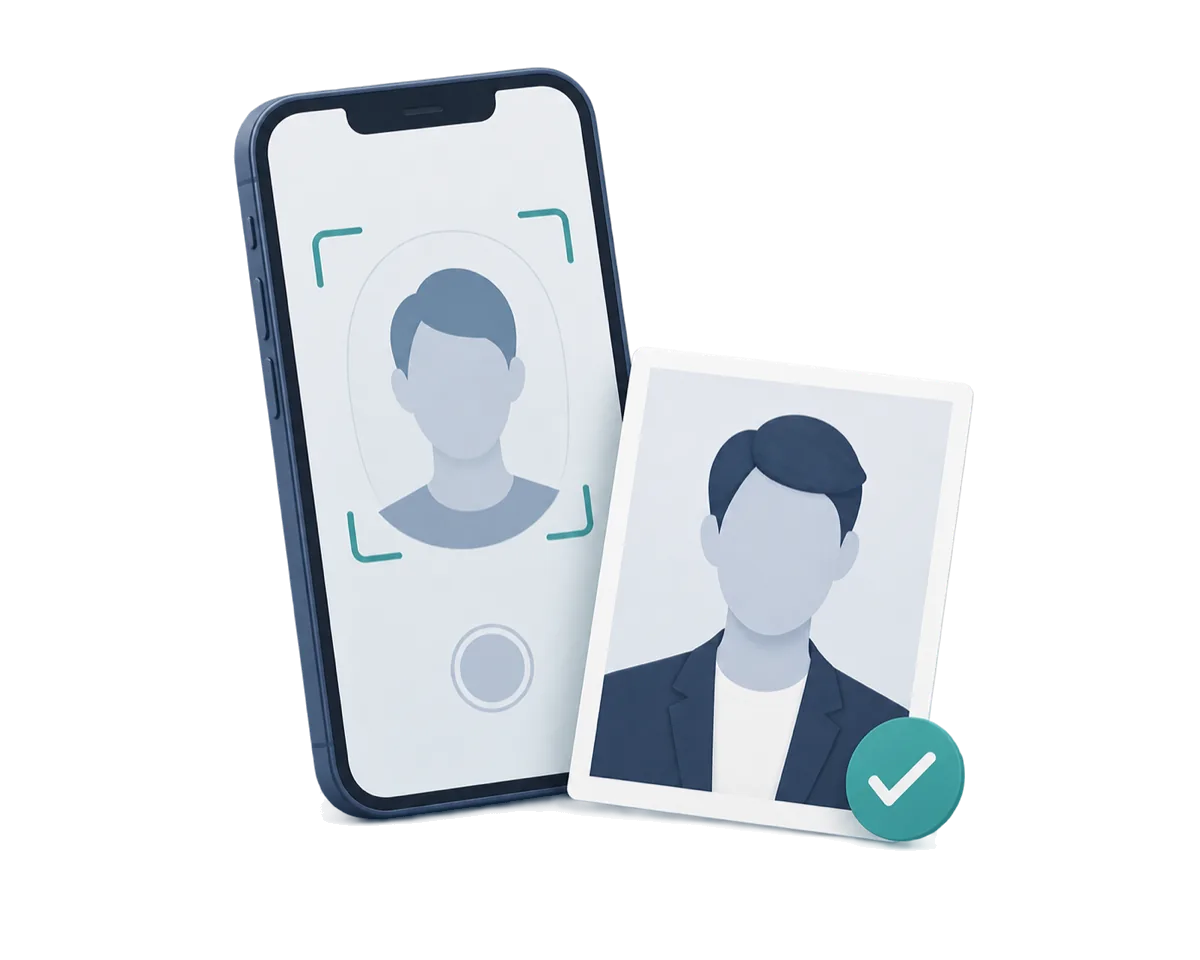
Automatically detects your face and guides positioning for a square, frontal photo on a plain background.
Face photo as JPEG (square, 10KB–1MB) and passport Bio Page as PDF (10KB–300KB). Both files in one app.
All photo processing happens entirely on your iPhone. Nothing is sent to any server.
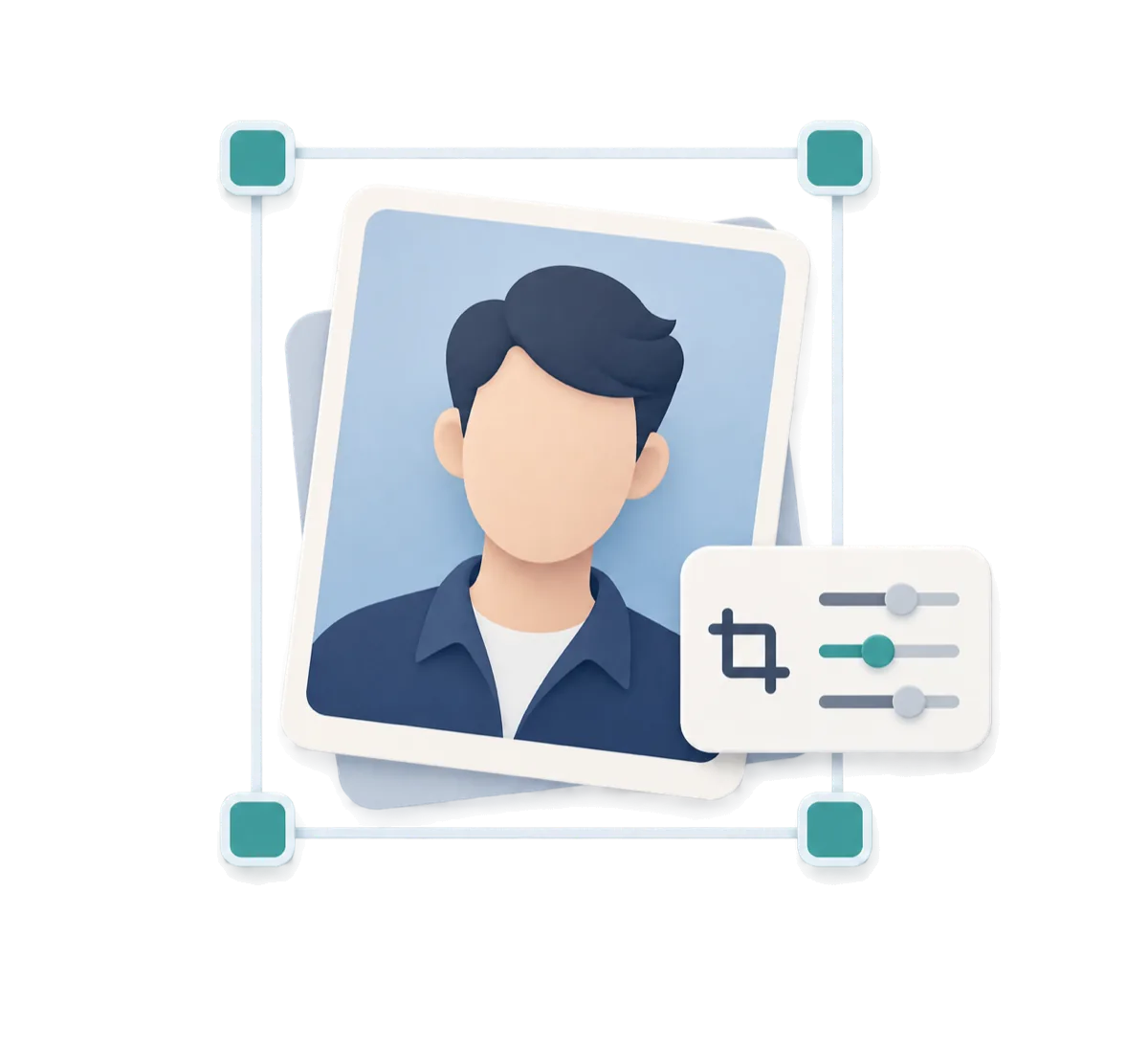
Face photo auto-cropped to square. Passport PDF compressed under 300KB while keeping text and MRZ readable.
Square cropping with face position guide. Preview both files before saving to verify quality, readability, and correctness.
Verify both files are ready before submission. Check text legibility, MRZ, four corners, and face positioning.
All photo and image data is processed only on the device
Preview before purchase
Photo Guide
Even a slightly non-compliant photo can be rejected during your India e-Visa application. Check these points before saving.
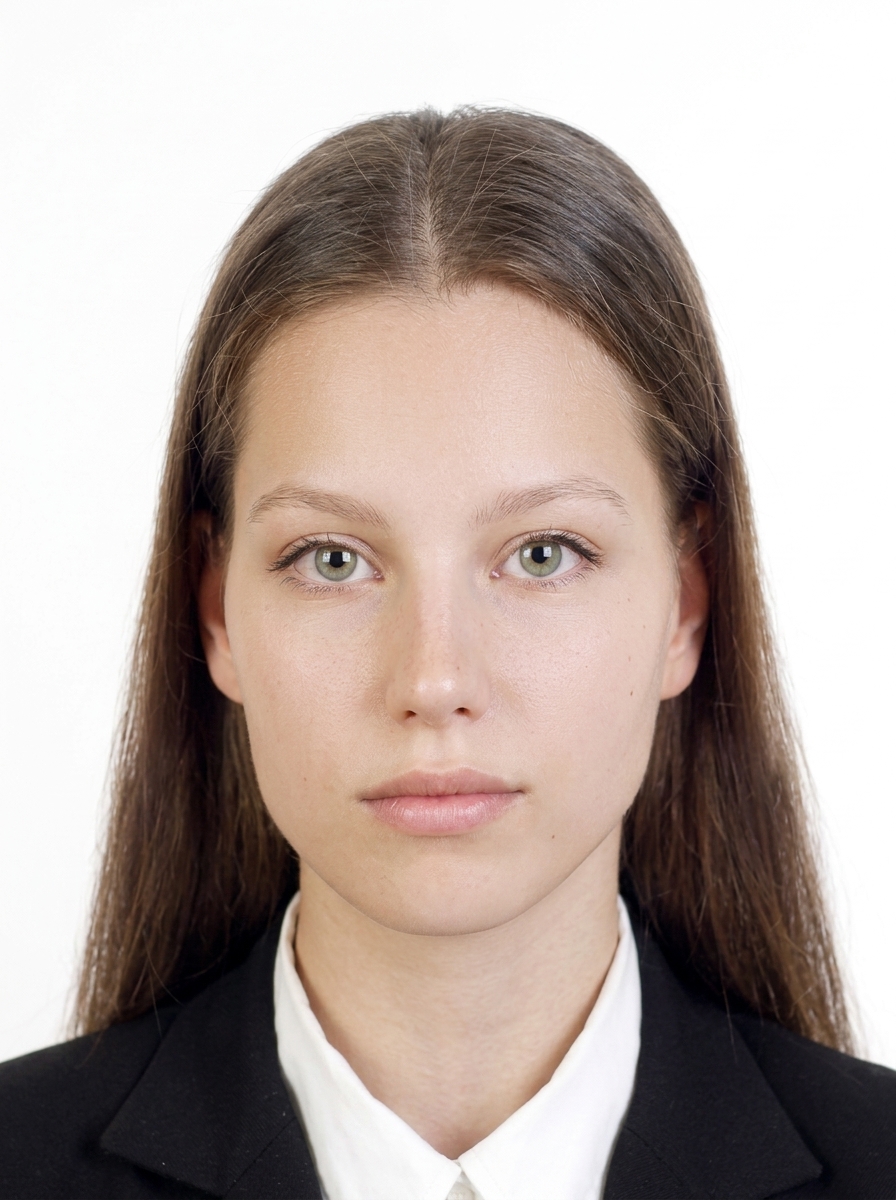
These are the composition requirements for India e-Visa photos. Keep face position and margins close to this template.
| Format | JPEG |
| Size | Square (equal width and height) |
| Dimensions | 350×350–1000×1000 px |
| Background | Plain white |
| File size | within 10 KB – within 1 MB |
| Aspect ratio | 1:1 (square) |
| Glasses | Not allowed |
| Face | Frontal, eyes open |
Source: India e-Visa photo requirements
The person faces forward, the background is white, and the face is clearly visible with a natural expression.
These are common reasons a photo may be rejected during an India e-Visa application.
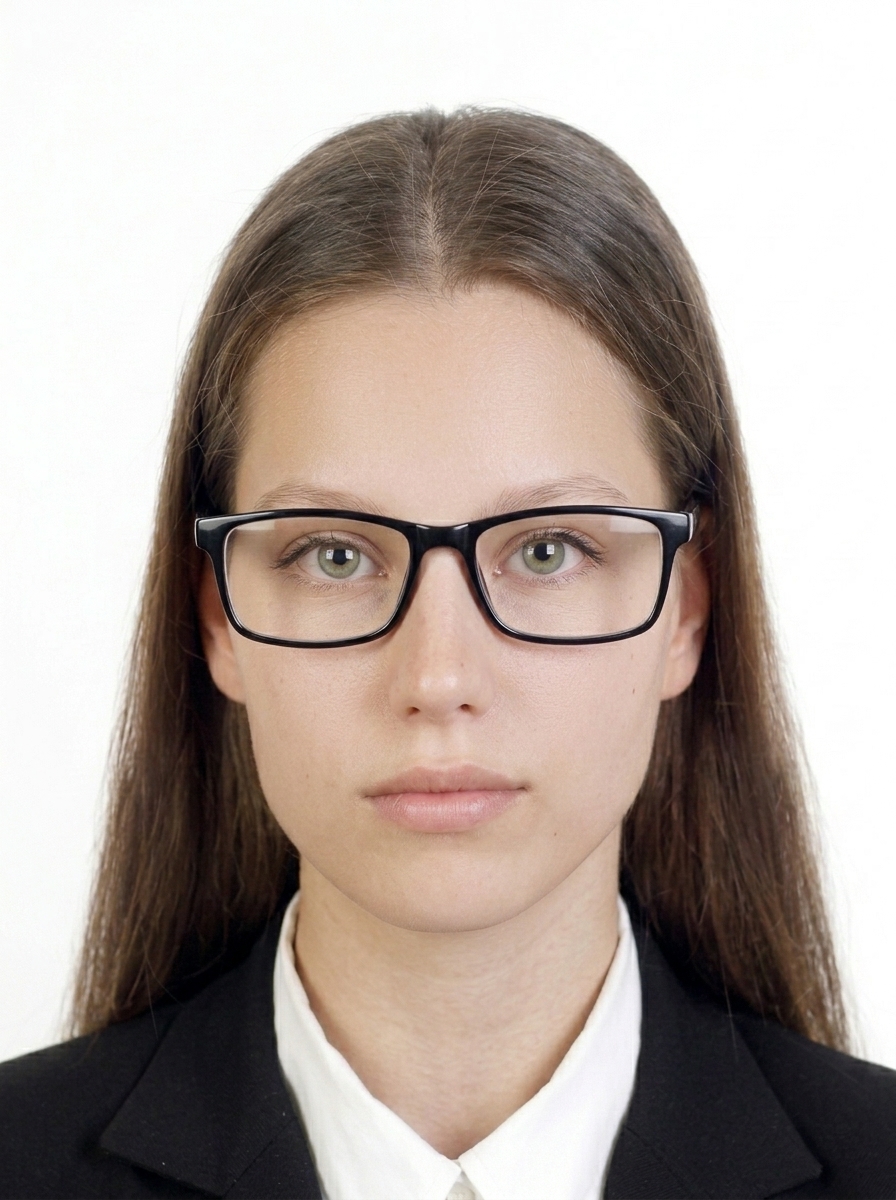
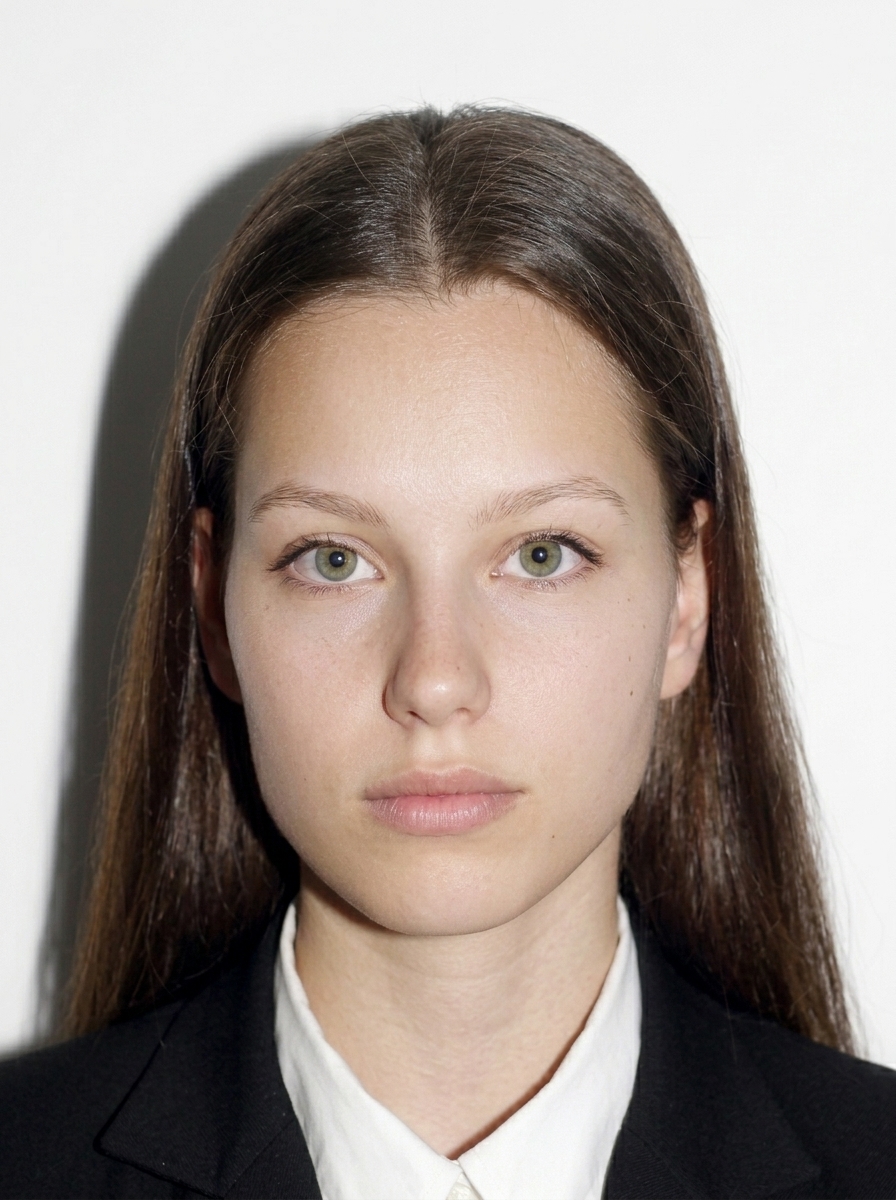


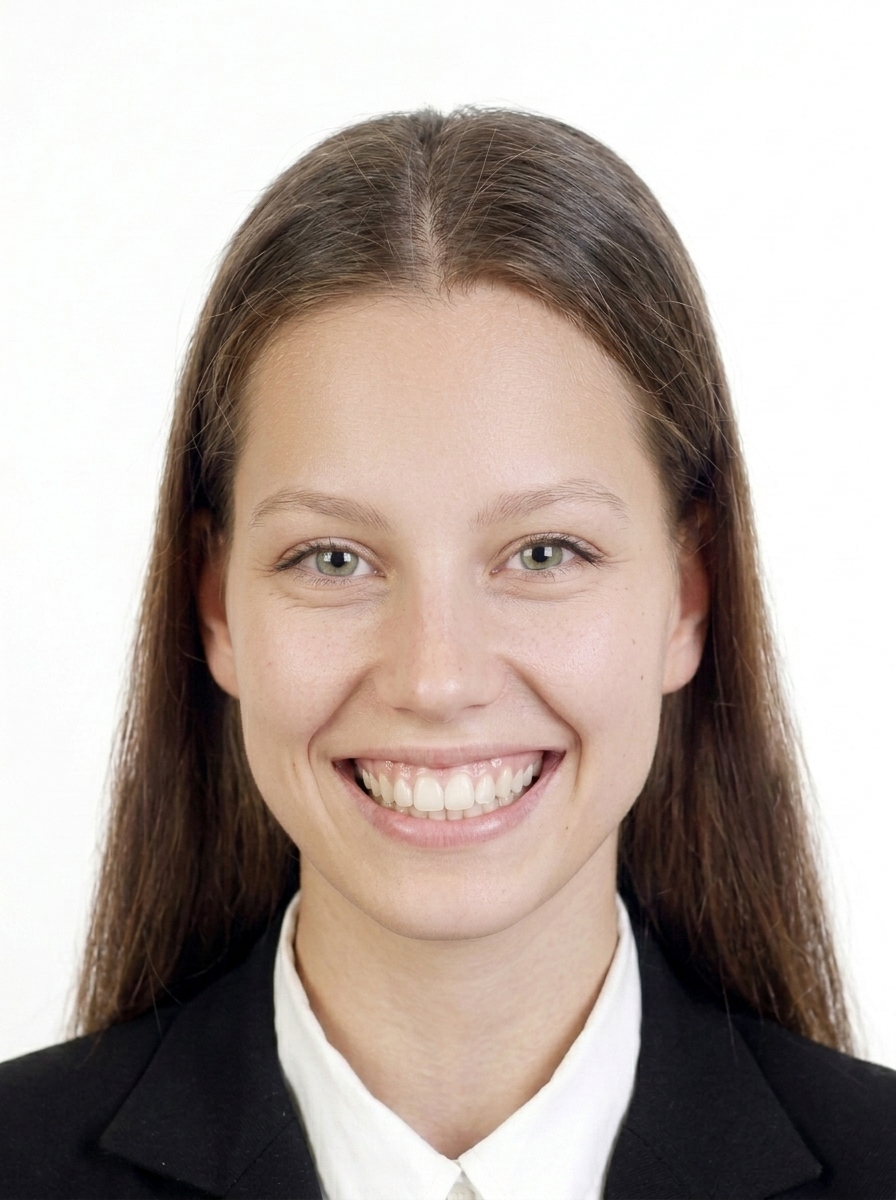
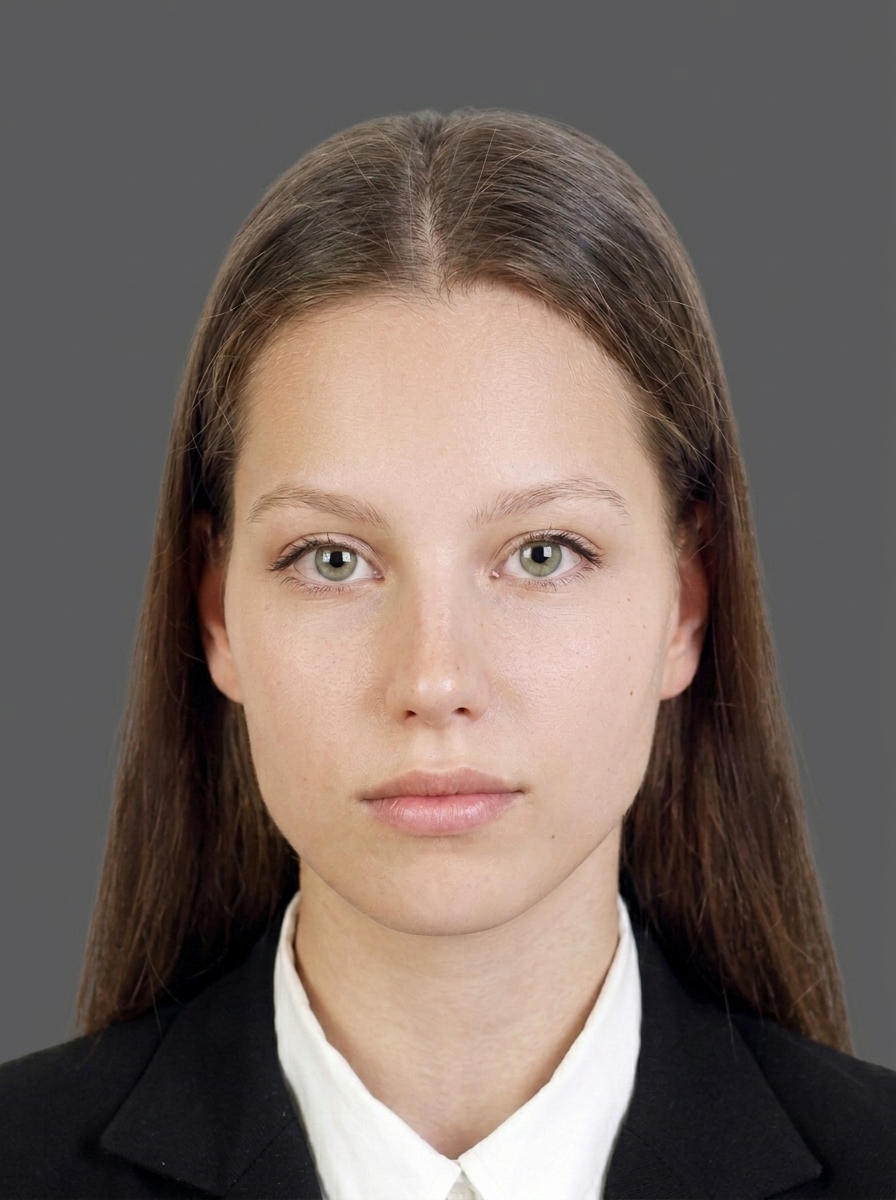
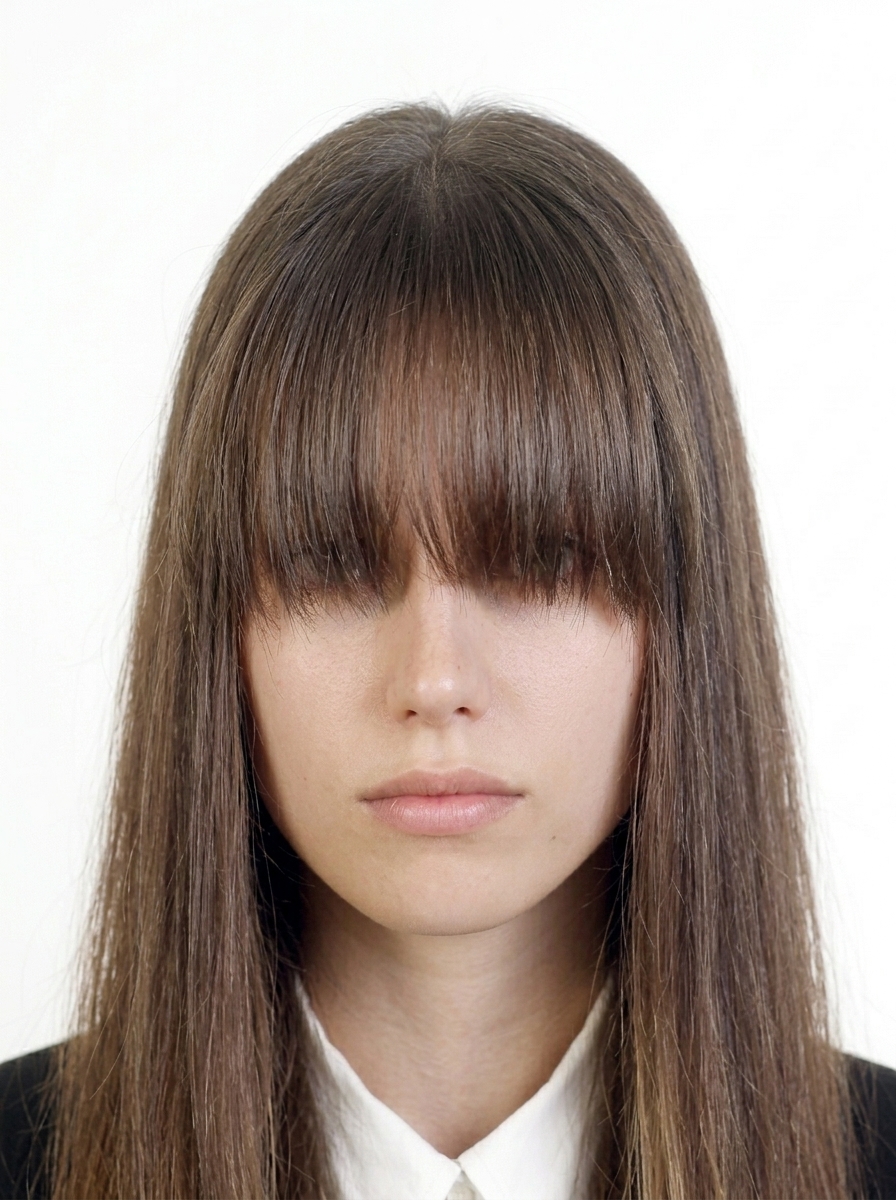
India e-Visa authorities do not accept photos that have been digitally altered to change your appearance. Use the app for background color adjustment and brightness adjustment only.
Official guidance India e-Visa Photo Requirements
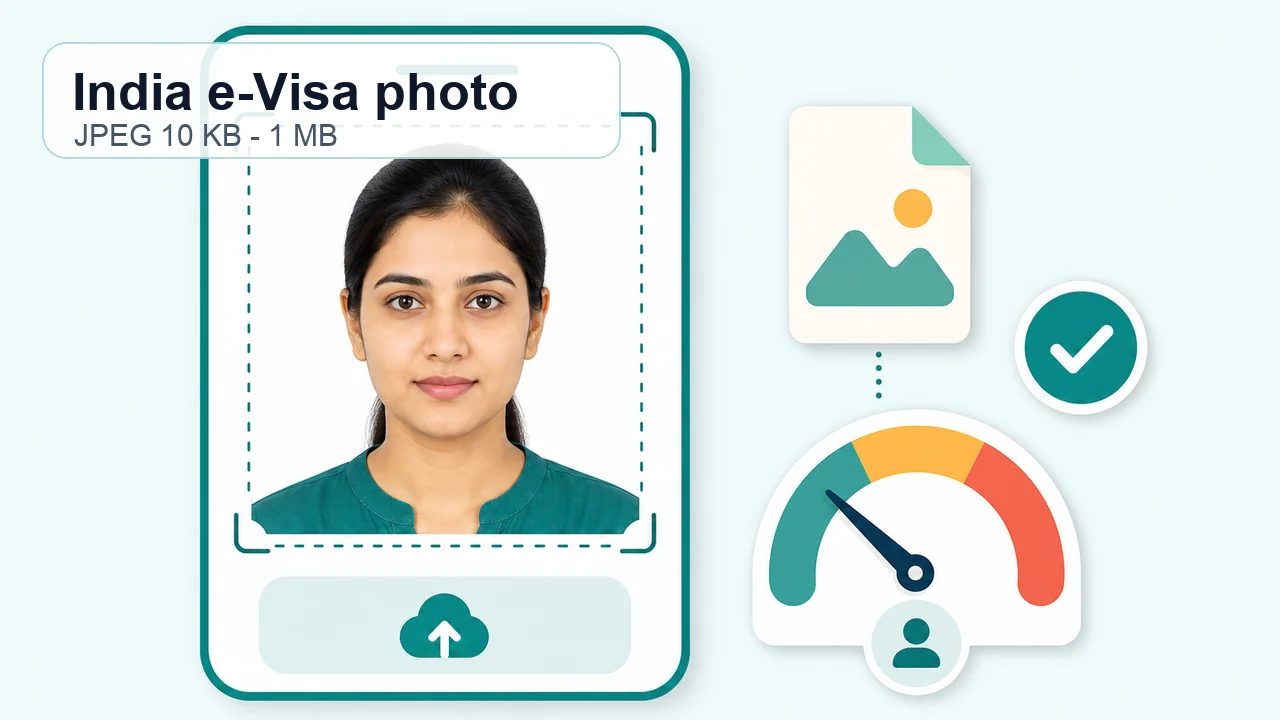 India e-Visa photo requirements A practical guide to the digital photo required for India e-Visa applications: JPEG, square crop, 10 KB to 1 MB, plain light background, no glasses, and official confirmation points.
 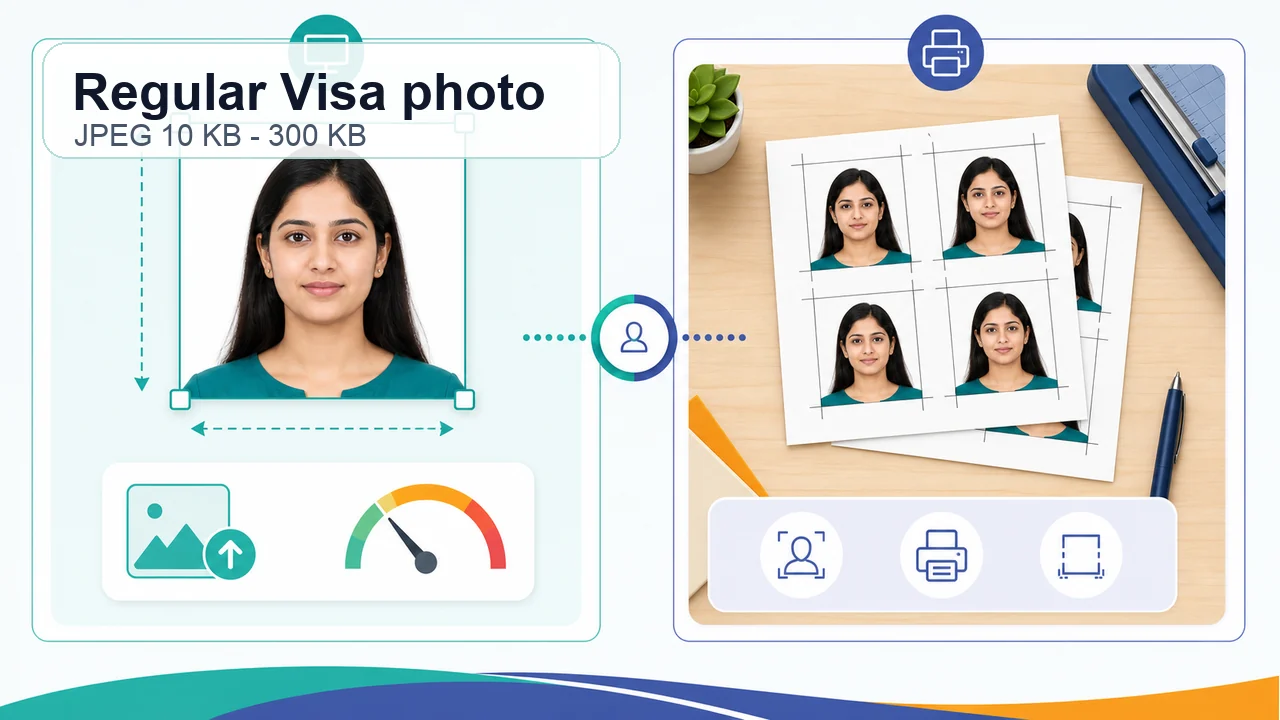 Regular India Visa photo requirements Understand the Regular India Visa photo route: online JPEG upload, 10 KB to 300 KB, 350 x 350 px to 1000 x 1000 px, and cases where the mission or center may ask for printed photos.
 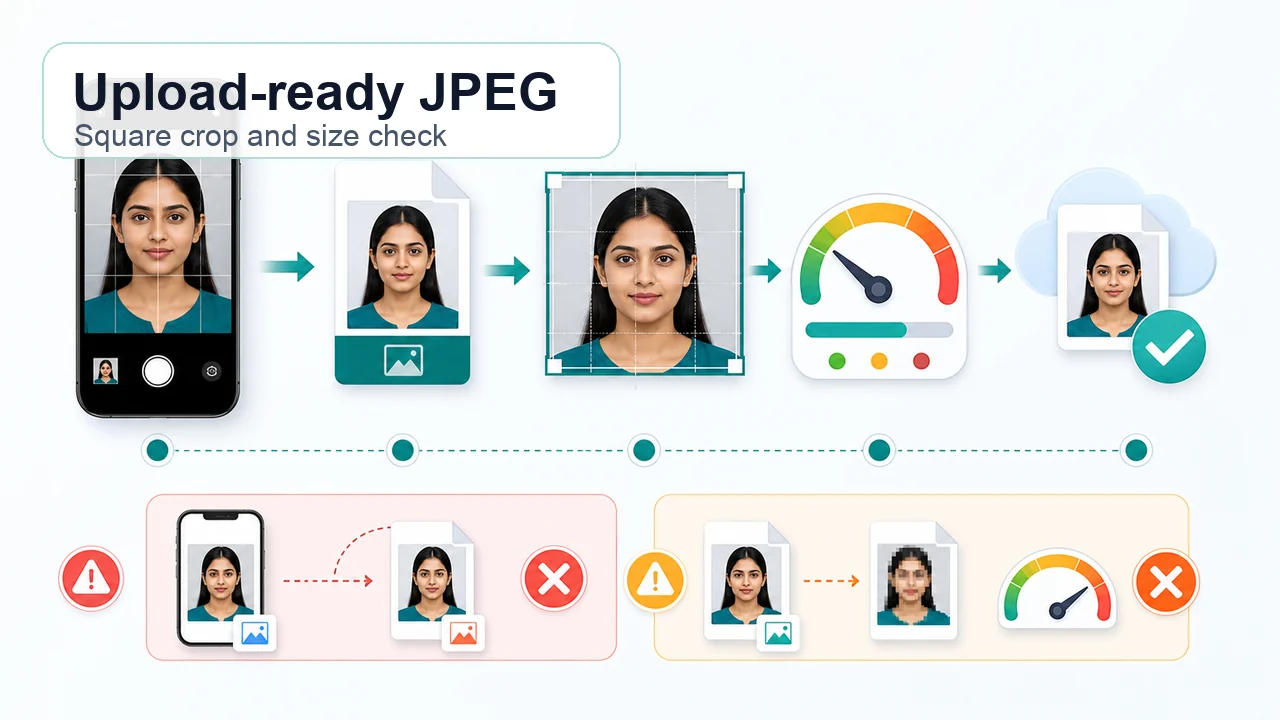 India e-Visa photo upload guide How to save an India e-Visa photo as a real JPEG, avoid HEIC and extension-only renaming, keep a square crop, fit 10 KB to 1 MB, and recheck quality before upload.
 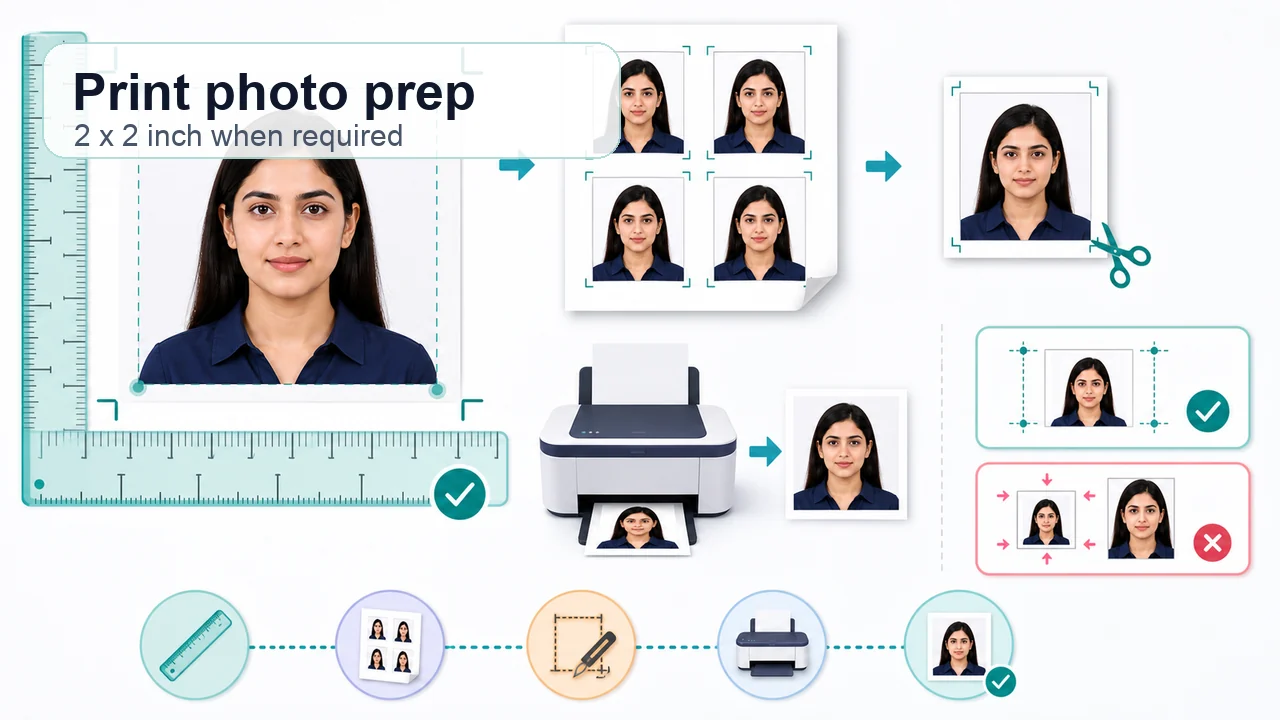 Regular India Visa print photo guide When a Regular India Visa process asks for printed photos, learn how to treat 2 x 2 inch or 51 x 51 mm guidance as submission-route specific and avoid scaling mistakes when printing.
 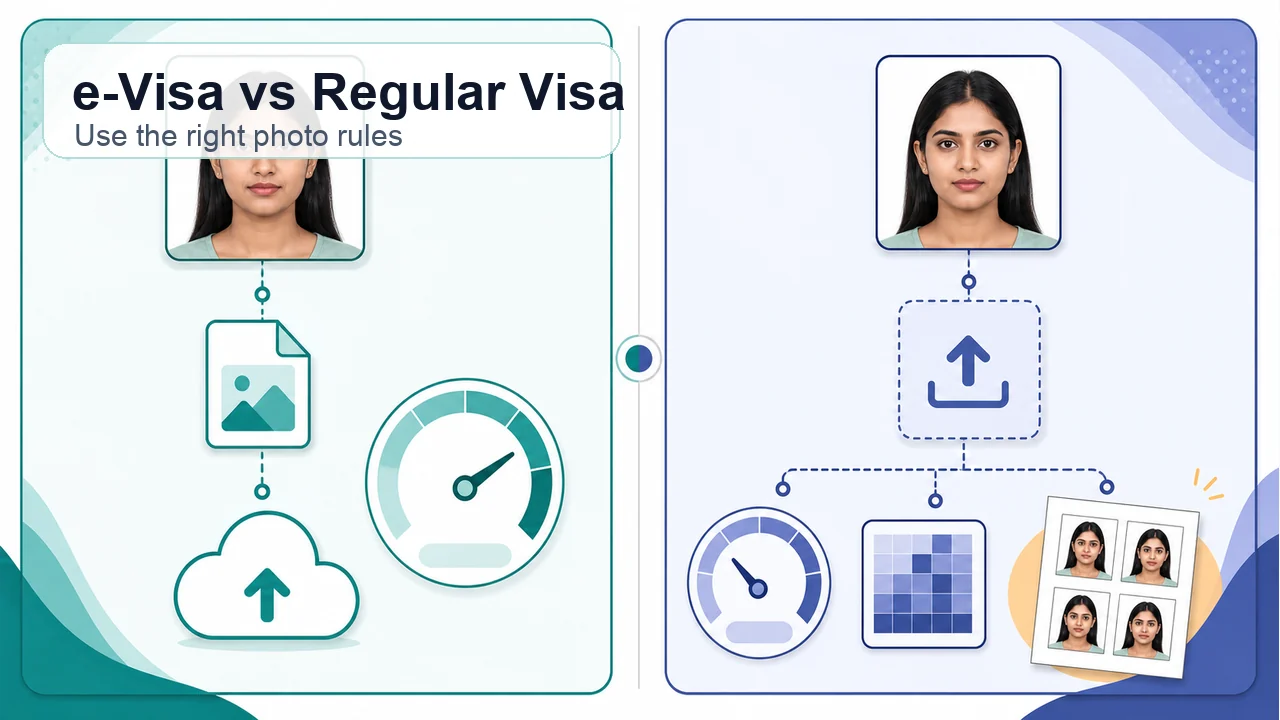 India e-Visa vs Regular Visa photo Compare India e-Visa and Regular India Visa photo rules so you do not mix the 1 MB e-Visa limit with the 300 KB Regular Visa upload limit or print-photo instructions.
 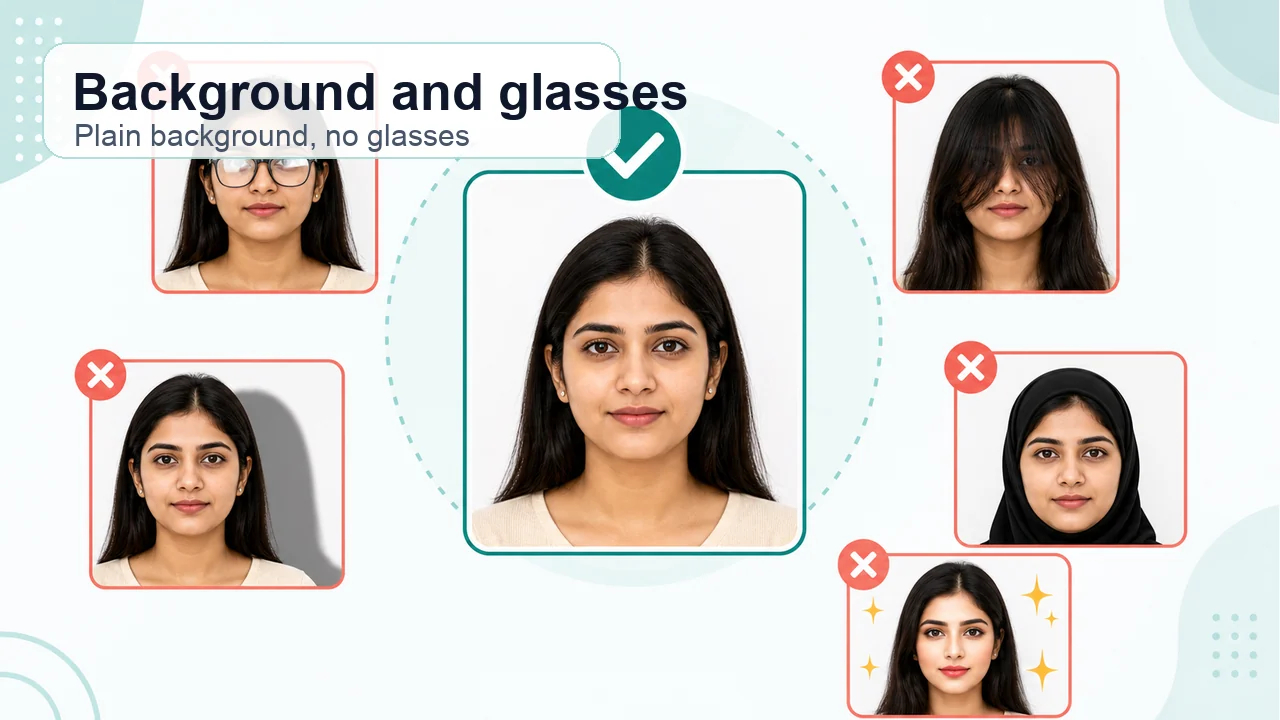 India Visa photo background, glasses, and face visibility Review plain white or light background, no shadows, no glasses for e-Visa, full face visibility, hair and head-covering cautions, and why over-editing can create problems.
 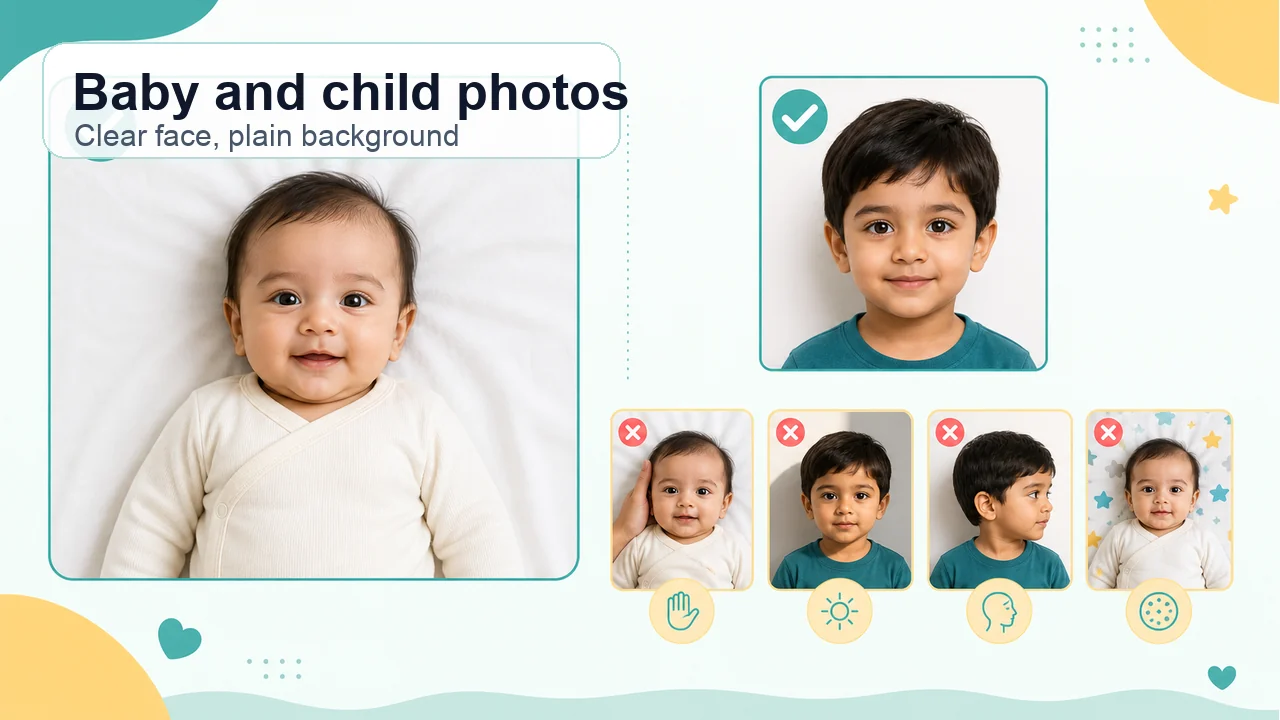 India Visa photo for babies and children Parent-friendly guidance for India Visa child photos: keep the face visible, use a plain background, avoid hands and shadows, and separate official requirements from practical tips.
 JPEG format, square (equal height and width), 10 KB–1 MB on the official e-Visa page. The photo must be frontal, eyes open, without glasses, on a plain white or light-colored background, with no shadows or borders. This app helps prepare photos following these guidelines. Always check the current form before uploading.
Simply photograph your passport bio page with your camera, or import an existing photo of it. The app helps convert it to a PDF and compress it to under 300KB while keeping text legible for you to review before saving.
No. All processing happens entirely on your iPhone. Face detection, background correction, PDF generation — everything runs on-device. Your photos are never sent to any server.
This app supports common e-Visa file preparation (face photo JPEG and passport Bio Page PDF) across e-Visa categories including e-Tourist, e-Business, e-Medical, e-Student, and more. For e-Business, e-Medical, e-Student etc., additional documents (business cards, hospital letters, admission letters) may be required. This app does not handle additional documents or the visa application itself.
No. This app is a file preparation tool only. You need to submit your visa application yourself at the official website (indianvisaonline.gov.in). It does not guarantee visa acceptance or approval.
Application timing and visa categories vary. Please check the official e-Visa website (indianvisaonline.gov.in/evisa) for the latest information on application windows and passport validity requirements.
The official e-Visa page requires a square JPEG (equal height and width), 10 KB–1 MB. The India Visa Online photo upload guidance (used for regular visa) indicates 350×350 to 1000×1000 pixels as a compatible range. This app outputs square JPEG and can adjust within this pixel range.
No, wearing glasses (including sunglasses) is not allowed for e-Visa photos. Please remove glasses before taking the photo, even for vision correction.
Photos must be taken within the last 6 months. Using an older photo may result in rejection. This app recommends taking a new photo.
A plain white or light-colored background is required. Shadows, patterns, or dark backgrounds may cause rejection. Please take the photo against a plain white or light-colored wall. This app focuses on face positioning, square cropping, and file size adjustment rather than background adjustment.
Common reasons include: wrong size (not square), non-white background, wearing glasses, shadows, old photo, face too small/large. This app detects and warns about these issues.
PDF format, 10KB–300KB required. All text including name, passport number, MRZ (machine-readable zone), issue/expiry dates, and photo must be clearly readable. All four corners must be visible. This app compresses to under 300KB while maintaining readability. Check text legibility after compression; if text is blurry, re-shoot in brighter conditions.
Prepare your application photo and passport-page PDF in your browser. No app installation is required.
Create Photo and PDFCapture and preview for free. Pay only when you save.
Download on the App Store (free)