Indonesia Visa Photo
Face Photo JPEG & Passport Image
Created easily on your phone
Prepare both files needed for Indonesia eVisa / eVOA
right on your phone.
On-device processing keeps your data private.
Face Photo JPEG & Passport Image
Created easily on your phone
Prepare both files needed for Indonesia eVisa / eVOA
right on your phone.
On-device processing keeps your data private.
Automatically detects your face and guides positioning to meet Indonesia eVisa / eVOA requirements (2:3 portrait, frontal, white background).
Face photo as JPEG (2:3 portrait, under 200KB) and passport Bio Page as JPG (under 200KB).
All photo processing happens entirely on your iPhone. Nothing is sent to any server.
Face photo is auto-cropped to 2:3 portrait. JPG is auto-compressed under 200KB while keeping text readable.
Adjust the background to a plain color and tune brightness and contrast to meet Indonesia eVisa / eVOA requirements.
Verify both files are ready before submission. Checklist of acceptance criteria included.
Preview before purchase
PHOTO GUIDE
Even a slightly non-compliant photo can be rejected for Indonesia eVisa / eVOA applications. Check these points before saving.
Composition requirements for Indonesia eVisa / eVOA photos. Bring your face position and margins close to this template.
| Format | JPEG / JPG / PNG |
| Size | 4 × 6 cm (2:3 portrait) |
| Background | Plain white |
| Glasses | Not allowed |
| File size | ≤ within 200 KB |
| Aspect ratio | 2:3 portrait |
| Dimensions | 4 × 6 cm |
| Face | 70–80% of photo |
Source: Indonesia eVisa / eVOA photo requirements
Facing forward, white background, face clearly visible with a natural expression.
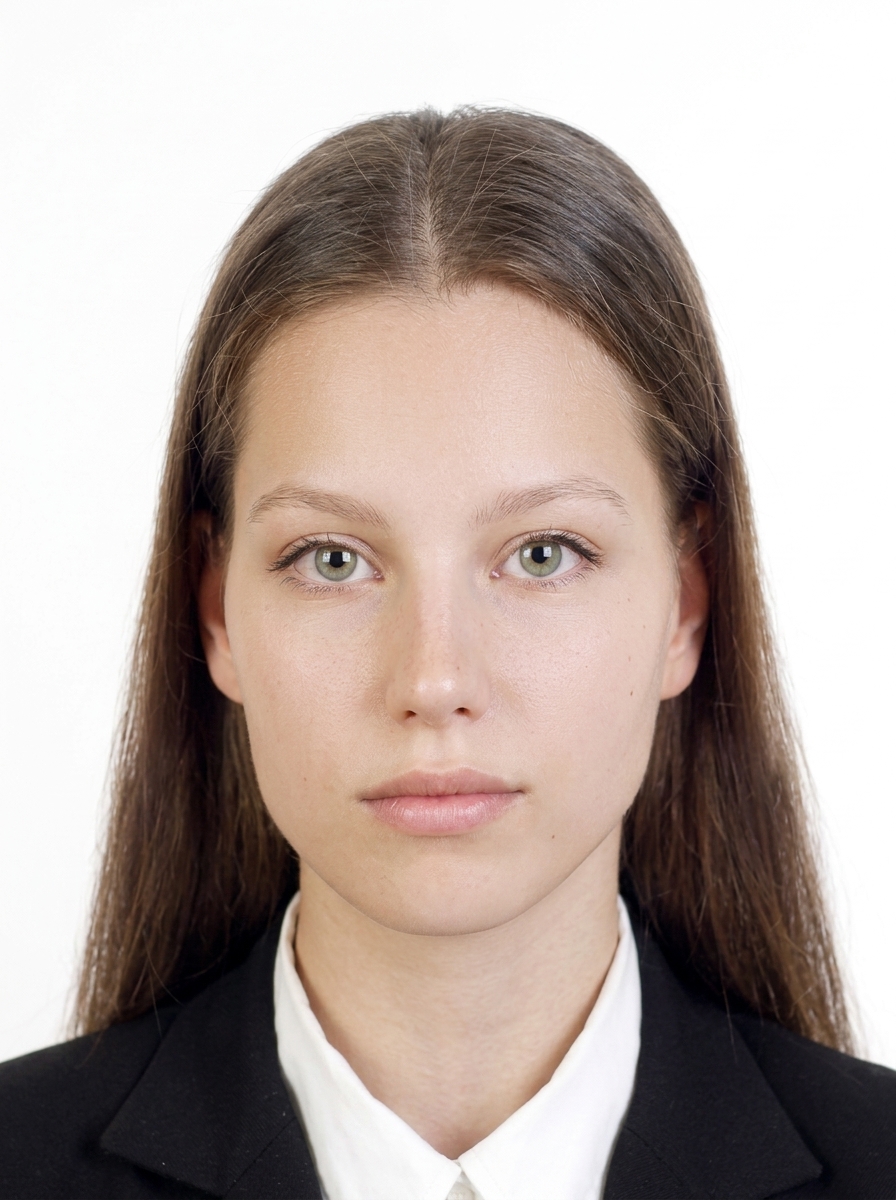
Common reasons photos get rejected for Indonesia eVisa / eVOA applications.
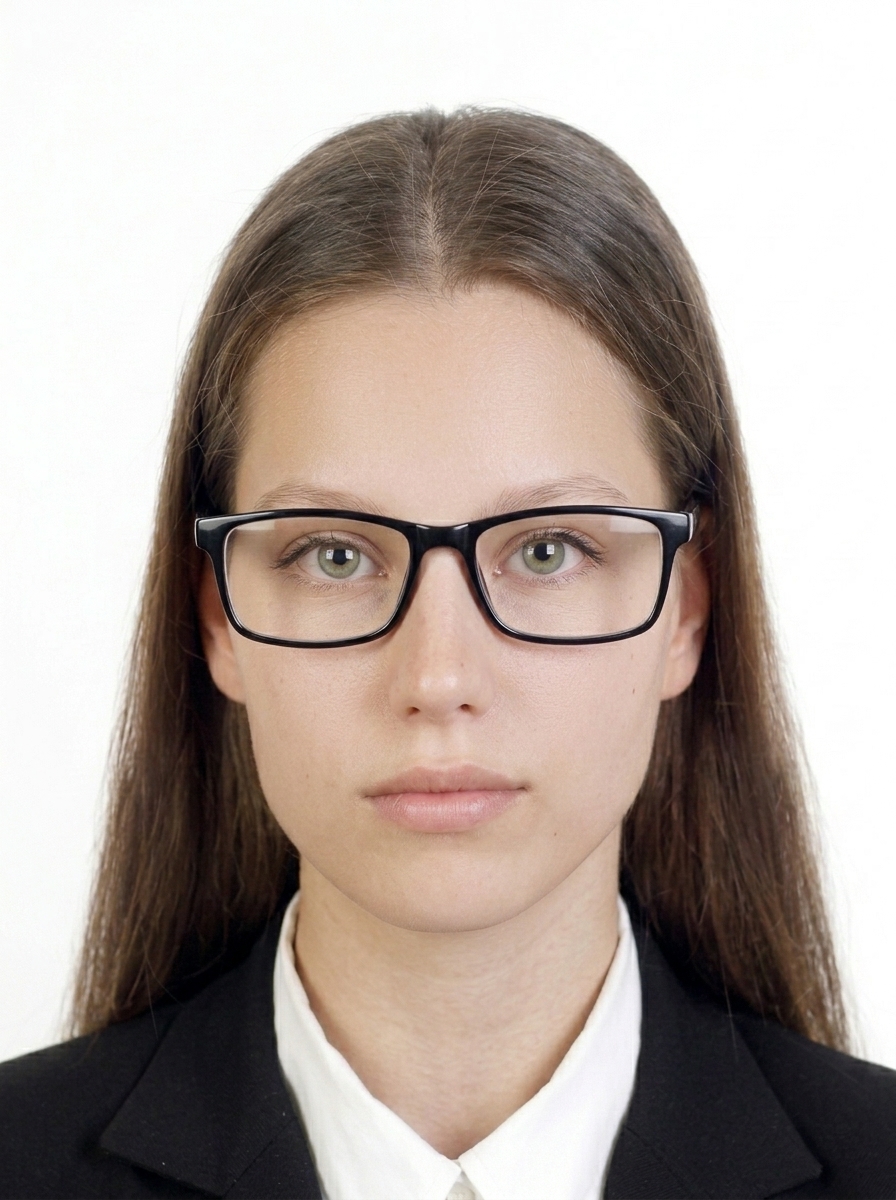
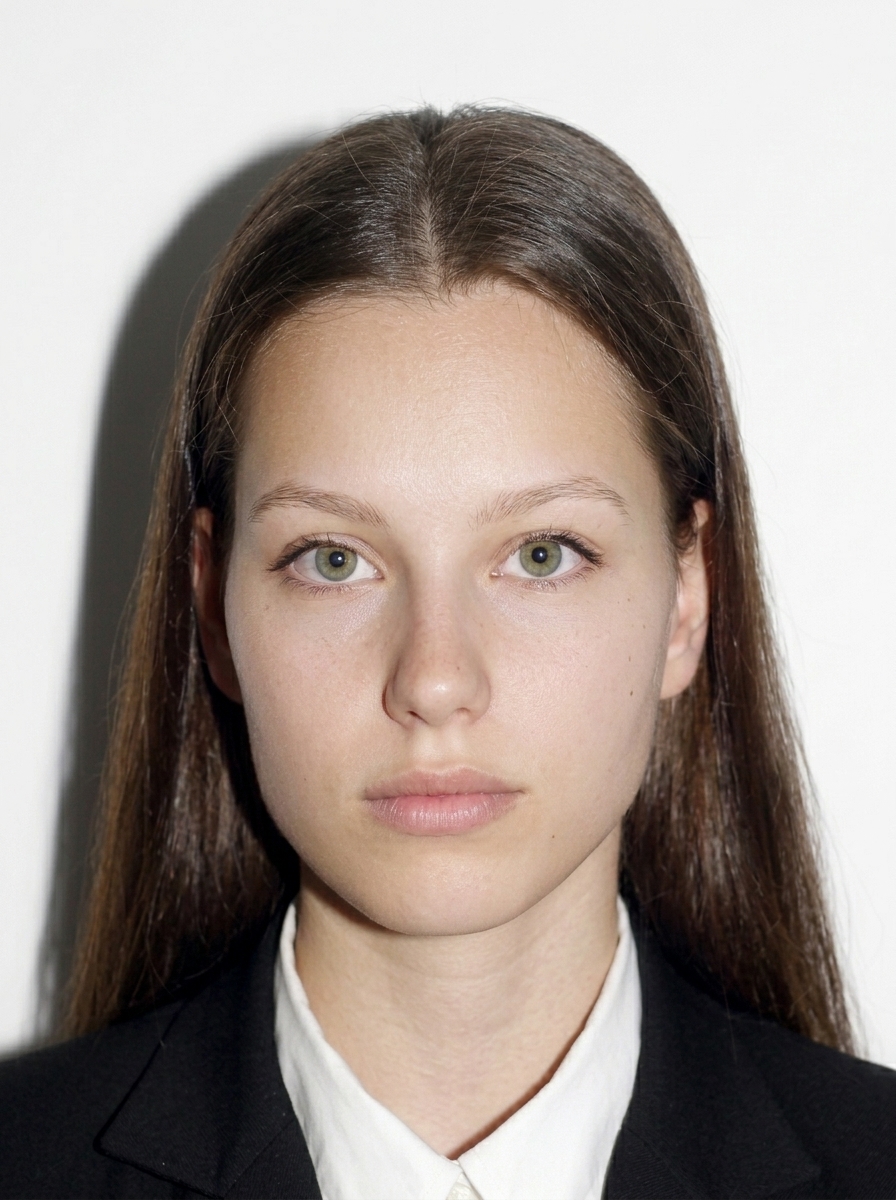



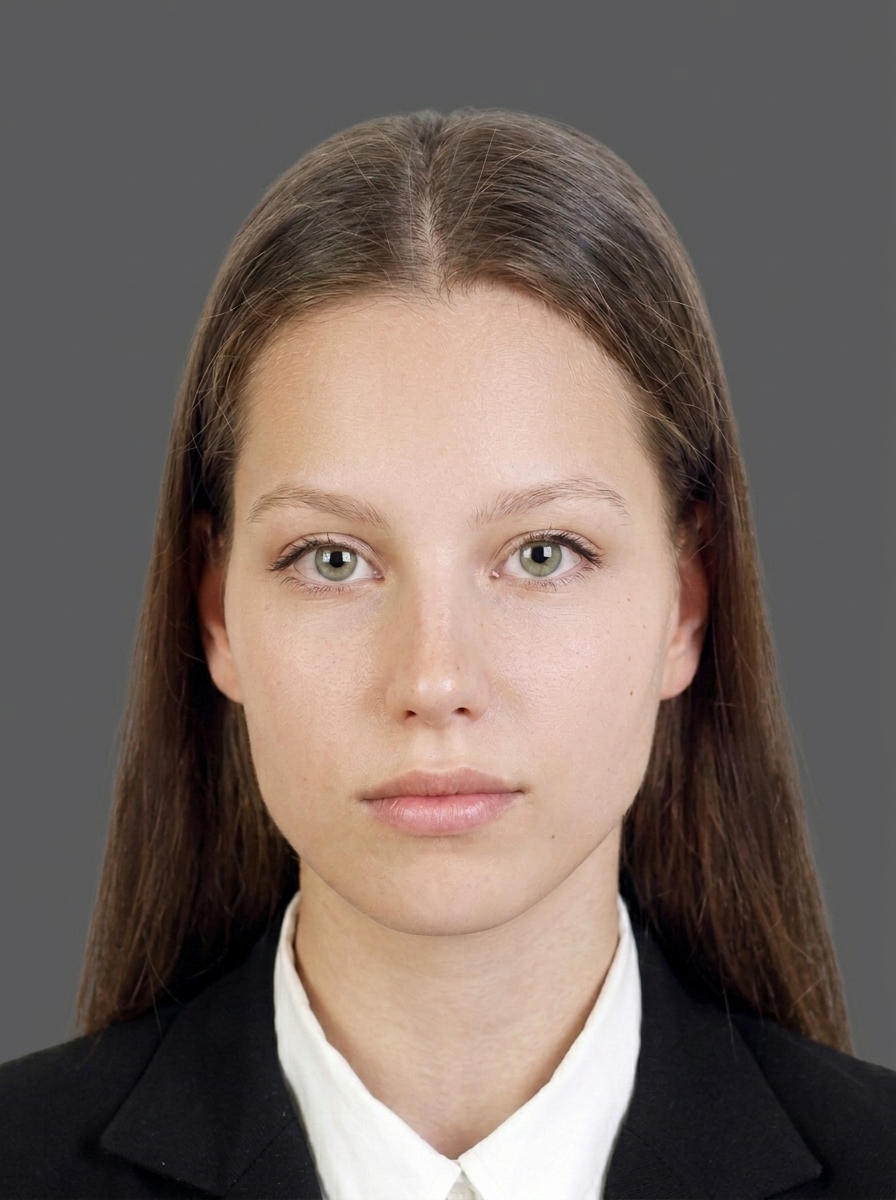
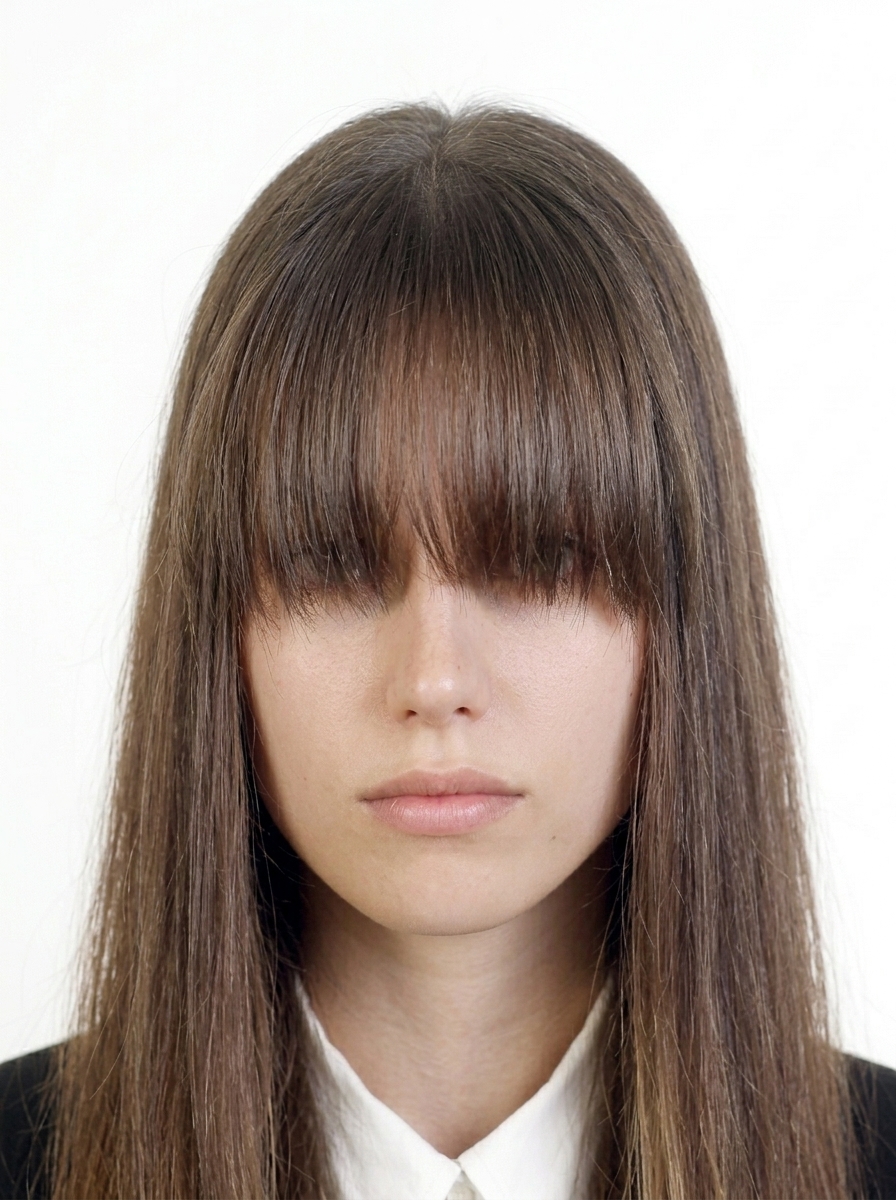
Indonesia eVisa / eVOA authorities do not accept photos that have been digitally edited to change your appearance. Use the app only for background color and brightness adjustments.
Official guidance Indonesia eVisa / eVOA photo requirements
JPEG format, 2:3 portrait (400×600 minimum, 600×900 recommended), under 200KB, frontal, eyes open, no glasses, plain white or light-colored background, no shadows, no borders. This app automatically creates a file that meets these requirements.
Simply photograph your passport photo page (Bio Page) with your camera, or select it from your photo library. The app will automatically compress it to under 200KB as JPG. You can also check a final preview to ensure text is readable.
No. All processing happens entirely on your iPhone. Face detection, background correction, image generation — everything runs on-device. Your photos are never sent to any server.
Currently, the app supports basic eVOA (Visa on Arrival) use (tourism, visiting family/friends). Other visa types planned for future updates.
No. This app is a file preparation tool only. You need to submit your visa application yourself at evisa.imigrasi.go.id. The app does not guarantee visa acceptance or approval.
eVOA (Visa on Arrival): apply online before arrival, valid for 30 days (extendable). Passport must be valid for 6+ months.
JPEG format under 200KB, pixel dimensions 400×600 minimum to 600×900 recommended (2:3 portrait). The face should occupy 50–70% of the photo. This app automatically adjusts to the correct size.
No, wearing glasses (including sunglasses) is not allowed for eVisa photos. Please remove glasses before taking the photo, even for vision correction.
Photos must be taken within the last 6 months. Using an older photo may result in rejection. This app recommends taking a new photo.
A plain white or light-colored background is required. Shadows, patterns, or dark backgrounds may cause rejection. This app helps adjust the background to a plain color.
Common reasons include: wrong size (not 2:3 portrait), non-white background, wearing glasses, shadows, old photo, face too small/large. This app detects and warns about these issues.
JPG format under 200KB required. Text must be clearly readable. This app compresses to under 200KB while keeping text readable.
Shooting and preview are free. You only pay when saving.
Download on the App Store (Free)