What are the China visa photo requirements?
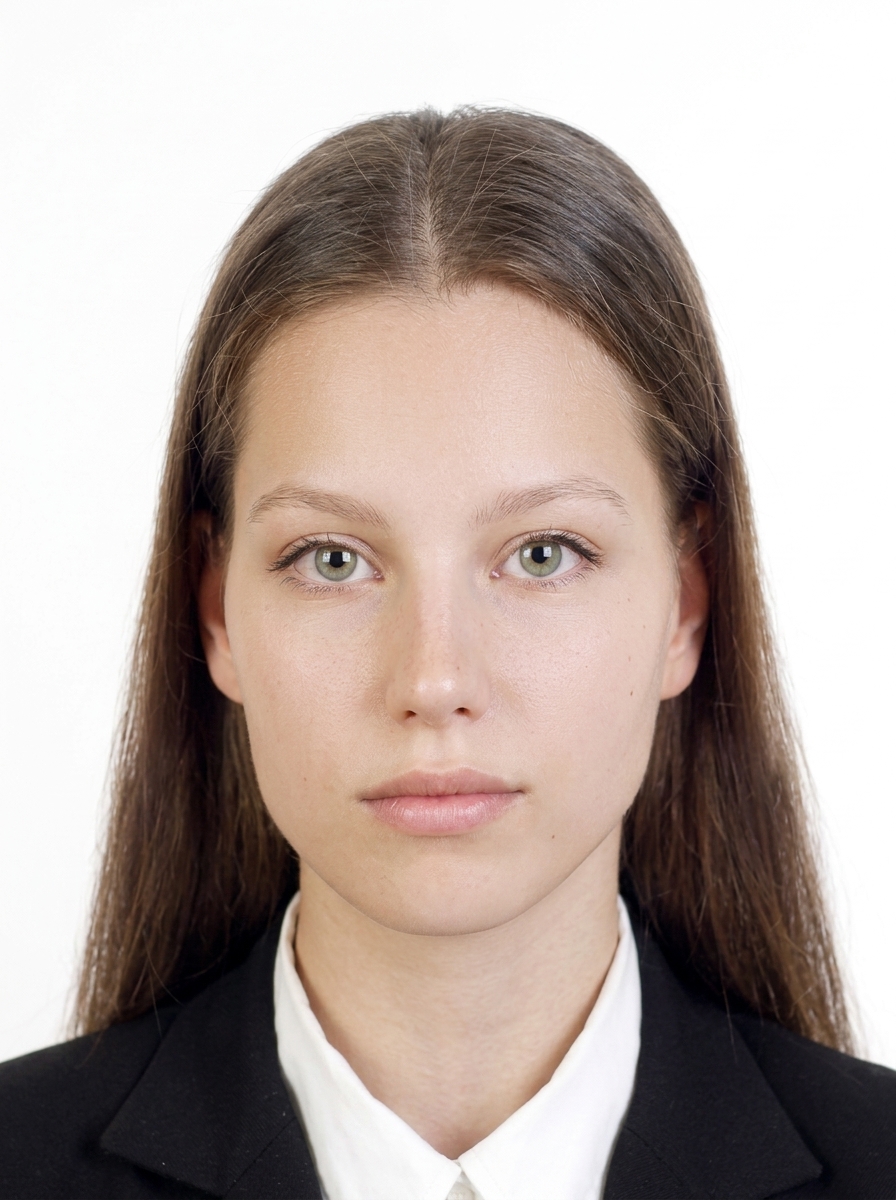
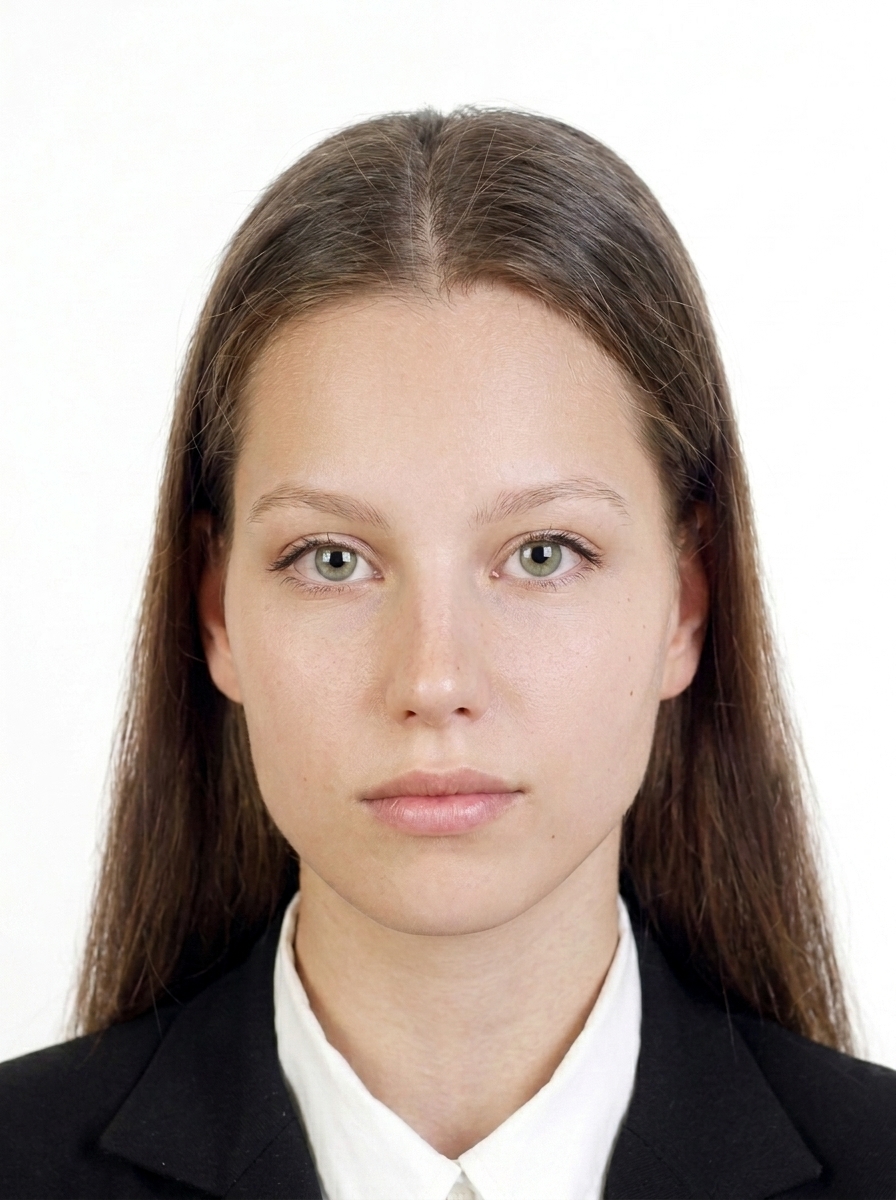
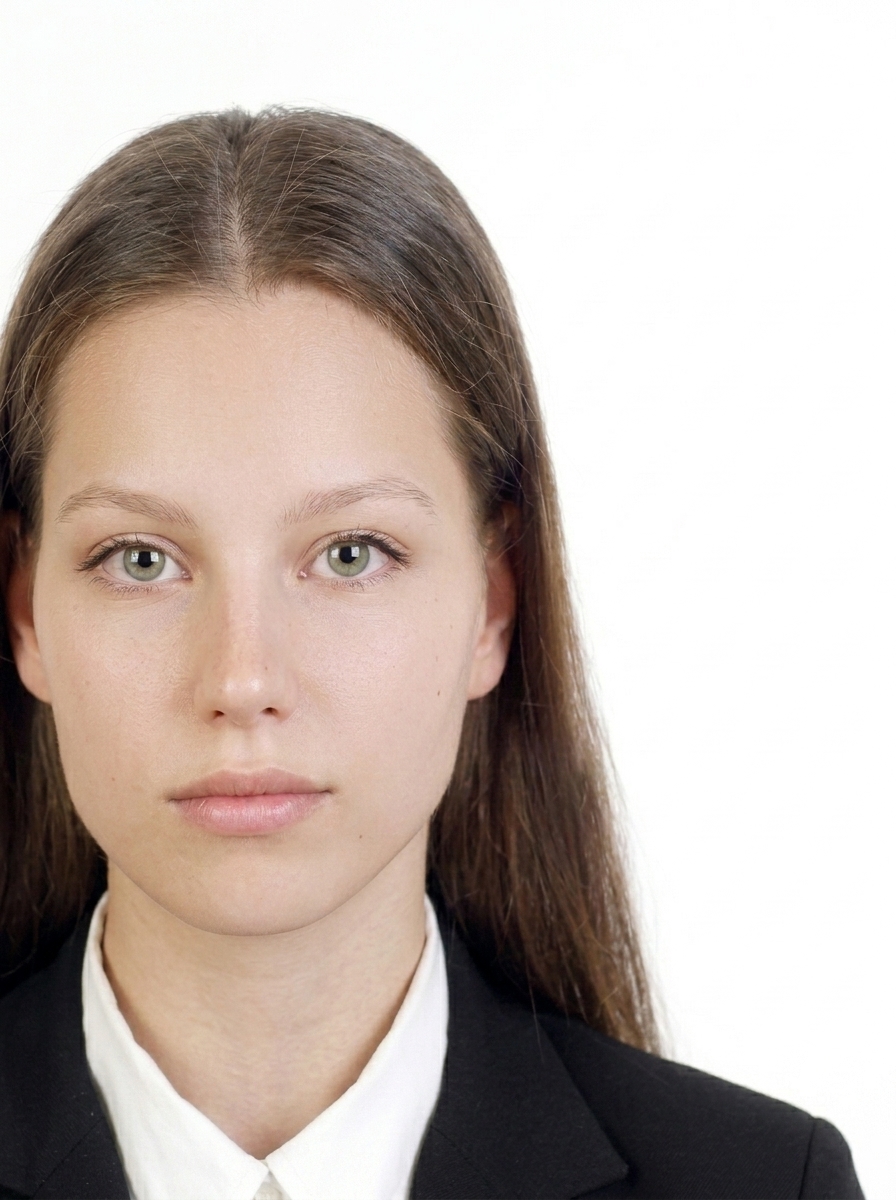
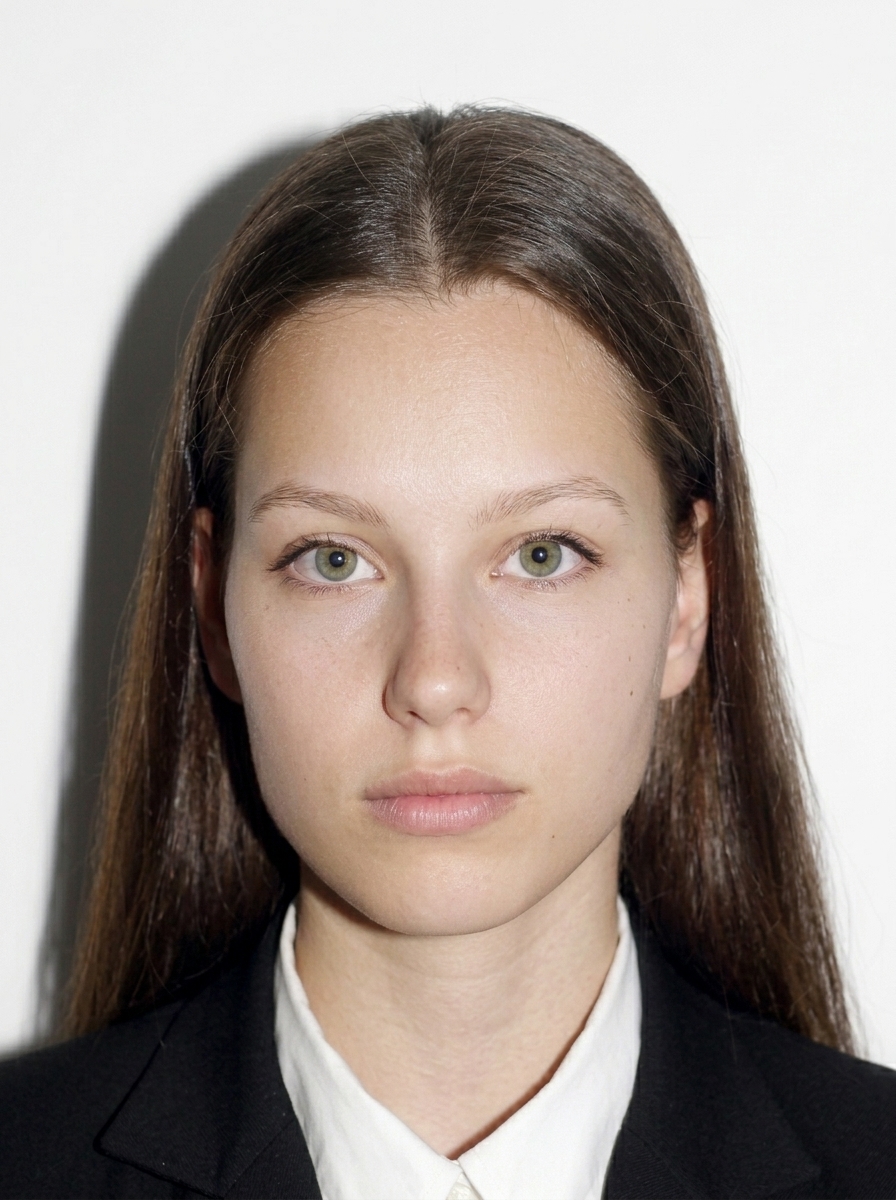
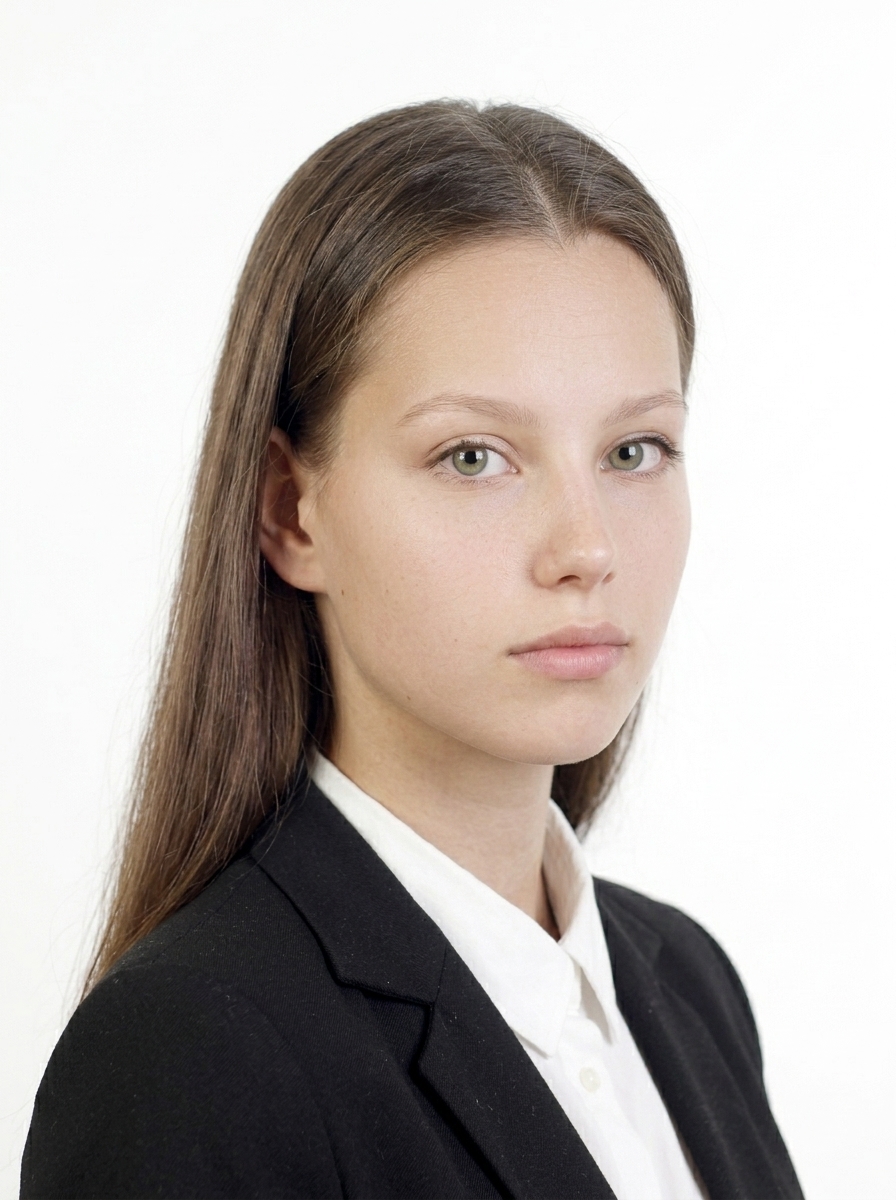
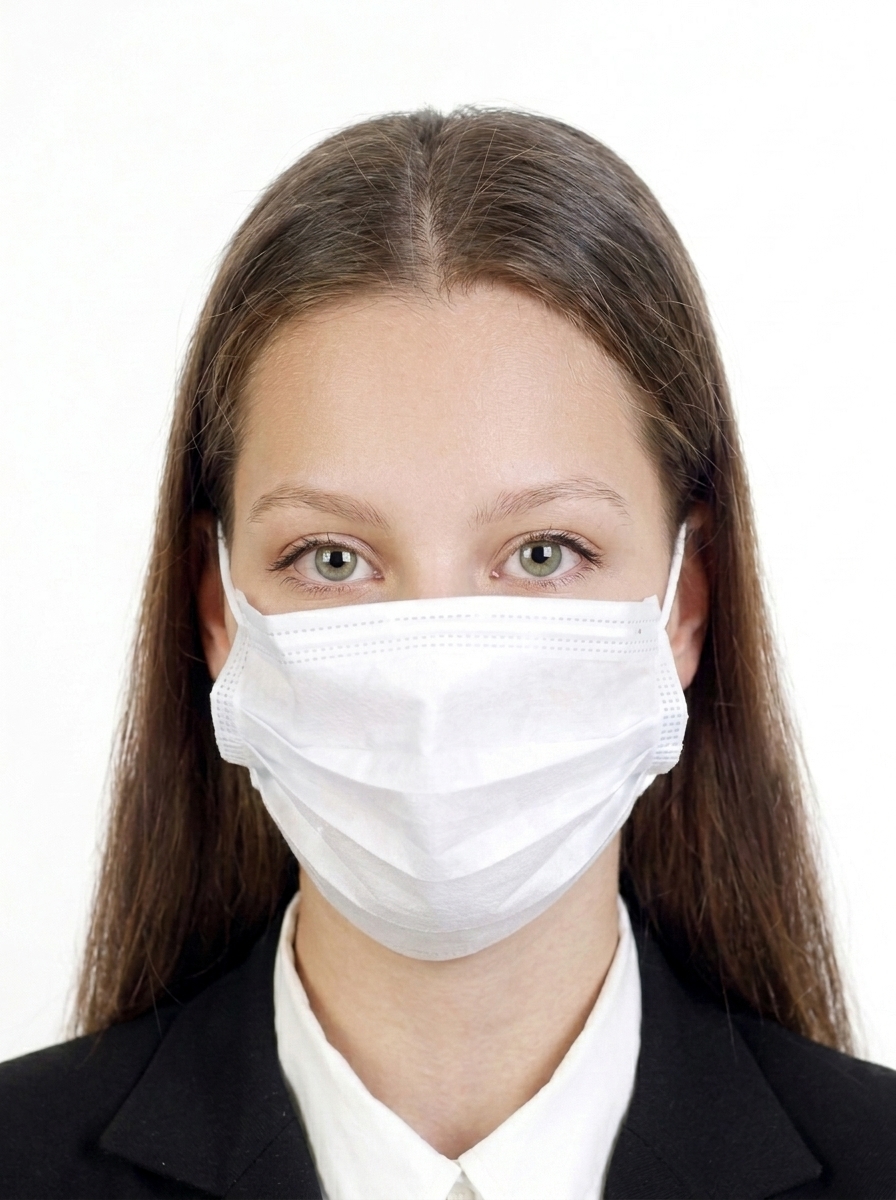
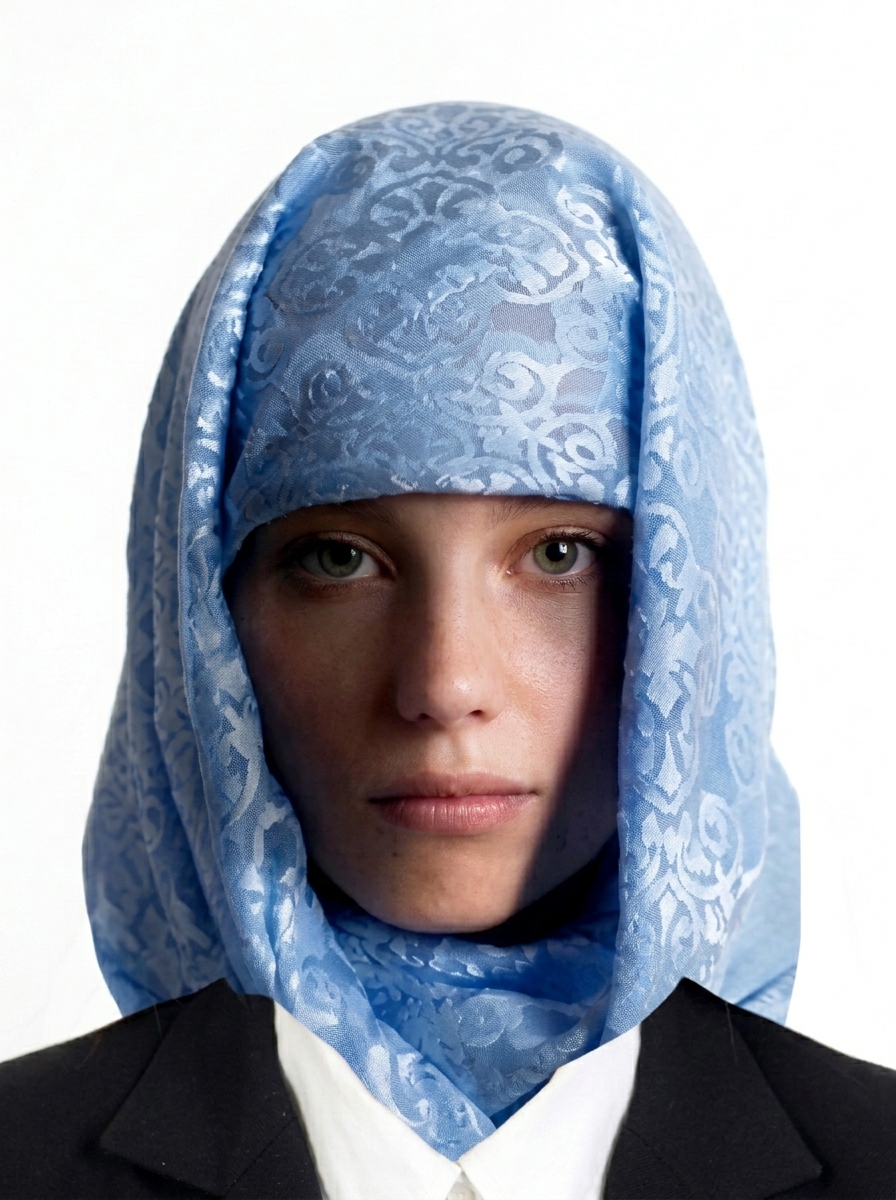
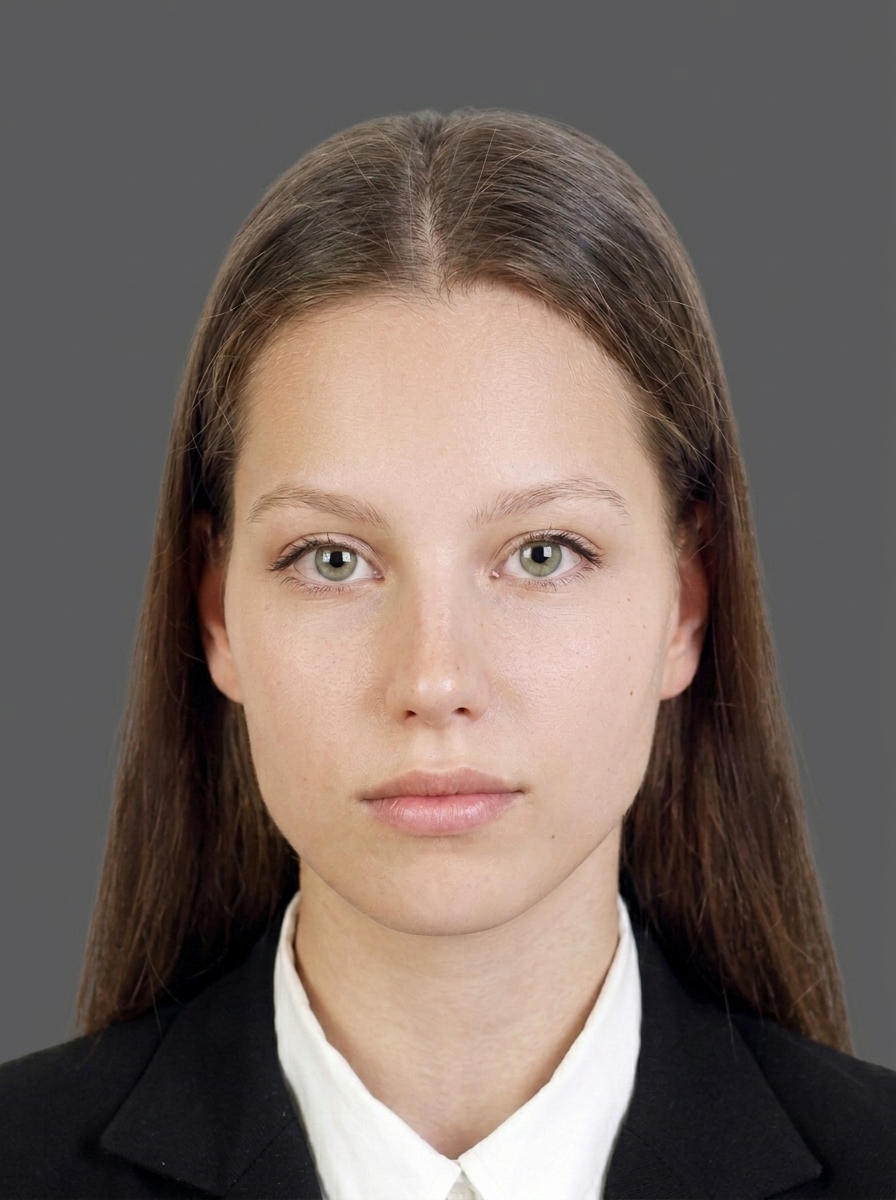
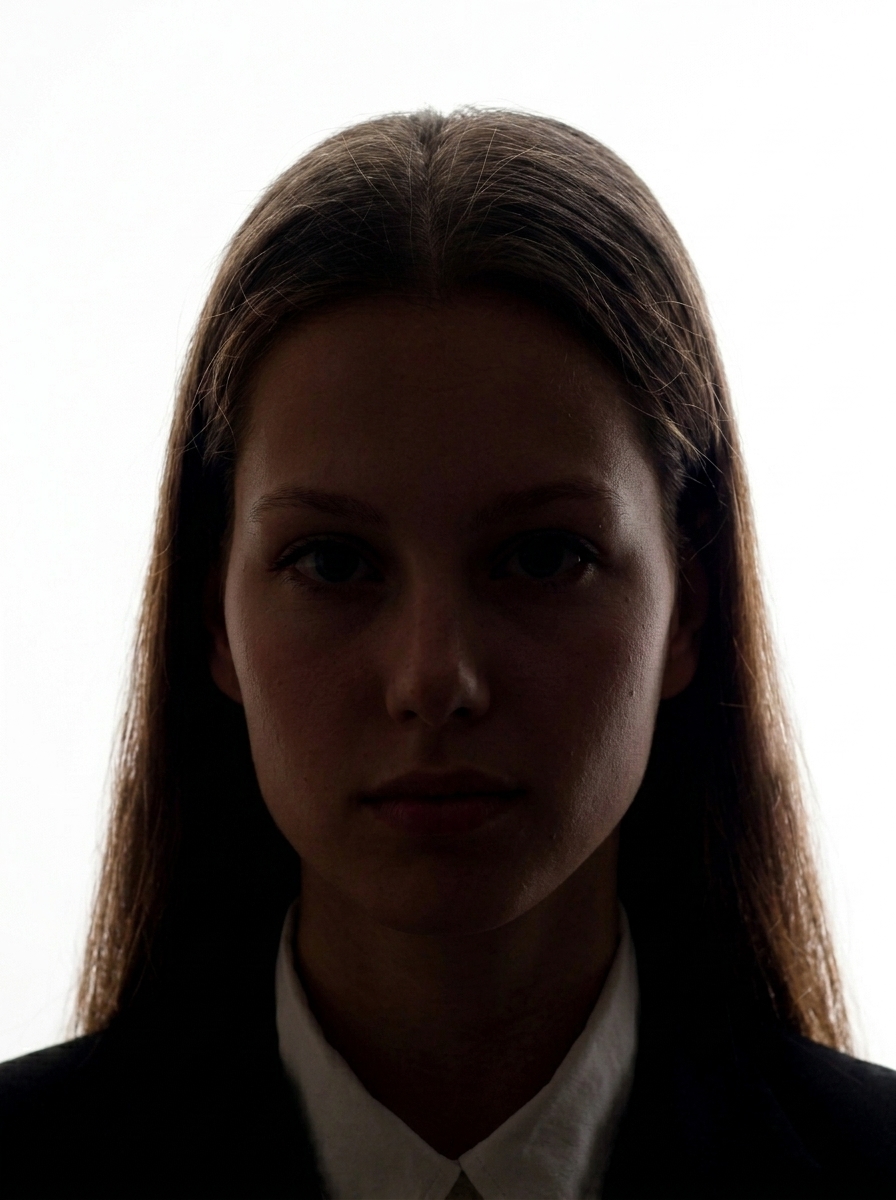
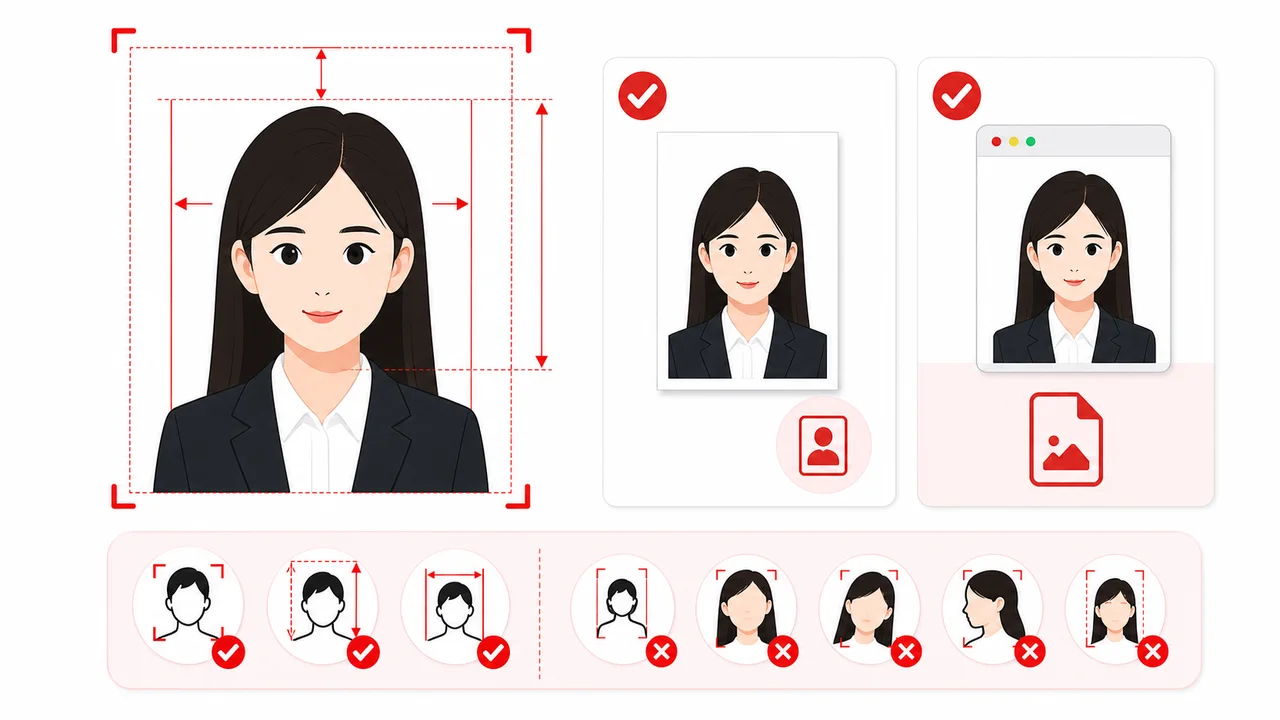
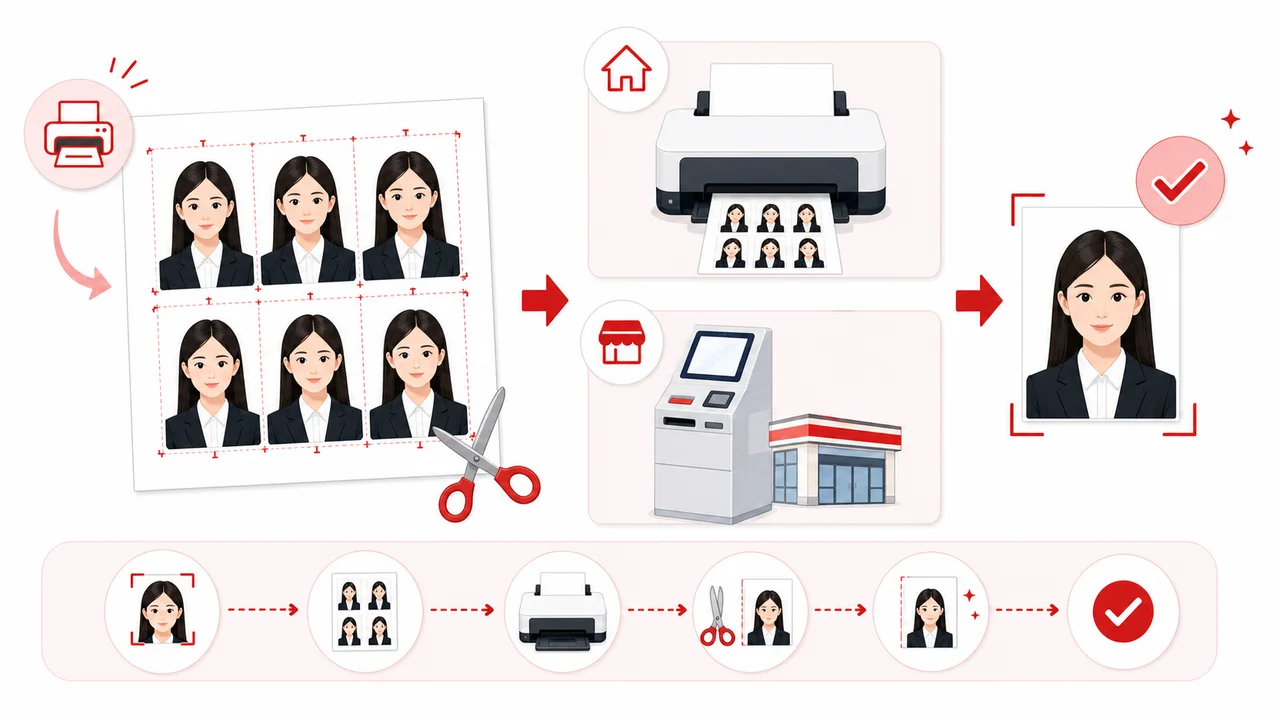
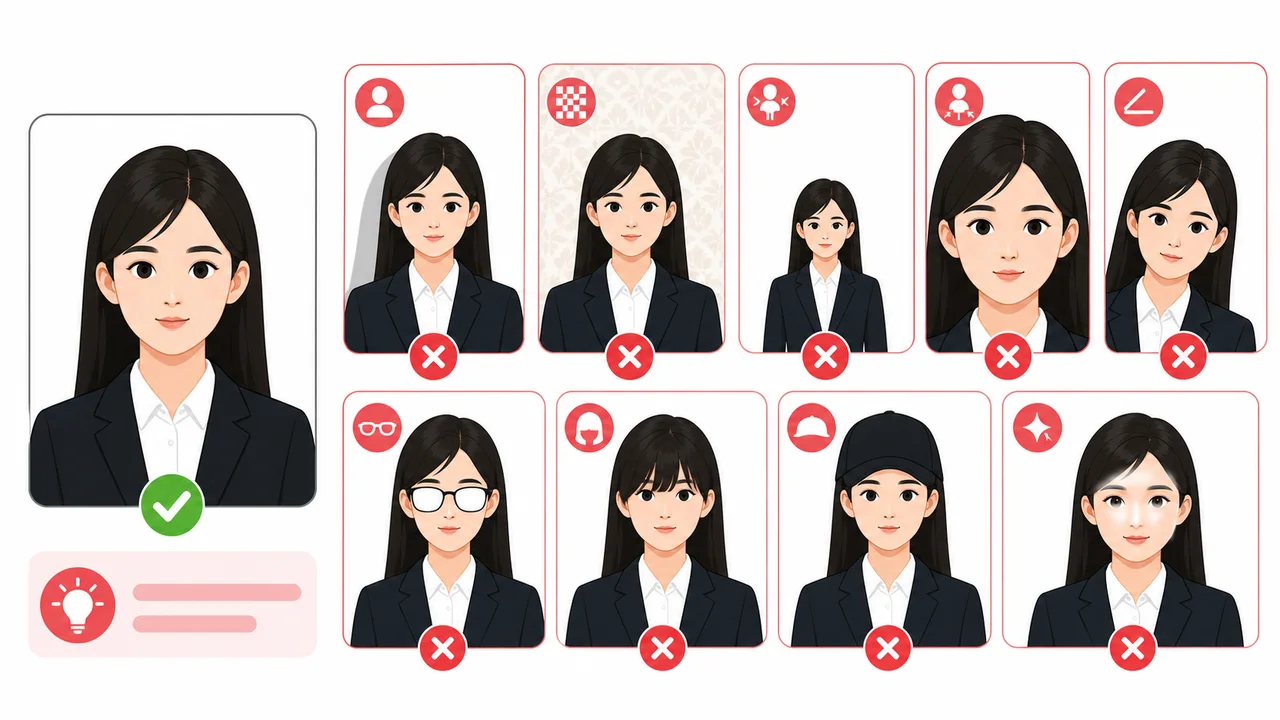
A China visa photo must be 33 × 48 mm high for paper submissions, taken within the last 6 months, with the applicant facing forward, no hat, a plain white or near-white background, and a clear image with no shadows. The head height (chin to top of head) should be 28–33 mm, and the head width should be 15–22 mm.
What size is a China visa photo?
For paper submissions, the photo must be 33 × 48 mm high. Official embassy pages sometimes list this as '48mm × 33 × 48 mm tall and 33mm wide. For online digital uploads via COVA, the standard output is 354 × 472 px. Some visa center pages mention ranges up to 420 × 560 px; always follow the upload screen or local visa center instructions.
Is the China visa photo 33 × 48 mm or 48mm × 33mm?
Both expressions refer to the same photo: 33 × 48 mm high. Official Chinese embassy and COVA pages sometimes write '48mm × 33mm', meaning height × width. This app uses '33 × 48 mm high' for clarity.
What are the COVA digital photo requirements?
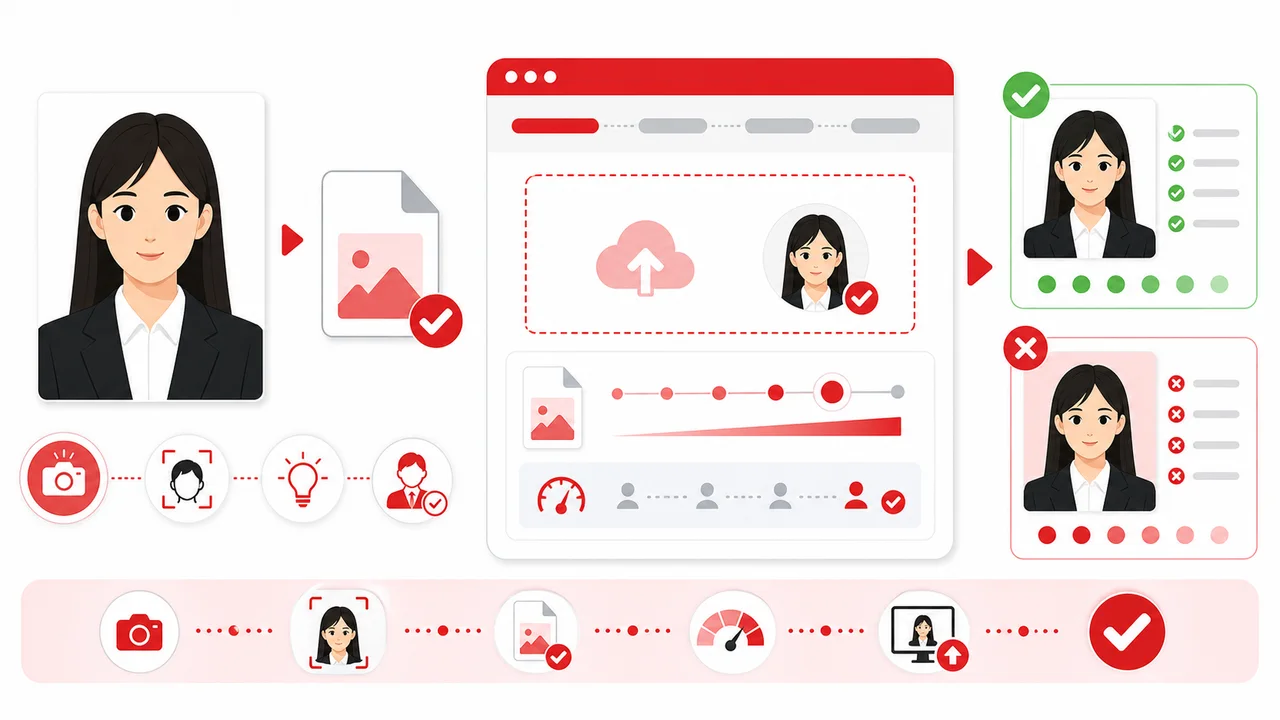
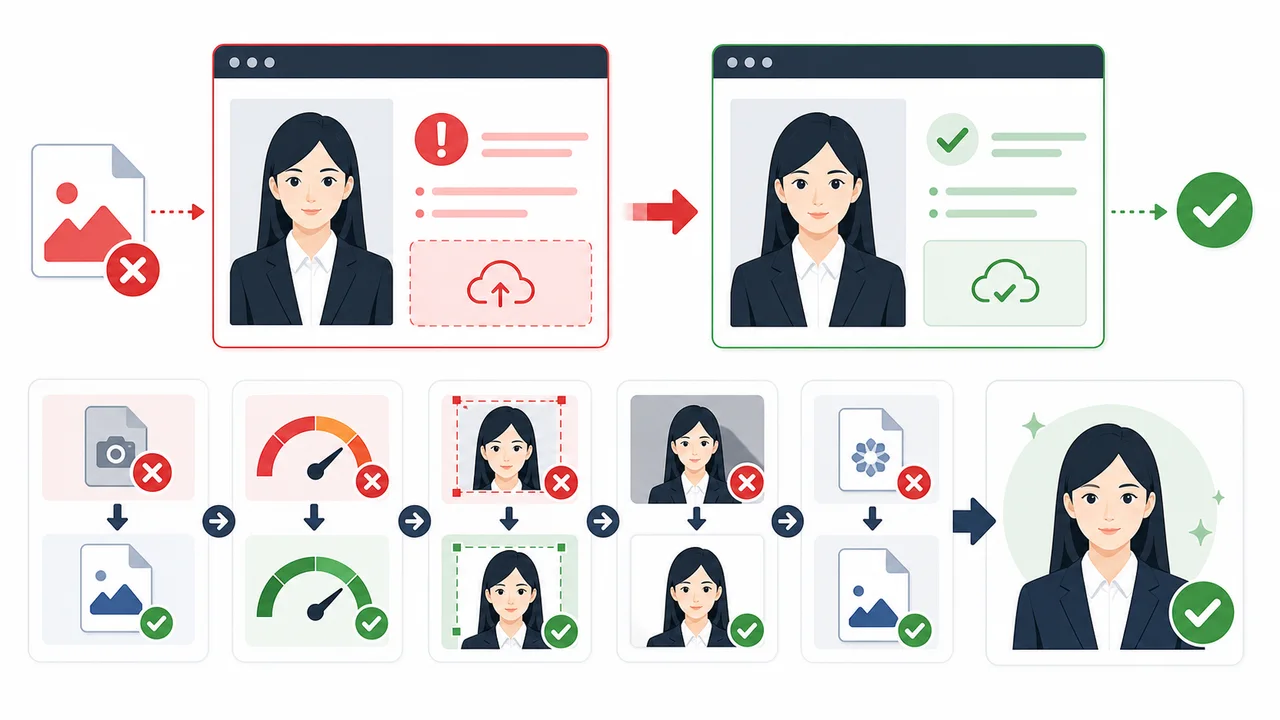
For COVA (China Online Visa Application) digital uploads, the photo must be a JPEG with 24-bit RGB true color, sized 354 × 472 px, with a file size between 40 KB–120 KB. Some visa center pages mention ranges up to 420 × 560 px. 354 × 472 px is the safest standard COVA output used by this app.
Does a China visa photo need to be exactly 354 × 472 px?
For COVA online application uploads, 354 × 472 px is the standard requirement and the default output of this app. Some visa center pages mention ranges up to 420 × 560 px. Always follow the upload screen or local visa center instructions. Staying at 354 × 472 px is the safest choice.
What file size is required?
The digital photo file for COVA upload must be between 40 KB–120 KB in JPEG format. Files smaller than 40KB or larger than 120KB will fail the COVA upload validation.
What background is required?
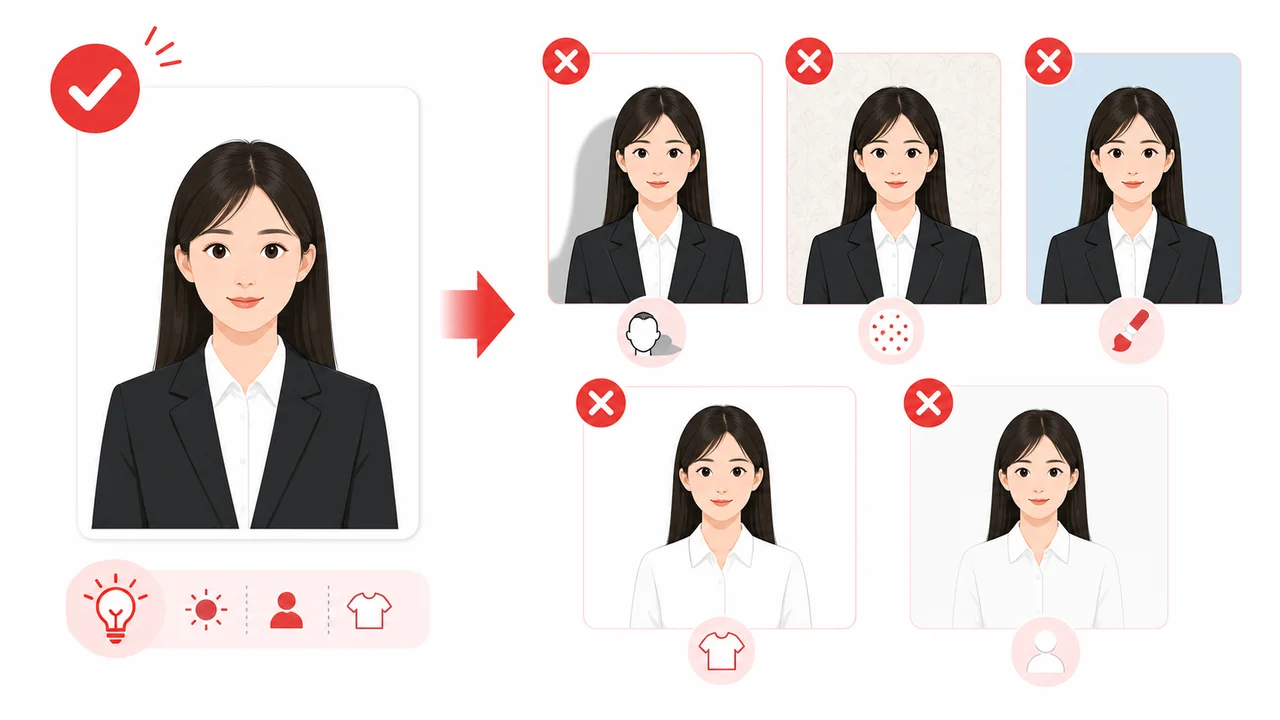
A plain white or near-white background with no shadows, patterns, or objects. It is safest to take the photo in front of a white wall with even lighting. Even minor shadows behind the head or shoulders can cause rejection.
Can I change the background after taking the photo?
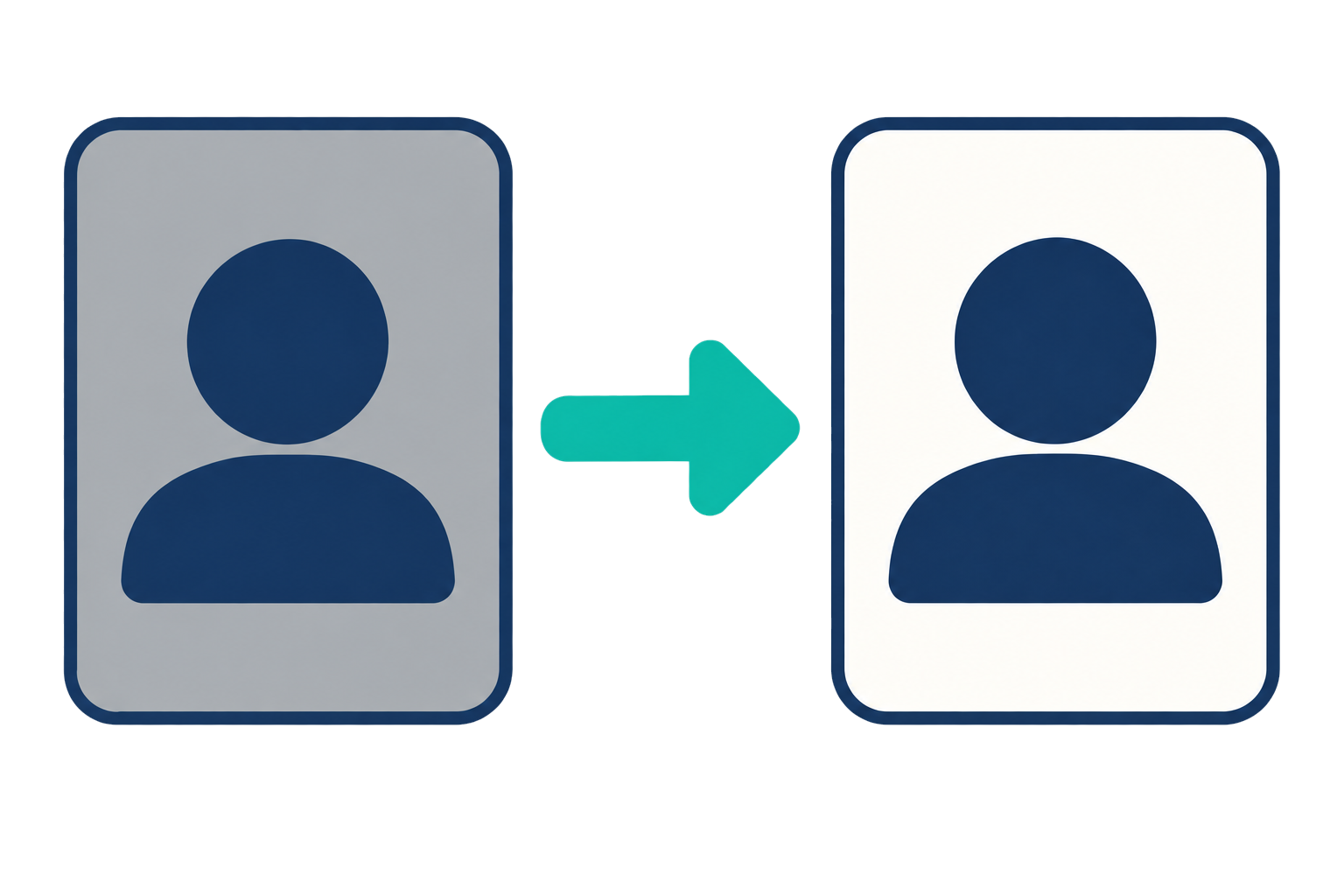
The safest approach is to take your photo in front of a plain white or near-white background from the start. If you use a background cleanup feature, use it carefully and verify that the final image looks natural with no visible edge artifacts or shadows. Background replacement does not guarantee acceptance; the COVA upload check or visa center may still reject photos that appear unnaturally edited.
Can I wear glasses?
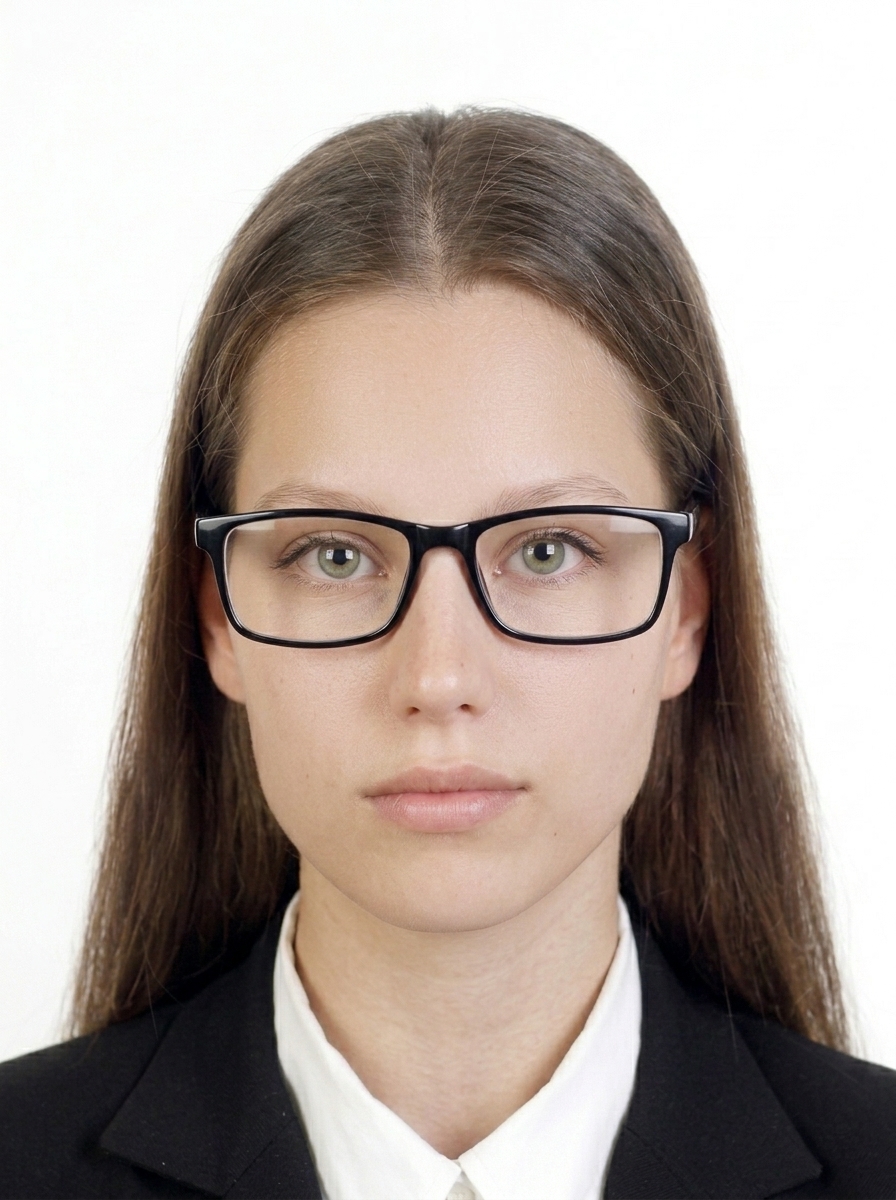
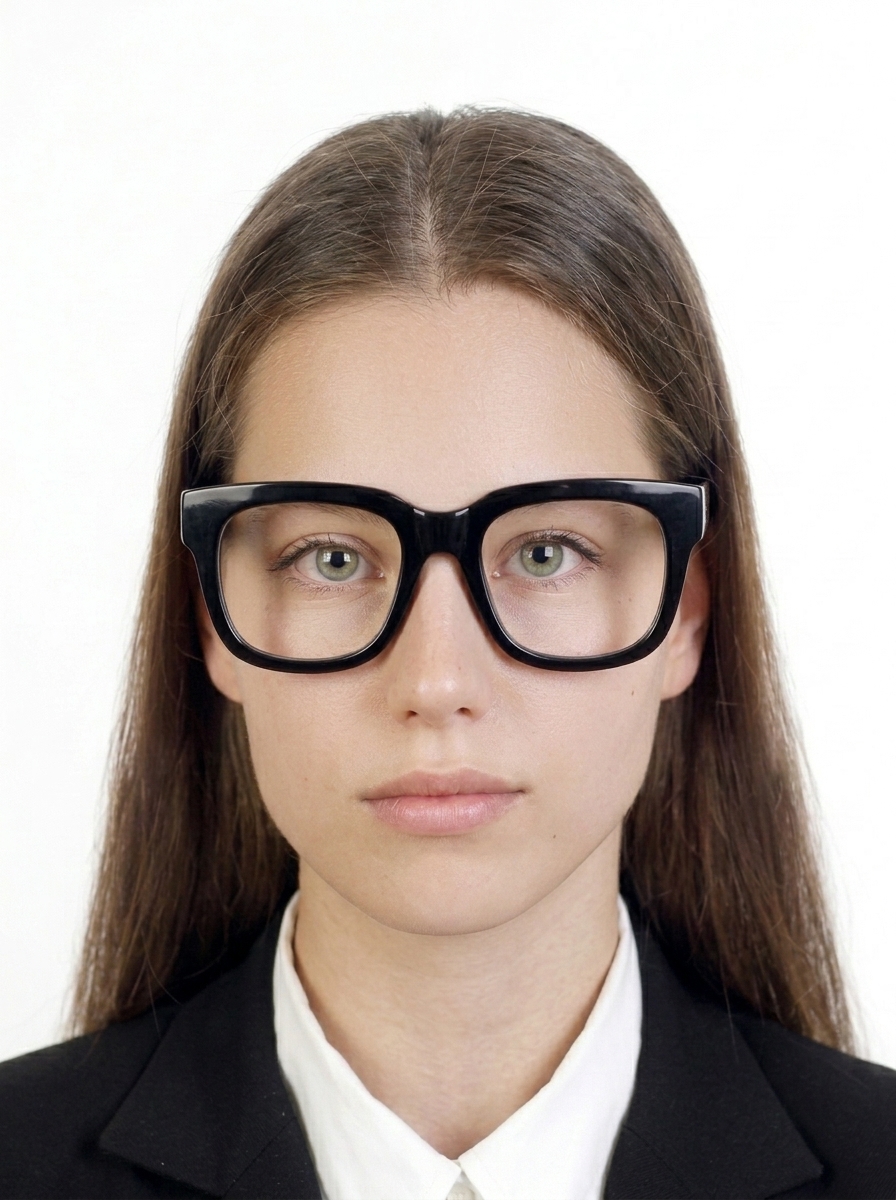
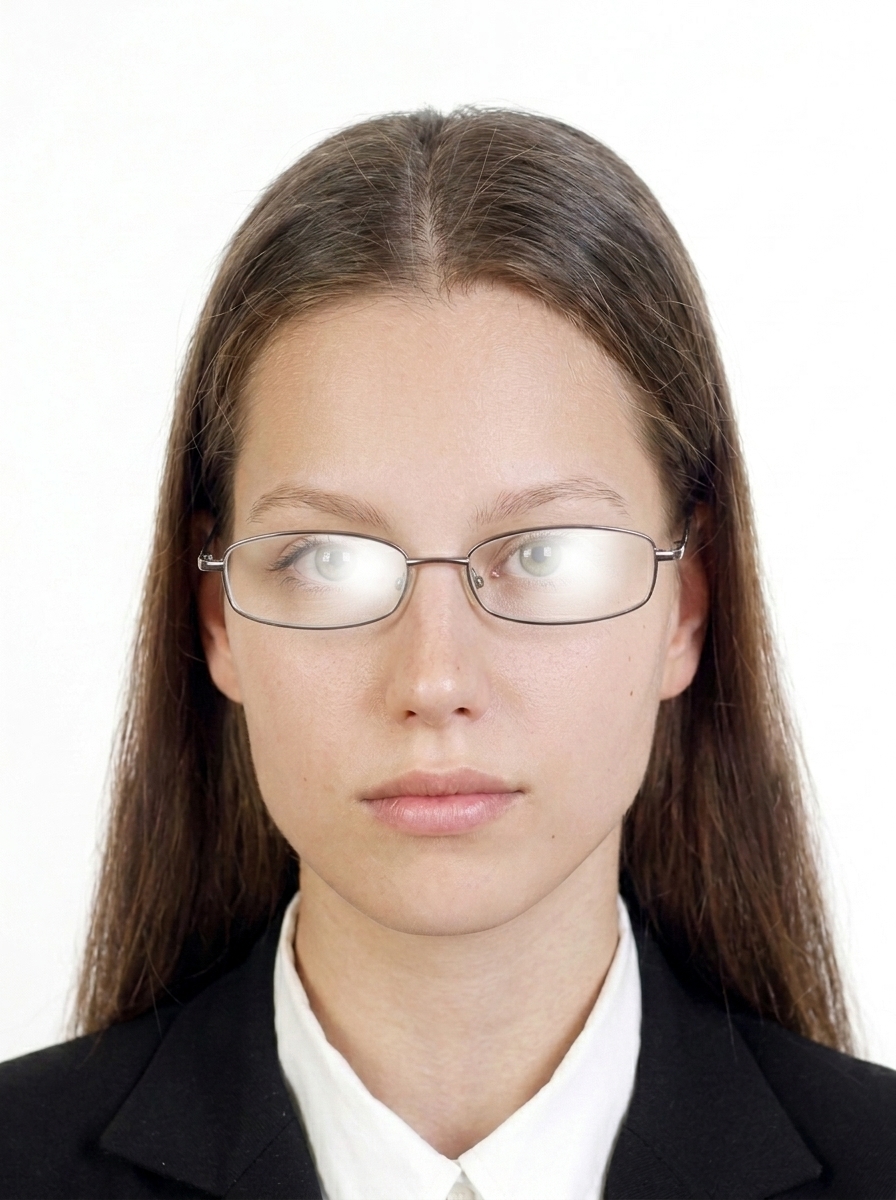
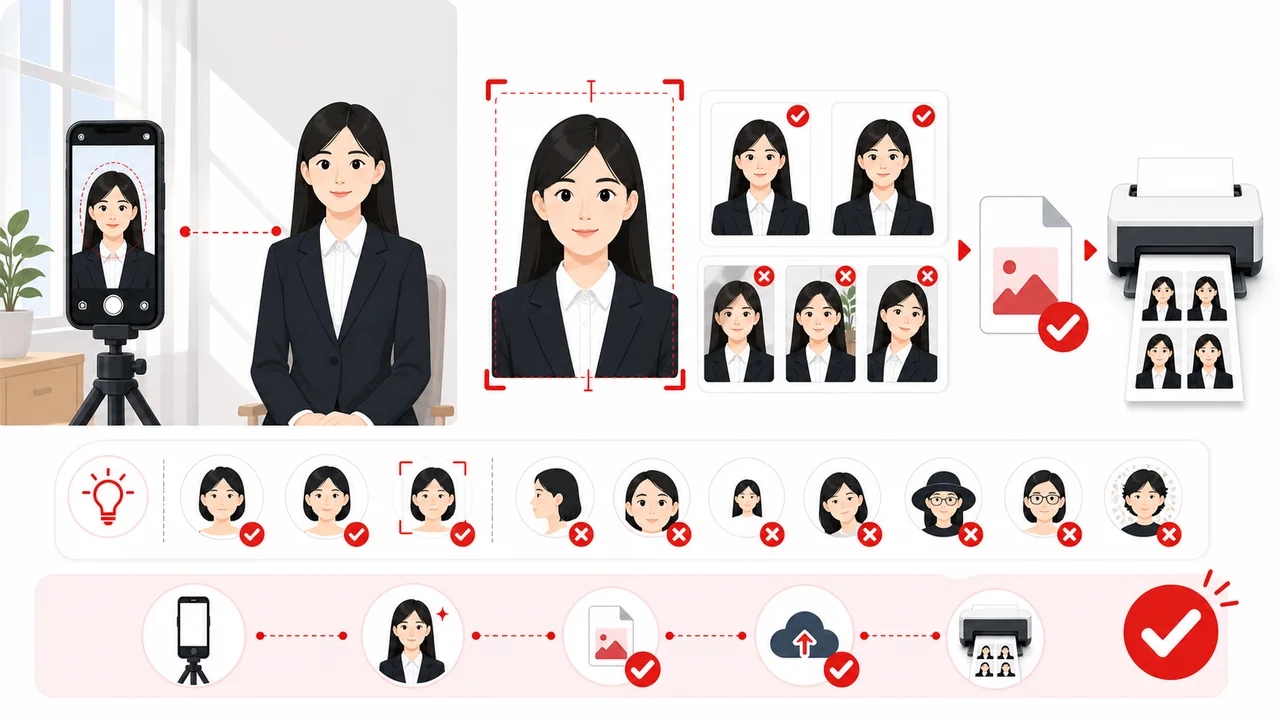
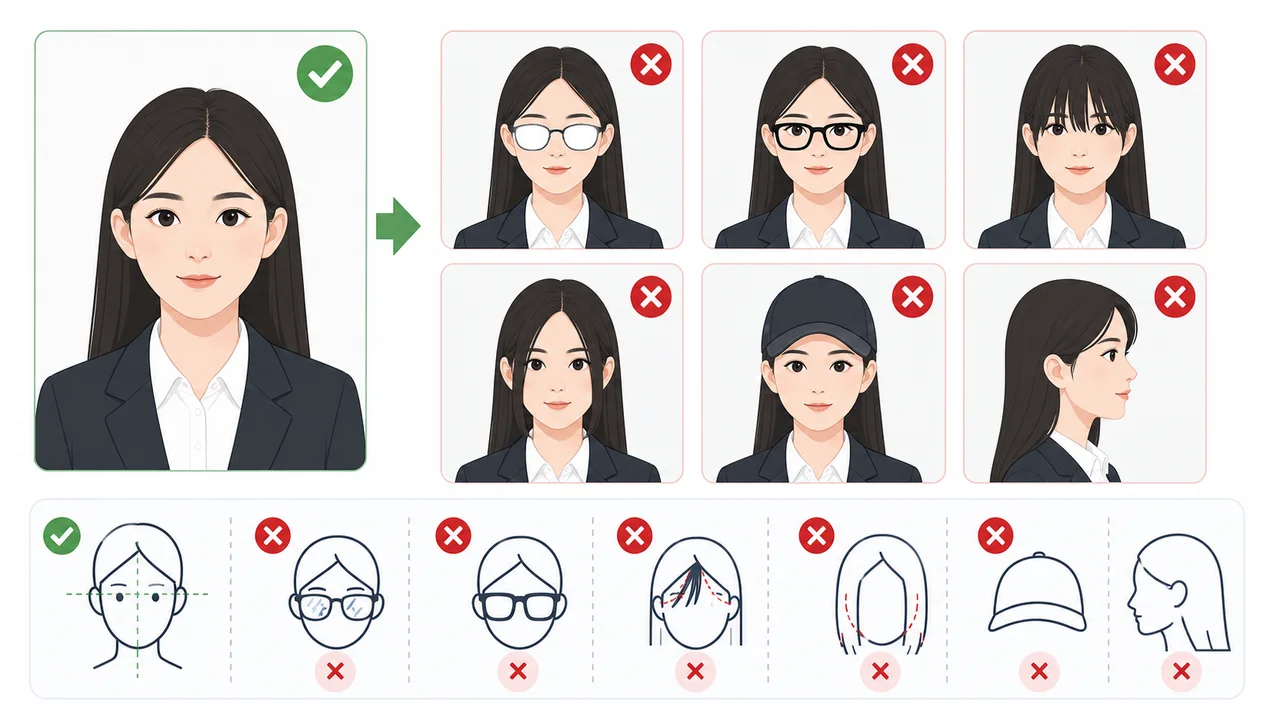
Glasses are not strictly prohibited, but removing them is strongly recommended because they are one of the most common reasons for rejection. If you wear glasses, use thin frames (not thick or dark-colored), ensure there is no glare on the lenses, and make sure the frames do not cover or overlap the eyes. Eyes must be clearly visible.
Should my ears and eyebrows be visible?
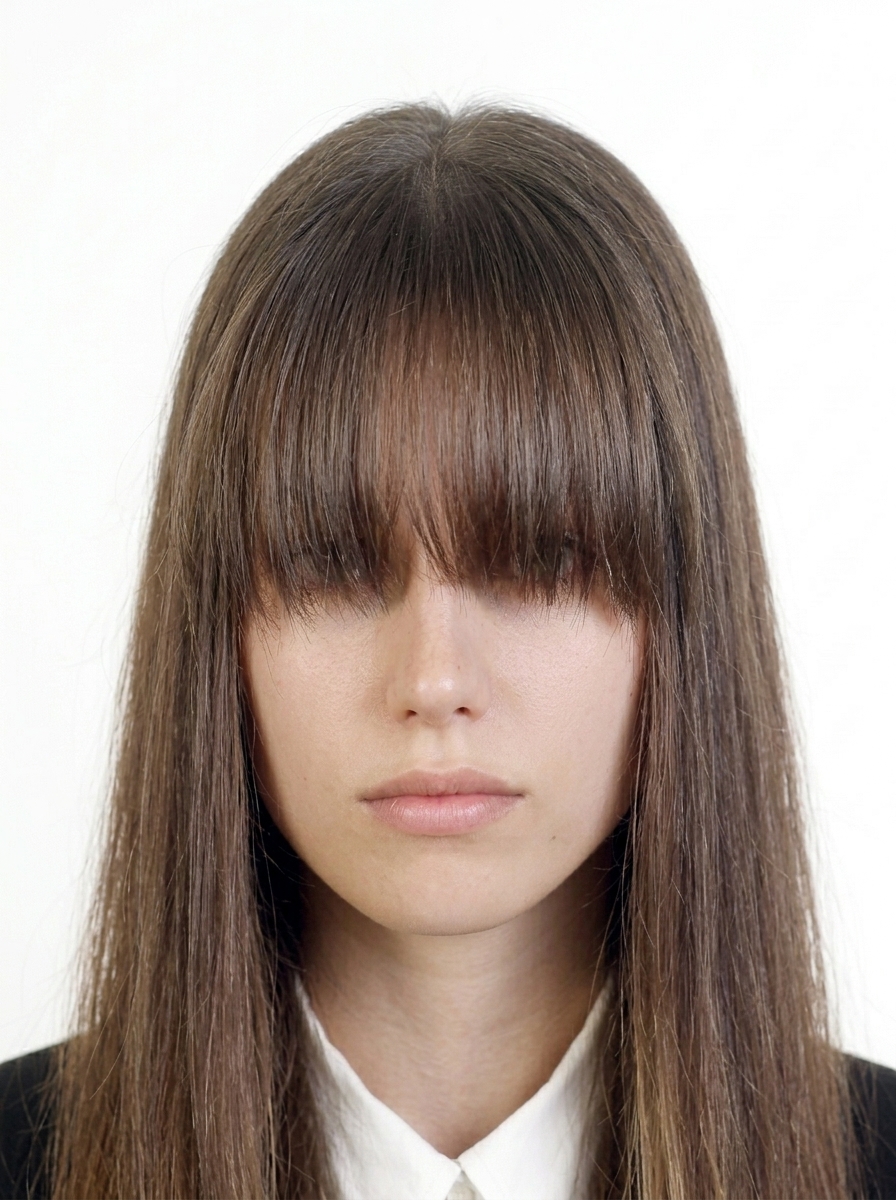
Yes, it is safest to keep your forehead, eyebrows, and ears clearly visible. Official guidance from some embassies states that ears should be visible, so tuck long hair behind your ears. Avoid letting hair cover your eyes, eyebrows, or the contours of your face.
Can I wear white clothes?
Avoid white or very light clothing because it can blend into the white background. Darker clothing provides clearer separation between your face and the background.
Do I need a printed photo or digital upload?
It depends on your application route. COVA online applications require a digital upload (JPEG, 354 × 472 px, 40–120KB). Some procedures may also require a printed photo. Check the specific embassy, consulate, or visa center instructions for your route.
Do I need to write my name on the back of the printed photo?
Some procedures or centers may require information such as your name on the back of printed photos. Check the specific embassy, consulate, or visa center instructions.
Does this app submit my visa application?
No. The app formats and exports a photo file. You must complete and submit your application through the official COVA portal or your local Chinese embassy or consulate.
Is this an official China visa app?
No. This app is an independent photo formatting tool. It is not affiliated with COVA, the Ministry of Foreign Affairs of China, any Chinese embassy or consulate, or any visa application center.
Does this app guarantee acceptance?
No. The app helps you prepare a photo file, but it does not guarantee acceptance. The final decision is made by the COVA upload check, the visa center, embassy, or consulate.
Are my photos uploaded to a server?
No. Importing photos, face detection, adjustments, and export all happen on your iPhone. Purchases use Apple's StoreKit, but photo data is not part of payment processing.