Brazil Visa Photo app icon

Brazil Visa Photo

eVisa & Consulate Visa Photo and Passport Scan Helper

Create the face photo and passport bio page image needed for Brazil eVisa and embassy/consulate visa applications. Route-specific presets (12 verified consular posts), background whitening, and file size compression, all on your iPhone.

This app is not an official service of the Brazilian government, VFS Global, or any Brazilian embassy or consulate, and does not submit or approve applications.

Download on the App Store

Key features

413×531px

eVisa Photo Guide

On-screen guide to align your face with the VFS Brazil eVisa upload specification.

PRESETS

Consulate Presets

Photo size presets for embassy/consulate applications, covering verified post-specific sizes.

PASSPORT

Passport Bio Page Scan

Capture the passport bio page with all four corners and a readable MRZ, exported as a color image.

JPEG

Compressed Output

Export JPEG files within the eVisa upload limits with automatic file size compression.

ON DEVICE

On-device Processing

Import, face detection, adjustments, and export all run on your iPhone — nothing uploaded.

Pricing

Export plan

Pay only when saving

Preview before purchase

  • Brazil visa photo file (eVisa / consulate presets)
  • Passport bio page image and document files
  • Free preview before saving
  • One-time purchase — no subscription

Photo Guide

Photo checklist

Even a slightly non-compliant photo can be rejected during your application. Check these points before saving.

  • Use the size specified by your application route (413 × 531 px for the eVisa) with only the applicant in frame.
  • Use a clear, recently taken photo. Face the camera directly with a natural expression.
  • Plain white background with no shadows.
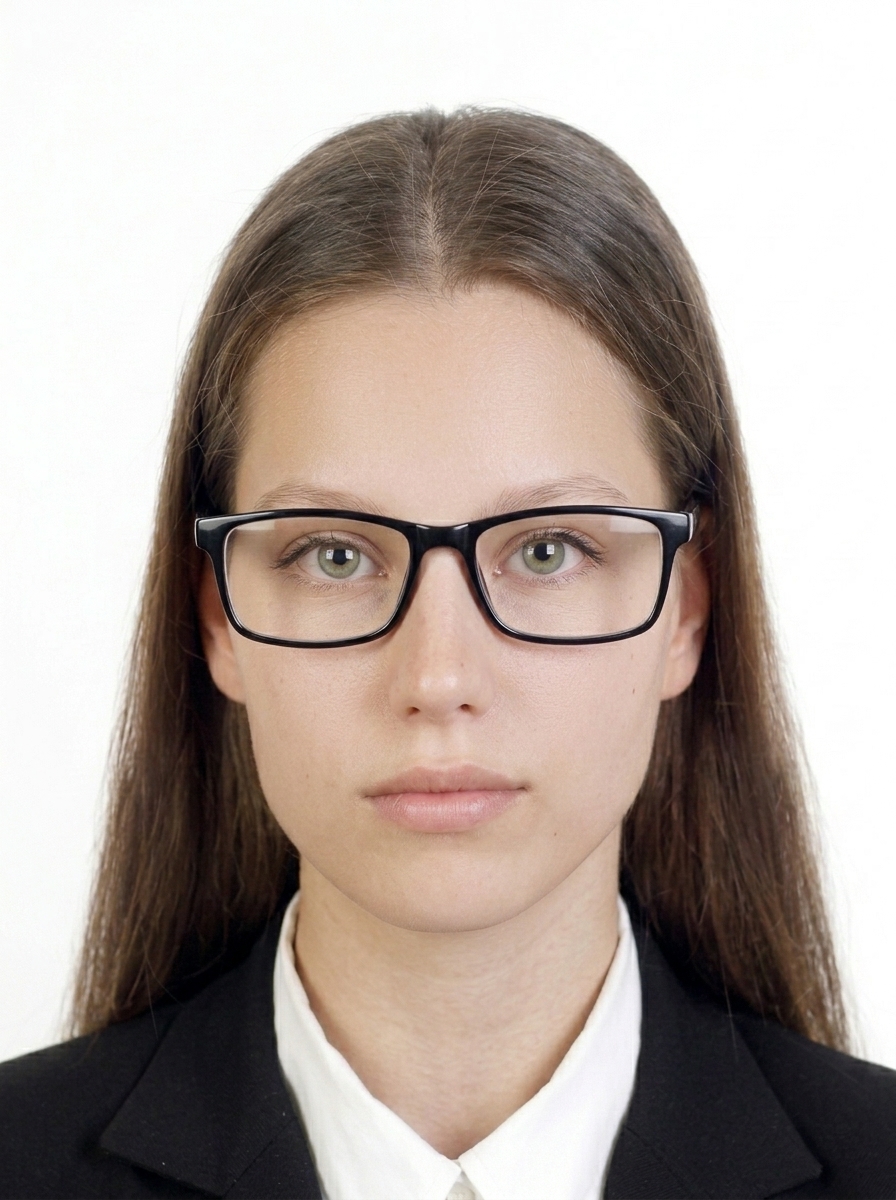
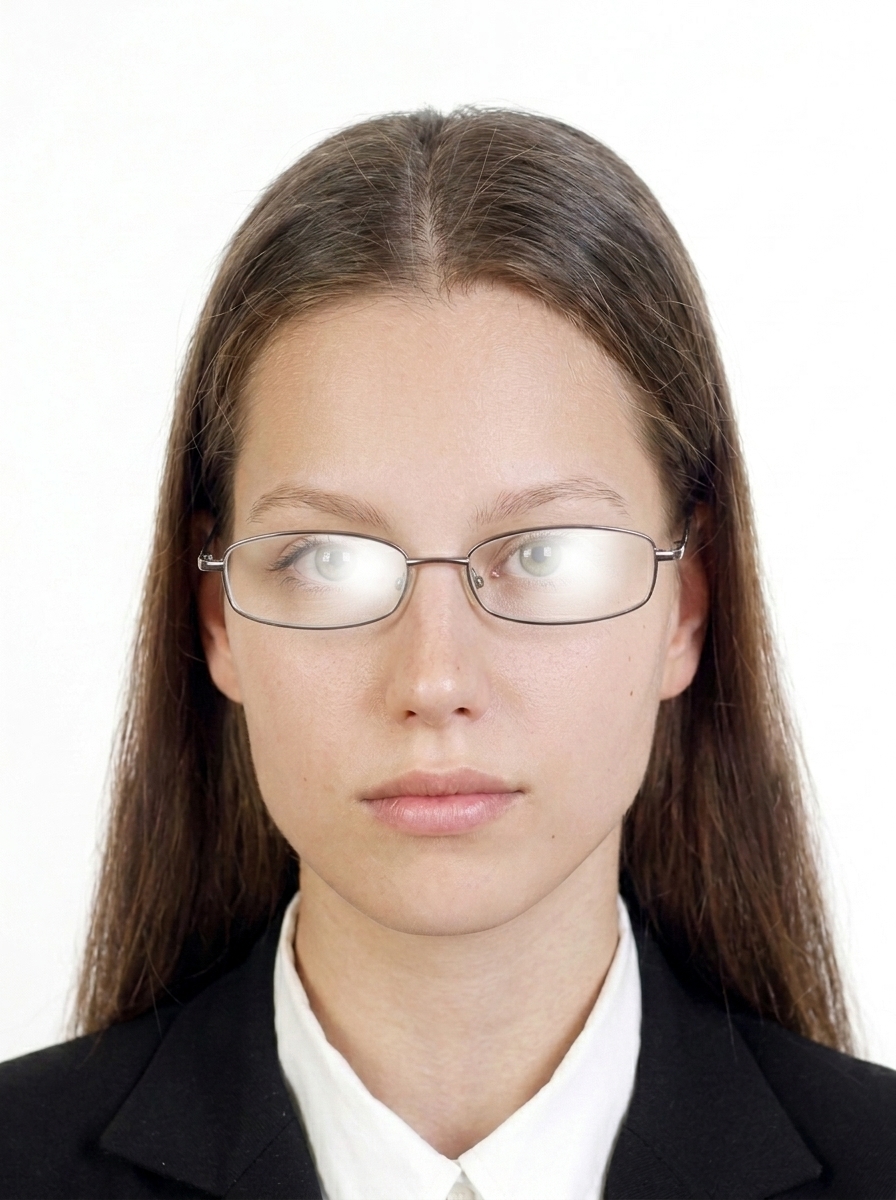
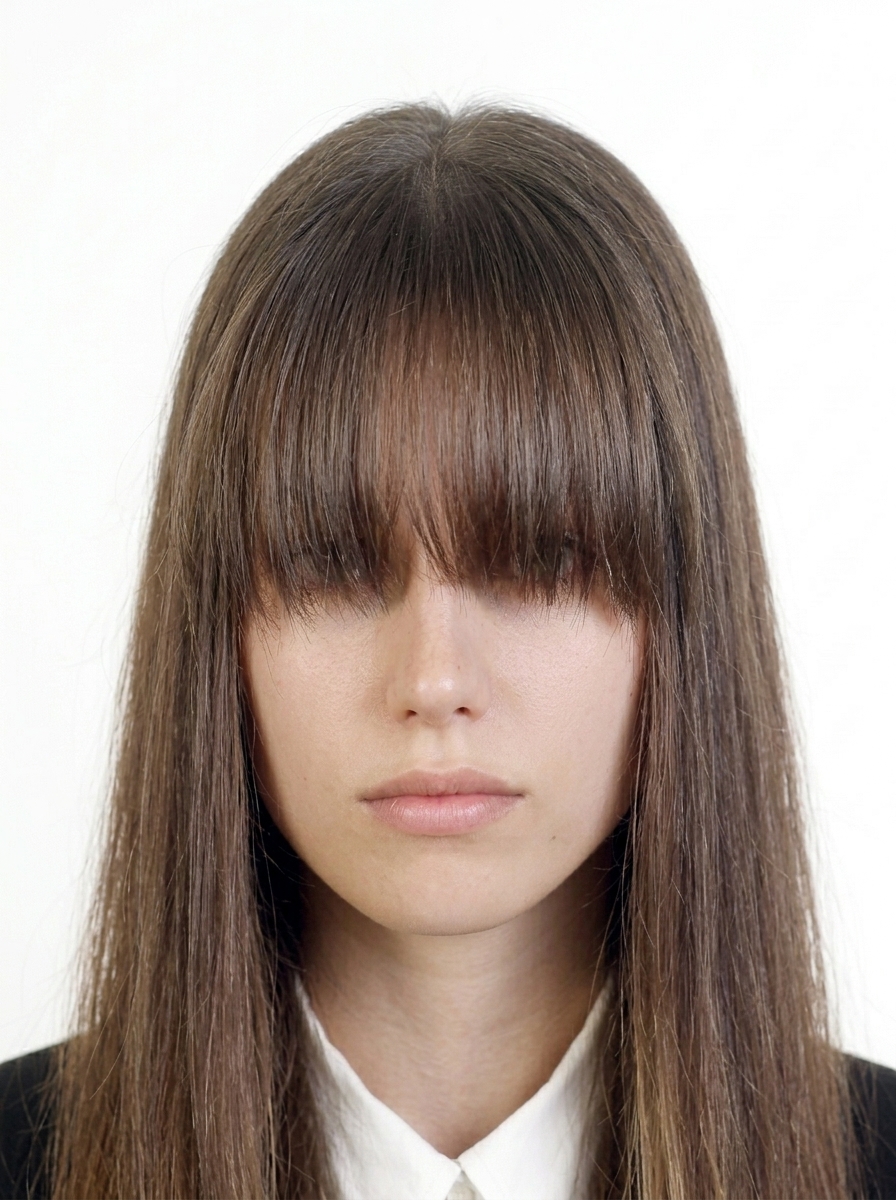
  • Both eyes open and clearly visible. Glasses are not allowed or not recommended for the eVisa — remove them if in doubt. Keep hair away from the eyes.
  • No face-altering effects, AI modifications, or cropped passport photos. Keep your natural appearance.

Size and composition

These specifications come from the Brazil requirement registry (verified facts only). Keep the face centered with the top of the head and chin in frame, and include the shoulders. Consulate sizes vary by post — always confirm your consulate's instructions.

VFS Brazil eVisa upload photo

413 × 531 px eVisa upload photo
JPEG / JPG eVisa accepted format
2 MB eVisa max file size
Background White

Embassy / Consulate (12 verified posts)

United States 51 × 51 mm
United Kingdom · London 35 × 45 mm
Germany · Berlin 35 × 45 mm
Norway · Oslo 40 × 50 mm
Estonia · Tallinn 40 × 50 mm
Australia · Sydney 40 × 50 mm
Japan · Tokyo 35 × 45 mm
Indonesia · Jakarta 30 × 40 mm
Hong Kong 50 × 70 mm
Singapore 50 × 70 mm
Ireland · Dublin 35 × 45 mm
Finland · Helsinki 36 × 47 mm

Passport bio page (eVisa upload)

JPEG / JPG Passport bio page format
2 MB Passport bio page max file size
Color Color

Source: VFS Brazil eVisa photo requirements. Consulate sizes vary by post — follow the instructions of the embassy/consulate handling your application.

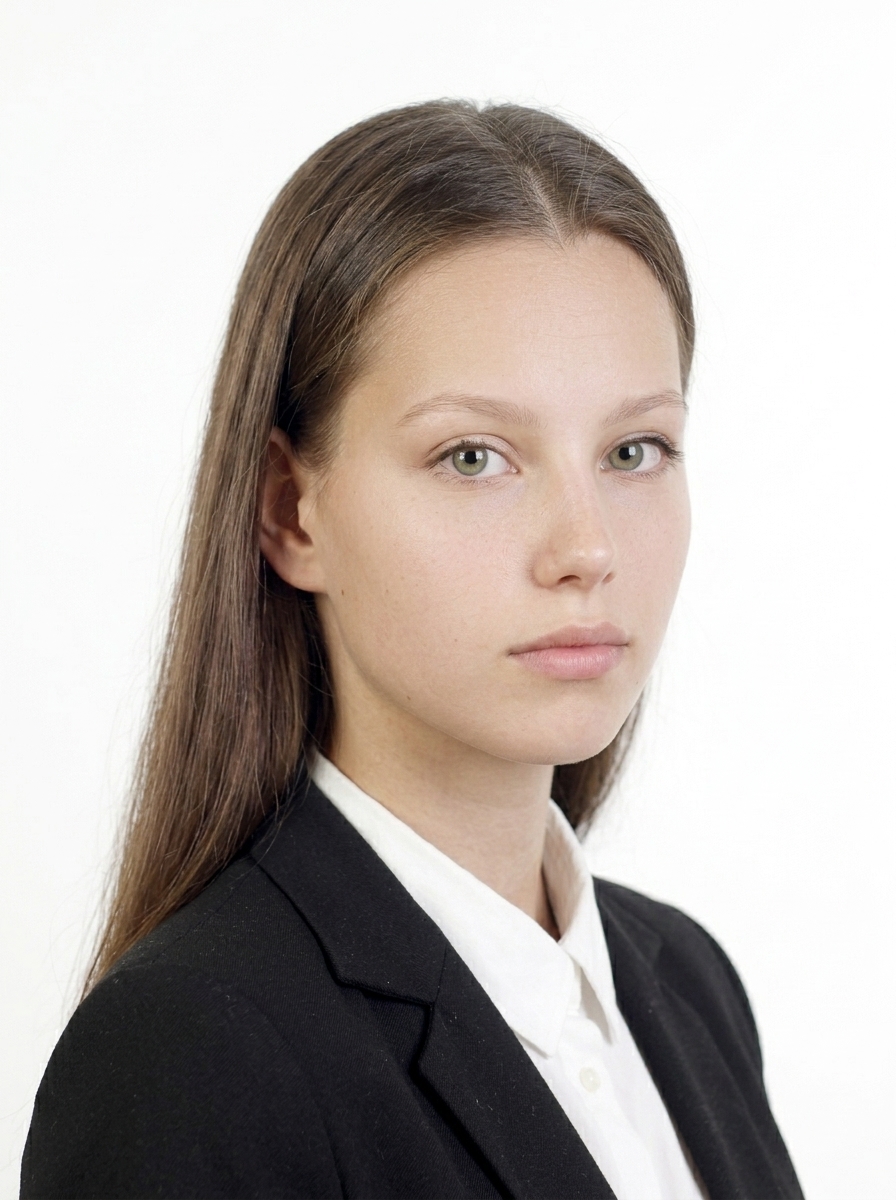
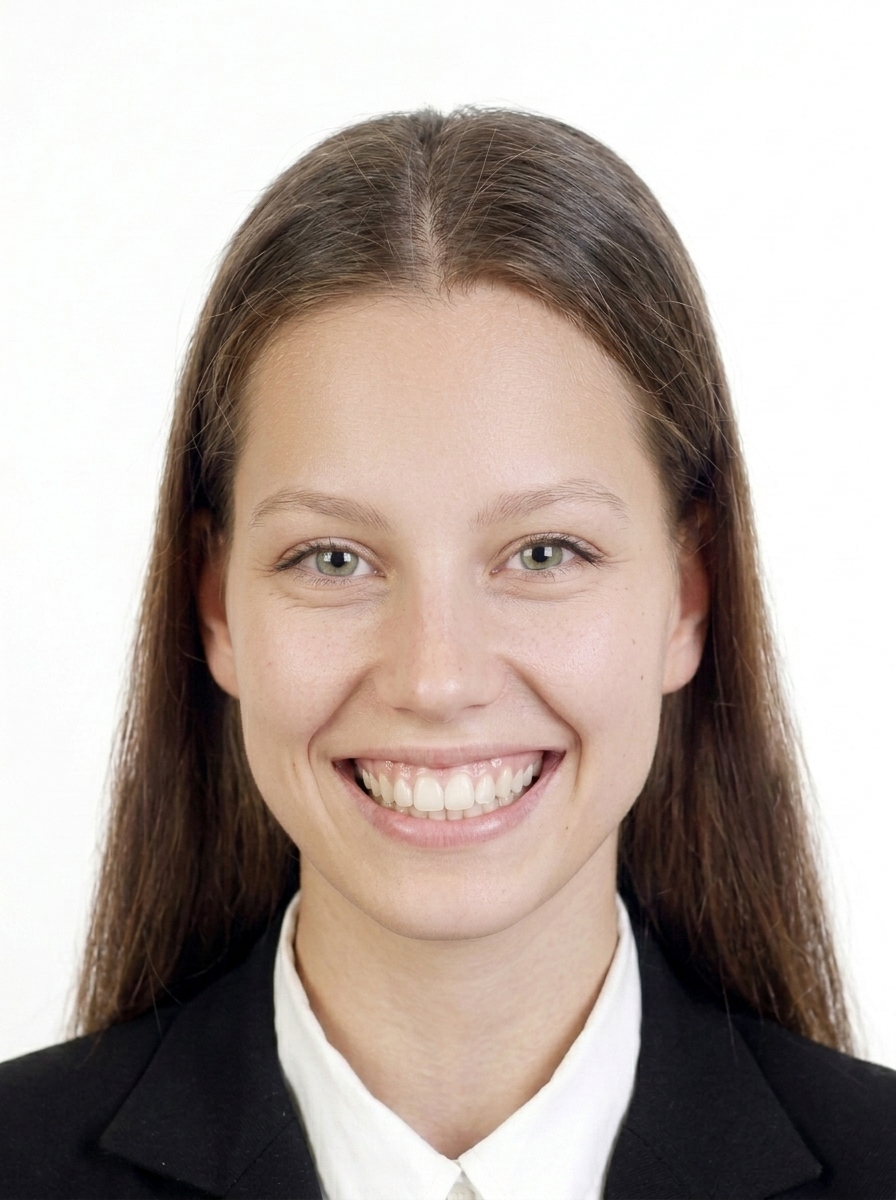
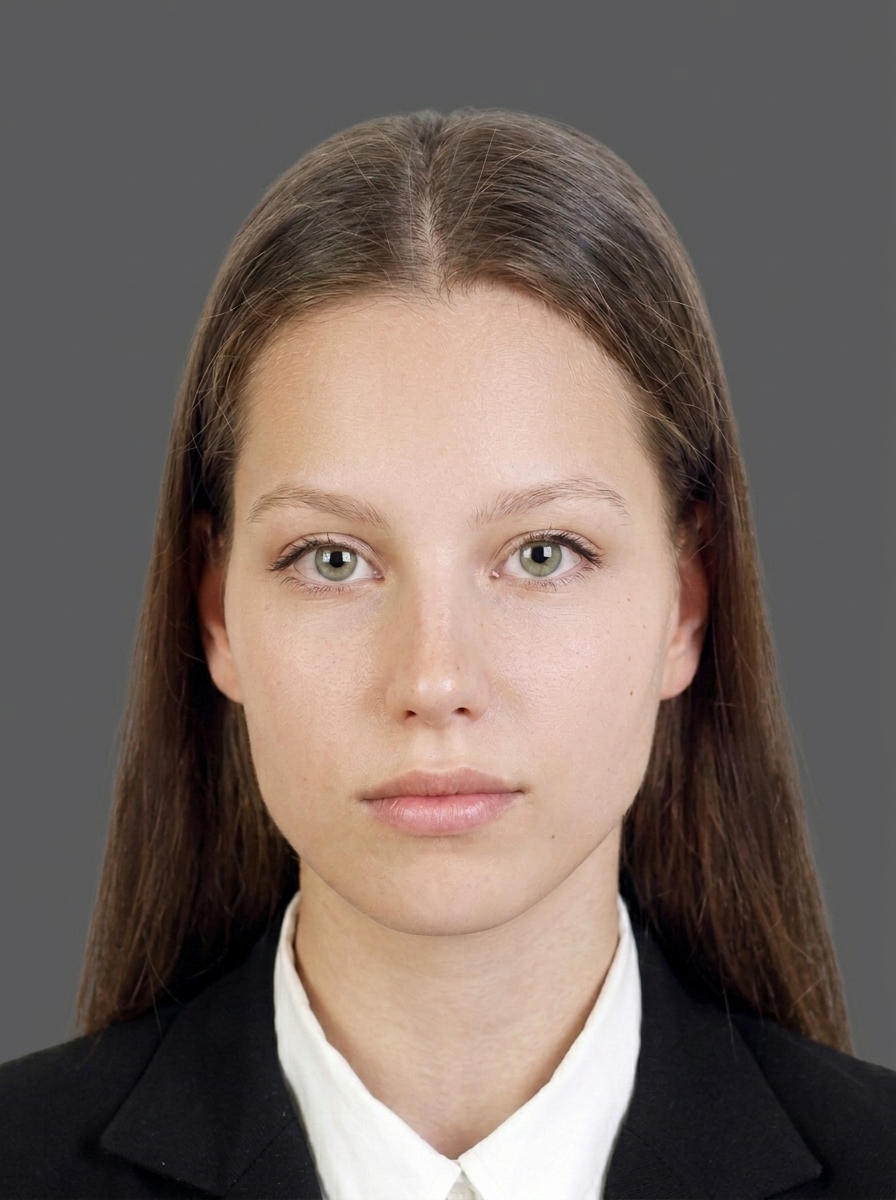
Examples that are OK

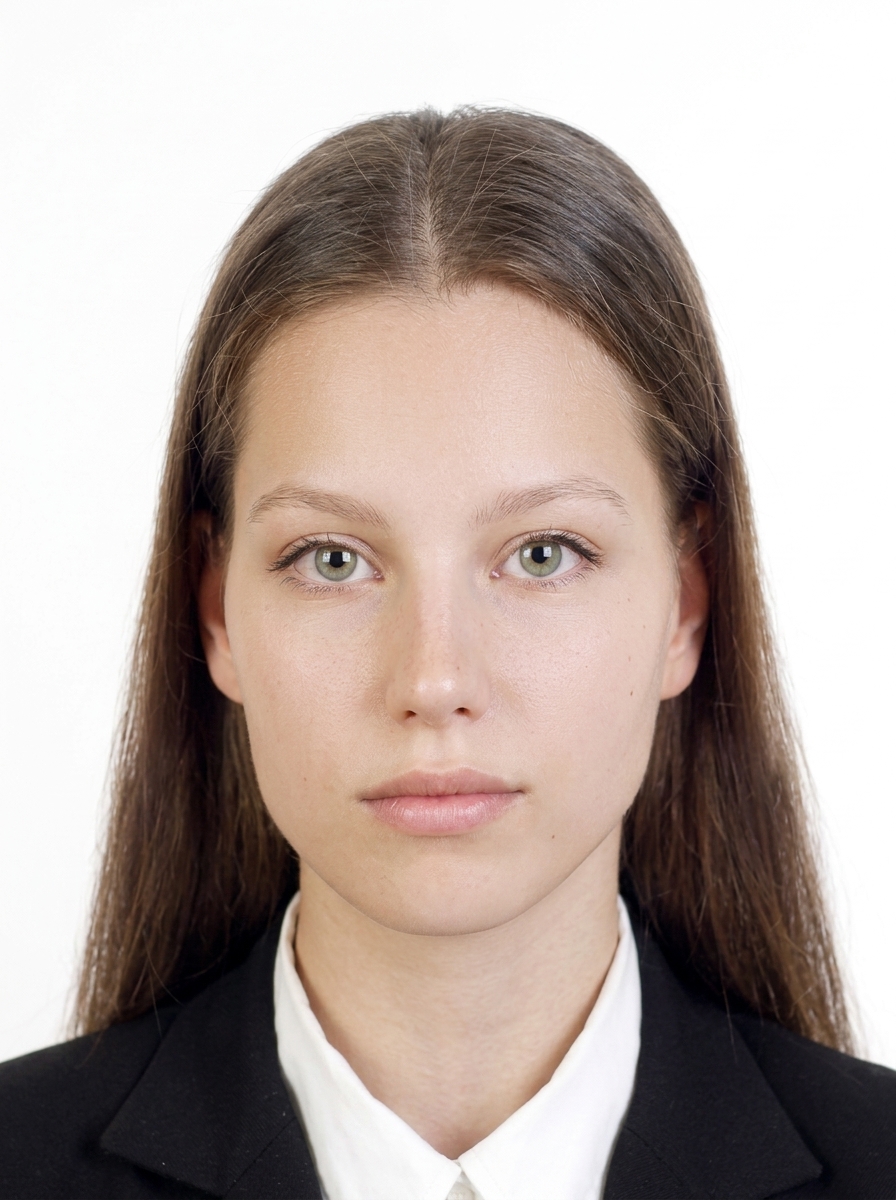
The person faces forward, background is white, and the face is clearly visible with a natural expression.

Acceptable photo example 1
Forward-facing with a white background.
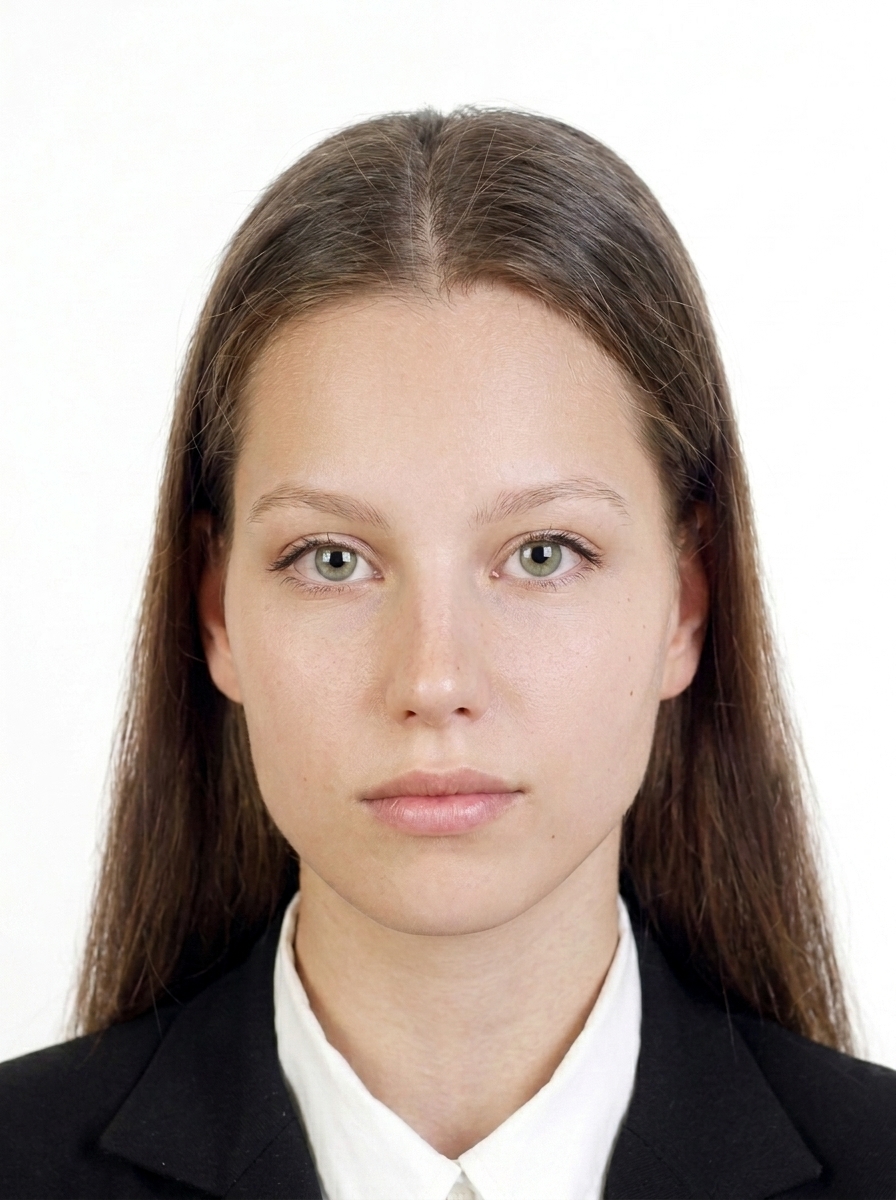
Acceptable photo example 2
Face is clear with no strong shadows.

Common examples that are not OK

These are common reasons a photo may be rejected.

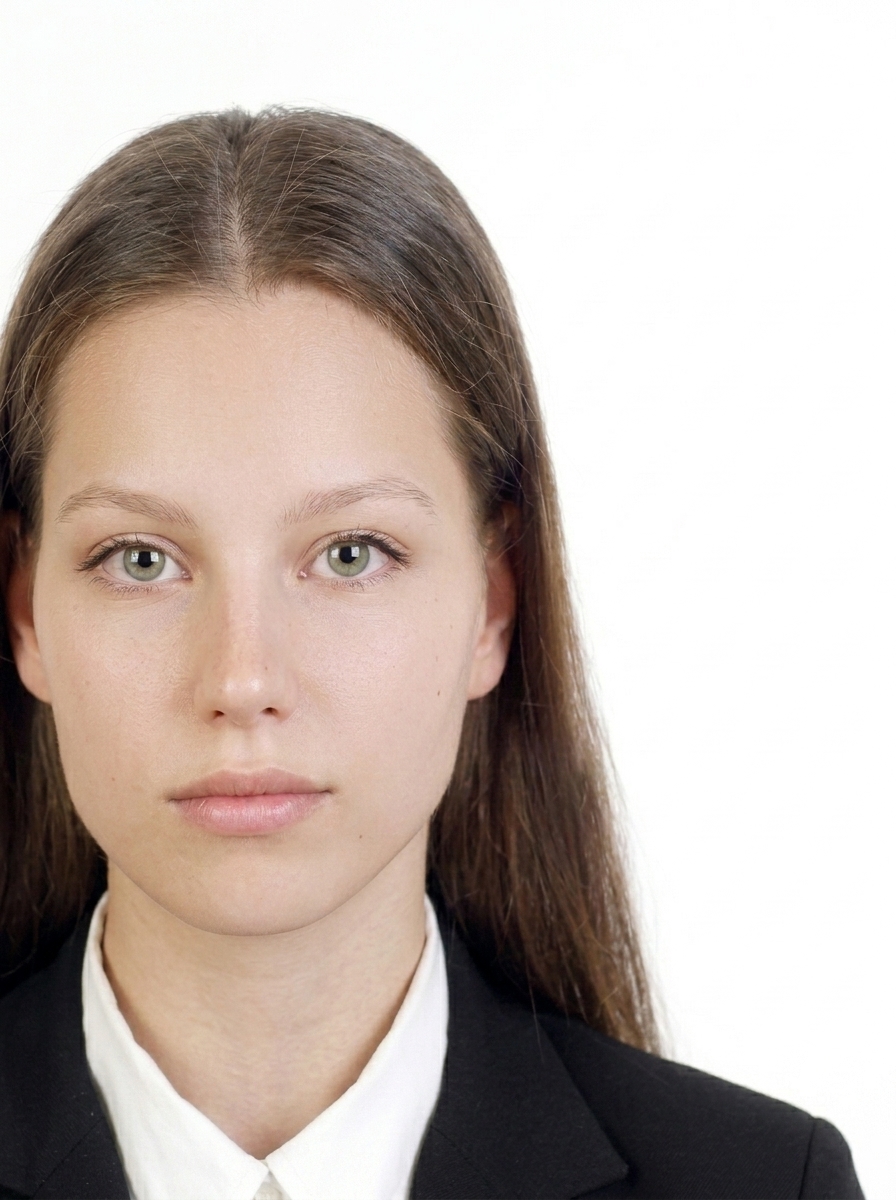
Off-center photo
Face is too far from center.
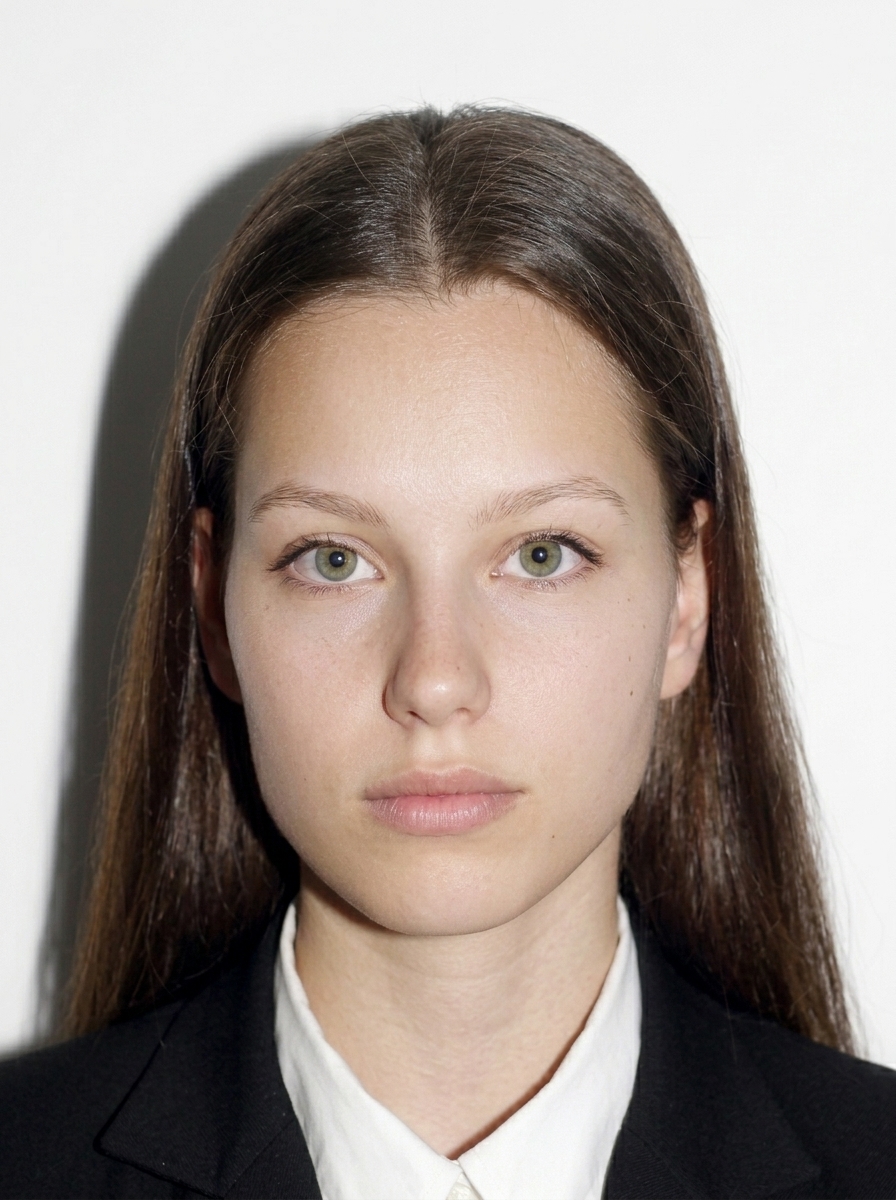
Photo with shadow on the background
Background shadows make the outline harder to see.
Side-facing photo
You must face the camera directly.
Tilted head photo
Keep your head straight and level.
Photo with glasses frame over eyes
Frames covering the eyes are not allowed.
Photo with glare on glasses
Lens glare making eyes invisible is not allowed. If in doubt, remove glasses.
Photo with hair covering the eyes
Hair must not cover your eyes.
Photo with unnatural expression
Use a natural, neutral expression.
Photo with background too dark
Background must be plain white.
Blurred photo
The photo must be sharp and in focus.

About editing

Take your photo with a plain white background, even lighting, and a natural appearance from the start. This app mainly helps with composition checking, size adjustment, background whitening, pre-save preview, and file export. Do not alter your facial shape, skin, hair, or clothing.

Official guidance VFS Brazil eVisa portal

FAQ

What are the Brazil eVisa photo requirements?

The eVisa requires a 413 × 531 px photo in JPEG / JPG format with a White background, up to 2 MB. Face the camera directly with eyes open, keep the top of your head and chin in frame, and include your shoulders. Always confirm the latest requirements on the official portal (brazil.vfsevisa.com).

Does the app support embassy or consulate visa applications?

Yes. In addition to the VFS Brazil eVisa, the app includes photo presets for embassy/consulate applications (12 verified posts plus other common sizes). Consulate photo sizes vary by post, so choose the size specified in your consulate's instructions.

How do I create the passport bio page image?

Simply photograph your passport bio page or import it from your photo library. Check that all four corners are visible and the MRZ (machine-readable zone) is readable. The app outputs a Color JPEG / JPG image up to 2 MB.

Are my photos uploaded to a server?

No. All photo processing, face detection, background whitening, and image export happen entirely on your iPhone. Only App Store billing uses the network, and it never includes your photo data.

Can I wear glasses?

For the eVisa route, glasses are not allowed or not recommended. Please remove glasses before taking the photo. For the latest requirements, including consulate routes, follow the instructions from your application office.

Can I crop my photo from my passport?

No. Reusing a cropped passport photo is not accepted. Take a fresh photo with a plain white background and follow the on-screen guide.

Does this app submit my application?

No. This app is a file preparation tool only. You must submit your application yourself on the official portal (brazil.vfsevisa.com for eVisa) or through the Brazilian embassy/consulate handling your application.

Does this app guarantee my photo will be accepted?

No. This app helps you create files based on published requirements, but final acceptance is determined by the application office. Requirements may change, so always check the latest official guidance before submitting.

What are common rejection reasons?

Common reasons include wrong size for the route, background not white, glasses reflections, shadows, an old photo, or incorrect face proportions. This app detects and warns about these issues.

What about children's visa photos?

The same requirements apply to children: white background, facing forward, eyes open, no glasses. For infants, lay the child on a white sheet and photograph from above, or use a car seat with a white cloth draped over it.

How recent should the Brazil visa photo be?

The official VFS Brazil eVisa portal and consular guidance ask for a recent photograph, but the official sources used for this guide do not specify a number of months. Follow any current instruction from the portal or the consulate handling your application. Some private websites say “within six months,” but that is not an official Brazil photo requirement in these sources.

Can I print the photo at home or at a convenience store?

Yes, as a practical option, you may use a photo-printing shop, convenience store, or home printer if the relevant consular post's dimensions are reproduced accurately. Official guidance does not prescribe a printing method. Check the printed photo with a ruler and cut it carefully. For eVisa, upload the image instead, so printing is not needed.
Brazil visa photo requirements

Even a slightly non-compliant photo can be rejected during your application. Check these points before saving.

Read the guide

Create your Brazil visa photo now

Capture and preview for free. Pay only when you save.

Download on the App Store (free)

Need help?

Contact us about usage, exports, purchases, or website information.

Open contact form