India Visa photo guide
India e-Visa vs Regular Visa photo
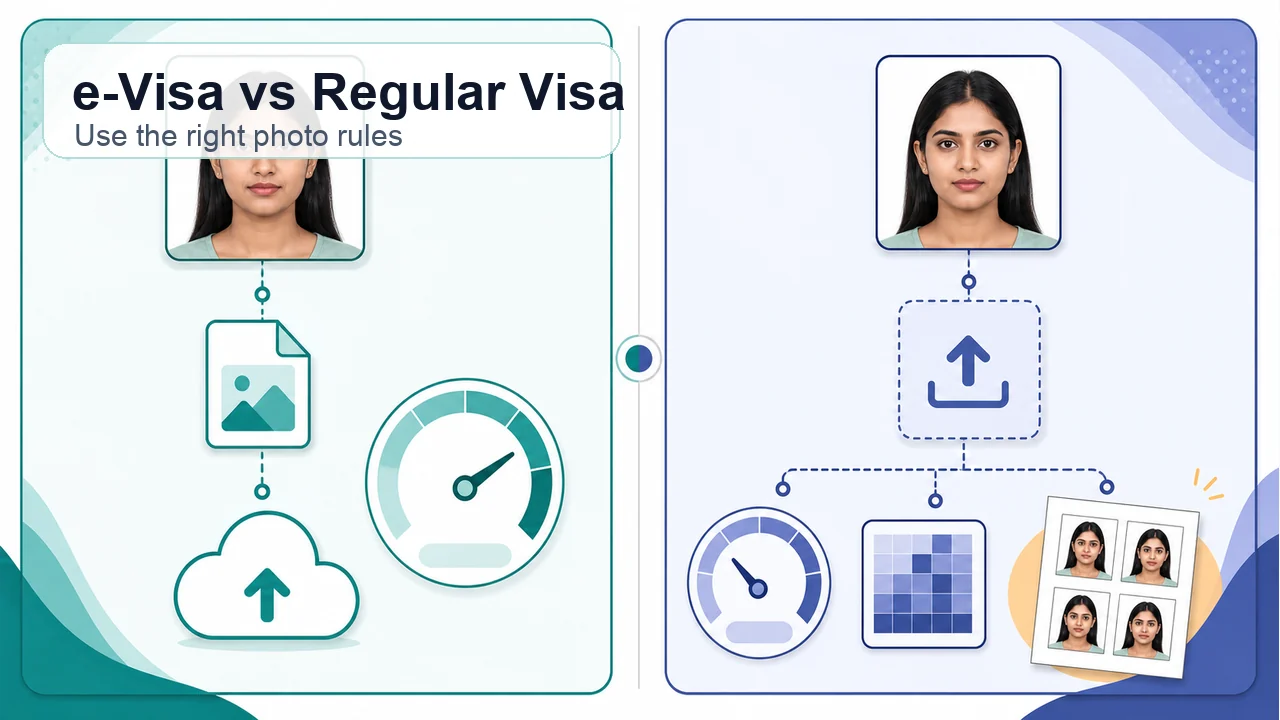
Compare India e-Visa and Regular India Visa photo rules so you do not mix the 1 MB e-Visa limit with the 300 KB Regular Visa upload limit or print-photo instructions.
Key points
- e-Visa: 10 KB - 1 MB
- Regular Visa: 10 KB - 300 KB
- Check whether printed photos are needed
Main differences
The easiest limit to mix up is file size. India e-Visa allows up to 1 MB, while Regular Visa online photo guidance uses up to 300 KB.
- India e-Visa: JPEG, 10 KB - 1 MB
- Regular Visa upload: JPEG, 10 KB - 300 KB, 350 x 350 px - 1000 x 1000 px
- Printed photos are more likely on Regular Visa routes
Which route should you follow?
For an online e-Visa, follow the e-Visa photo guidance. For regular applications, mission submission, or application-center submission, check both the Regular Visa online upload guidance and local submission instructions. If unsure, first identify the official form you are using and the office or center where you will submit documents.
Cases that often cause mistakes
Search results for “India visa photo” often mix e-Visa, Regular Visa upload, and printed-photo guidance. Before preparing the photo, decide whether your route is digital-only or includes office or center submission.
- Compressing an e-Visa photo down to a 300 KB Regular Visa limit
- Assuming Regular Visa upload allows 1 MB
- Applying printed-photo dimensions directly to the online upload file
Official confirmation
Use the official India e-Visa page for e-Visa photos and Indian Visa Online / VSS image guidance for Regular Visa online uploads.
Requirements can change, and printed-photo practice may vary by mission or application center. Always confirm the latest instructions for your actual route.
How the app helps
Crop to an equal width and height square and export a real JPEG instead of uploading HEIC.
Review the file size for your route: 10 KB to 1 MB for e-Visa, 10 KB to 300 KB for Regular Visa online.
Check a plain light background, no shadows, and no glasses before saving the final file.
Photo processing happens on your phone. The image is not sent to this website.
shoumei.org is an independent helper tool. It is not a visa application service, is not official, and does not guarantee acceptance or approval.
India Visa photo FAQ
What should I check first?
First confirm whether your application is India e-Visa or Regular India Visa. If that is wrong, file size, print needs, and submission checks can all be wrong.
Can I use the same photo for both routes?
The original photo may be reusable, but the final file or print should be prepared separately for each route’s size and submission format.
Will this photo definitely be accepted?
No. The official system, Government of India, mission, or application center makes the final decision.
Do e-Visa and Regular Visa use the same file-size limit?
No. The official e-Visa page lists a 1 MB maximum, while Regular Visa online photo guidance lists a 300 KB maximum.
Do I still need official confirmation for India e-Visa vs Regular Visa photo?
Yes. Printed-photo size, copy count, and submission-center practice can vary by route and location.
Official references
- Indian Visa Online - India e-Visa Checked: 2026-08-20
- Indian Visa Online - Regular Visa instructions Checked: 2026-07-20
- Indian Visa Online - VSS_IMAGE photo upload guidance Checked: 2026-08-20
Requirements can change, and printed-photo practice may vary by mission or application center. Always confirm the latest instructions for your actual route.
Choose a guide
Create your photo in the browser
Prepare the photo for India e-Visa directly in your smartphone or computer browser. Creating and reviewing are free.
What this tool creates
- the required face photo (for digital upload)
- the document PDF for submission (for document upload)
Use the right India Visa photo route Open the app