Vietnam e-Visa file preparation
Common Vietnam e-Visa upload errors
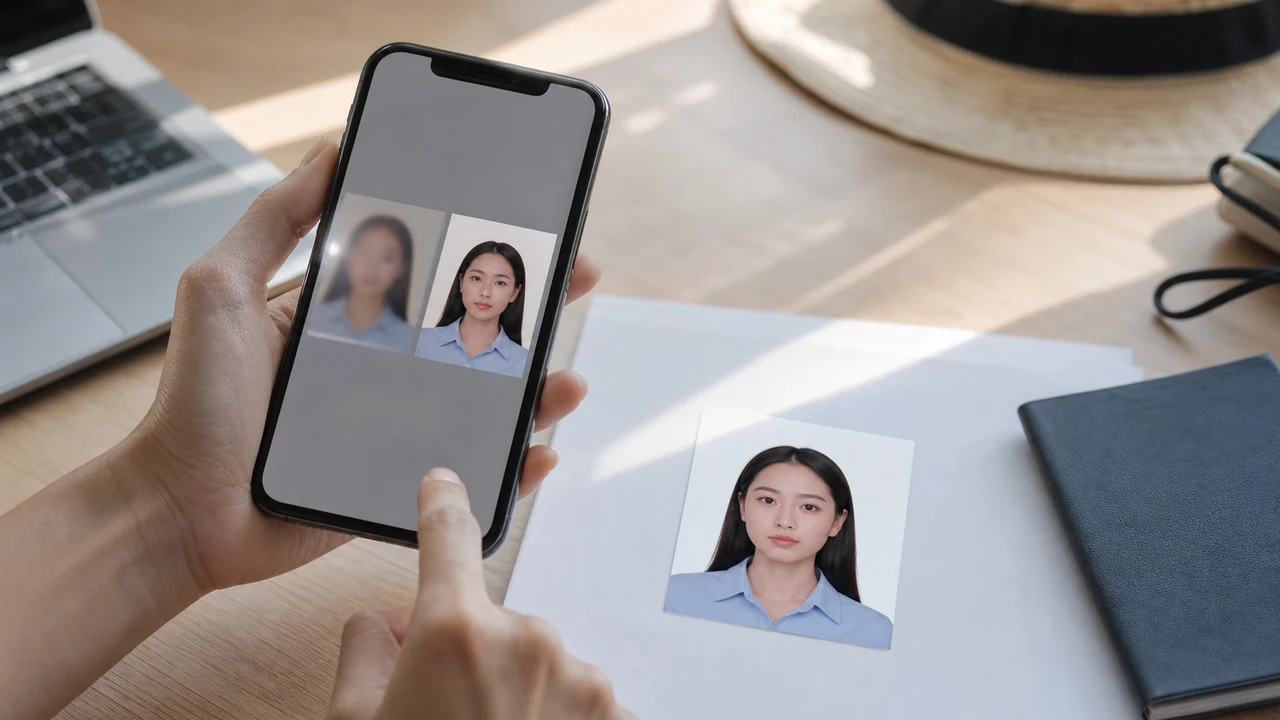
Most upload trouble comes from a file that looks acceptable at thumbnail size but fails in the details: the photo is square, the passport text is blurred, or glare hides the MRZ.
Checked: 2026-08-14
Quick answer
- Do not upload a square visa photo for the face image.
- Do not compress the passport page until the text becomes unreadable.
- Retake photos with glare, heavy shadow, or cropped document edges.
- Check the file after export, not only inside the editor.
Error: the face photo is the wrong shape
If the file came from a US or India visa photo workflow, it may be square. Re-export from the Vietnam e-Visa project so the result is a 2:3 portrait JPEG.
Error: the passport page is not readable
Compression cannot rescue a bad source image. If the passport number, dates, or MRZ are blurred, retake the page under better light before exporting again.
Error: the image was damaged by sharing
Some messaging apps resize or recompress images. If an uploaded file suddenly looks smaller, blurrier, or rotated, return to the original app export in Photos or Files.
Fast fixes before retrying
- Re-export the face photo as a Vietnam e-Visa JPEG, not a square file.
- Retake the passport page without flash glare.
- Use the app export file directly rather than a screenshot.
- Open the file and zoom in before upload.
Still rejected after the general file checks?
If the file meets the published requirements but the current portal still rejects it, use the problem-specific guide instead of repeating the same compression step. A face-comparison warning is a different path from a general upload validation error.
Official-source note
These guides summarize the Vietnam National Electronic Visa system instructions for the portrait photo and passport data page image. The app prepares files; the visa application itself is submitted on the official evisa.gov.vn portal.
This website and app are independent file preparation tools. They are not an official Vietnam government app, are not affiliated with the Vietnam Immigration Department, and do not guarantee photo acceptance, application approval, or visa issuance.
Why use shoumei.org for Vietnam e-Visa files
The app outputs an 1200 × 1800 px JPEG that matches the Vietnam e-Visa portrait ratio, so you avoid the square-crop problem from the start.
It compresses the JPEG below the official file-size ceiling while keeping facial detail and passport text as readable as the source image allows.
Built-in guides help you center the face, leave correct margins, and check the white background before export.
Image processing stays on your device. No photo or passport image is uploaded to a server through shoumei.org.
shoumei.org is an independent file preparation tool. It is not affiliated with the Vietnam government or the evisa.gov.vn portal, and using it does not guarantee that your photo, passport image, or visa application will be accepted or approved.
FAQ
Should I keep compressing until the upload works?
No. If compression makes the face or passport text unclear, retake or re-export from a better source file instead.
Why does the passport page look fine on the phone but bad after upload?
Small previews hide blur and glare. Always zoom into the exported image and check the MRZ and passport number before upload.
Official sources
- Vietnam e-Visa — Official portal photo upload terms (evisa.gov.vn) Checked: 2026-08-14
- Vietnam e-Visa — Official user manual / application instructions Checked: 2026-08-14
- Vietnam e-Visa — Current portal file-input UI observation Checked: 2026-08-14
This website and app are independent file preparation tools. They are not an official Vietnam government app, are not affiliated with the Vietnam Immigration Department, and do not guarantee photo acceptance, application approval, or visa issuance.
All Vietnam e-Visa photo guides
Create your photo in the browser
Prepare the photo for Vietnam e-Visa directly in your smartphone or computer browser. Creating and reviewing are free.
What this tool creates
- the required face photo (for digital upload)
- the passport biographical data page (photo page) (for document upload)
Prepare Vietnam e-Visa files on iPhone Download on the App Store