Japan eVISA file preparation
Common upload errors and fixes
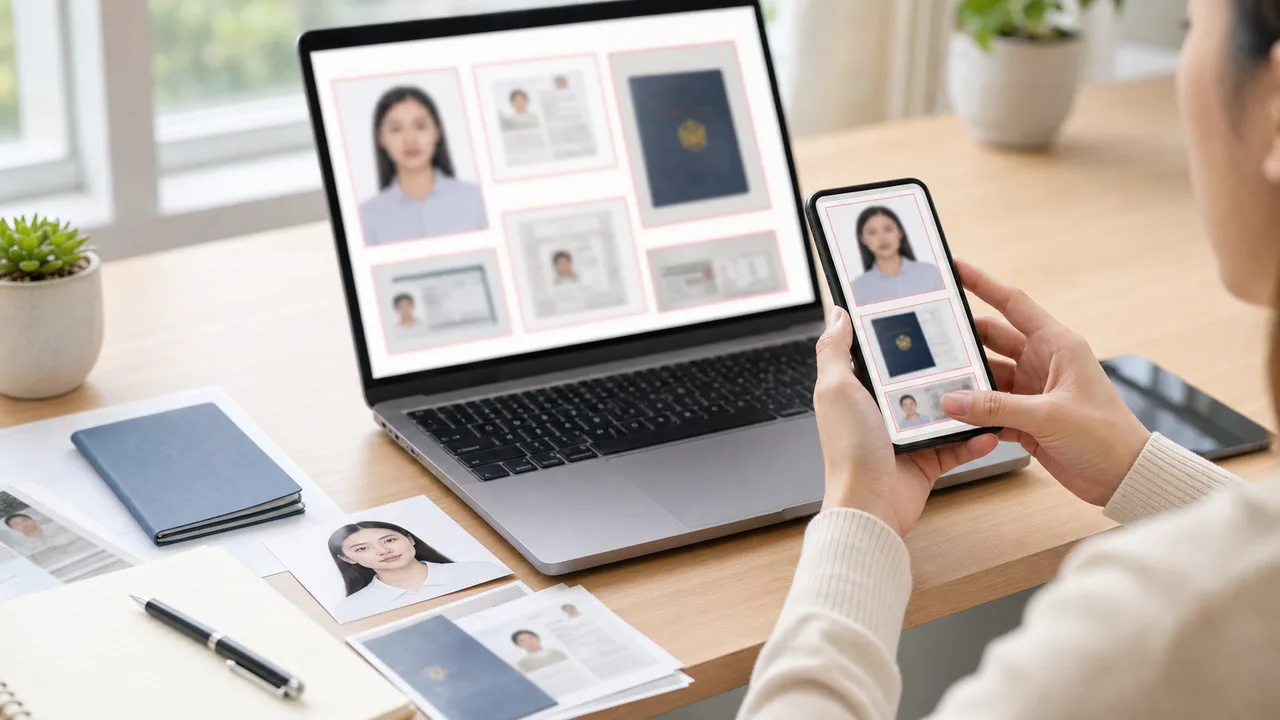
Upload problems often come from details that look fine in a small preview: the passport MRZ is blurred, the face photo came from a printed photo, or a filter changed the appearance.
Updated: 2026-07-28
-
Error: the face photo came from a printed photo
If you printed a photo and photographed the print, the result may show paper texture, blur, glare, and perspective distortion.
- Use the original digital photo and export a clean JPEG.
-
Error: the passport page is not readable
Compression cannot rescue a blurred passport image.
- If the MRZ, passport number, or dates are not readable after zooming in, retake the page under better light.
-
Error: the image was altered too much
Beauty filters, face-slimming, skin smoothing, and synthetic background changes can make the photo look less like an identity document.
- Keep the image natural and retake under better conditions instead of over-editing.
Fast fixes before retrying
- Open the exported file and zoom in.
- Retake photos with glare, blur, or hard shadows.
- Use the original export, not a recompressed messaging-app copy.
- Return to the official checklist if the system asks for a document you did not prepare.
- Confirm you are using the correct route and document list.
Create your photo in the browser
Prepare the photo for Japan Visa (paper application) directly in your smartphone or computer browser. Creating and reviewing are free.
The photo specification this tool creates depends on your destination country and application route. Select your route in the tool.
Open the web toolPrepare your Japan eVISA photo on iPhoneDownload on the App Store
About official sources
These guides summarize public information from Japan MOFA and Japanese diplomatic missions about JAPAN eVISA eligibility, online application scope, photo quality, and passport image preparation. The app prepares photo files; the visa application itself is submitted through the official route.
This website and app are independent file preparation tools. They are not an official Government of Japan, MOFA, embassy, or consulate app, are not affiliated with those authorities, and do not guarantee photo acceptance, application approval, or visa issuance.
Why use the app to prepare files
Frame a 35 × 45 digital photo
The app helps you compose a Japan visa-style digital face photo with the right proportions, using your iPhone camera.
Export a clean JPEG
Get a clear file directly, without the recompression that messaging apps add, so facial detail and passport text stay sharp.
Check background and face position
Preview the plain background, face angle, and framing before you upload to the official system.
Independent preparation tool
The app only prepares image files. You still submit through the official JAPAN eVISA route and follow their instructions.
shoumei.org is an independent file preparation tool and is not affiliated with the Government of Japan, MOFA, embassies, or consulates. Preparing a photo with the app does not guarantee photo acceptance, application approval, or visa issuance.
FAQ
Why does my passport image look fine on the phone but fail later?
Small previews hide blur and glare. Always zoom into the final file and read the MRZ before uploading.
Should I compress the file as much as possible?
No. Over-compression can destroy text and facial detail. Keep the file clear enough for review.
Official sources
- MOFA - FAQ about JAPAN eVISA Checked: 2026-07-02
- Consulate-General of Japan in Los Angeles - eVISA requirements checklist Checked: 2026-07-02
This website and app are independent file preparation tools. They are not an official Government of Japan, MOFA, embassy, or consulate app, are not affiliated with those authorities, and do not guarantee photo acceptance, application approval, or visa issuance.