Japan eVISA file preparation
Passport data page image for Japan eVISA
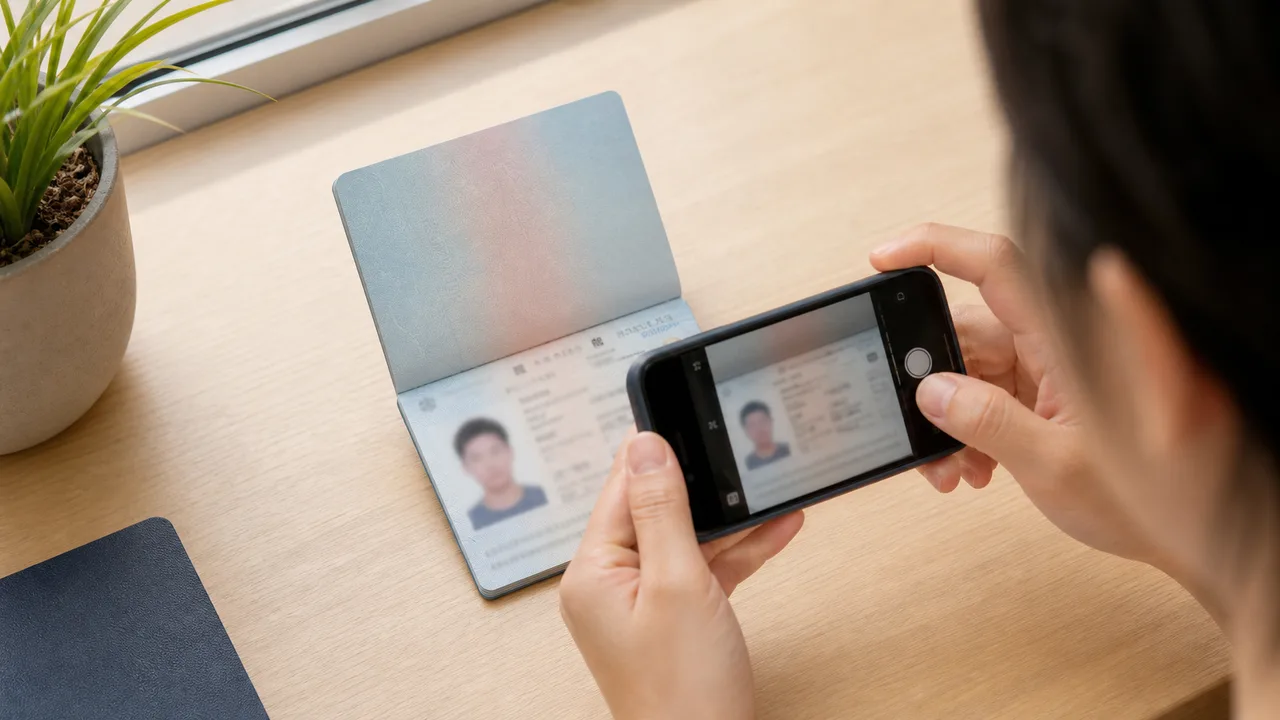
Your passport image is not just a document snapshot. The system and reviewer need to read the photo page, passport number, date fields, and machine-readable zone without guessing.
Updated: 2026-07-28
Quick summary
- Photograph the passport data page flat and straight.
- Keep the full page and corners visible.
- Make the MRZ lines at the bottom readable.
- Avoid flash glare on laminated areas.
- Check whether your local checklist asks for an adjacent page or extra document image.
What a readable passport image means
Open the exported image and zoom in. If you cannot read the passport number, name, dates, and MRZ comfortably, the upload is not ready.
Cropping tightly around the text block is risky. Keep the full document shape visible so the page is recognizable and not cut off.
How to photograph the page
- Place the passport on a flat table.
- Turn off flash and use soft side light.
- Hold the iPhone parallel to the page.
- Keep fingers and passport cover edges away from the information area.
- Retake if glare hides the photo, name, passport number, or MRZ.
Local checklist details can vary
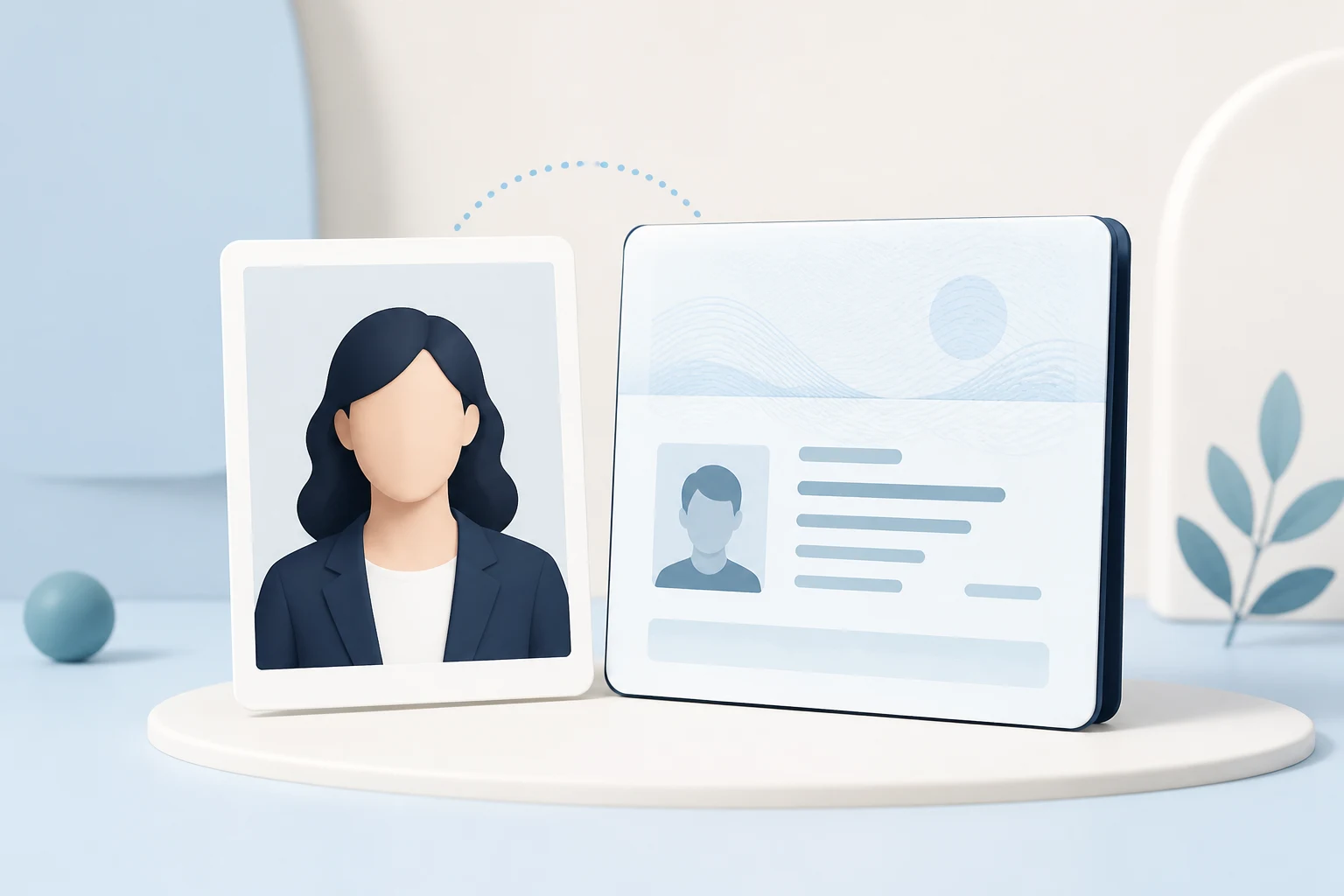
Some diplomatic mission checklists include extra document-image instructions in addition to the main passport data page. Treat those as route-specific instructions and follow the checklist for the office or country where you apply.
About official sources
These guides summarize public information from Japan MOFA and Japanese diplomatic missions about JAPAN eVISA eligibility, online application scope, photo quality, and passport image preparation. The app prepares photo files; the visa application itself is submitted through the official route.
This website and app are independent file preparation tools. They are not an official Government of Japan, MOFA, embassy, or consulate app, are not affiliated with those authorities, and do not guarantee photo acceptance, application approval, or visa issuance.
Common mistakes to avoid
These are the upload mistakes that most often cause a Japan eVISA photo or passport image to be returned. Avoid them before you submit, and confirm the latest official instructions for your route.
Photographing a printed ID photo adds paper texture, glare, and blur. Use the original digital capture and export a clean JPEG.
Glare, blur, cropped edges, or a hidden MRZ can stop the application. Keep the page flat and re-shoot under even light.
Some embassies list 35 × 45 for paper applications. Do not assume the same size applies to the online eVISA upload.
Face-slimming, skin smoothing, and background replacement change how you look and can make the photo unusable. Keep the image natural.
Shadows, patterns, or a background that blends with light clothing fail the plain or white background check.
Sending the photo through a messaging app can destroy detail. Upload the original exported file, not a recompressed copy.
Why use the app to prepare files
The app helps you compose a Japan visa-style digital face photo with the right proportions, using your iPhone camera.
Get a clear file directly, without the recompression that messaging apps add, so facial detail and passport text stay sharp.
Preview the plain background, face angle, and framing before you upload to the official system.
The app only prepares image files. You still submit through the official JAPAN eVISA route and follow their instructions.
shoumei.org is an independent file preparation tool and is not affiliated with the Government of Japan, MOFA, embassies, or consulates. Preparing a photo with the app does not guarantee photo acceptance, application approval, or visa issuance.
FAQ
Is a blurry passport photo acceptable if the file uploads?
No. Upload success is not the same as review quality. Retake the image if the MRZ or passport number is not readable.
Should I crop only the face and passport number?
No. Keep the full data page visible, including the document edges and MRZ.
Official sources
- MOFA - JAPAN eVISA system Checked: 2026-07-02
- Consulate-General of Japan in Los Angeles - eVISA requirements checklist Checked: 2026-07-02
This website and app are independent file preparation tools. They are not an official Government of Japan, MOFA, embassy, or consulate app, are not affiliated with those authorities, and do not guarantee photo acceptance, application approval, or visa issuance.
Japan eVISA guide articles
Create your photo in the browser
Prepare the photo for Japan Visa (paper application) directly in your smartphone or computer browser. Creating and reviewing are free.
The photo specification this tool creates depends on your destination country and application route. Select your route in the tool.
Open the web toolPrepare your Japan eVISA photo on iPhone Download on the App Store