Indonesia Visitor Visa file preparation
Indonesia eVisa / eVOA upload guides
A practical guide set for the two files most applicants prepare before using the Indonesia Visitor Visa / eVOA portal: the face photograph and the passport bio page image.
Indonesia eVisa / eVOA guide articles
 Photo requirements Check the 4 x 6 cm, 400 x 600 px, JPG/JPEG/PNG, and file-size points before uploading an Indonesia Visitor Visa / eVOA photograph.
 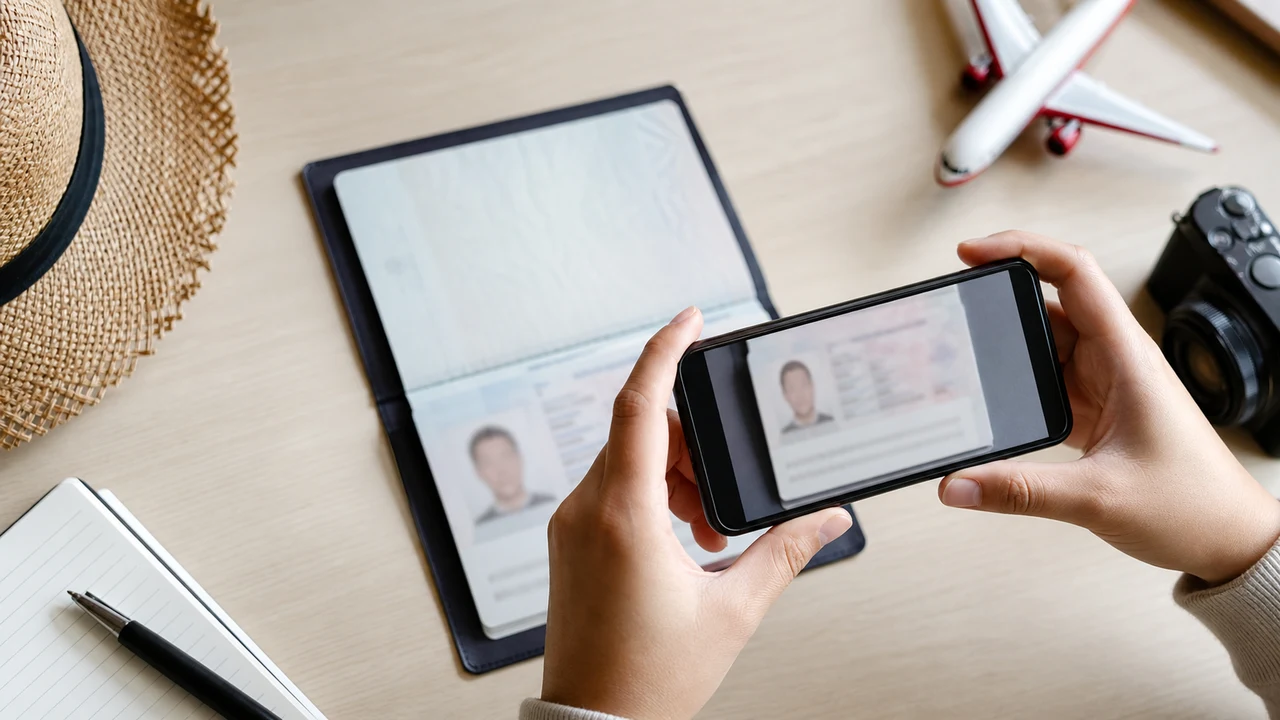 Passport bio page Prepare a readable full passport bio page image for Indonesia Visitor Visa / eVOA upload, including MRZ, photo, name, number, and expiry date.
 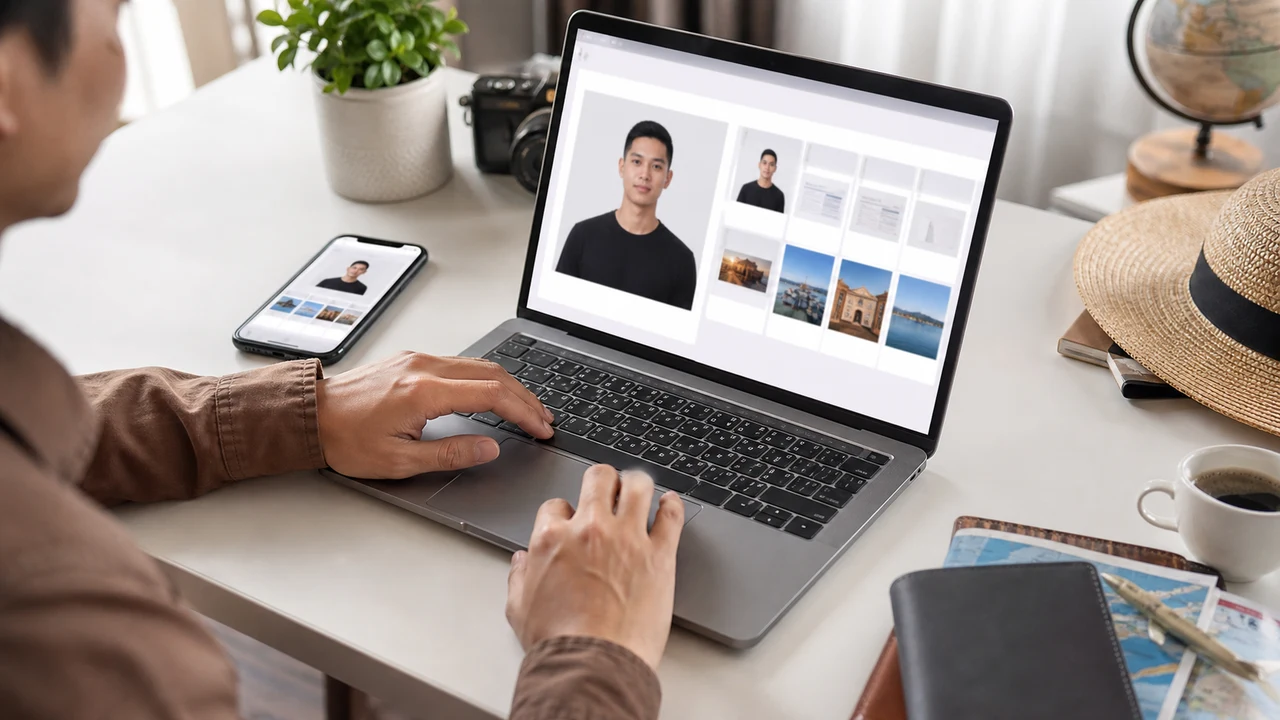 Resize under 200KB Practical compression guidance for Indonesia eVisa / eVOA face photos and passport bio page images when the portal expects small JPG/JPEG/PNG files.
  Take with iPhone Step-by-step iPhone shooting guidance for a recent, front-facing Indonesia eVisa / eVOA photo with clean background and upload-ready export.
 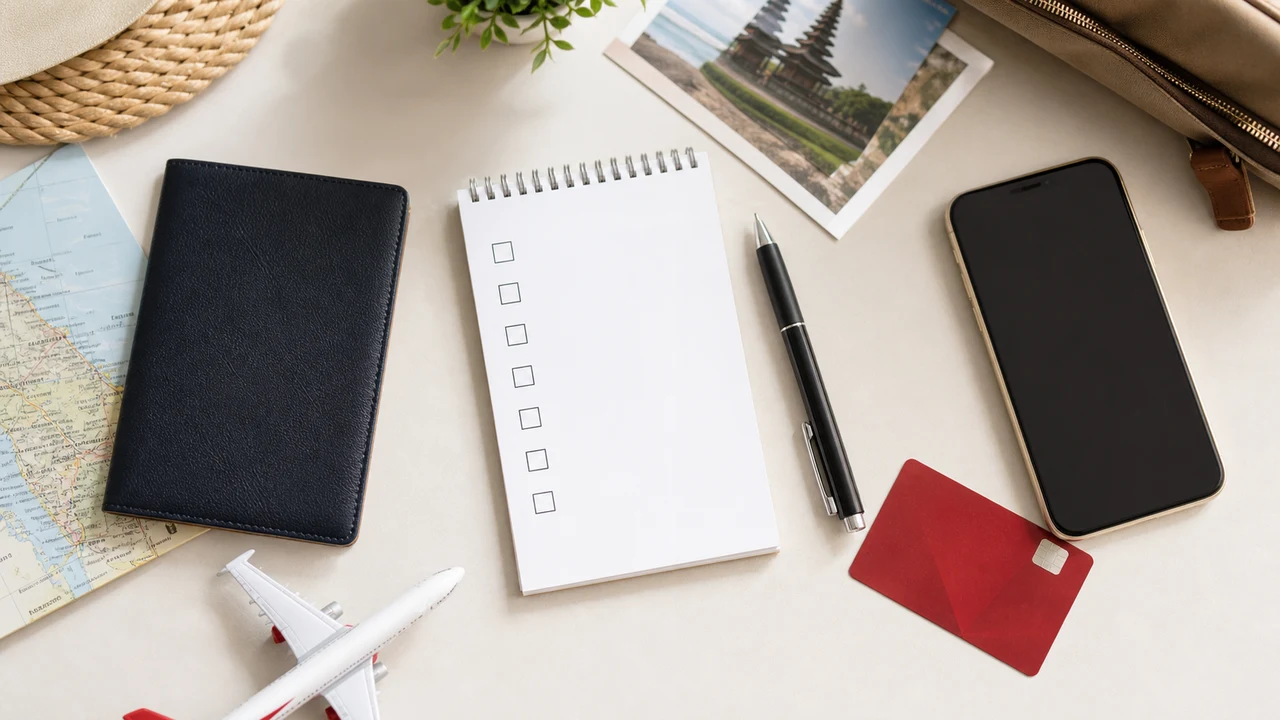 Upload checklist Check the face photo, passport bio page, email, payment card, passport validity, and current portal instructions before submitting Indonesia Visitor Visa / eVOA files.
 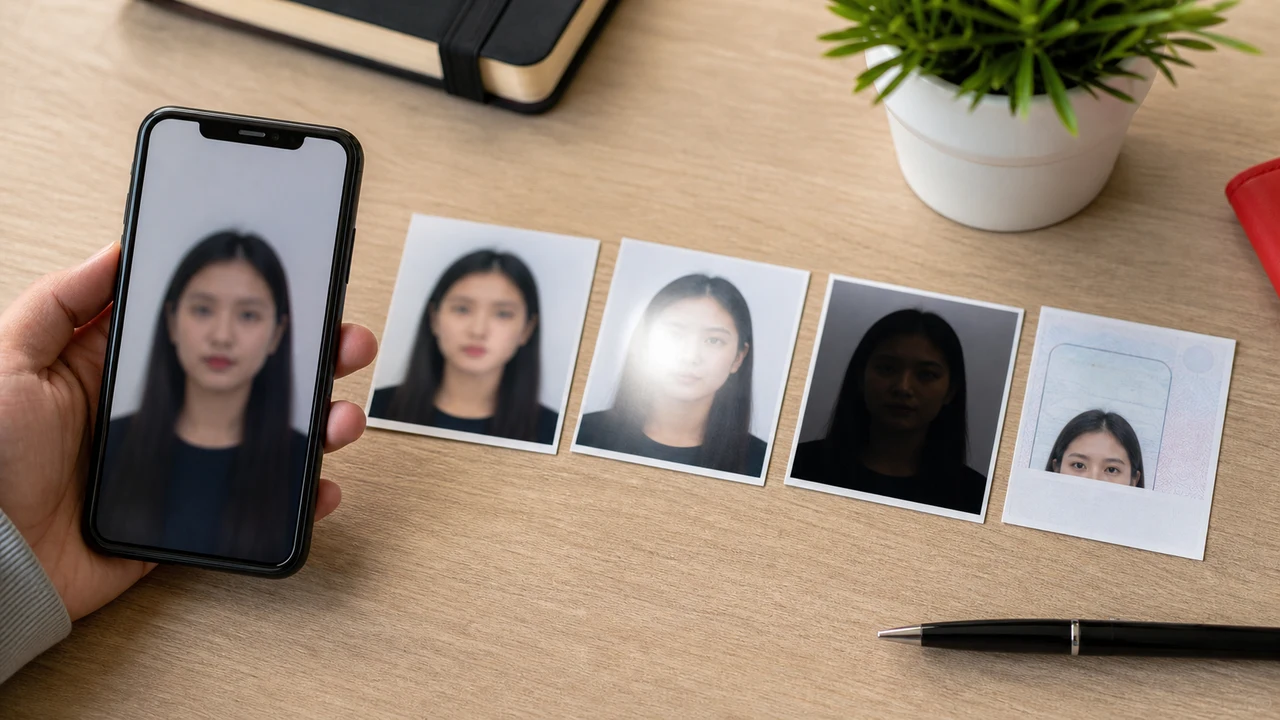 Common upload errors Fix typical Indonesia eVisa / eVOA file problems such as over-200KB images, wrong ratio, blur, glare, bad background, old photos, and unreadable passport pages.
  eVOA vs other visas Understand the scope of Indonesia Visitor Visa / eVOA file preparation and avoid mixing it with business, work, long-stay, or other e-Visa categories.
 What this guide set covers
The public Visitor Visa page and the account registration page use overlapping but not identical upload instructions. These articles keep the differences visible so applicants can check the actual screen before submission.
- Visitor Visa / eVOA requests list a full passport bio page image, a passport-size photograph, an email address, and a payment card.
- The Visitor Visa FAQ states JPG/JPEG/PNG and a maximum 200KB for both passport bio page and photograph.
- The registration page describes a recent color softcopy photo, front-facing, 4 × 6 cm, at least 400 x 600 px, in JPEG/JPG/PNG.
- Another registration help block shows a 2MB maximum, so applicants should follow the latest limit displayed in the actual application step.
- shoumei.org prepares image files only. It does not decide visa type, submit applications, or act for Indonesian immigration authorities.
FAQ
Which file-size limit should I trust if one page says 200KB and another says 2MB?
Treat the current upload field in your own application as the deciding screen. For Visitor Visa / eVOA preparation, keeping both the face photo and passport image under 200KB is the conservative approach described in the public FAQ.
Can the app choose my Indonesia visa type?
No. These pages focus on file preparation for Visitor Visa / eVOA-style uploads. Visa category, eligibility, payment, and submission decisions must be checked in the Indonesia eVisa portal.
What photo size does Indonesia eVisa / eVOA need?
The registration screen describes a 4 × 6 cm photo at least 400 x 600 px in JPEG/JPG/PNG. Keep the face centered with enough margin so it can be cropped to that ratio.
Does the background have to be white?
Use a plain light or white background with no shadows, patterns, or other people. A real clean wall photographed under even light is safer than digital background replacement.
What should the passport bio page image look like?
Capture the full bio page in sharp, even light with no glare across the MRZ or photo. All text and the machine-readable zone must stay readable after export and compression.
Can I take both the face photo and passport image with an iPhone?
Yes. Use the rear camera, keep the document flat and the face front-facing, and check the exported files by zooming in rather than trusting only the preview.
How recent must the photo be?
Use a recent photo that still looks like you. The registration guidance asks for a recent color softcopy photo, so avoid reusing old images that no longer match your appearance.
Does preparing the files here guarantee acceptance?
No. The app only prepares image files. Acceptance, visa issuance, and entry decisions are made by the Indonesian immigration authorities through the official portal.
Source references
- Indonesia eVisa - Visitor Visa information Checked: 2026-07-02
- Indonesia eVisa - foreign national account registration Checked: 2026-07-02
- Directorate General of Immigration - photo format PDF Checked: 2026-07-02
Prepare the upload files on iPhone
Create the face photo and passport bio page image locally on your device, then compare them with the latest portal instructions before upload.
Download on the App Store