GOV.UK-based photo guidance
How to take a UK visa photo with a smartphone
A phone camera is fine for a UK visa photo if you treat it like a small document-photo setup: stable camera, real plain wall, even light, and no beauty or background effects.
Checked: 2026-07-01
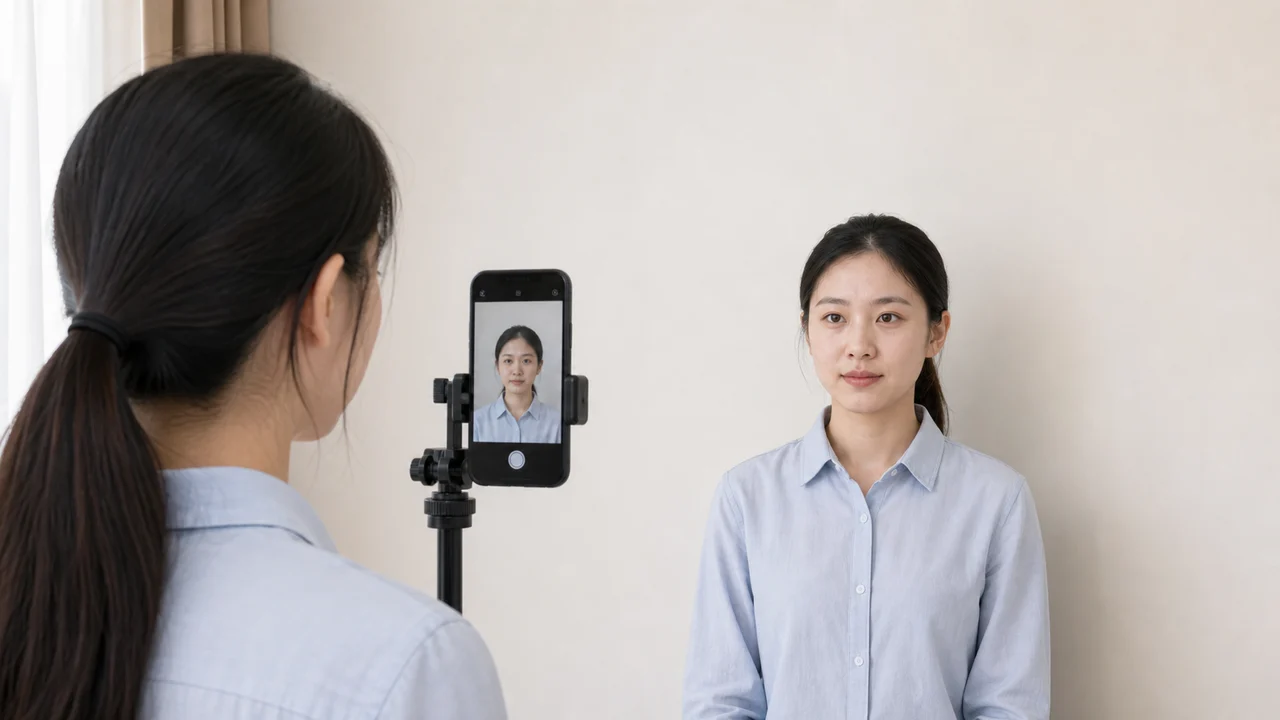
Quick answer
- Use a rear camera or disable selfie mirroring before export.
- Stand in front of a real plain light wall and keep some distance from it to reduce shadows.
- Ask another person to take the photo, or use a tripod and timer.
- Leave room for head, shoulders, and upper body instead of filling the frame with the face.
Set up the room before opening the camera
The background and lighting decide most of the result. Choose a plain light wall, move away from it so your head does not cast a hard shadow, and face a window or soft indoor light. Avoid ceiling light directly above the forehead because it creates shadows under the eyes.
Clean the camera lens and turn off portrait mode, beauty filters, stickers, and automatic background blur. A visa photo should look like a straightforward record of your current appearance.
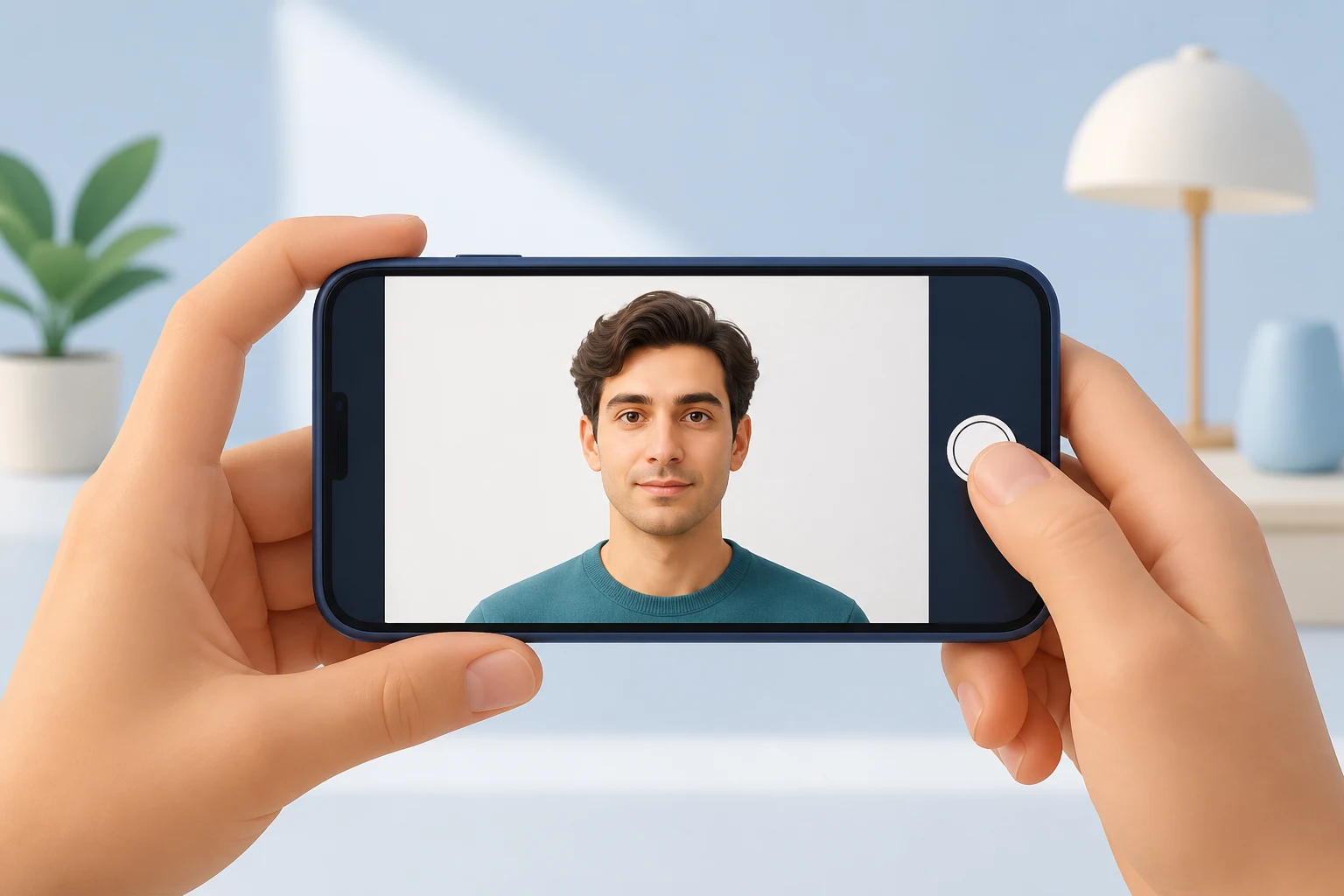
Frame more generously than a printed ID photo
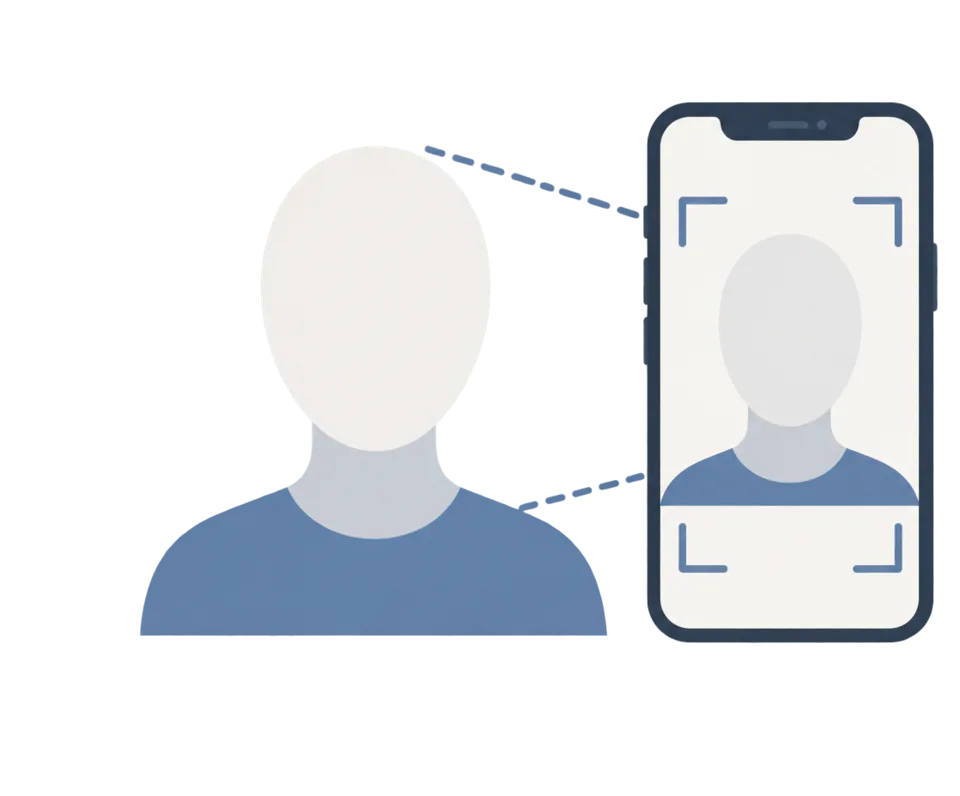
For digital UKVI-style uploads, the original photo should include your head, shoulders, and upper body. This is different from preparing the final small printed rectangle yourself. Leave enough space around the head so the official system can crop the image.
If you use the front camera, check whether the phone saves mirrored selfies. A mirrored image is specifically called out as a problem in UKVI photo guidance.
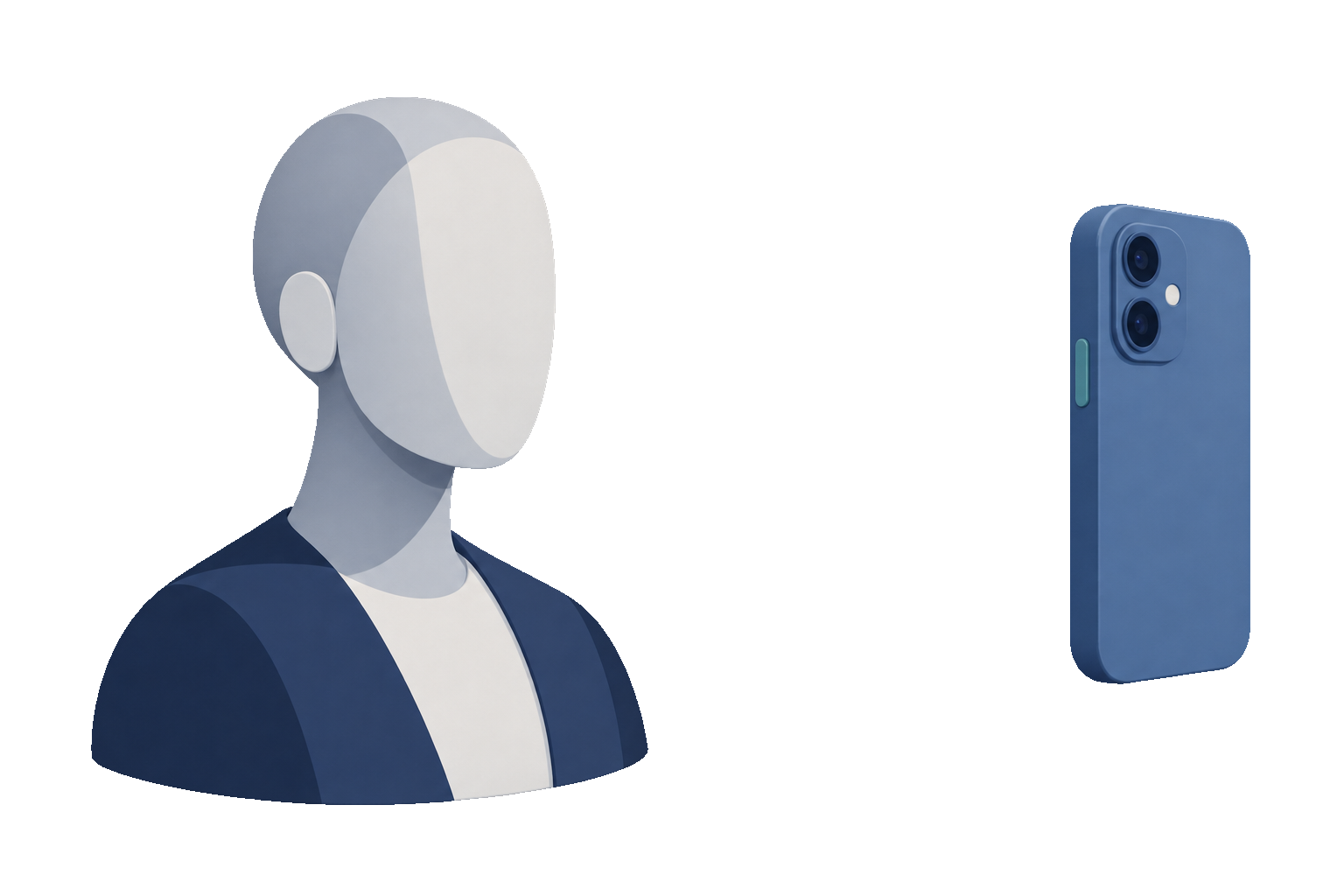
Quick capture checklist
- Camera is steady and the face is sharp.
- Only the applicant appears in the frame.
- Eyes look at the camera, mouth closed, neutral expression.
- No harsh shadow on the face or wall.
- No filter, retouching, or digital background replacement.
Official-source note
These guides summarize GOV.UK photo guidance for visa applications, permission to stay, UK passport digital photos, and printed 45 × 35 mm passport photos where the rule is relevant.
This website and app are independent photo preparation tools. They are not affiliated with GOV.UK, UK Visas and Immigration, the Home Office, HM Passport Office, or a visa application centre. Preparing a photo does not guarantee acceptance, approval, or visa issuance.
FAQ
Can I take the photo myself?
Yes, but it is easier to avoid blur and mirroring if someone else takes it with the rear camera. If you take it yourself, use a timer and check the saved image carefully.
Can I use portrait mode?
Avoid portrait mode. Background blur and depth effects are software alterations and can make the photo look edited.
Official sources
- GOV.UK - How to take a photo for a visa application or permission Checked: 2026-07-01
- GOV.UK - Digital passport photo requirements Checked: 2026-07-01
This website and app are independent photo preparation tools. They are not affiliated with GOV.UK, UK Visas and Immigration, the Home Office, HM Passport Office, or a visa application centre. Preparing a photo does not guarantee acceptance, approval, or visa issuance.
All UK visa photo guides
Create your photo in the browser
Prepare the photo for UK ETA (Online) directly in your smartphone or computer browser. Creating and reviewing are free.
What this tool creates
- the required face photo (for digital upload)
Create your UK passport or visa photo now Download on the App Store