GOV.UK-based photo guidance
Common UK visa photo mistakes
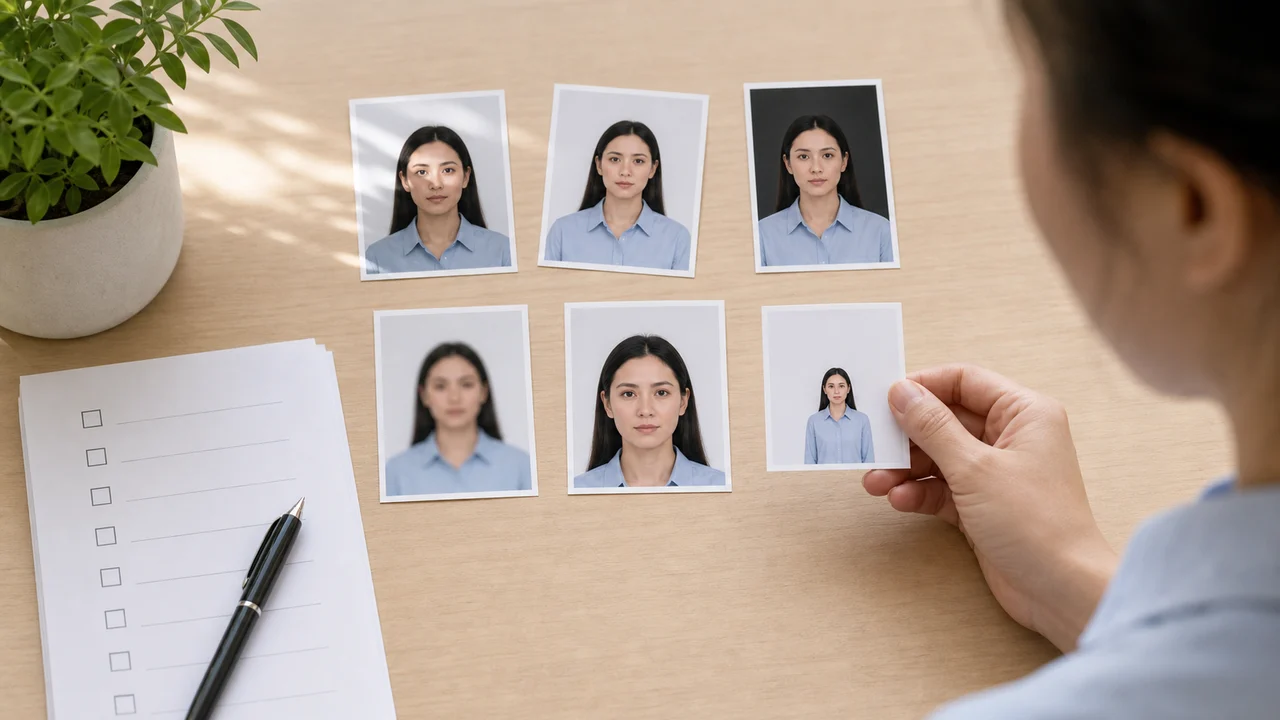
Most bad UK visa photos are not dramatically wrong. They usually fail because of one small preventable detail: a mirrored selfie, a background replacement, a tight crop, glare on glasses, or a file that is outside the upload limit.
Checked: 2026-07-01
Quick answer
- Do not upload mirrored selfies, screenshots, or heavily compressed message-app images.
- Do not replace the background or use beauty filters.
- Do not crop the photo so tightly that shoulders and upper body disappear.
- Do not assume passport print rules and visa upload rules have the same file-size limit.
Mistake 1: fixing the wrong thing
People often focus on the final rectangle and forget the original digital photo. For a UKVI upload, the original file needs enough body framing, a clean background, and a readable face. A perfectly centred face inside a tiny crop may still be the wrong file.
If the starting photo is poor, retake it. Do not try to rescue it with background replacement, face editing, or aggressive sharpening.
Mistake 2: treating all UK photo limits as identical
Passport digital photos and UKVI visa photos both use a 600 × 750 px minimum, but their file-size limits differ. UKVI visa or permission guidance uses up to 6 MB. Digital passport guidance uses up to 10 MB.
If you prepare both outputs, name the files clearly so you do not upload the wrong one at the last moment.
Mistake 3: checking only the face
- Check the saved file is not mirrored.
- Check the shoulders and upper body are visible.
- Check the background is real, plain, light, and shadow-free.
- Check the eyes are visible without glare or hair.
- Check the file type and size after export, not before sharing.
Official-source note
These guides summarize GOV.UK photo guidance for visa applications, permission to stay, UK passport digital photos, and printed 45 × 35 mm passport photos where the rule is relevant.
This website and app are independent photo preparation tools. They are not affiliated with GOV.UK, UK Visas and Immigration, the Home Office, HM Passport Office, or a visa application centre. Preparing a photo does not guarantee acceptance, approval, or visa issuance.
FAQ
Is a mirrored selfie really a problem?
Yes. GOV.UK visa photo guidance says the photo must not be mirrored or flipped. Use the rear camera or disable mirroring before export.
Can I reuse an old passport photo?
Do not rely on an old photo. UK photo guidance generally expects a recent image that reflects your current appearance, and many routes specify a recent photo.
Official sources
- GOV.UK - How to take a photo for a visa application or permission Checked: 2026-07-01
- GOV.UK - Digital passport photo requirements Checked: 2026-07-01
- GOV.UK - Printed passport photo requirements Checked: 2026-07-01
This website and app are independent photo preparation tools. They are not affiliated with GOV.UK, UK Visas and Immigration, the Home Office, HM Passport Office, or a visa application centre. Preparing a photo does not guarantee acceptance, approval, or visa issuance.
Create your photo in the browser
Prepare the photo for UK ETA (Online) directly in your smartphone or computer browser. Creating and reviewing are free.
What this tool creates
- the required face photo (for digital upload)
Create your UK passport or visa photo nowDownload on the App Store