GOV.UK-based photo guidance
UK visa photo background and lighting
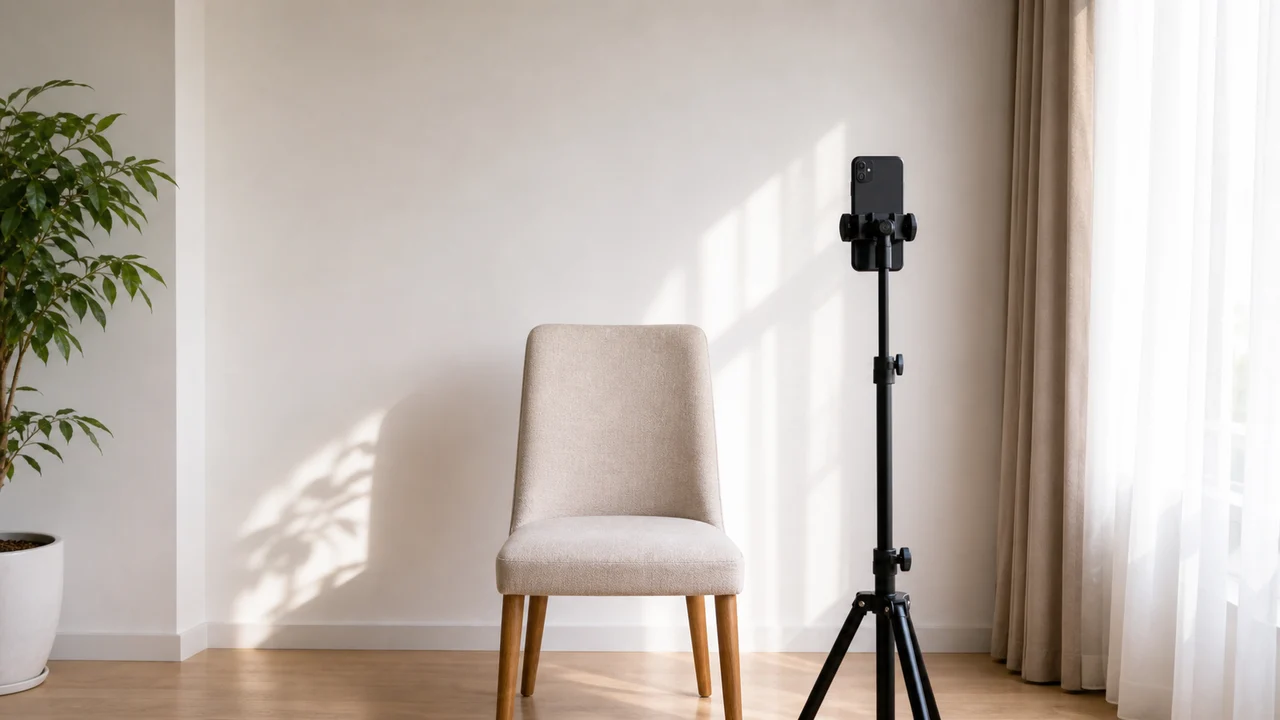
Background problems are usually not about the exact shade of the wall. They are about shadows, patterns, digital replacement, and whether the face can be separated clearly from the background.
Checked: 2026-07-01
Quick answer
- Use a plain, light-coloured background such as light grey or cream.
- Avoid patterns, doors, corners, curtains, furniture, and visible objects.
- Do not digitally replace or blur the background.
- Use soft front lighting so the face and wall have no strong shadows.
A real wall is safer than a digital fix
It is tempting to take a casual photo and replace the background afterward. GOV.UK guidance warns against computer-altered photos, so this is the wrong direction. Start with a real plain background instead.
The wall does not need to be studio-perfect. It needs to be plain, light, and evenly lit. If the wall has texture, strong colour, visible seams, or objects near the head, find a simpler location.
How to reduce shadows without equipment
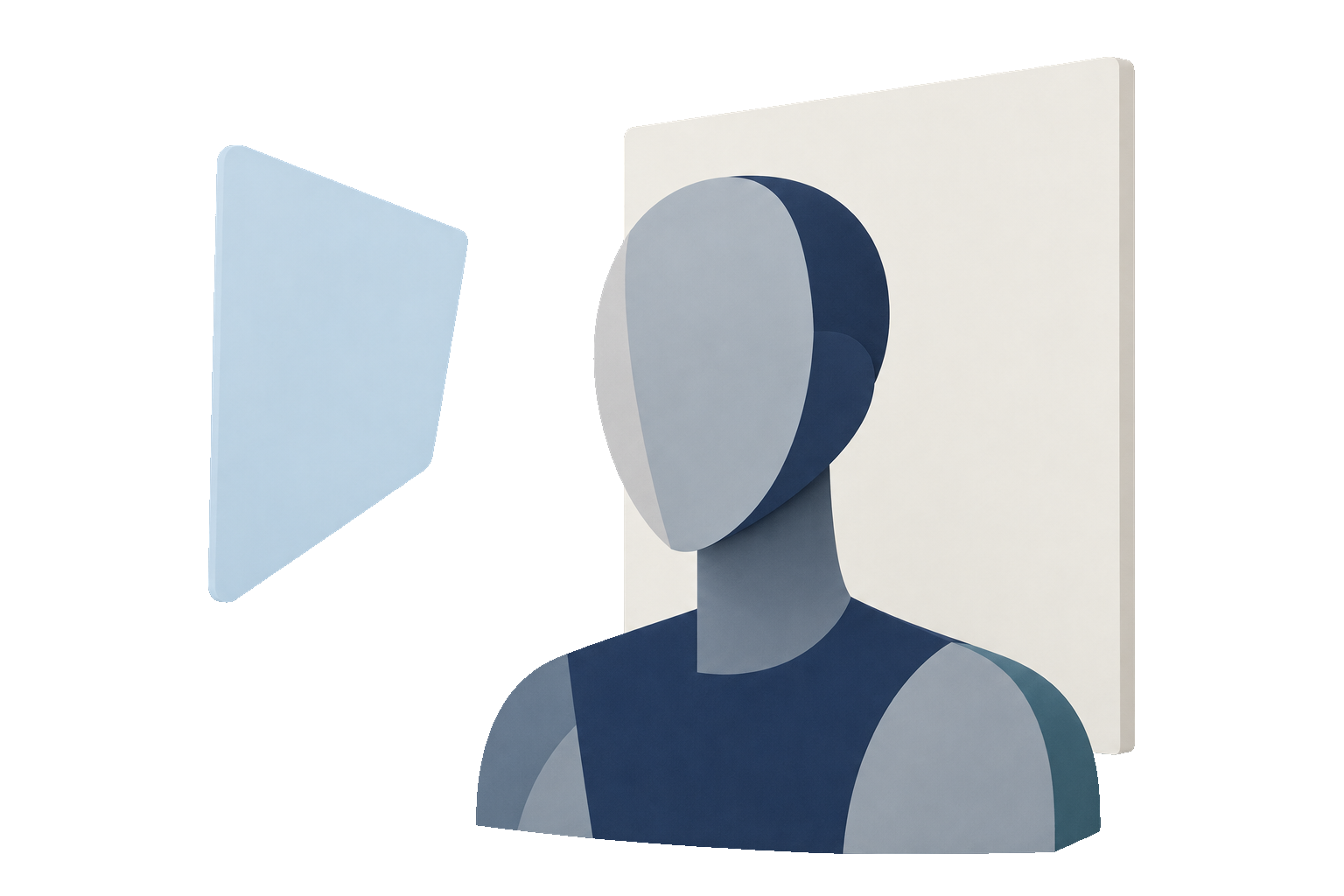
Move the applicant away from the wall, face a large window, and avoid standing directly under a light. If one side of the face is much darker, rotate the setup or add a soft lamp from the darker side.
Do not use a flash close to the face unless you can avoid glare, red-eye, and a hard outline shadow behind the head.
Background checklist
- Plain light-coloured wall, not patterned fabric.
- No person, chair, doorframe, plant, or picture frame behind the applicant.
- No shadow halo around the head or shoulders.
- No automatic background removal, blur, or colour replacement.
Official-source note
These guides summarize GOV.UK photo guidance for visa applications, permission to stay, UK passport digital photos, and printed 45 × 35 mm passport photos where the rule is relevant.
This website and app are independent photo preparation tools. They are not affiliated with GOV.UK, UK Visas and Immigration, the Home Office, HM Passport Office, or a visa application centre. Preparing a photo does not guarantee acceptance, approval, or visa issuance.
FAQ
Does the background have to be pure white?
No. GOV.UK commonly describes a plain light-coloured background, such as light grey or cream. Pure white is not required, but the background should be simple and evenly lit.
Can I edit out a shadow?
Do not rely on editing. Retake the photo with softer light and more distance from the wall instead.
Official sources
- GOV.UK - How to take a photo for a visa application or permission Checked: 2026-07-01
- GOV.UK - Digital passport photo requirements Checked: 2026-07-01
This website and app are independent photo preparation tools. They are not affiliated with GOV.UK, UK Visas and Immigration, the Home Office, HM Passport Office, or a visa application centre. Preparing a photo does not guarantee acceptance, approval, or visa issuance.
All UK visa photo guides
Create your photo in the browser
Prepare the photo for UK ETA (Online) directly in your smartphone or computer browser. Creating and reviewing are free.
What this tool creates
- the required face photo (for digital upload)
Create your UK passport or visa photo now Download on the App Store