GOV.UK-based photo guidance
UK visa digital photo upload
Most online UK visa and permission routes care less about a printed-photo rectangle and more about whether your upload file is readable, recent, unaltered, and large enough for the official system to evaluate.
Checked: 2026-07-01
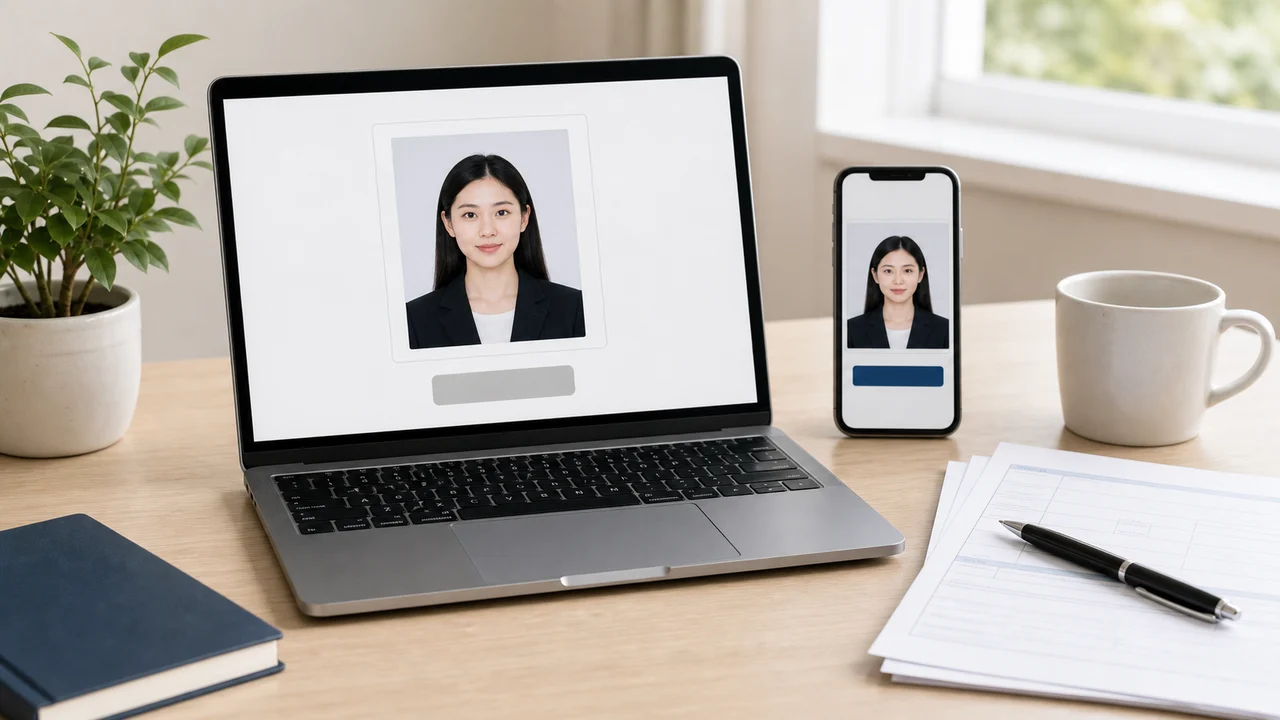
Quick answer
- Use JPG/JPEG, at least 600 × 750 px, up to 6 MB.
- Use portrait orientation and do not upload a mirrored selfie.
- Include head, shoulders, and upper body instead of cropping only the face.
- Check the file after export; messaging apps and cloud tools can compress or rotate images unexpectedly.
Why a technically valid file still fails
A file can have the right extension and still be unsuitable. If it is too dark, has a patterned background, cuts off the shoulders, or was mirrored by a front camera, the upload may pass the first file check but fail later review.
The practical check is simple: open the exported file, confirm the face is sharp, confirm the background is plain and light, then confirm the image has not been flipped. Look for text on clothing, parting direction, or asymmetry if you are unsure whether a selfie was mirrored.
File-size limits are different from passport uploads
UKVI visa or permission photo guidance uses a 6 MB limit. GOV.UK digital passport photo guidance uses a 10 MB limit. That difference matters if you reuse one export workflow for both passport and visa photos.
If your file is over the visa limit, do not repeatedly screenshot it. Re-export once at a sensible JPEG quality so the face remains sharp and the background does not become blocky.
Before you press upload
- Confirm the file extension is .jpg or .jpeg.
- Confirm the image is portrait and at least 600 × 750 px.
- Confirm it is up to 6 MB for the UKVI route.
- Confirm the photo shows only the applicant.
- Confirm the image has not been mirrored or filtered.
Official-source note
These guides summarize GOV.UK photo guidance for visa applications, permission to stay, UK passport digital photos, and printed 45 × 35 mm passport photos where the rule is relevant.
This website and app are independent photo preparation tools. They are not affiliated with GOV.UK, UK Visas and Immigration, the Home Office, HM Passport Office, or a visa application centre. Preparing a photo does not guarantee acceptance, approval, or visa issuance.
FAQ
Is PNG allowed for UK visa photo upload?
The GOV.UK visa or permission photo guidance specifies jpg or jpeg. Use JPEG unless your actual application route gives different instructions.
Why include shoulders and upper body?
The official guidance asks for head, shoulders, and upper body in the original digital photo. Cropping too tightly can leave too little room for the system to crop and assess the photo.
Official sources
- GOV.UK - How to take a photo for a visa application or permission Checked: 2026-07-01
- GOV.UK - Digital passport photo requirements Checked: 2026-07-01
This website and app are independent photo preparation tools. They are not affiliated with GOV.UK, UK Visas and Immigration, the Home Office, HM Passport Office, or a visa application centre. Preparing a photo does not guarantee acceptance, approval, or visa issuance.
Create your photo in the browser
Prepare the photo for UK ETA (Online) directly in your smartphone or computer browser. Creating and reviewing are free.
What this tool creates
- the required face photo (for digital upload)
Create your UK passport or visa photo nowDownload on the App Store