Photo Guide
Brazil eVisa upload error checks
When an upload fails, check file format, file size, pixel dimensions, file mix-ups, blur, and background problems in order.
Checked: 2026-08-20
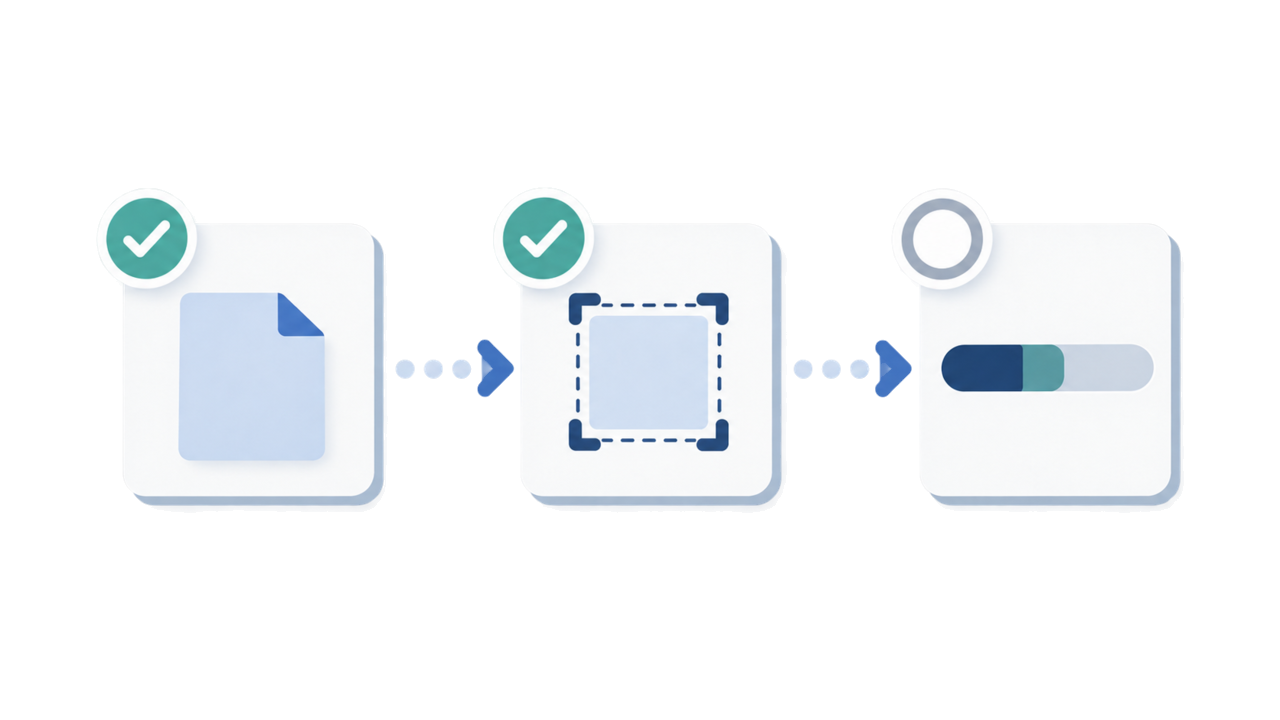
At a glance
- Check the file format first, then compare the file size with 2 MB.
- Next confirm the pixel dimensions are 413 × 531 px.
- Finally make sure you selected the face photo, not the passport page, and review blur and background problems.
-
Check the file format
Confirm that the actual file is JPEG / JPG, not only that its filename looks correct. Re-save the selected face photo when needed.
-
Check the file size
Compare the file size with 2 MB. If it is larger, export a clean copy within that limit without introducing visible blur or heavy artifacts.
-
Check the pixel dimensions
Confirm that the upload is the portrait frame 413 × 531 px. Do not stretch a different shape into the frame.
-
Check the selected file and visible quality
Make sure the selected file is the face photo rather than the passport biodata page. Then review blur, strong background shadows, and any visible edit edge.
This order covers reviewing your own file; it does not list official portal error messages.
Create your photo in the browser
Prepare the photo for Brazil e-Visa directly in your smartphone or computer browser. Creating and reviewing are free.
Open the web toolWhat this tool creates
- the required face photo (for digital upload)
- the passport biographical data page (photo page) (for document upload)
Also available as an iPhone appOpen the App Store
FAQ
Does this guide list the official eVisa error messages?
No. Instead of an error-message list, it walks through the file checks in order: format, size, and pixel dimensions.
What should I check first when an upload fails?
Start with the actual file format, then compare the size with 2 MB, and then confirm the pixel frame 413 × 531 px.
Why should I check the passport file separately?
The passport biodata page is a different document from the face photo. Selecting the wrong file can make a technically valid image unsuitable for that upload field.
Official sources
- Brazil eVisa VFS Global - Photo Sample / photo upload specification Checked: 2026-08-20
- Brazil eVisa VFS Global - パスポート情報ページ仕様 Checked: 2026-08-20
- Brazil MRE — Electronic Visitor Visa / eVisa Checked: 2026-08-12
- Consulate General of Brazil in Tokyo - Visa photo Checked: 2026-07