Photo Guide
Passport biodata page file
The passport biodata page is a separate document file from the applicant photo. Check its format, file-size limit, color mode, corners, and machine-readable area before upload.
Checked: 2026-08-20
At a glance
Passport biodata page
- Format
- JPEG / JPG
- Max file size
- 2 MB
- Color
- Color
- The passport biodata page is a separate upload from the face photo.
- Use JPEG / JPG, keep the file at or below 2 MB, and use Color.
- Keep all page corners and the machine-readable area visible enough to scan.
Passport biodata page file facts
- Format
- JPEG / JPG
- Max file size
- 2 MB
- Color
- Color
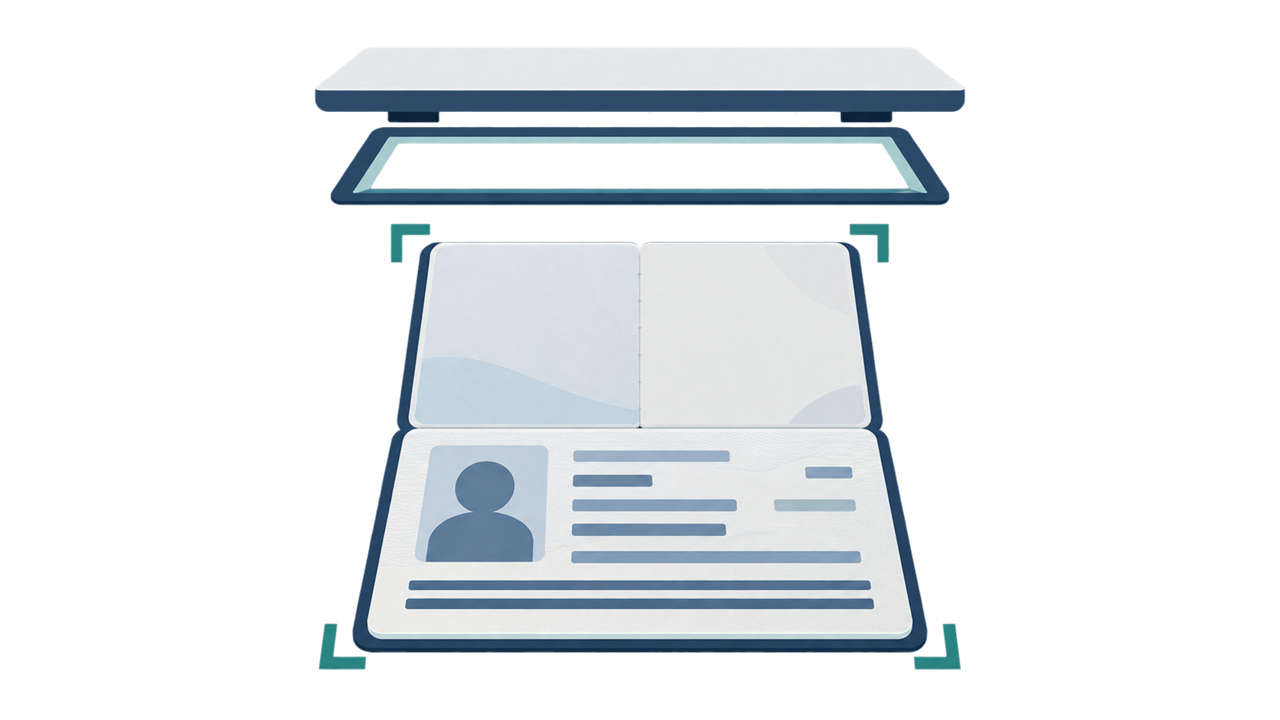
Scan the whole biodata page
This file proves the document identity and is not the applicant face photo. Keep the page separate when naming, selecting, and uploading files.
Show the page corners and the machine-readable zone so the document can be read. Do not crop the biodata page into a small detail image.
A passport-page file and a face-photo file serve different purposes. Check the selected file before each upload.
Create your photo in the browser
Prepare the photo for Brazil e-Visa directly in your smartphone or computer browser. Creating and reviewing are free.
Open the web toolWhat this tool creates
- the required face photo (for digital upload)
- the passport biographical data page (photo page) (for document upload)
Also available as an iPhone appOpen the App Store
FAQ
Is the passport biodata page the same file as the visa photo?
No. The biodata page is a separate document file from the face photo.
What format and file limit apply to the passport page?
Use JPEG / JPG and keep the file at or below 2 MB.
Should I crop the passport page to only the machine-readable area?
No. Keep the full biodata page, including its corners and machine-readable area, visible for scanning.
Official sources
- Brazil eVisa VFS Global - Photo Sample / photo upload specification Checked: 2026-08-20
- Brazil eVisa VFS Global - パスポート情報ページ仕様 Checked: 2026-08-20
- Brazil MRE — Electronic Visitor Visa / eVisa Checked: 2026-08-12
- Consulate General of Brazil in Tokyo - Visa photo Checked: 2026-07