Malaysia Visa Guide
Malaysia eVISA Photo Requirements
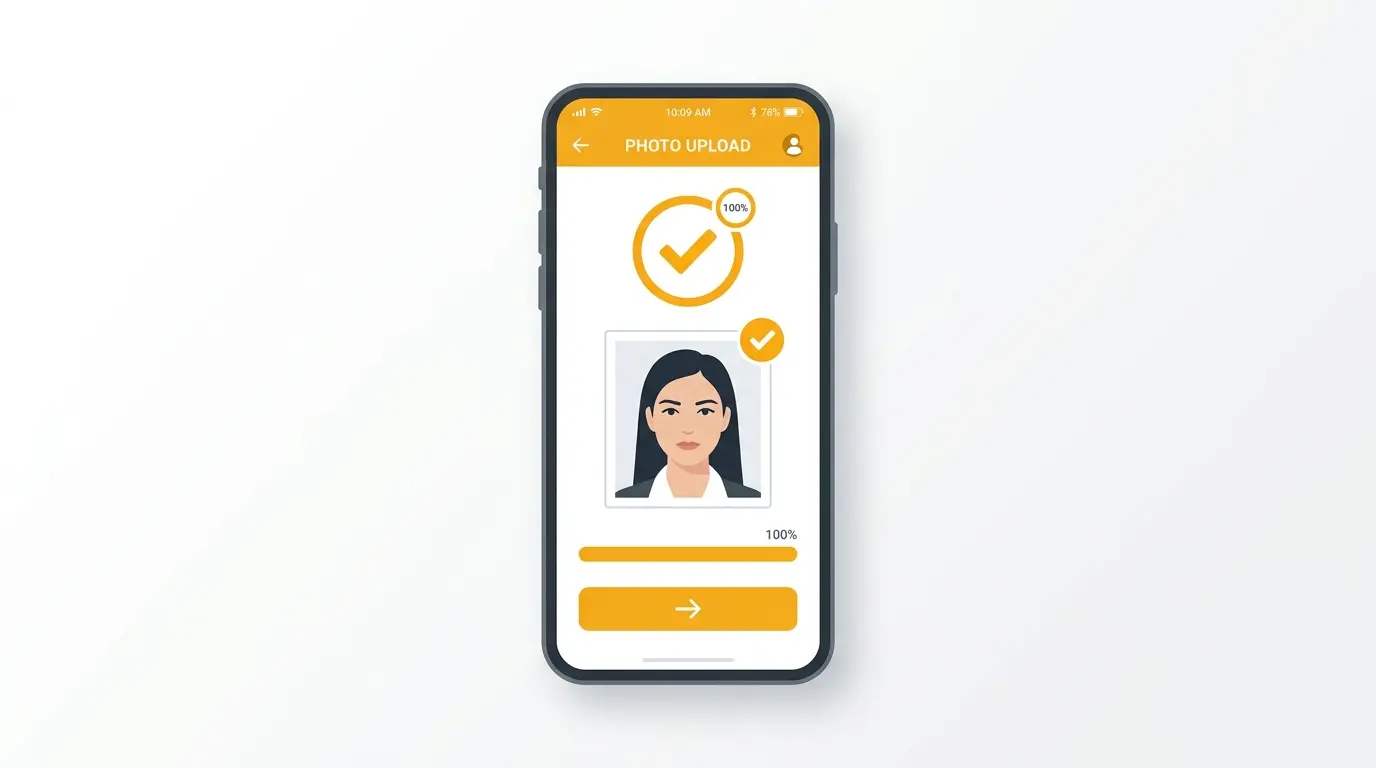
The Malaysia eVISA system requires a digital face photo. Your photo must meet guidelines for background color, lighting, and file size to upload successfully.
Last updated: July 16, 2026
Quick answer
- The eVISA portal requires a plain white background without shadows or patterns.
- Ensure your face is evenly lit and clearly visible.
- Check the portal for supported formats and Kilobyte (KB) limits.
- Shadows, glare, or incorrect dimensions may cause your upload to fail.
The eVISA Portal Requirements
When applying for an eVISA, you must upload a digital face photo. The background must be plain white. Textures, gradients, or shadows behind your head may cause upload issues or requests for a new photo.
Preparing your digital file
Ensure your photo is well-lit and clear. If you scan a physical photo, crop out any white paper borders completely so that only the photograph remains.
Face Photo vs. Passport Bio Page
Do not confuse the face photo upload with the Passport Bio Page upload. The face photo is a portrait image of your head and shoulders. The Bio Page is a separate document scan.
How to use source information
Official requirements can be found across various departmental sites (IMI, EMGS, ESD). Always prioritize the instructions shown on your specific portal's upload screen, as digital system requirements change frequently.
shoumei.org is an independent digital preparation tool. It is not a government service, and using it does not guarantee your application will be accepted.
Mistakes to avoid
Most photo and document upload failures in Malaysian portals are caused by easily fixable technical issues.
Using a blue background photo for the eVISA portal, which requests a white background.
Failing to check the portal's KB limits, resulting in a 'File too large' error or upload failure.
Compressing supporting documents so much that they become illegible.
Uploading a full passport PDF when only the single Passport Bio Page image is requested.
How the app helps
Choose between eVISA, EMGS, or ESD to prepare images with a white or blue background.
Convert images into combined PDF files for supporting documents.
All image cropping and PDF generation happens securely on your device.
Always verify your final generated files against the current upload instructions shown on the official portal.
FAQ
What if the portal says 'File too large'?
You must compress your image to fall below the portal's stated KB limit before trying again.
All Malaysia visa photo & document guides
Create your photo in the browser
Prepare the photo for Malaysia eVISA (Social Visit) directly in your smartphone or computer browser. Creating and reviewing are free.
What this tool creates
- the required face photo (for digital upload)