Malaysia Visa Guide
Malaysia MM2H Photo and Document Guide
The Malaysia My Second Home (MM2H) program is administered by MOTAC and processed through the Immigration Department of Malaysia. The official guidelines specify that the photo attached to Form Imm.12 must have a blue background.
Last updated: July 16, 2026
Quick answer
- MM2H is processed in stages, including initial application and final pass endorsement.
- The Immigration Department specifies that the Form Imm.12 photo must have a blue background.
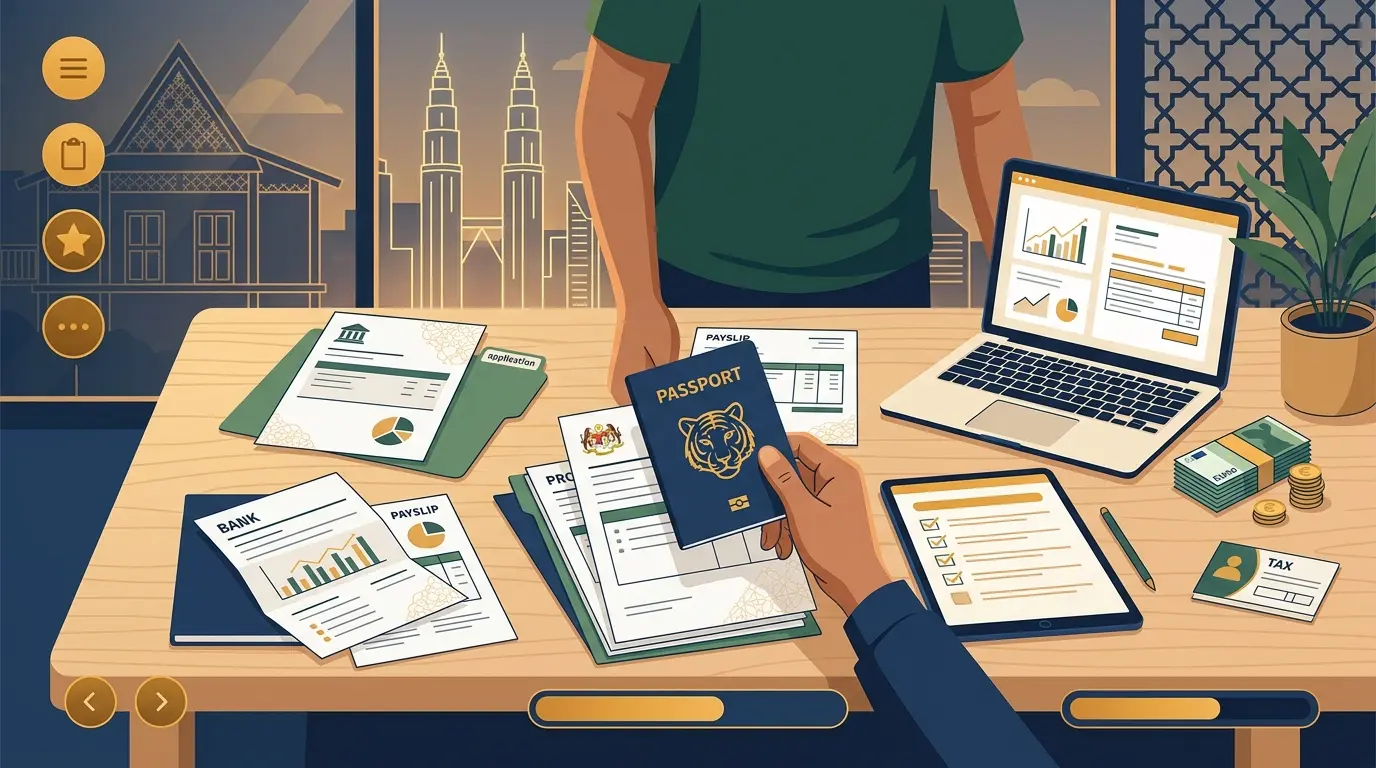
- Required documents commonly include Form Imm.12, Medical Form II, a Personal Bond, and passport copies.
- Do not confuse the financial supporting documents with the passport photo requirements.
- Verify the current technical specifications on the official MM2H portal before uploading.
How MM2H uses your photo
The Malaysia My Second Home (MM2H) program is administered by the Ministry of Tourism, Arts and Culture (MOTAC) and processed through the Immigration Department of Malaysia.
According to the Immigration Department's official guidelines, the photo attached to Form Imm.12 must have a blue background.
Application stages and required documents
MM2H involves an initial document submission phase and a final endorsement phase once approved. The required documents vary by stage and applicant category.
Common required documents listed by the Immigration Department include Form Imm.12, Medical Form II (MFII), a Personal Bond, passport copies, and a conditional approval letter.
Verifying current requirements
MM2H categories (Platinum, Gold, Silver, SEZ/SFZ) and requirements are subject to policy changes. The technical specifications for digital uploads should always be verified against the current official MM2H portal or your licensed MM2H agent's instructions.
How to use source information
Official requirements can be found across various departmental sites (IMI, EMGS, ESD). Always prioritize the instructions shown on your specific portal's upload screen, as digital system requirements change frequently.
shoumei.org is an independent digital preparation tool. It is not a government service, and using it does not guarantee your application will be accepted.
Mistakes to avoid
Most photo and document upload failures in Malaysian portals are caused by easily fixable technical issues.
-
Mixing up application routes
Using a blue background photo for the eVISA portal, which requests a white background.
-
File size limits
Failing to check the portal's KB limits, resulting in a 'File too large' error or upload failure.
-
Unreadable PDFs
Compressing supporting documents so much that they become illegible.
-
Confusing passport pages
Uploading a full passport PDF when only the single Passport Bio Page image is requested.
How the app helps
Route-specific presets
Choose between eVISA, EMGS, or ESD to prepare images with a white or blue background.
PDF generation
Convert images into combined PDF files for supporting documents.
Local processing
All image cropping and PDF generation happens securely on your device.
Always verify your final generated files against the current upload instructions shown on the official portal.
FAQ
Does MM2H require a blue or white background?
The Immigration Department's guidelines specify a blue background for the Form Imm.12 photo. Always verify the current requirements on the official portal before submitting.
Can I use the app for MM2H?
You can use the app to generate a blue background photo and compile your supporting documents into PDFs. Always verify your final files against the current official instructions.
Create your photo in the browser
Prepare the photo for Malaysia eVISA (Social Visit) directly in your smartphone or computer browser. Creating and reviewing are free.
What this tool creates
- the required face photo (for digital upload)