Korea travel photo preparation
How to take a K-ETA photo with iPhone
The best K-ETA photo usually starts with a simple retake, not heavy editing.
Updated: 2026-07-08
-
Set up the room before opening the camera
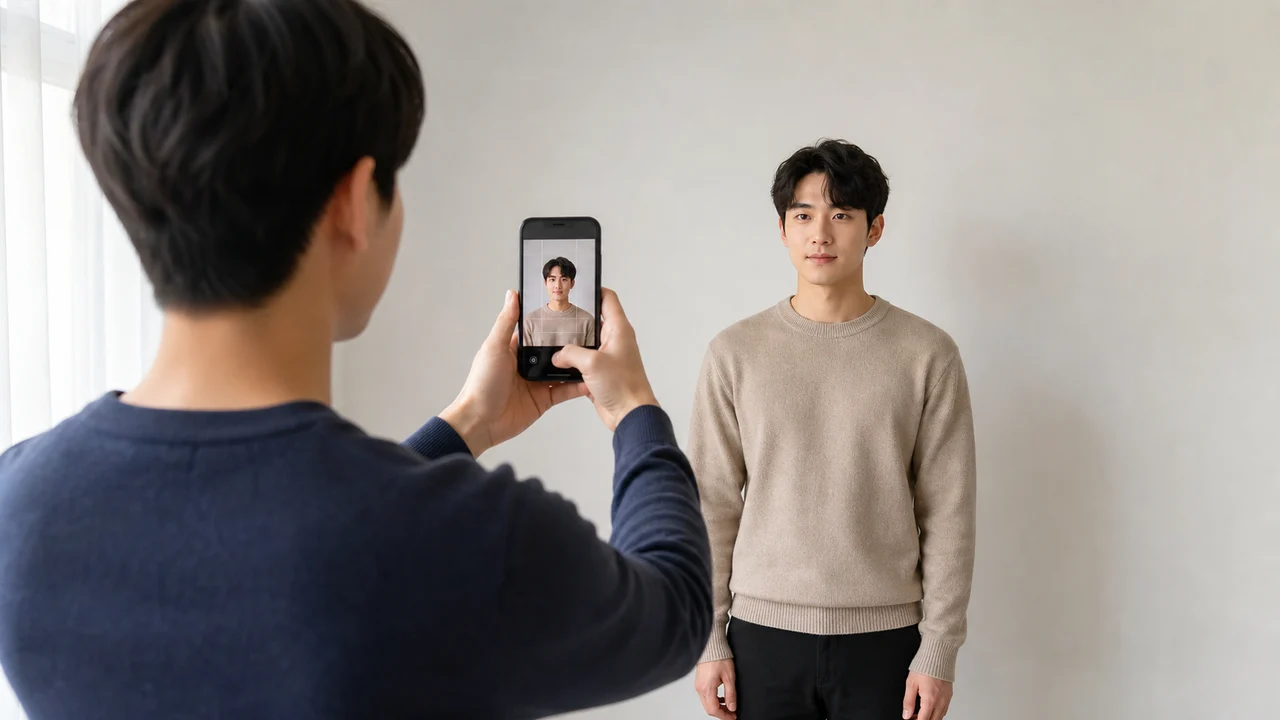
Choose a plain light wall, face soft window light, and move far enough from the wall that the head does not cast a sharp shadow. Turn off strong overhead lights if they create dark eye shadows.
Selfies often distort face proportions because the camera is too close. A friend, tripod, or shelf at face height usually produces a cleaner identity photo.
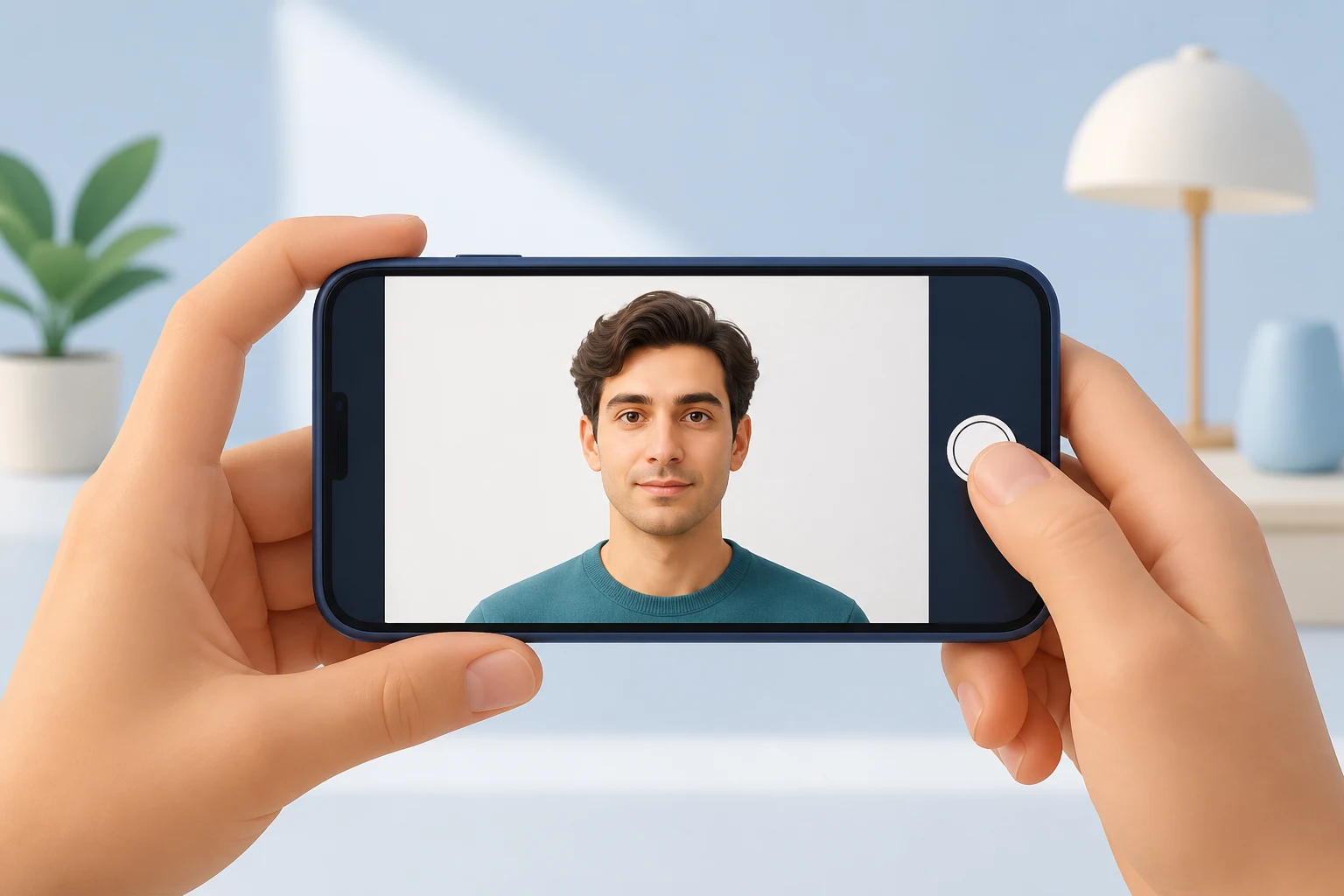
- Camera at eye height
- Neutral expression
- Eyes open and visible
- No hats or sunglasses unless a specific exemption applies
-
Shoot wider than the final crop
Do not fill the frame too tightly while shooting. Leave extra room above the head, around the shoulders, and on both sides. The app or editor can crop down to a square later.
Retake the photo if it is blurred, tilted, strongly shadowed, or heavily filtered. A clean original compresses better than a rescued poor photo.

Prepare a K-ETA photo on iPhoneDownload on the App Store
About official sources
These guides summarize public K-ETA guidance, Korea immigration notices, Korea visa e-Form document guidance, and Korea Visa Portal references. They focus on photo preparation only, not eligibility advice or application submission.
This website and app are independent photo file preparation tools. They are not affiliated with the Korean government, Korea Immigration Service, K-ETA, Korea Visa Portal, or any Korean diplomatic mission, and they do not guarantee photo acceptance, authorization, visa issuance, or entry.
Common photo problems
Most failures are ordinary image problems, not complicated visa rules.
-
Oversized file
A phone photo can be several MB. Resize first, then compress, so the face remains sharp under the limit.
-
Wrong photo type
Do not upload a print sheet, a passport scan, or a photo of a printed photo when the portal expects a portrait file.
-
Weak identity visibility
Shadows, glare, heavy filters, hair over the eyes, or a tilted face can make identity confirmation harder.
Where the app helps
K-ETA crop
Exports a 600 x 600 px JPG for K-ETA-style upload limits.
On-device privacy
Photo processing happens on the iPhone; the app does not upload your image to a server.
Separate Korea visa route
Use the 35 x 45 mm Korea visa mode when your application needs a visa photograph rather than a K-ETA portrait upload.
The app prepares the photo file only. Submit your application through the official route and confirm the latest requirement before using the file.
FAQ
Can I use a selfie for K-ETA?
A selfie may work only if it is front-facing, sharp, evenly lit, and not distorted. A photo taken by another person is usually safer.
Should I use Portrait mode?
Avoid strong background blur or beauty effects. Use a normal photo with a plain background so the face and edges stay natural.
Can I edit brightness?
Small brightness correction is fine for visibility, but do not alter facial features, skin texture unnaturally, or identity details.
Official sources
- K-ETA official application guide Checked: 2026-07-08
- Korea Immigration / Ministry of Justice - K-ETA press release and FAQ Checked: 2026-07-08
This website and app are independent photo file preparation tools. They are not affiliated with the Korean government, Korea Immigration Service, K-ETA, Korea Visa Portal, or any Korean diplomatic mission, and they do not guarantee photo acceptance, authorization, visa issuance, or entry.