Japan eVISA file preparation
How to take a Japan eVISA photo with iPhone
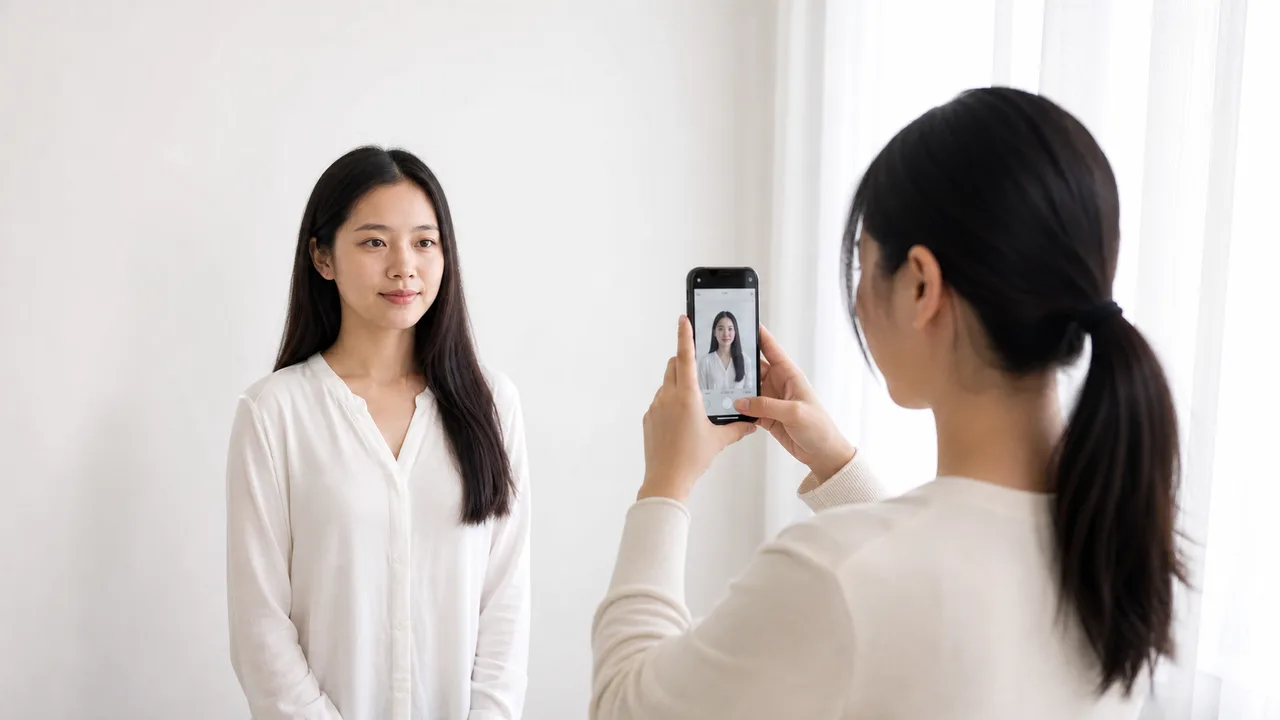
A good eVISA photo is usually made before editing starts. The wall, light, distance, and camera angle decide whether the final file looks like a document photo or a casual selfie.
Updated: 2026-07-28
Quick summary
- Use a plain white or light wall.
- Stand away from the wall to reduce shadows.
- Use the rear camera or a tripod/timer when possible.
- Keep the camera at eye level.
- Check the exported JPEG, not only the small preview.
Set up the room first
Choose a clean wall near a window or soft light. Stand slightly away from the wall so the head does not cast a dark outline behind you.
Turn off portrait mode, beauty filters, stickers, and background blur. Official visa photos should show your actual appearance clearly.
Frame for a visa-style photo
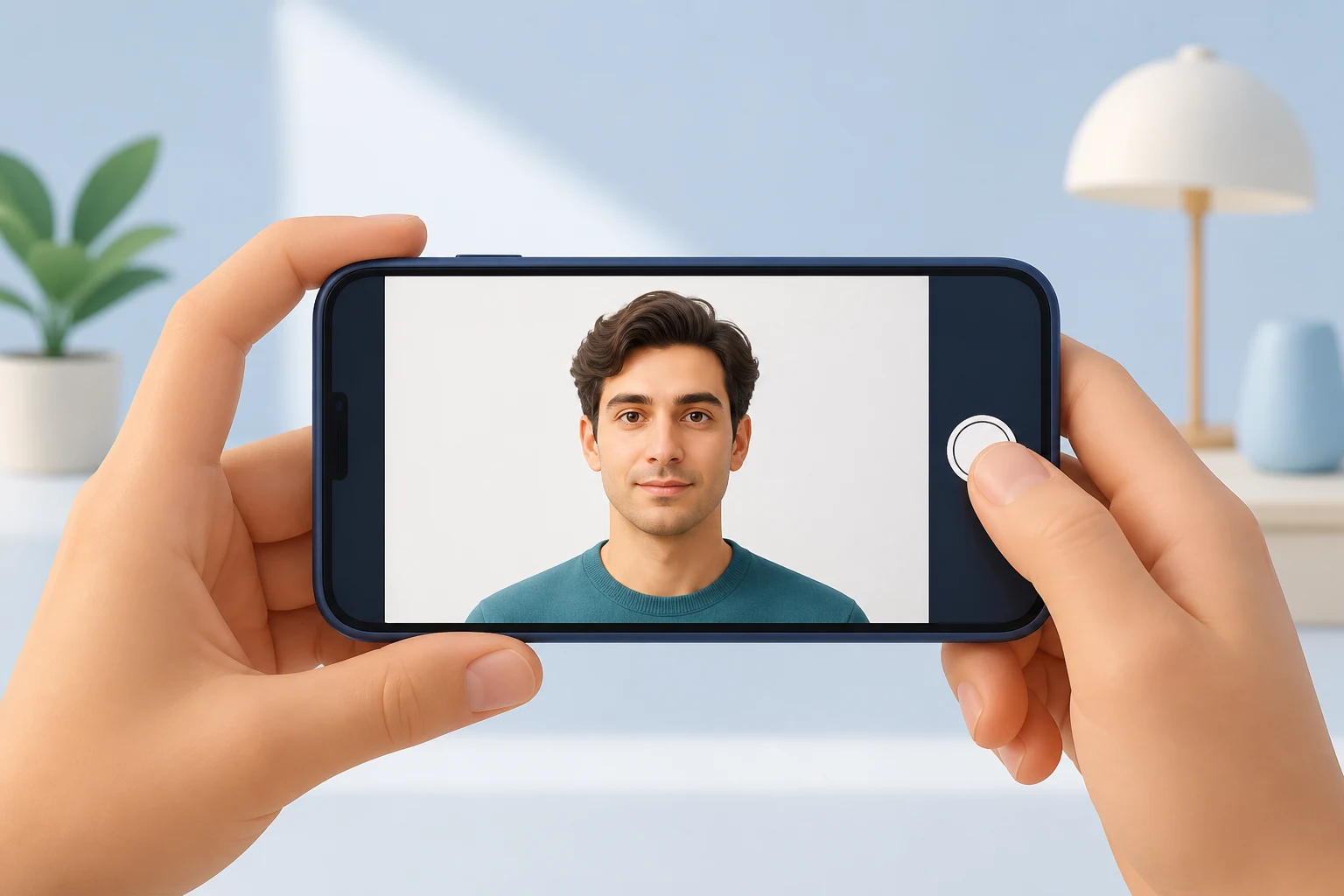
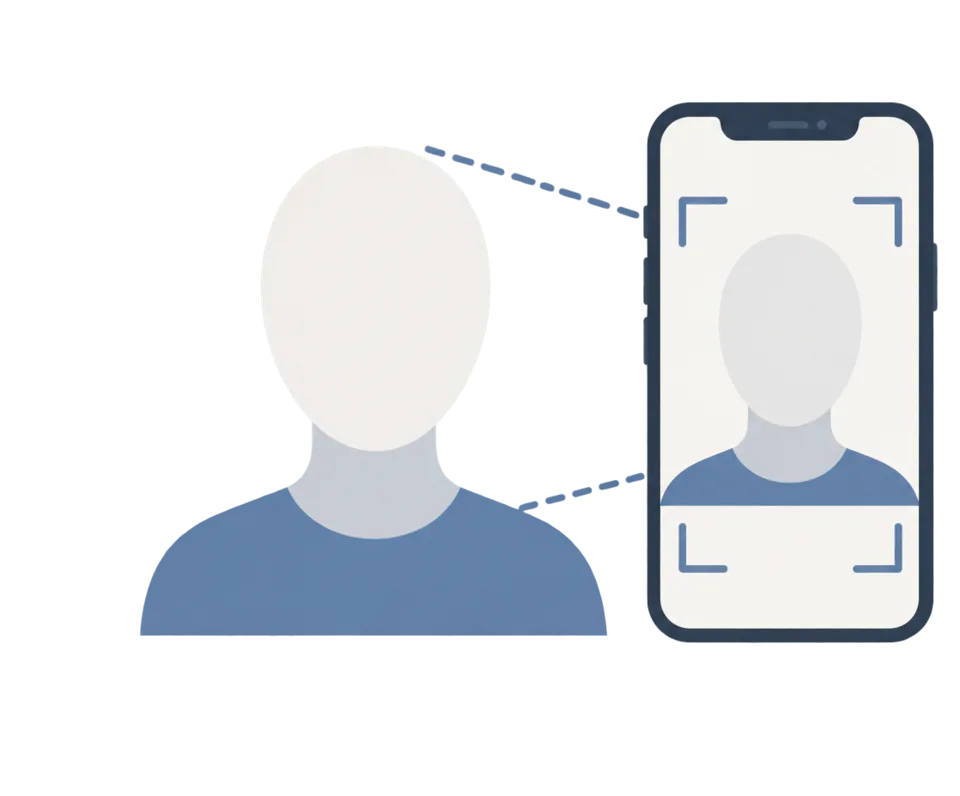
Keep the phone at eye height and avoid wide-angle distortion from a very close selfie. If another person can take the photo, ask them to stand back and frame the head and shoulders with enough margin.
Leave room above the head and around the shoulders so the app can crop the image into a Japan visa photo format without cutting off hair or shoulders.

Capture checklist
- Face forward and keep your head level.
- Keep both eyes open and visible.
- Close your mouth and use a neutral expression.
- Remove glasses if there is reflection.
- Retake if the image is blurred, shadowed, or too close.
About official sources
These guides summarize public information from Japan MOFA and Japanese diplomatic missions about JAPAN eVISA eligibility, online application scope, photo quality, and passport image preparation. The app prepares photo files; the visa application itself is submitted through the official route.
This website and app are independent file preparation tools. They are not an official Government of Japan, MOFA, embassy, or consulate app, are not affiliated with those authorities, and do not guarantee photo acceptance, application approval, or visa issuance.
Common mistakes to avoid
These are the upload mistakes that most often cause a Japan eVISA photo or passport image to be returned. Avoid them before you submit, and confirm the latest official instructions for your route.
Photographing a printed ID photo adds paper texture, glare, and blur. Use the original digital capture and export a clean JPEG.
Glare, blur, cropped edges, or a hidden MRZ can stop the application. Keep the page flat and re-shoot under even light.
Some embassies list 35 × 45 for paper applications. Do not assume the same size applies to the online eVISA upload.
Face-slimming, skin smoothing, and background replacement change how you look and can make the photo unusable. Keep the image natural.
Shadows, patterns, or a background that blends with light clothing fail the plain or white background check.
Sending the photo through a messaging app can destroy detail. Upload the original exported file, not a recompressed copy.
Why use the app to prepare files
The app helps you compose a Japan visa-style digital face photo with the right proportions, using your iPhone camera.
Get a clear file directly, without the recompression that messaging apps add, so facial detail and passport text stay sharp.
Preview the plain background, face angle, and framing before you upload to the official system.
The app only prepares image files. You still submit through the official JAPAN eVISA route and follow their instructions.
shoumei.org is an independent file preparation tool and is not affiliated with the Government of Japan, MOFA, embassies, or consulates. Preparing a photo with the app does not guarantee photo acceptance, application approval, or visa issuance.
FAQ
Can I use a selfie?
It is safer to use the rear camera, a timer, or another person. Close selfies can distort the face and make the crop too tight.
Can the app fix a bad source photo?
It can help with framing and export, but it cannot turn a blurred, shadowed, or heavily filtered source photo into a strong document photo.
Official sources
- Consulate-General of Japan in Los Angeles - eVISA requirements checklist Checked: 2026-07-02
This website and app are independent file preparation tools. They are not an official Government of Japan, MOFA, embassy, or consulate app, are not affiliated with those authorities, and do not guarantee photo acceptance, application approval, or visa issuance.
Japan eVISA guide articles
Create your photo in the browser
Prepare the photo for Japan Visa (paper application) directly in your smartphone or computer browser. Creating and reviewing are free.
The photo specification this tool creates depends on your destination country and application route. Select your route in the tool.
Open the web toolPrepare your Japan eVISA photo on iPhone Download on the App Store