JPEG
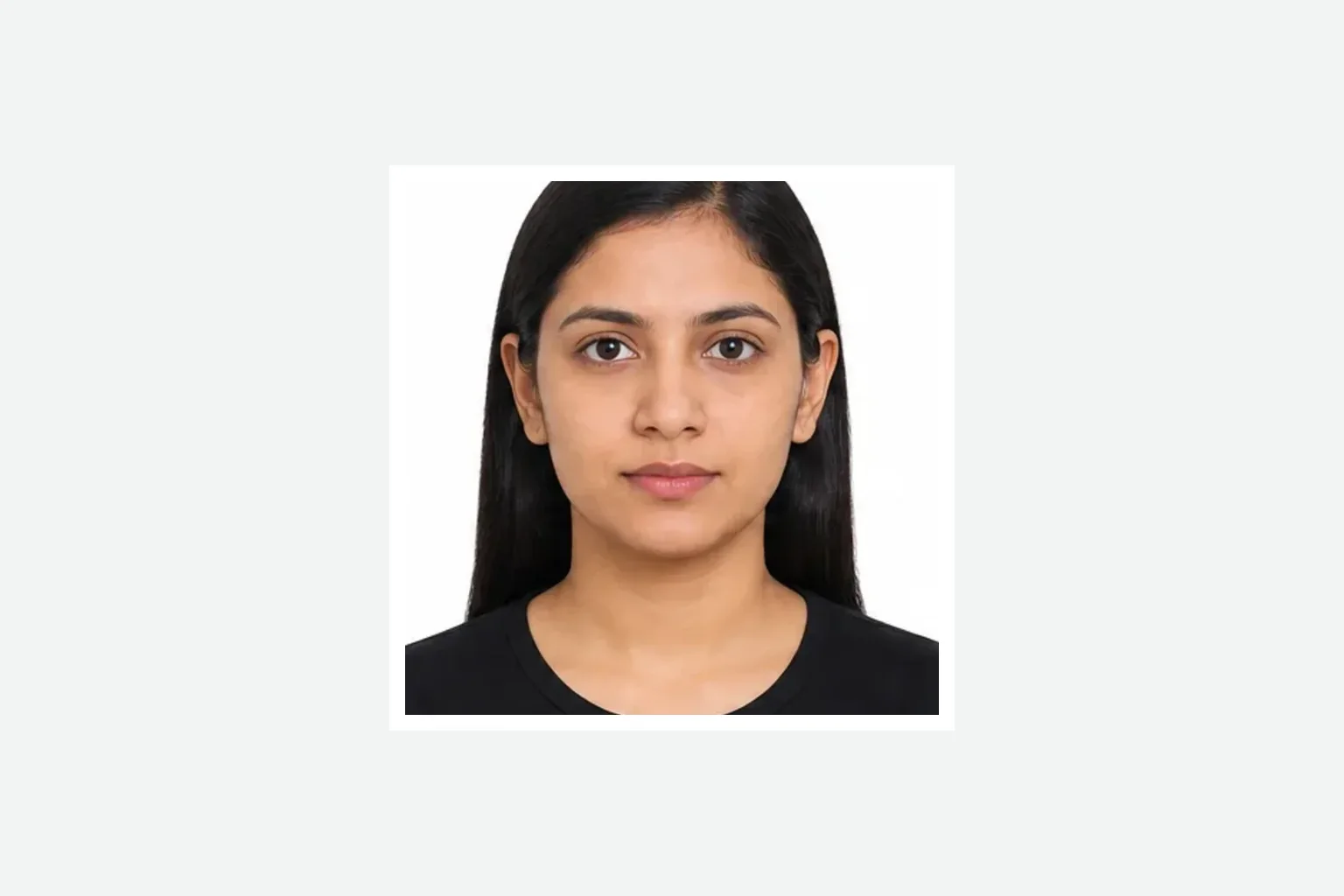
Regular Visa application photo
Prepare a JPEG face photo for an India Regular Visa application and review it before saving.
Add your face photo and passport photo page. Review the application JPEG and one-page PDF before saving.
Regular Visa application photoJPEG Passport photo page PDFPDF
Create Regular Visa filesCreating and reviewing are free. You pay only when saving the finished files. from ¥700
Prepare a JPEG face photo for an India Regular Visa application and review it before saving.
Convert the passport photo page into a single-page PDF ready to upload.
Add the face photo and passport page, review both results, then save them.
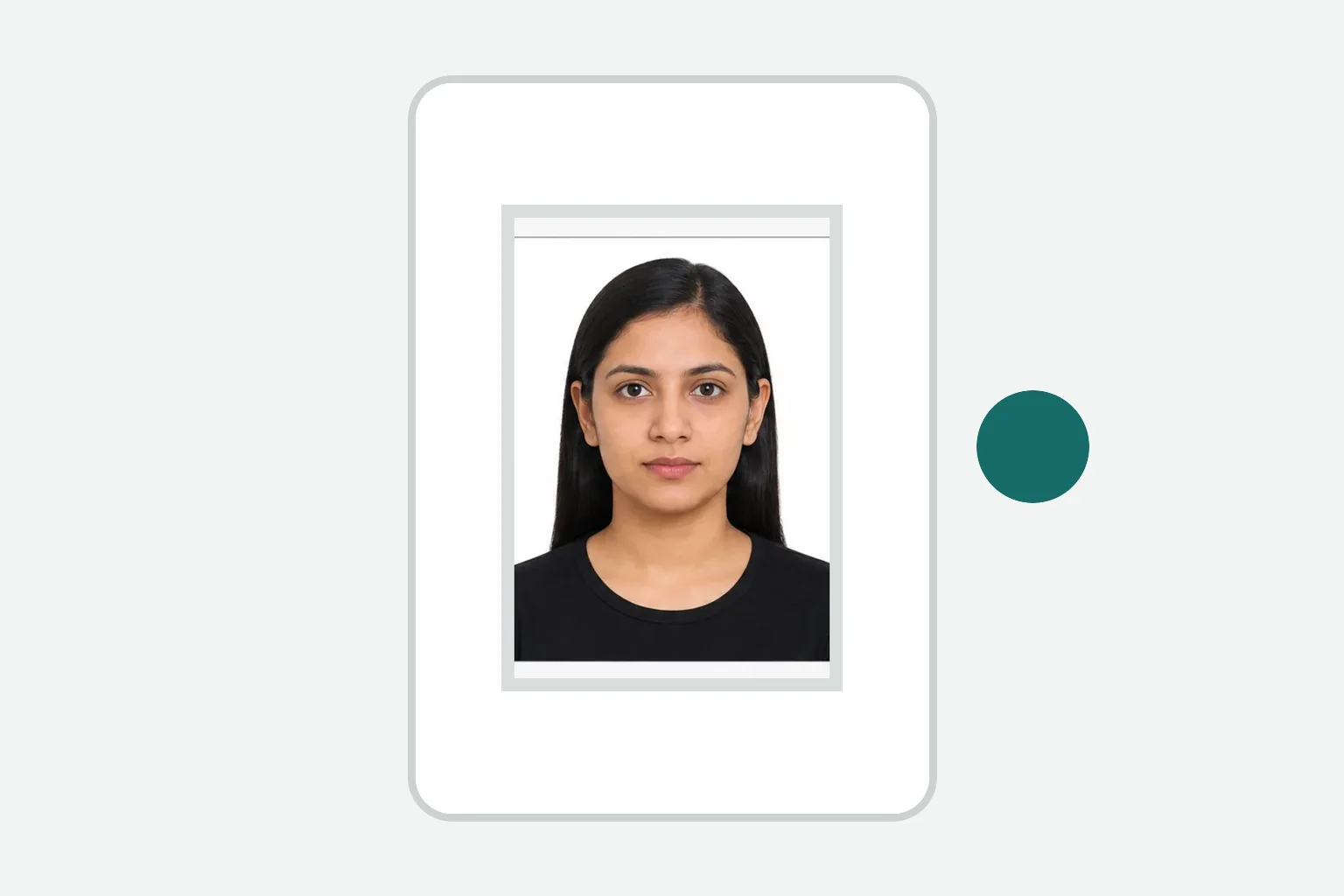
Take a photo or choose files from your device, including the passport photo page.
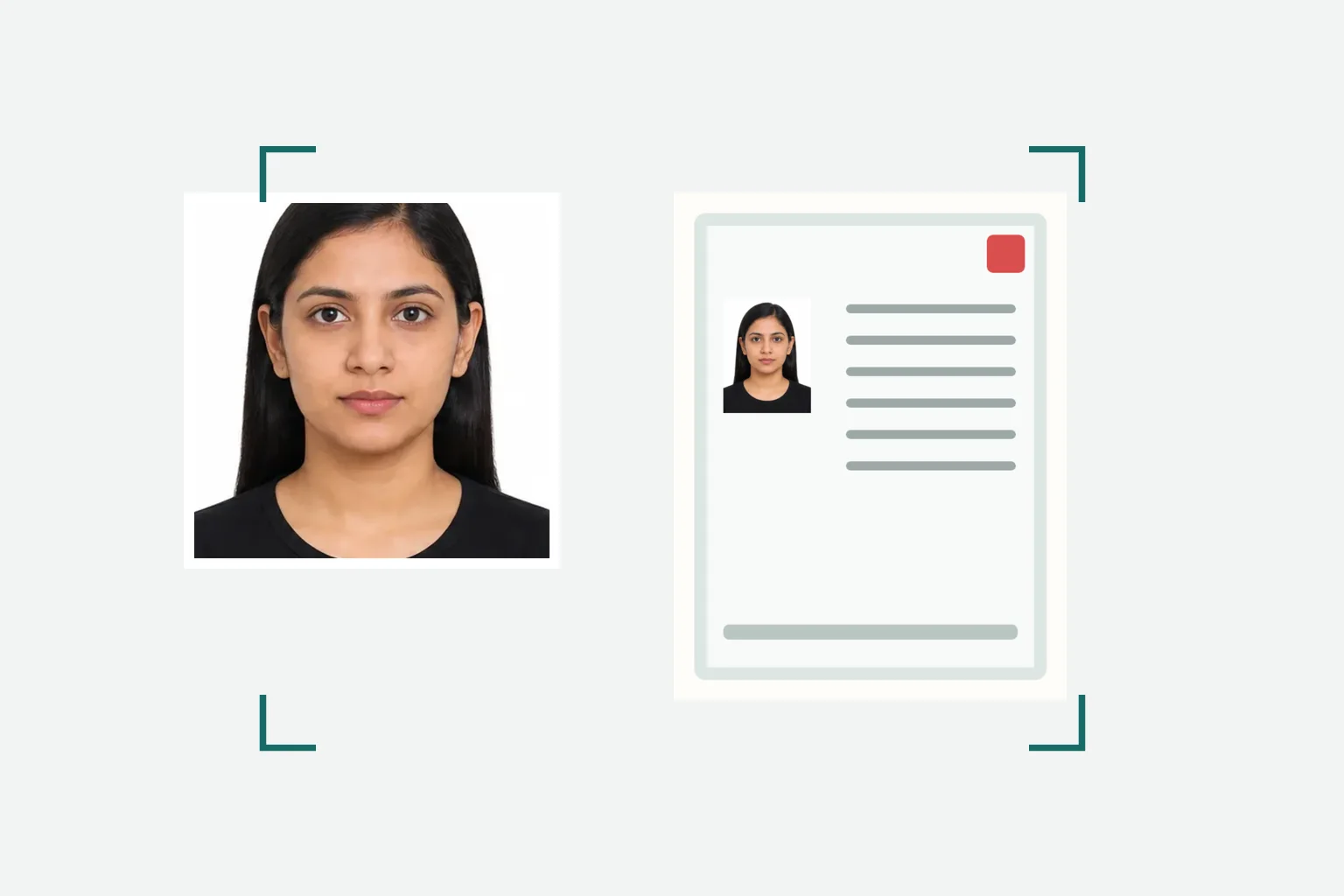
Check the face-photo format, dimensions, file size, and the passport-page PDF.
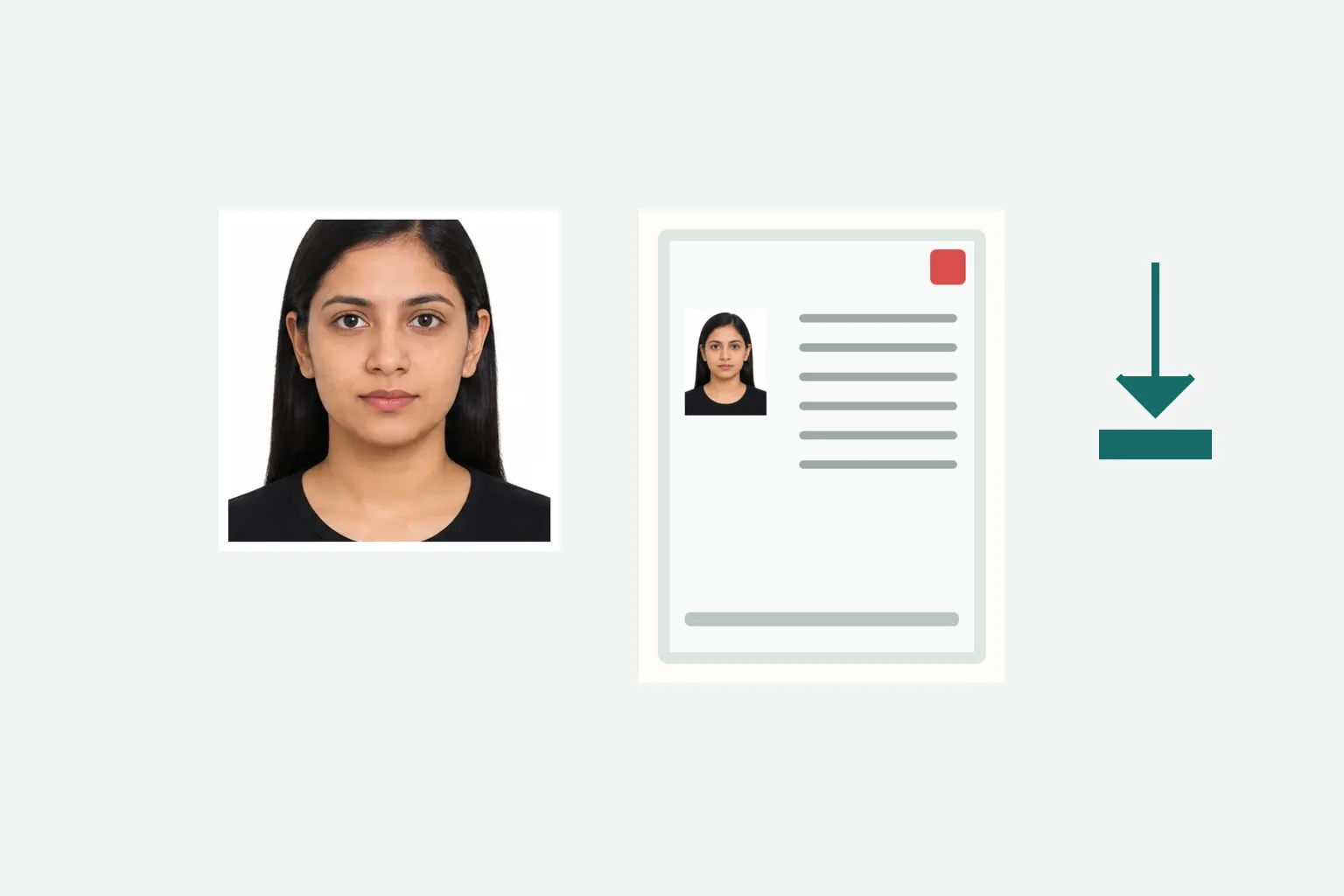
Review the files, pay once, and save the JPEG and PDF to your device.
Review the Regular Visa conditions separately for the face photo and passport PDF.
Indian Visa Online - VSS_IMAGE photo upload guidance · Checked: 2026-08-20
Indian Visa Online - Regular Visa Document Upload · Checked: 2026-08-20
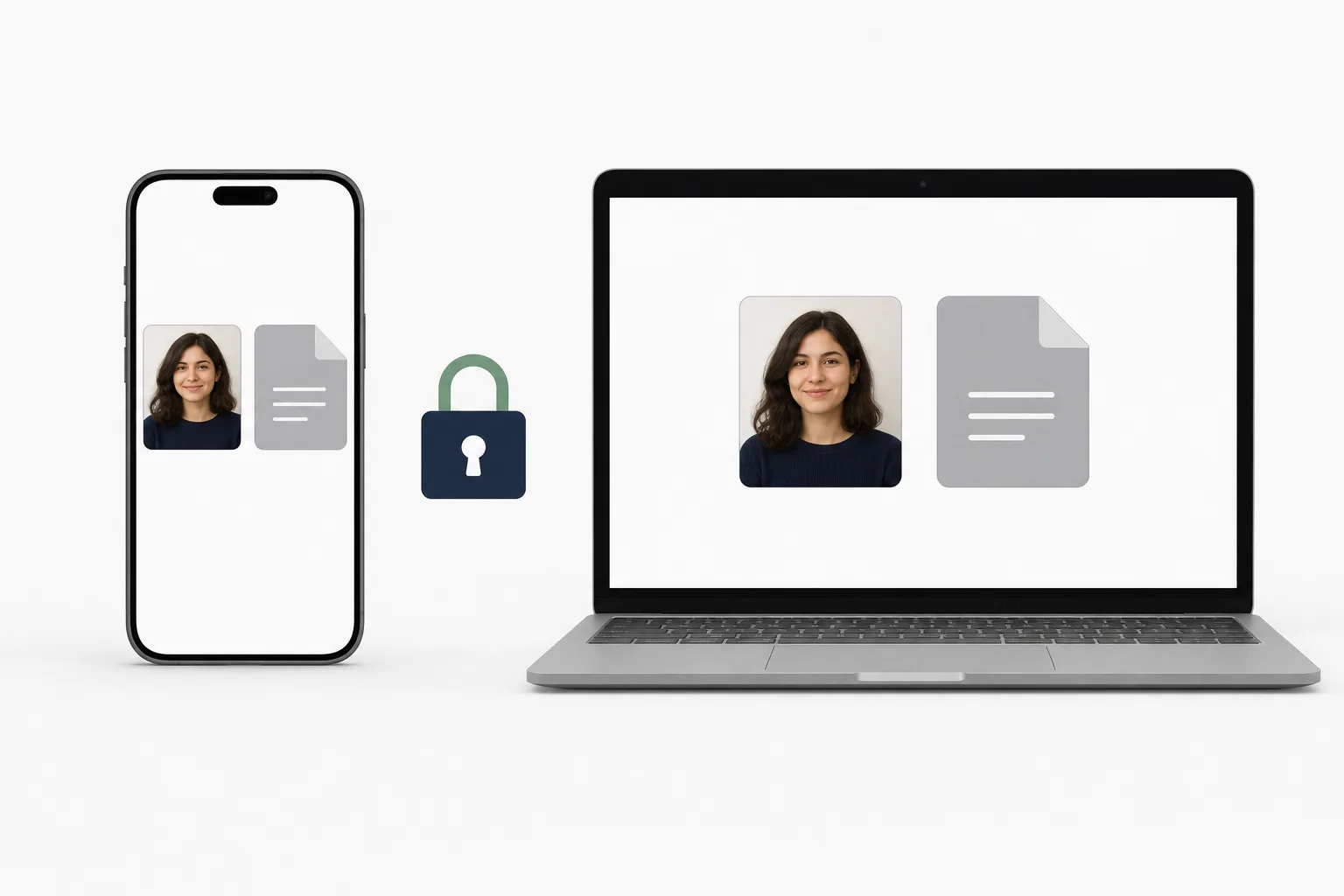
Face photo and passport-page processing happens in your browser. Review the files before paying to save them.
Creating and reviewing are free. You pay once when saving the finished files.
from ¥700No. This page is for an India Regular Visa application, which uses a different application route and documents.
Add the passport page showing your photo and personal details. The tool turns it into a single-page PDF.
Yes. Add the face photo and passport page in sequence, then review each finished file.
No. It helps prepare application files and does not review or guarantee a visa application.
Face photo and passport-page processing happens in your device browser.
Create the face photo and passport photo page PDF in your browser.
Create Regular Visa filesAn India visa photo and PDF app is also available for iPhone.
See the iPhone app →