
JPEG
Application photo
Prepare the face photo for the Indonesia eVisa registration screen as a JPEG. Review the result and file size before saving.
Prepare the application face photo and passport data-page image in the same creation screen.
Application photoJPEG Passport data-page imageJPEG
Create PhotoCreating and reviewing are free. You pay only when you save the finished file. from ¥600
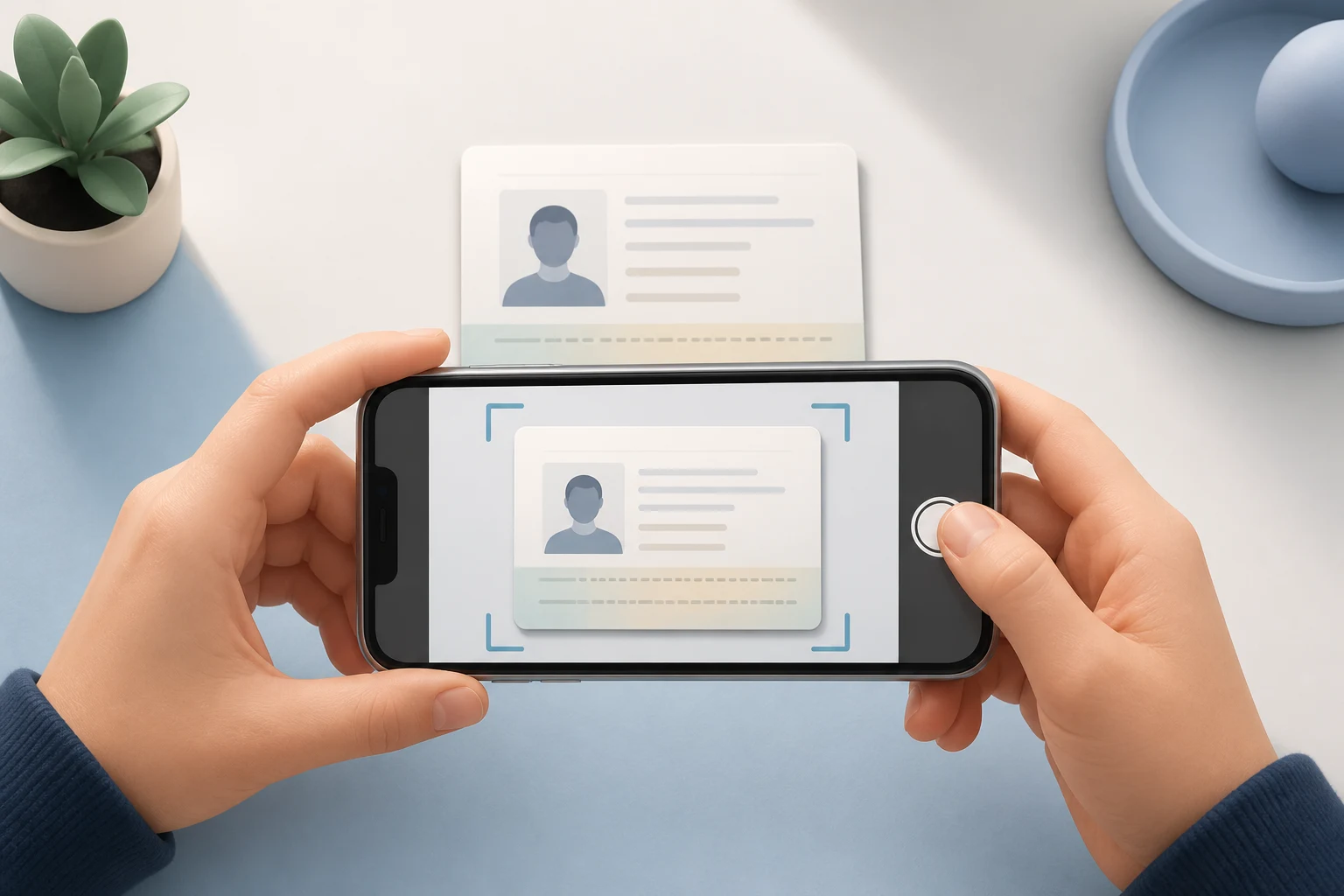
Prepare the face photo for the Indonesia eVisa registration screen as a JPEG. Review the result and file size before saving.
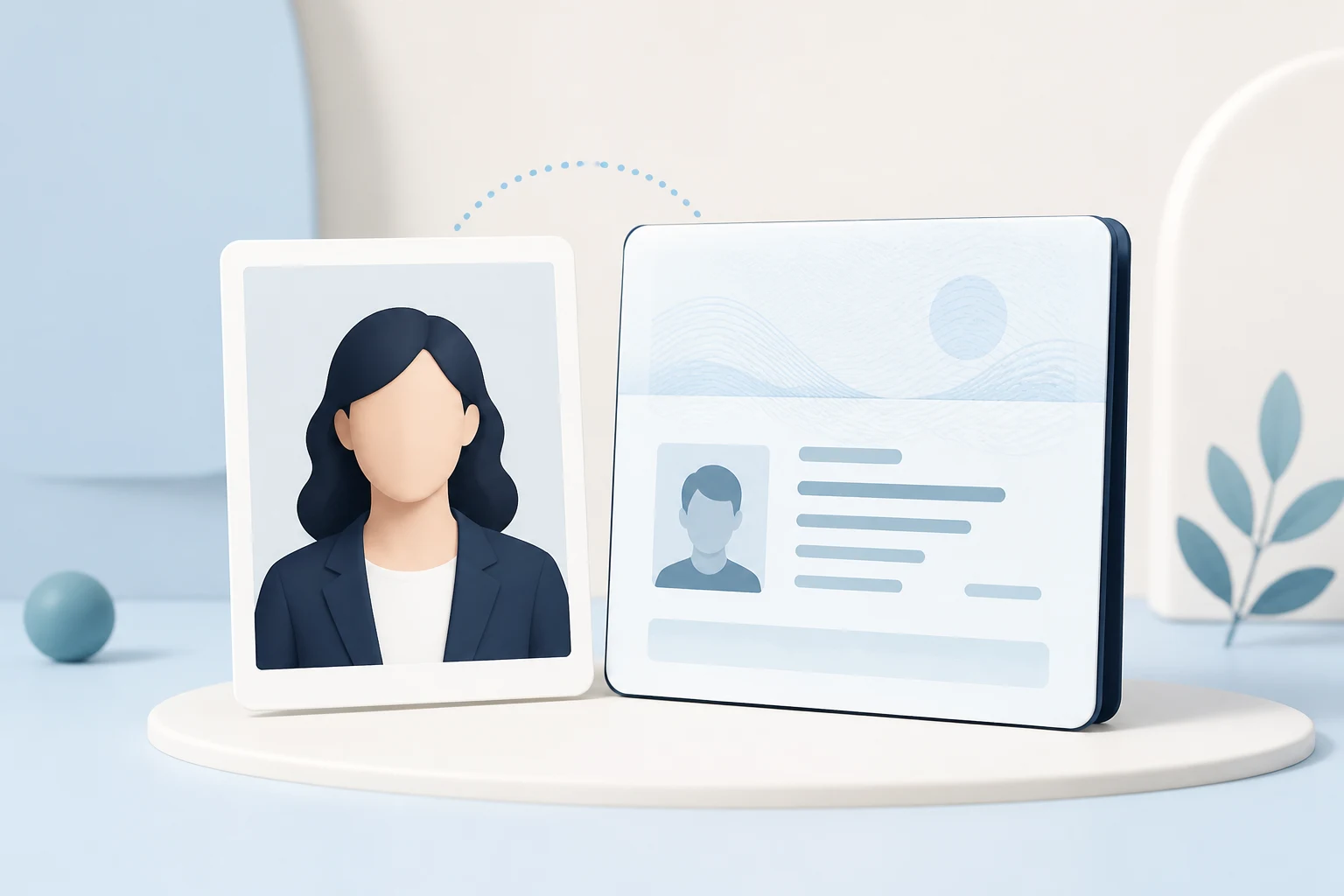
Prepare the full passport data page as an image.
Add a photo, review the result, then pay once and save the finished file.

Take a photo with your phone or choose one already on your device.
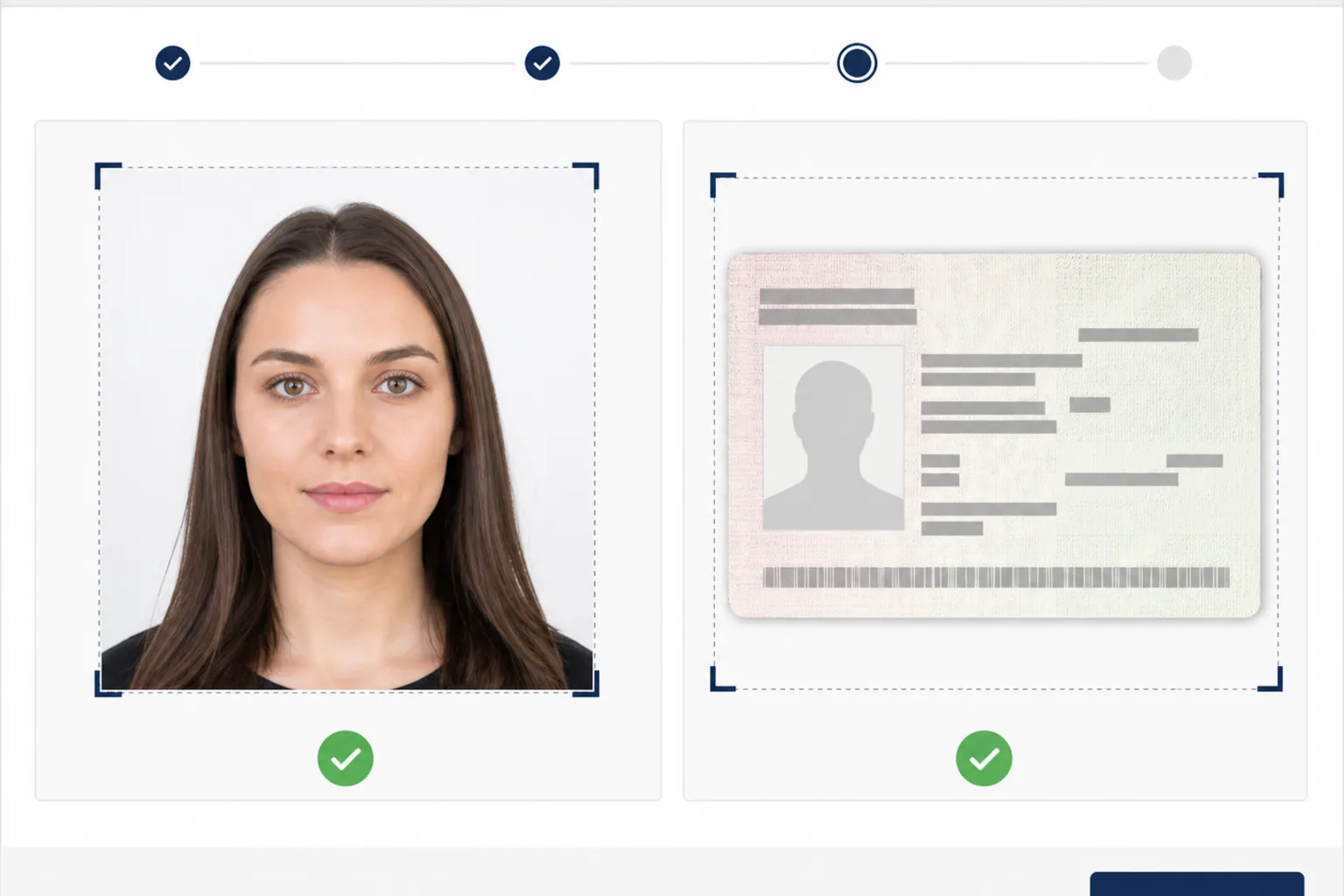
Check the face position, output dimensions, format, and file size.
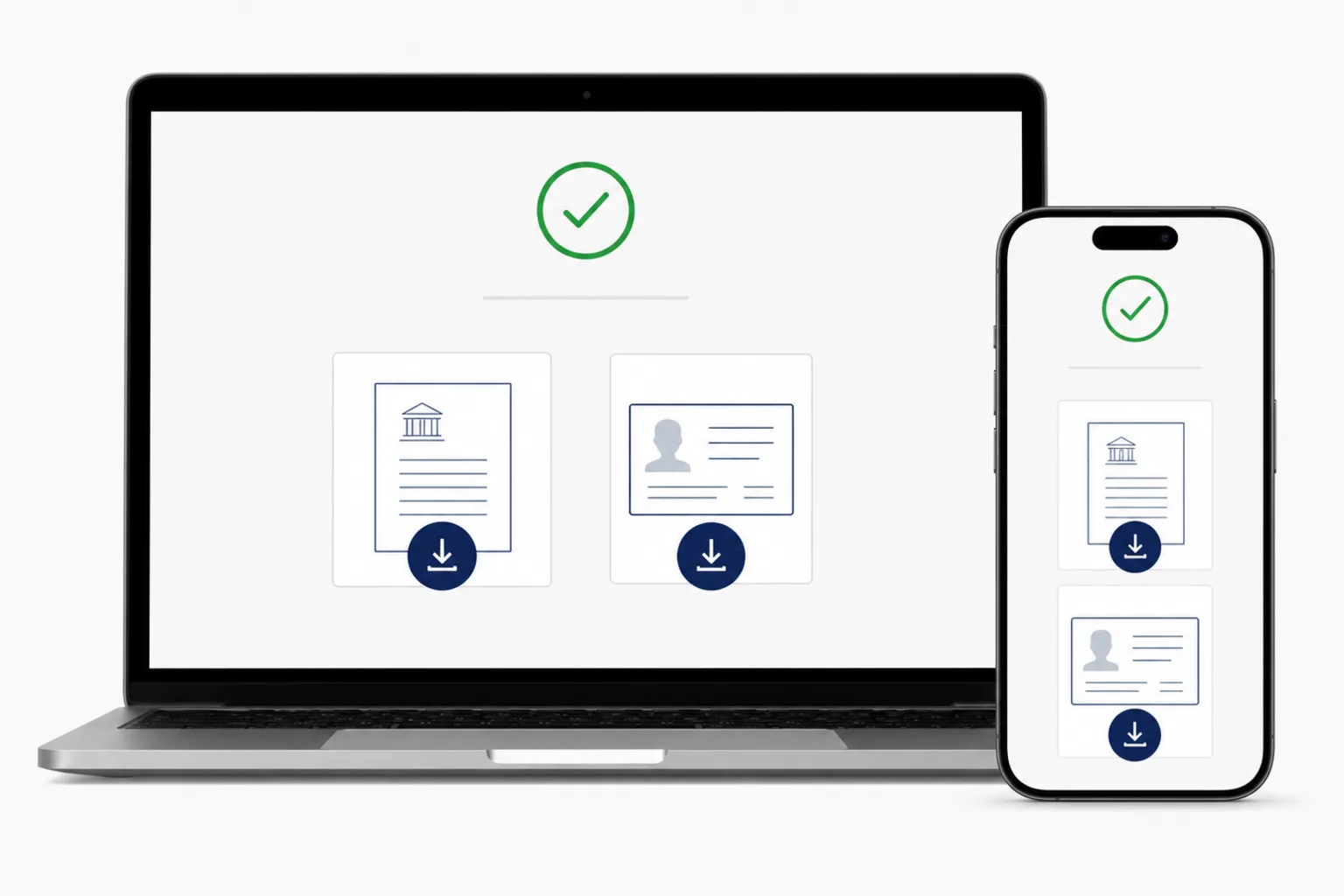
Review the file, pay once, and save the finished JPEG to your device.
These are the main photo conditions shown for registration. Check the official screen again before submitting.
Indonesia e-Visa — Register / Upload Photo Profile terms · Checked: 2026-08-20
Indonesia e-Visa — Register / Upload Photo Profile terms · Checked: 2026-08-20
Photo processing happens in your browser. After payment, save the finished JPEG directly to your device.
Creating and reviewing are free. You see the price before saving and pay once when you save the finished file.
from ¥600eVOA uses a different set of files. Use the separate creation screen for the face photo and passport biodata page.
See the eVOA creation screen →Yes. You can create an Indonesia eVisa photo in a phone browser.
No. You can use it directly in a browser on a phone or computer.
Yes. The photo is prepared for upload, and you can review the result and file size before saving.
Creating and reviewing are free. You see the price and pay once when saving the finished file.
No. It helps prepare a file and does not review, submit, issue, or guarantee a visa application.
If you prefer an installed app, an Indonesia Visa Photo app for iPhone is also available.
See the iPhone app →