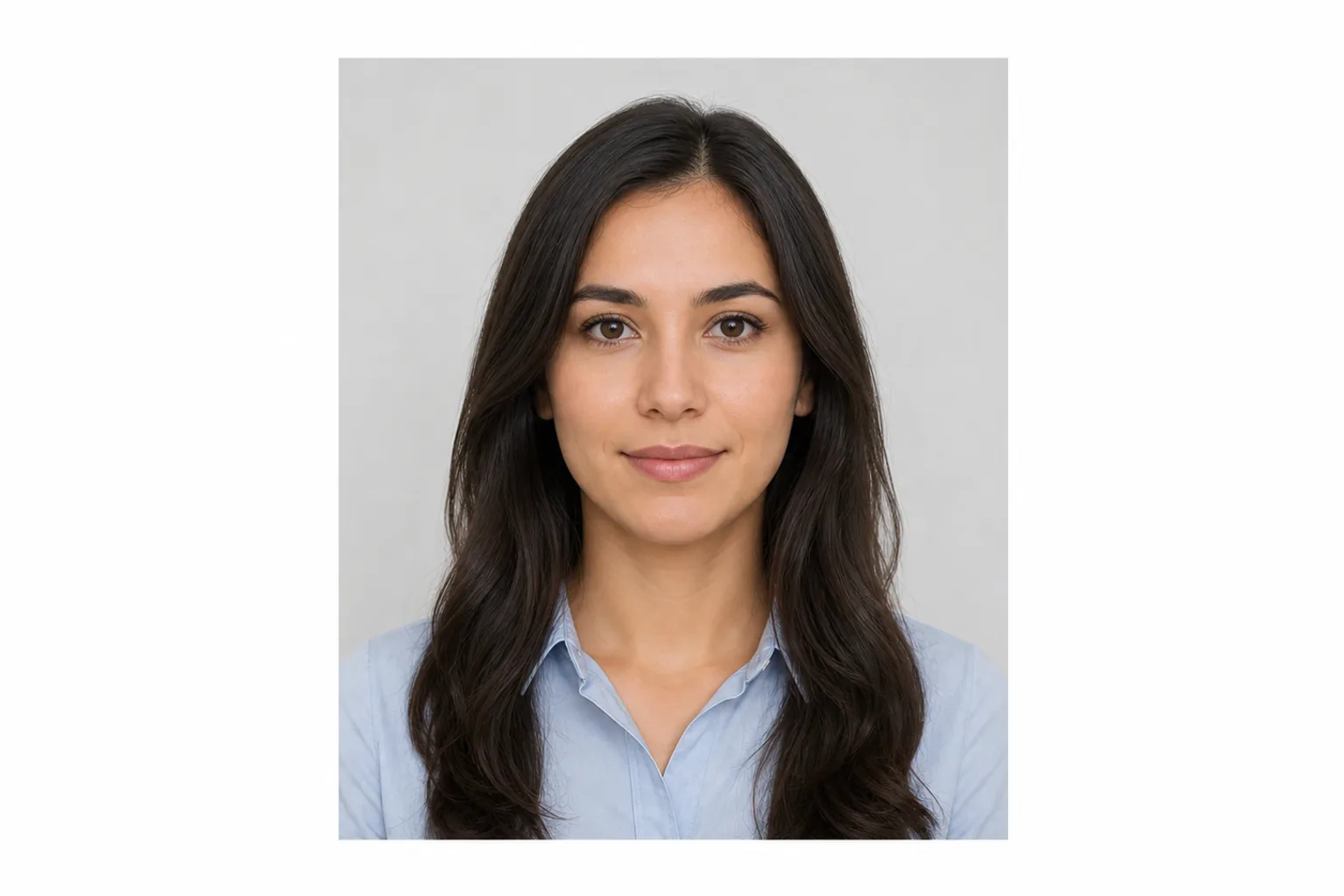
JPG
Online application photo
Create the JPEG for upload to MynaPortal and review the result and file size before saving.
Take or choose a photo. Create the JPEG for online applications and the print file for postal applications, then save them to your phone or computer.
Online application photoJPG Print file for postal applicationsJPEG
Create photoCreating and reviewing are free. You pay only when you save the finished files. ¥500
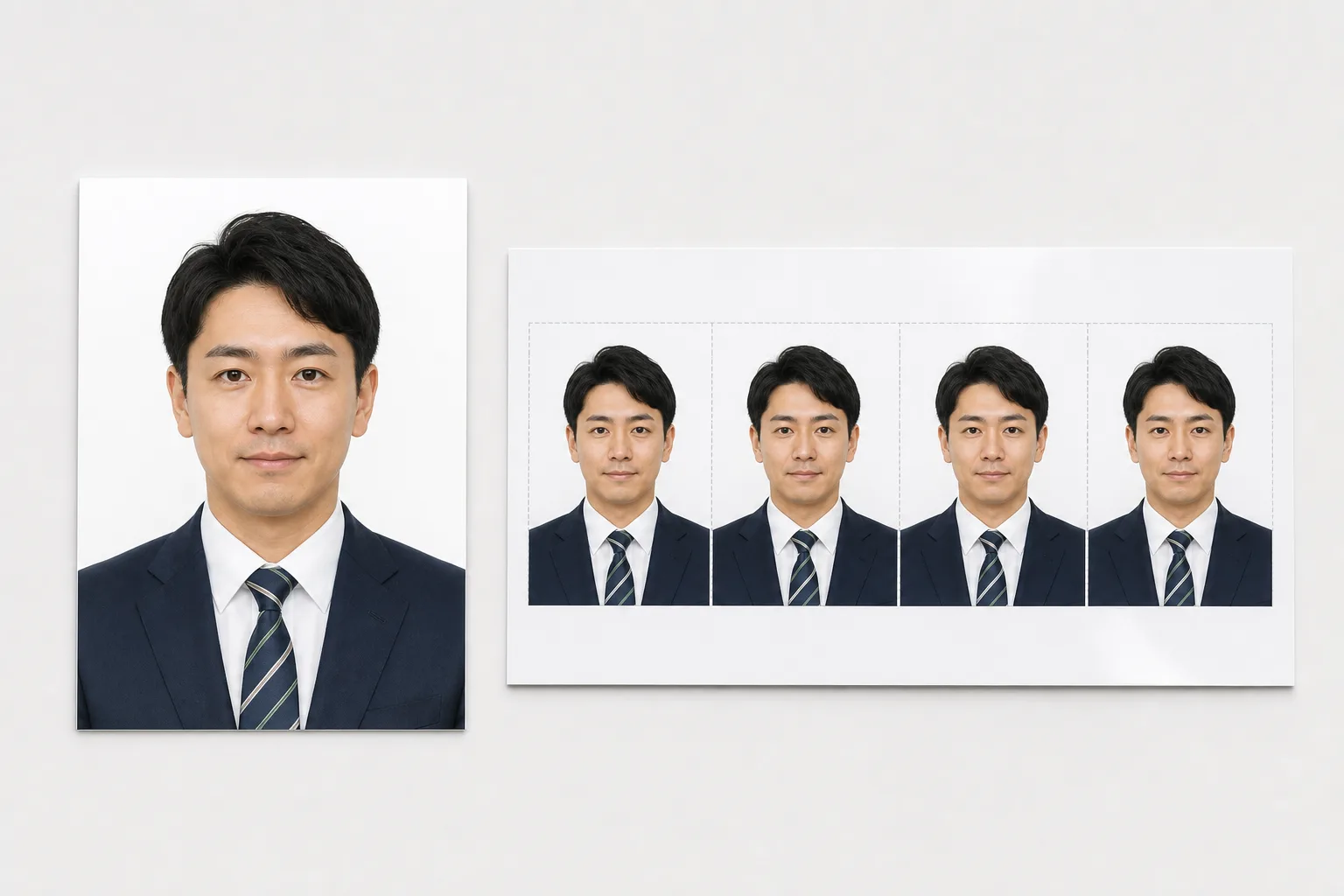
Create the JPEG for upload to MynaPortal and review the result and file size before saving.
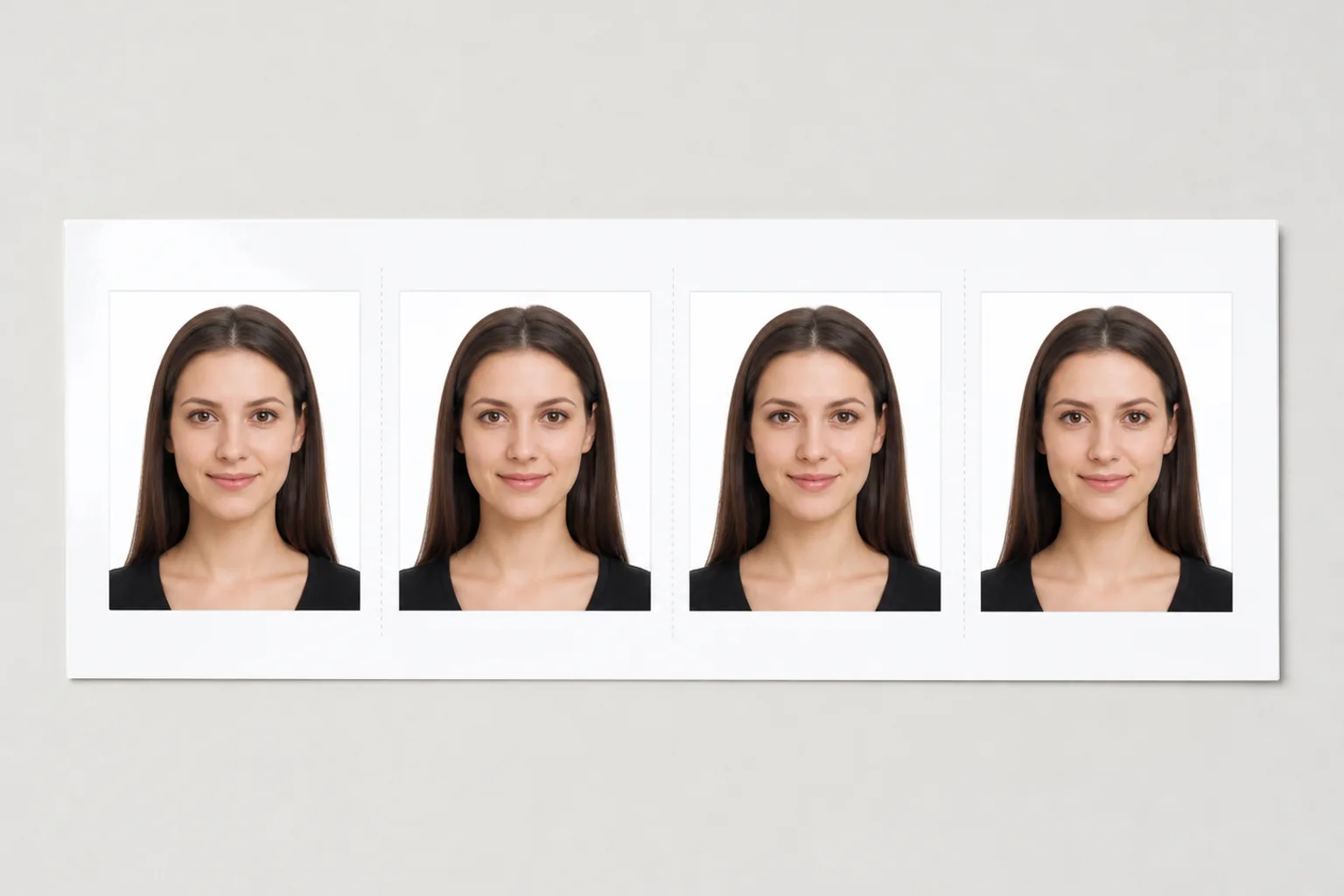
Create a print-ready JPEG layout for postal applications.
Add a photo, review the result, then save the online and print files after payment.
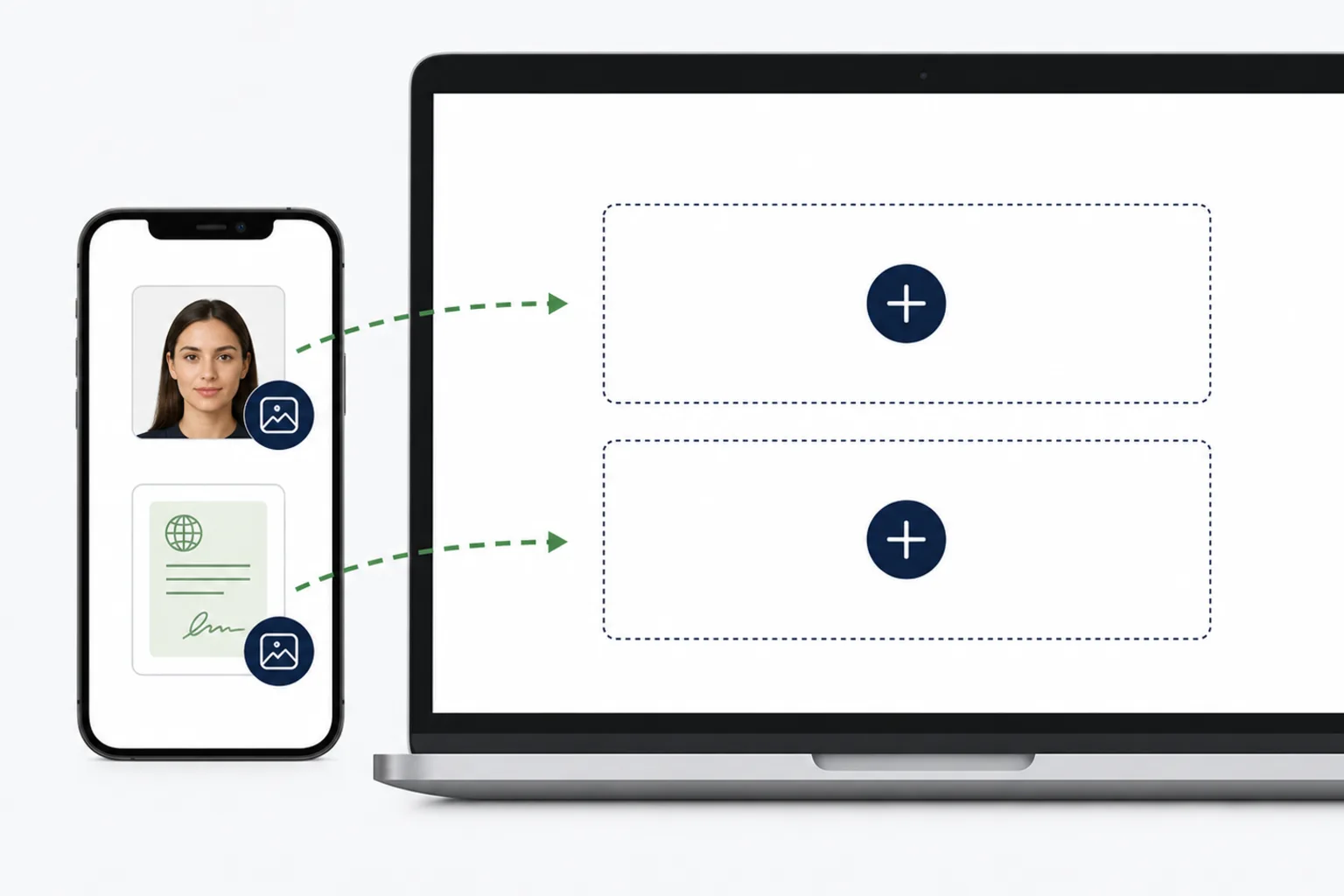
Take a photo with your phone or choose one already on your device.
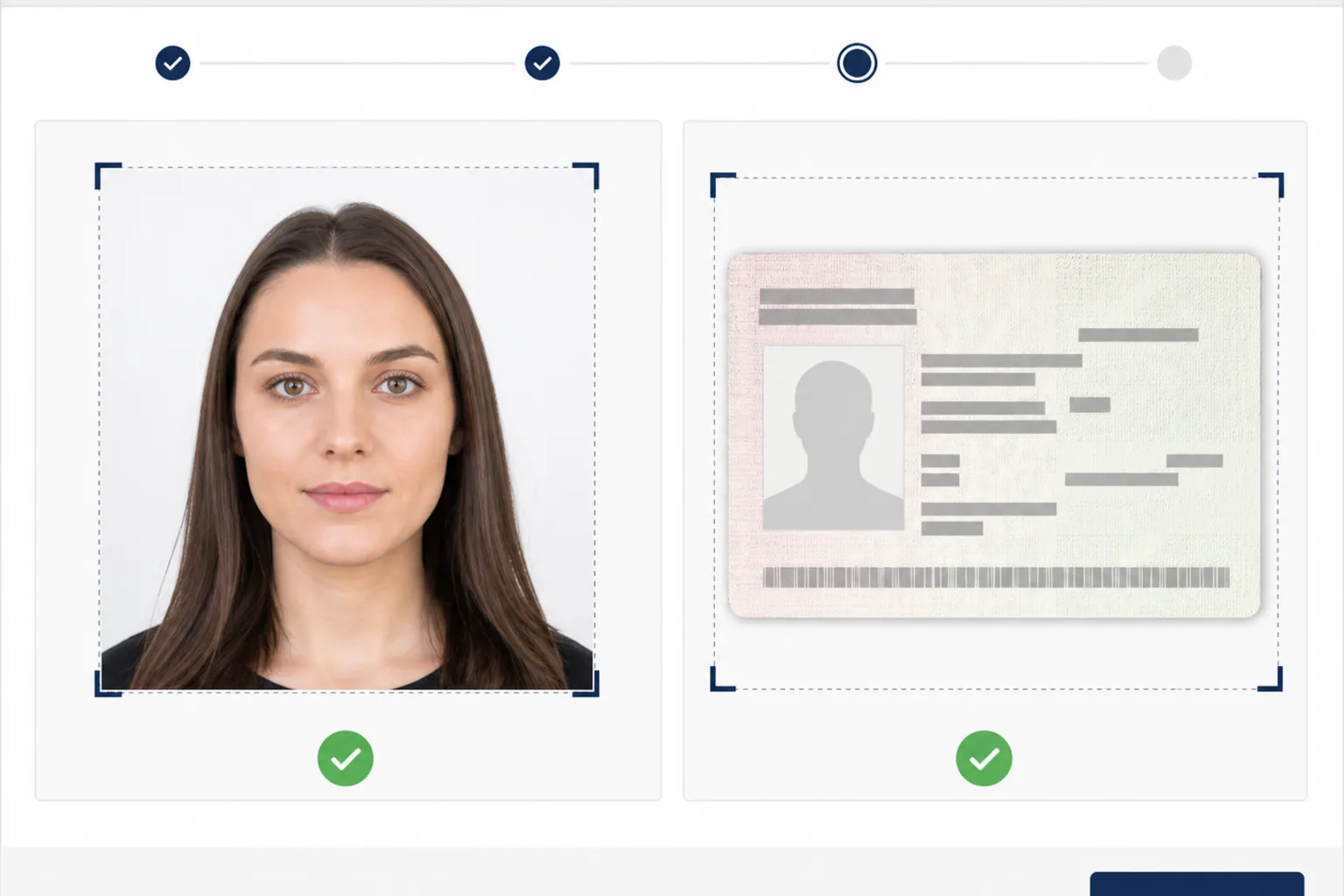
Check the face position and background, then review the online JPEG and print file.
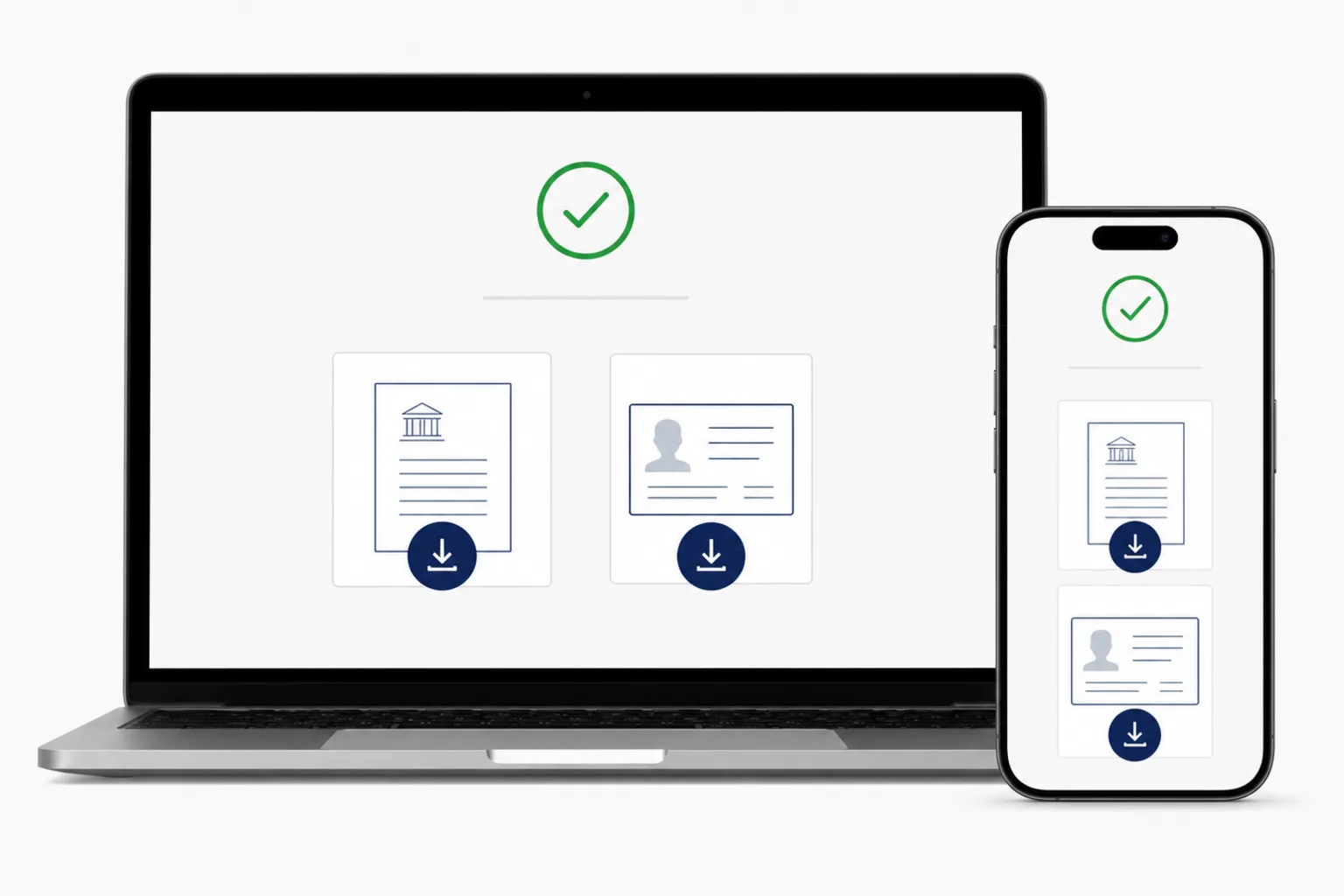
Review the files, pay once, and save the files to your phone or computer.
Online and postal applications use different photo conditions. The main conditions from the official My Number Card site are shown separately below.
マイナンバーカード総合サイト - 顔写真のチェックポイント / マイナンバーカード総合サイト - オンライン申請方法 · Checked: 2026-06-28
マイナンバーカード総合サイト - 顔写真のチェックポイント · Checked: 2026-06-28
The print JPEG places 4 photos of the 45 x 35 mm photo on L size. When printing, choose Actual Size or 100% and turn off Fit to Page or other scaling.
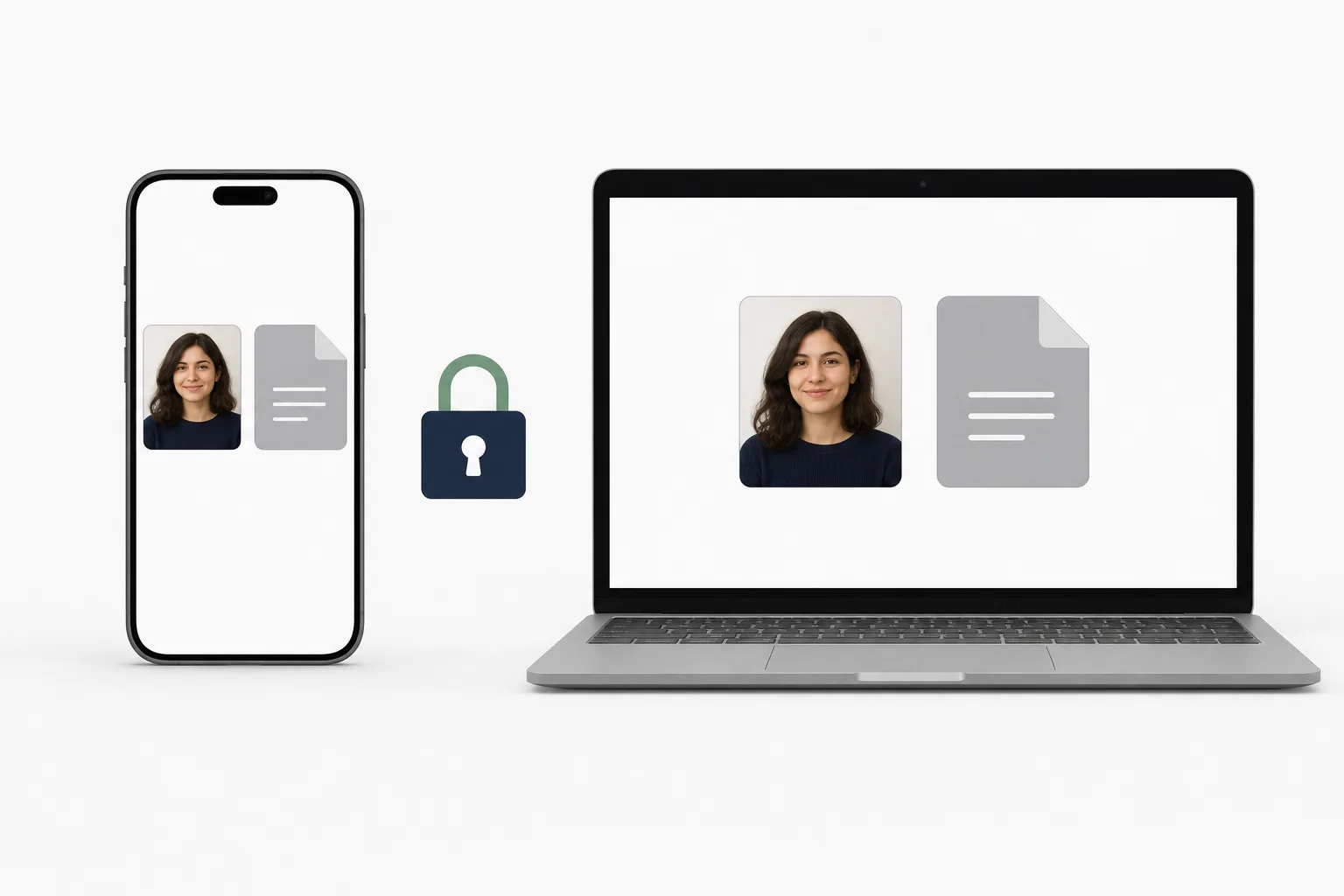
Photo processing happens on your device. After saving, download the finished JPEG files to your phone or computer.
Creating and reviewing are free. You see the price before saving and pay once when you save the finished files.
¥500Yes. Use your phone browser to take a photo or choose one already on your device.
Yes. Create the JPEG for upload to MynaPortal and review the result and file size before saving.
Yes. Create a JPEG with 4 photos of the 45 x 35 mm photo on L size.
The print JPEG supports the paper sizes shown in the tool. Check the service you use, and choose Actual Size or 100% when printing.
Yes. Use a front-facing, uncovered photo with a plain background, taken within the six months before applying.
Creating and reviewing are free. You pay once when you save the finished files.
Photo processing happens on your device. Check the relevant notices for payment and access analytics.
No. It helps prepare photo files and does not review or guarantee an application. Check the latest official guidance before applying.
Create online-application and print files from your phone or computer.
Create photoIf you prefer to take and save photos in an iPhone app, an app version is also available.
See the iPhone app →