
JPG
Online application photo
Prepare a JPG face photo for the online passport application.
Add your face photo and signature image, review both files, and save them for the online application.
Online application photoJPG Signature imageJPG
Create passport application filesCreating and reviewing are free. You pay only when saving the finished files. ¥500

Prepare a JPG face photo for the online passport application.
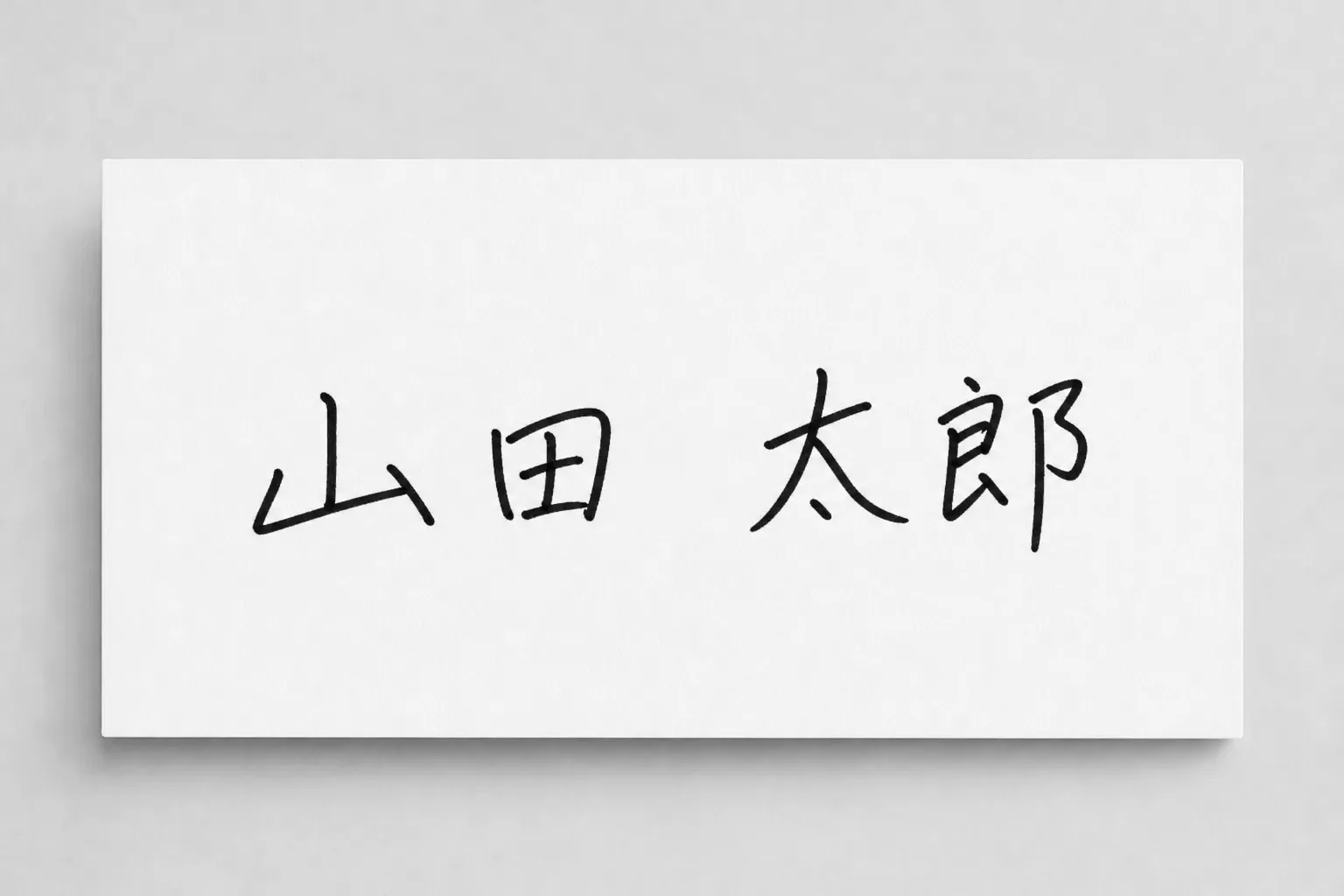
Prepare your signature as a JPG image for the application.
Add the face photo and signature image, review both, then save them.
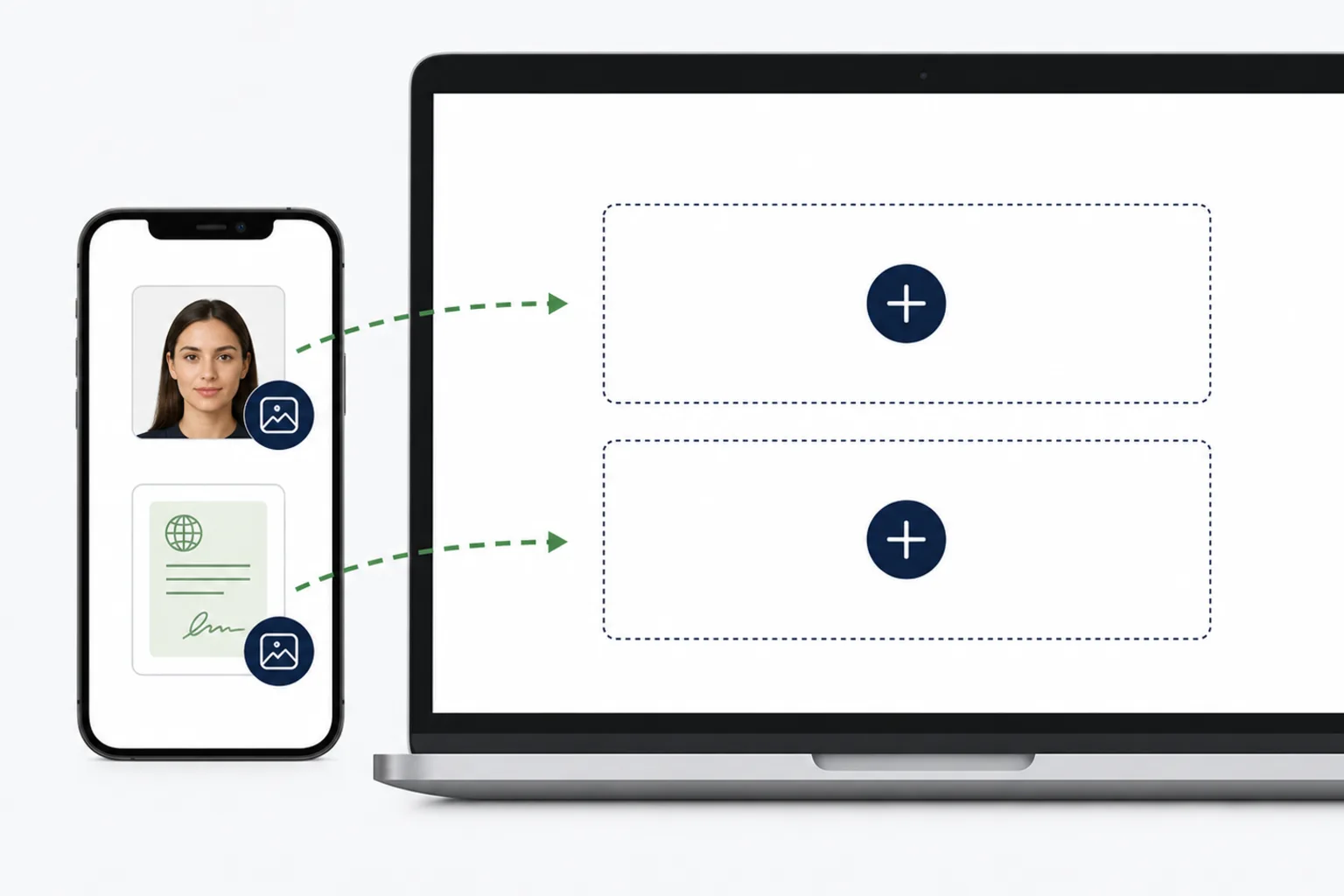
Choose the face photo and add the signature image.
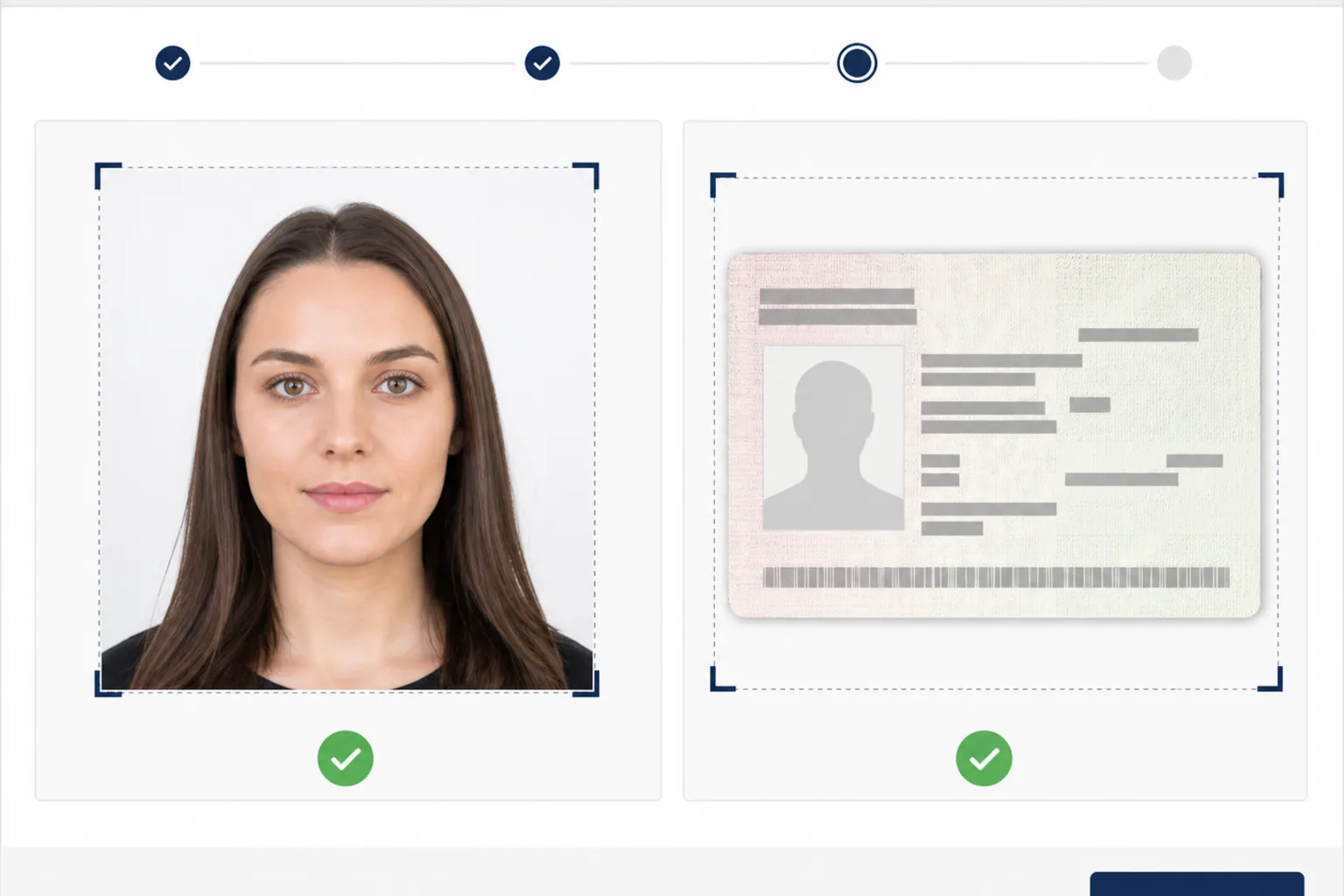
Check the format, dimensions, and file size of both files.
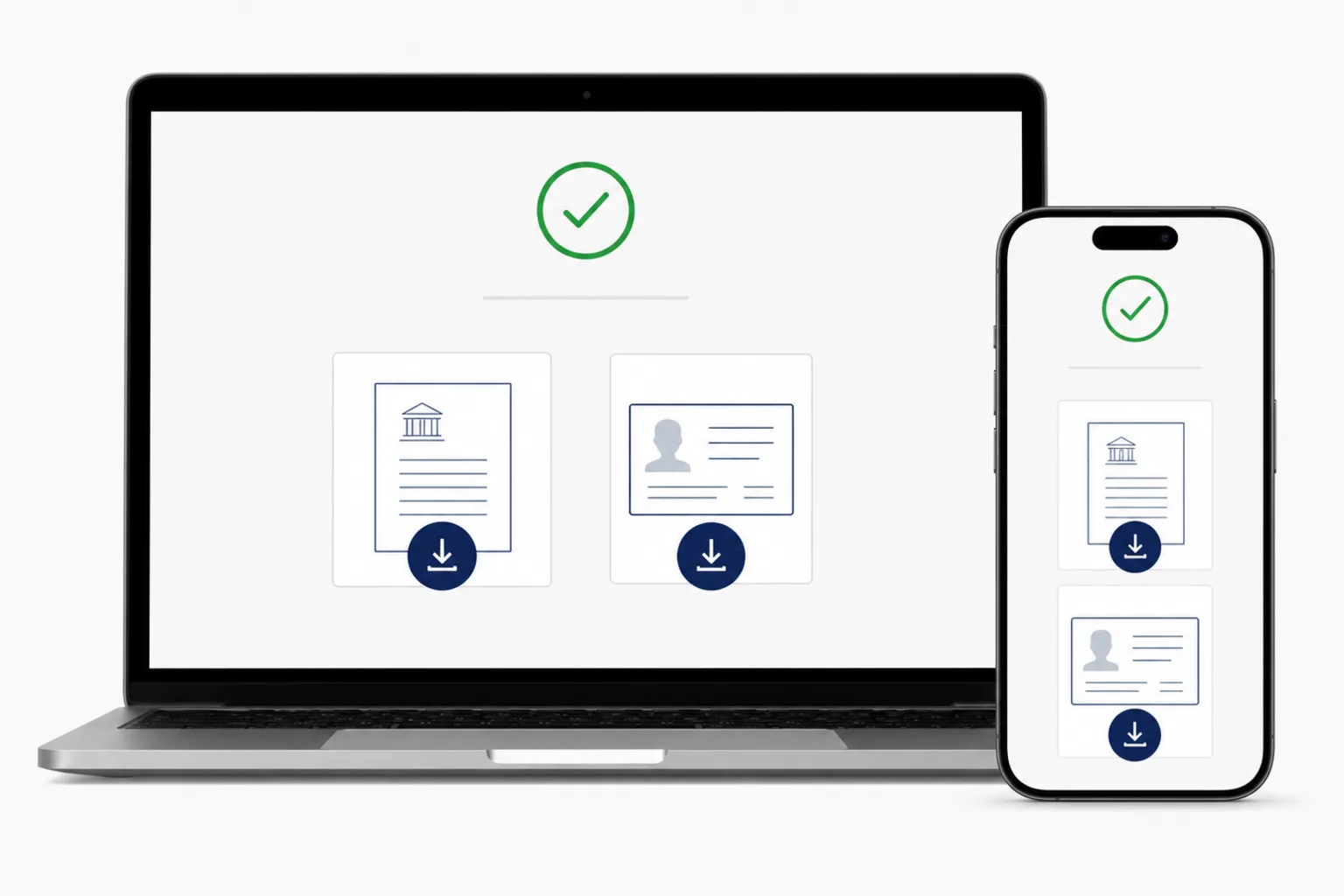
Review the files, pay once, and save both finished files to your device.
The main conditions for the Japanese passport online application are shown for each file.
東京都生活文化スポーツ局 - パスポート写真の規格と見本 · Checked: 2026-08-20
外務省 - オンライン申請における顔写真および自署画像の注意点 · Checked: 2026-08-20
Image processing happens in your browser. Review the price before saving and save the finished files to your device.
Creating and reviewing are free. You pay once when you save the finished files.
¥500Yes. Use it in a phone or computer browser.
No. You can create the files directly in your browser.
Creating and reviewing are free. You pay once when you save the finished files.
No. It helps prepare application files and does not submit, review, or guarantee an application.
Photo processing happens in your device browser.
Prepare the face photo and signature image together in your browser.
Create passport application filesThe Japanese passport photo app is available if you prefer to take and adjust photos in an app.
See the iPhone app →