
JPEG
Application photo
Prepare the Vietnam eVisa face photo as a JPEG using the tool output specification.
Prepare the application face photo and passport data-page image in the same creation screen.
Application photoJPEG Passport data-page imageJPEG
Create photo and passport imageCreating and reviewing are free. You pay only when saving the finished files. от ¥600
The creation screen is displayed in English.
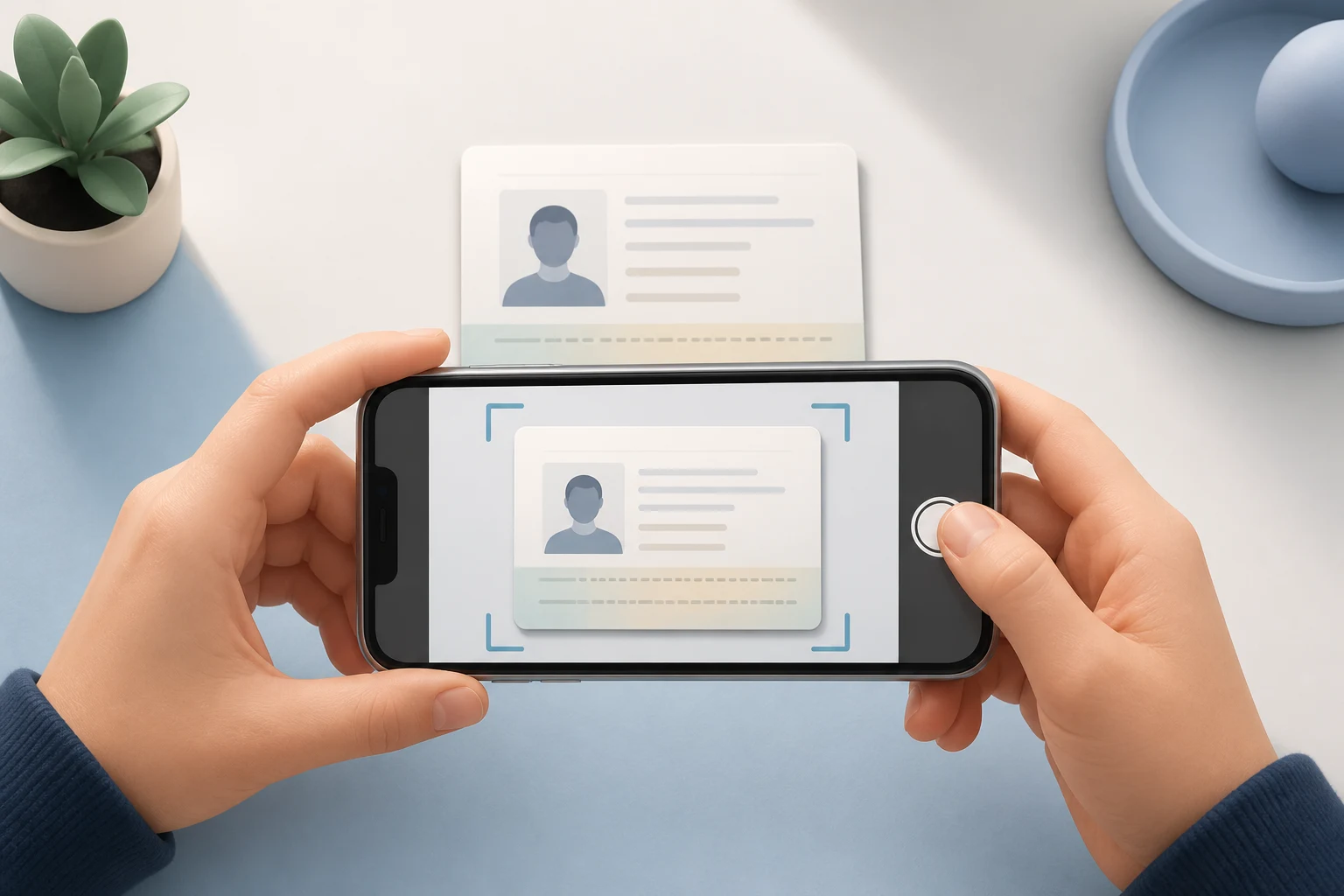
Prepare the Vietnam eVisa face photo as a JPEG using the tool output specification.

Prepare the full page containing the passport photo and personal data as an unchanged JPEG image.
Add both files, review them, then save after payment.

Take a photo with your phone or choose one from your device.

Choose the passport data page containing the photo and personal data.

Review both files and save them to your device after payment.
Official portal conditions and this tool’s Product Output are shown separately.
Vietnam eVisa official portal · Checked: 2026-08-14
Vietnam eVisa official portal · Checked: 2026-08-14
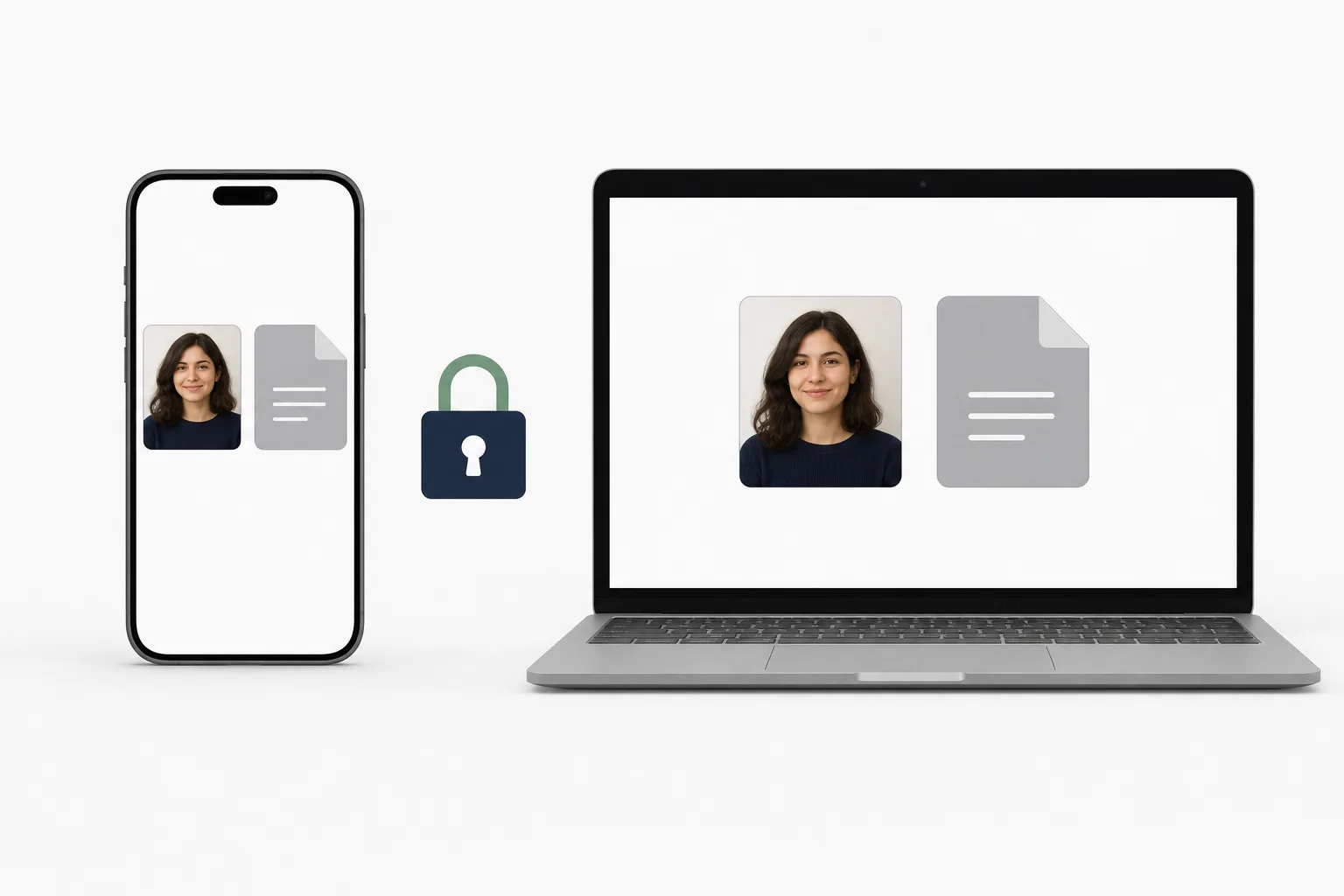
Image processing happens in your browser. After payment, save both finished files directly to your device.
Creating and reviewing are free. You see the price before saving and pay once when saving the finished files.
от ¥600Required files differ by application. Choose the creation screen for your purpose.
See the Indonesia eVisa creation screen →You can prepare the face photo and the passport data-page image containing the passport photo and personal data.
The current official portal does not specify them. JPEG below 1MB is this tool’s Product Compatibility Policy for current portal behavior, not a government requirement.
Yes. Use it in a phone or computer browser.
No. Image processing happens in your browser and images are not uploaded to the server.
No. The tool helps prepare files and does not review, accept, issue, or guarantee an application.
Prepare the face photo and passport data-page image in your browser.
Create photo and passport imageSee the Vietnam eVisa photo app information if you prefer an installed app.
See the iPhone app →