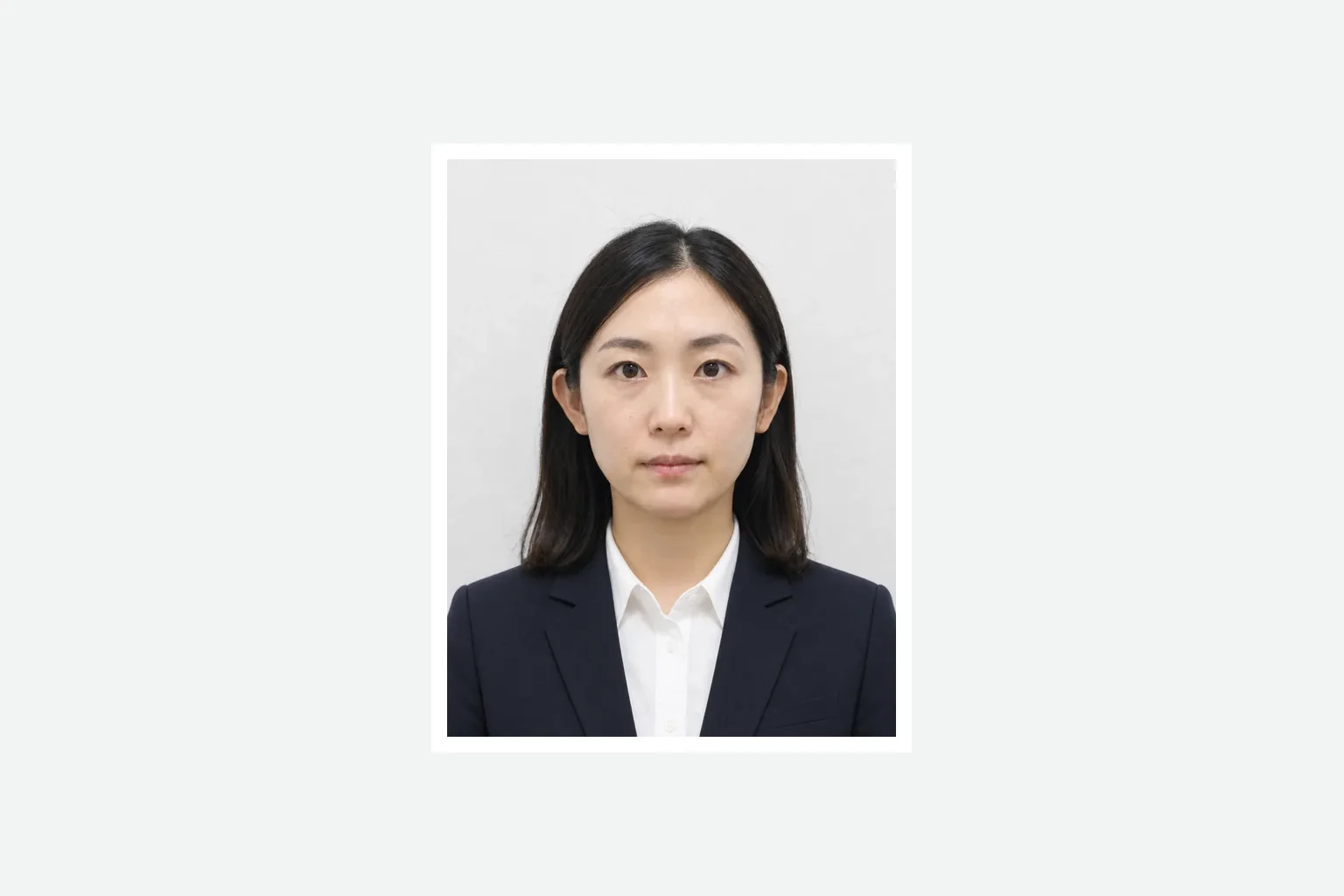
JPEG
Application photo
A finished single photo prepared at the application aspect ratio.
Add a photo. Prepare it at the application size and save a print-ready file.
Judicial scrivener exam print photoJPEG
Create the exam photoCreating and reviewing are free. You pay only when saving the finished file. ¥500
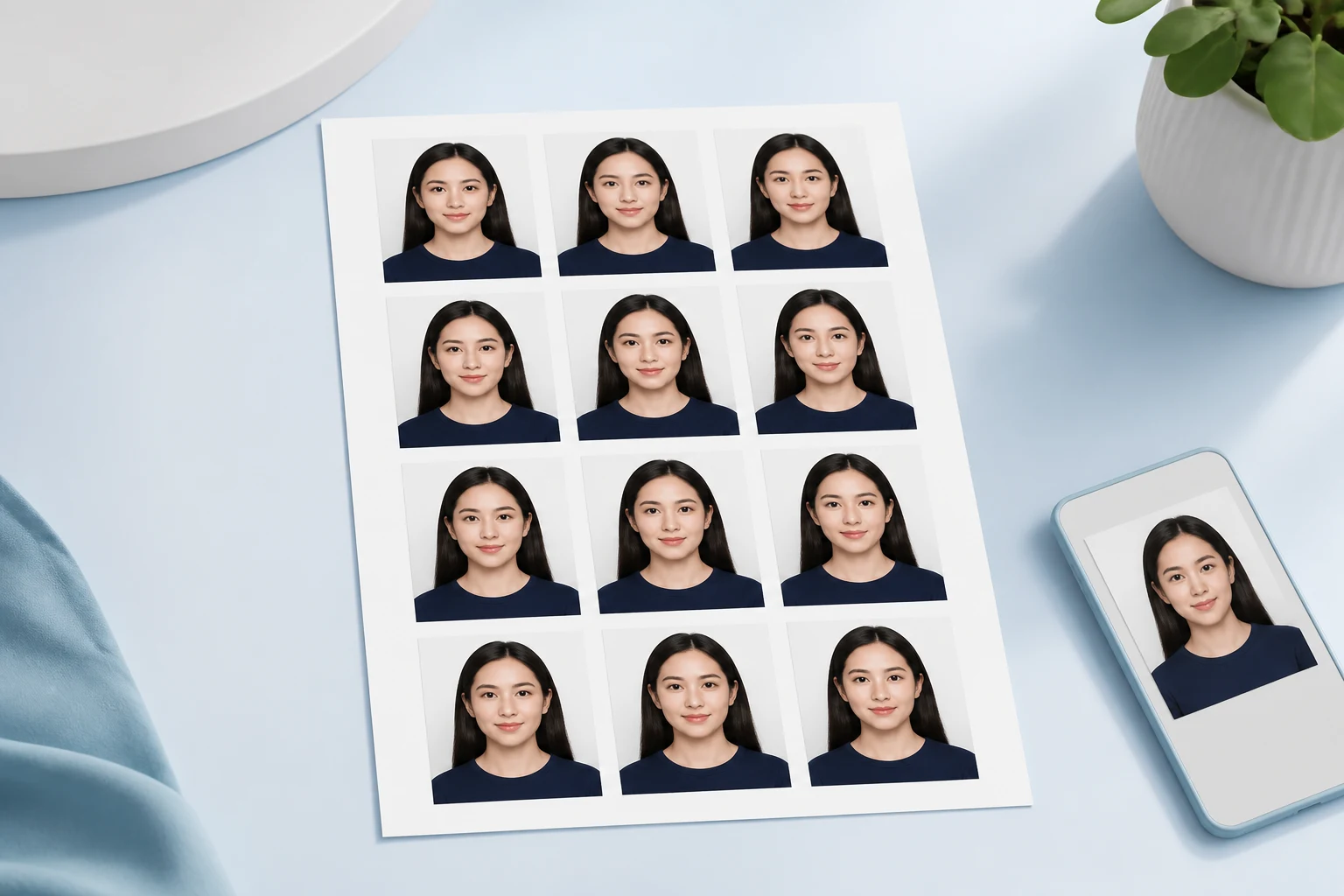
A finished single photo prepared at the application aspect ratio.
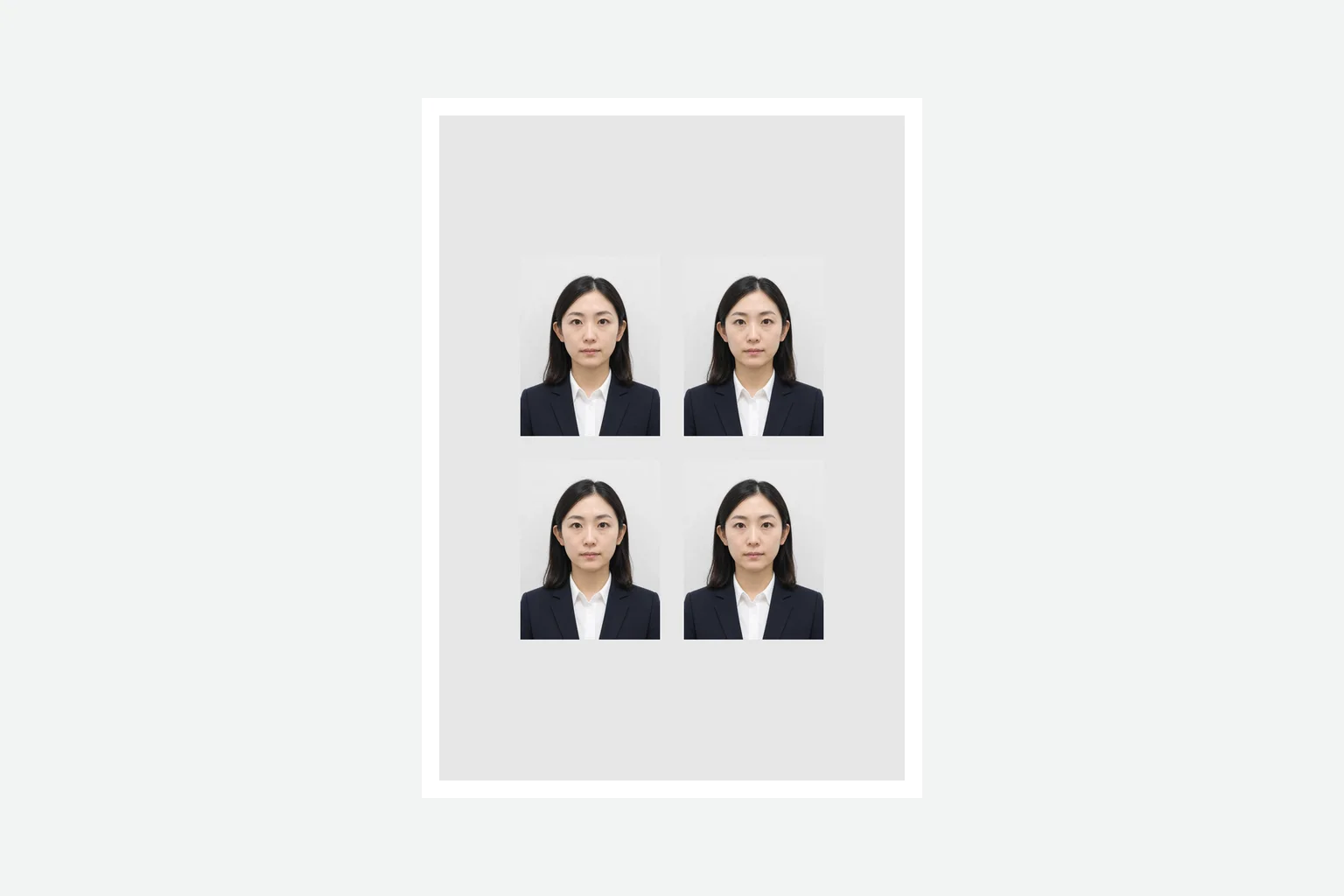
The same finished photo arranged as multiple copies on supported photo paper.
Add a photo, review the print layout, then save it.
Take a photo with your phone or choose one from your device.
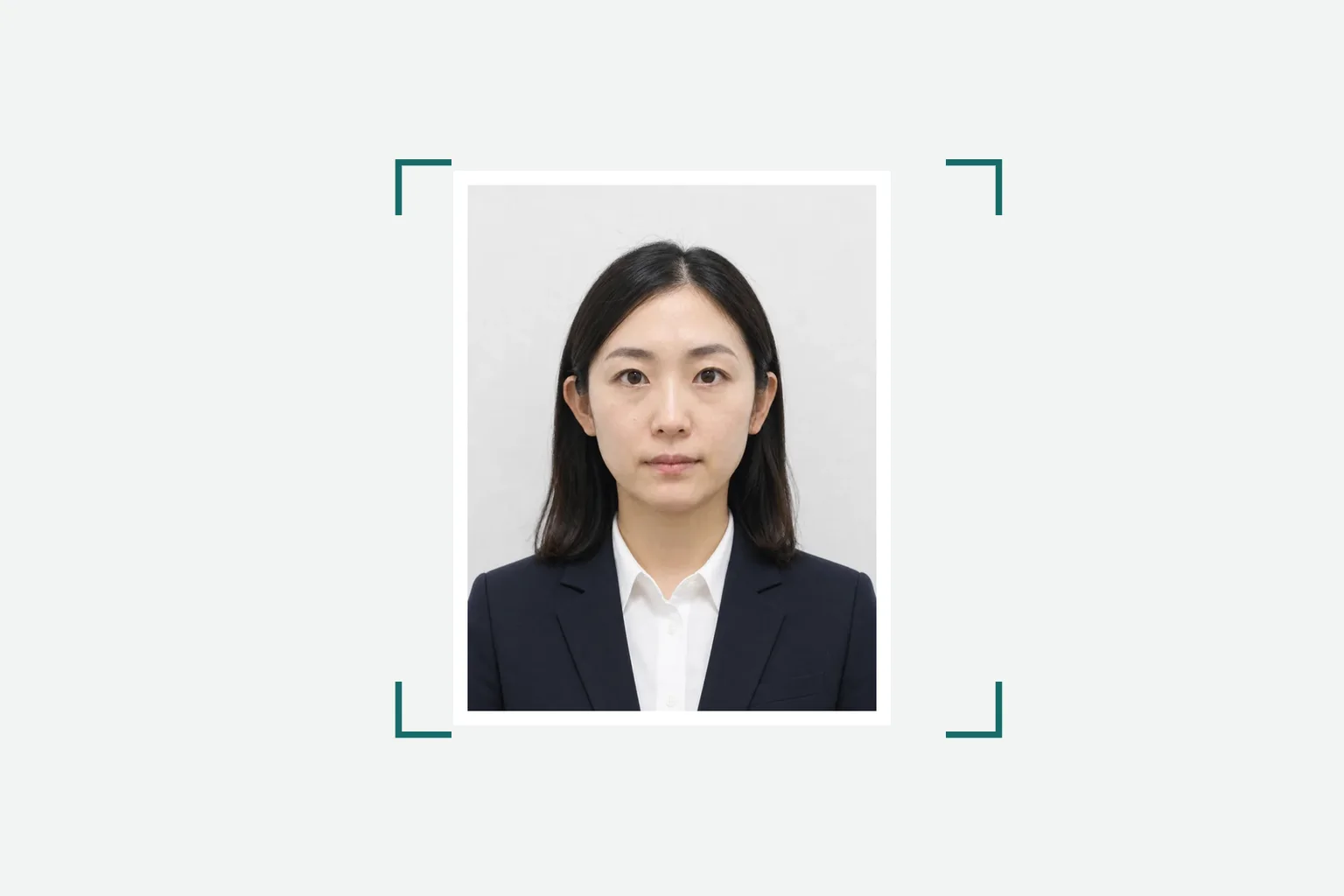
Check the photo size, placement, and print-paper layout.
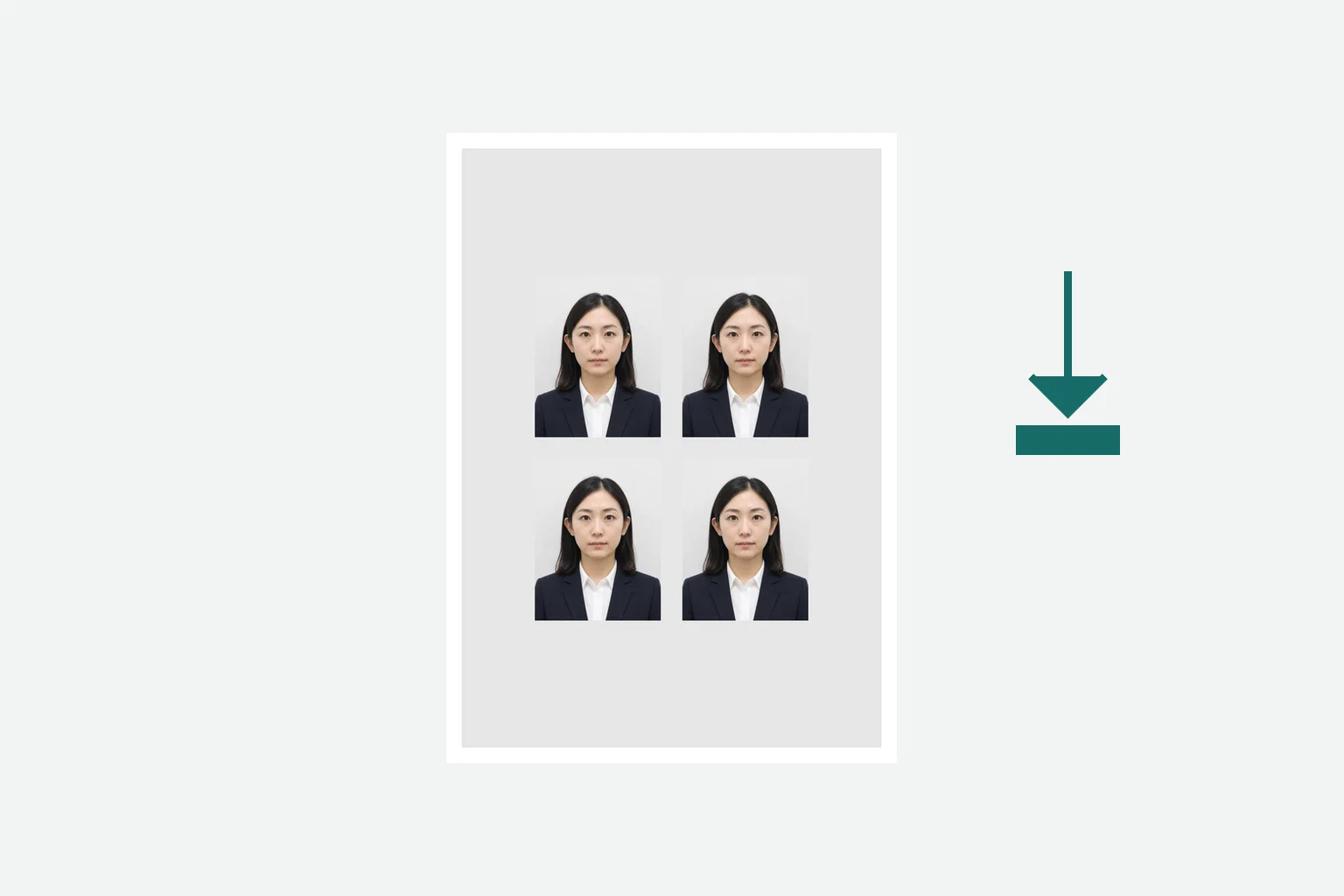
Review the result, pay once, and save the print-ready file.
Review the official exam-photo conditions separately from the print output.
司法書士法施行規則(e-Gov 法令) · Checked: 2026-08-20
Photo processing happens in your browser.
Creating and reviewing are free. You pay once when saving the finished file.
¥500The judicial scrivener exam application is submitted by post or in person. This tool prepares the print photo for the application.
It prepares the exam application photo and print layout according to the official conditions. Check the latest official instructions as well.
You can save a print-ready file. When printing, turn off scaling and confirm the final physical size.
No. Use it from a phone or computer browser.
Photo processing happens in your device browser.
Create the print photo for your exam application in your browser.
Create the exam photoA judicial scrivener exam photo app is also available for iPhone.
See the iPhone app →