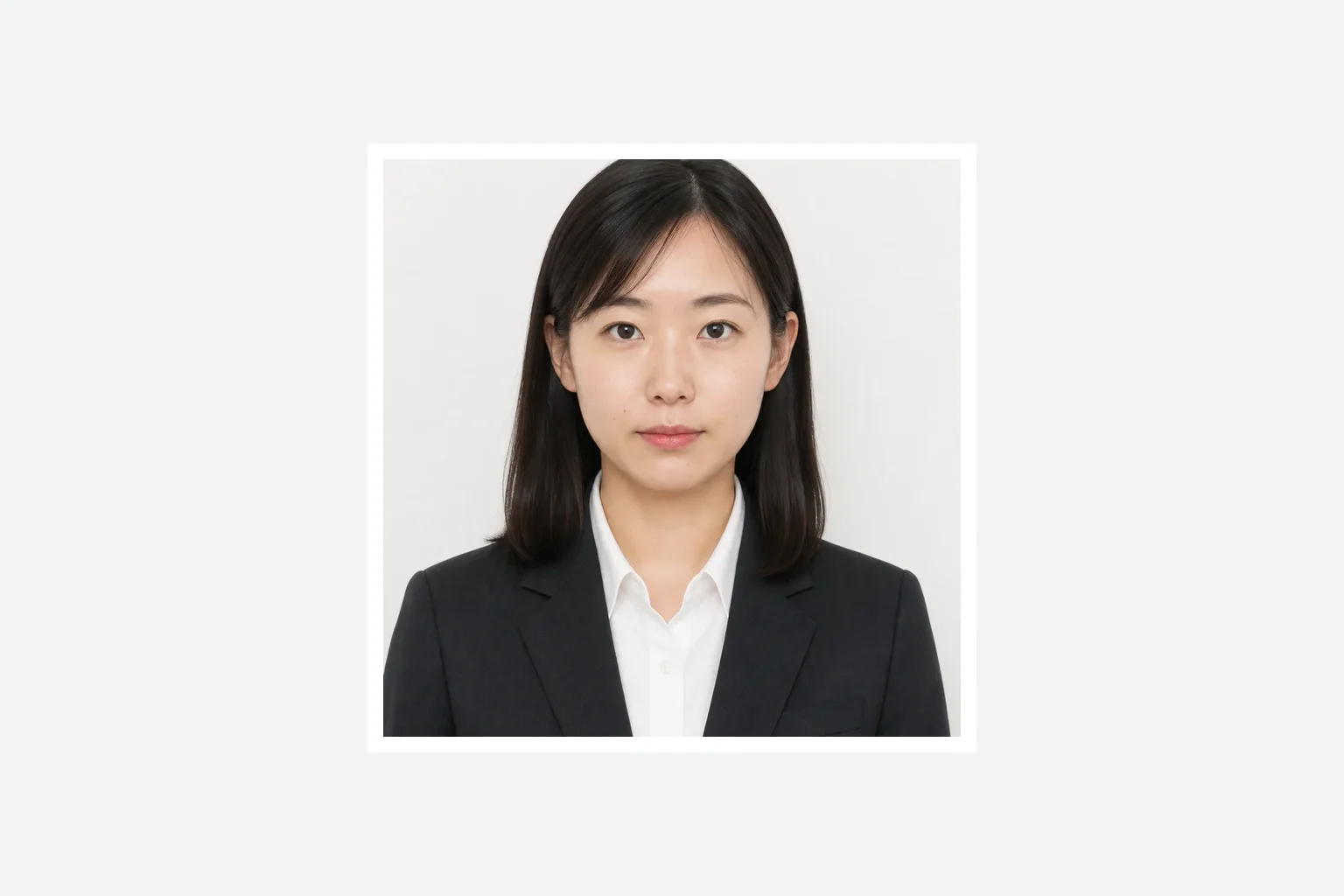
JPEG
Application photo
A finished single photo prepared at the application aspect ratio.
Add a formal photo, prepare the 50×50 mm photo and two-photo print sheet, review it, and save it.
judicial scrivener registration print photoJPEG
Create the application photoCreating and reviewing are free. You pay only when saving the finished file. ¥500
A finished single photo prepared at the application aspect ratio.
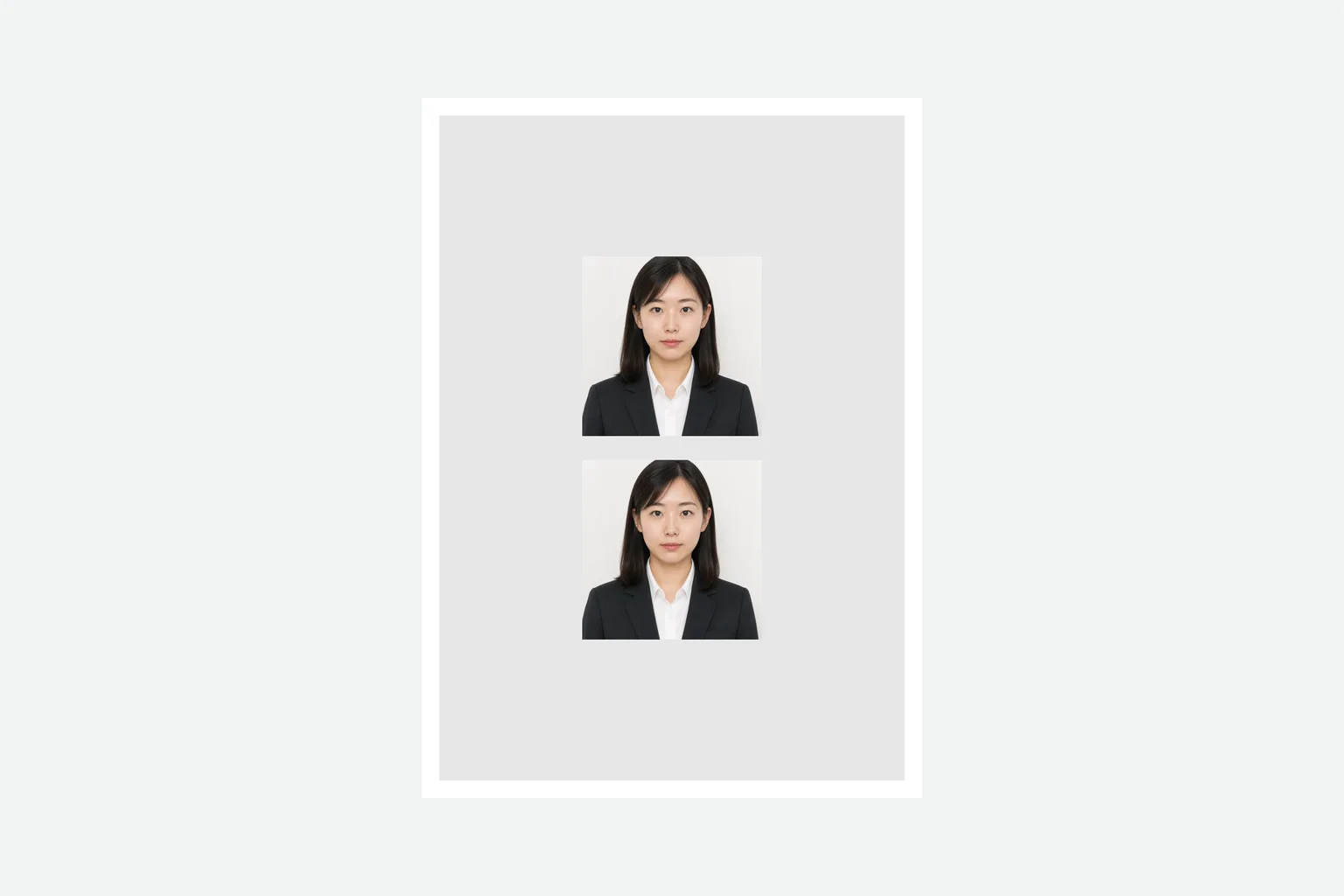
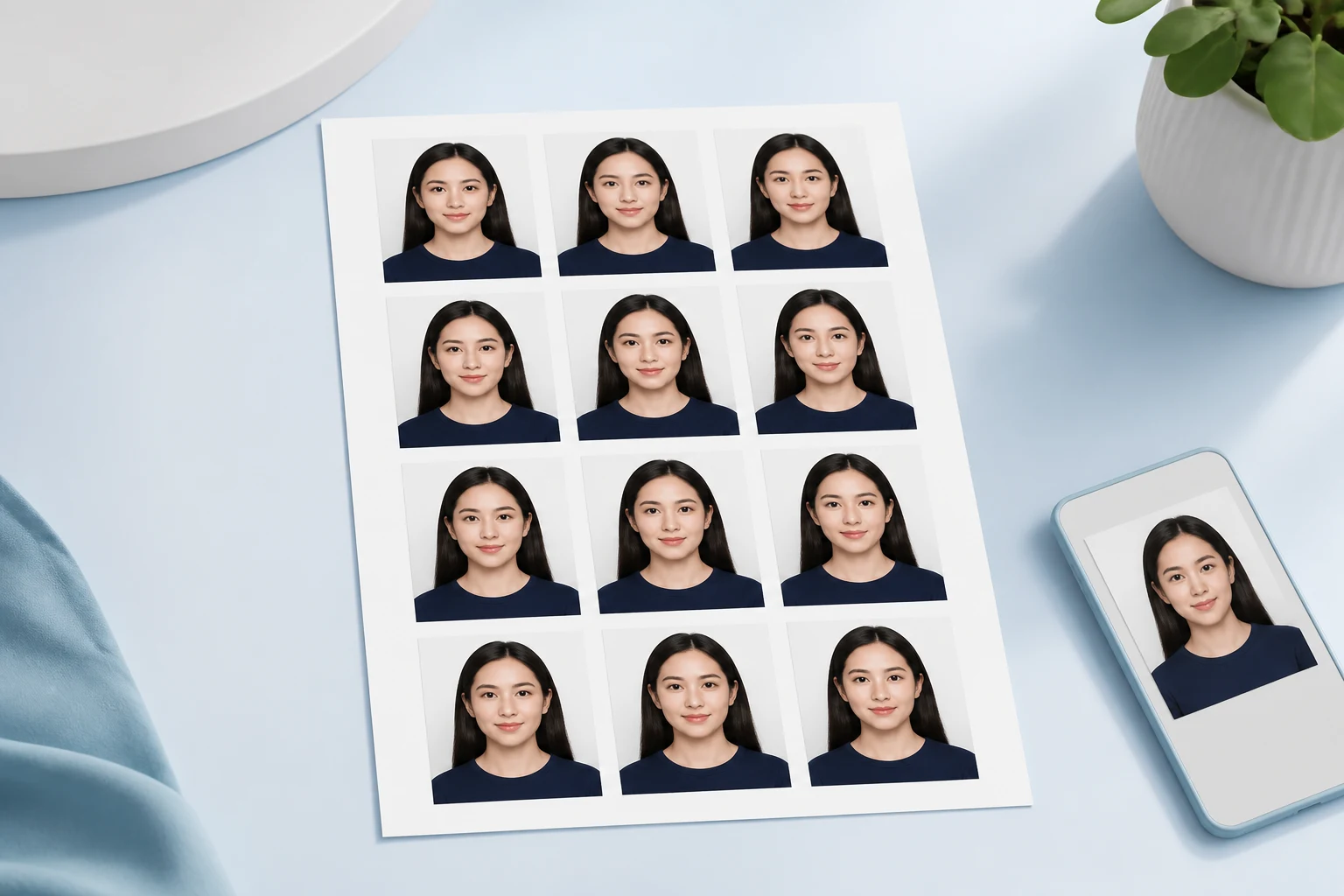
The same finished photo arranged as multiple copies on supported photo paper.
Add a photo, review the single photo and print sheet, then save them.
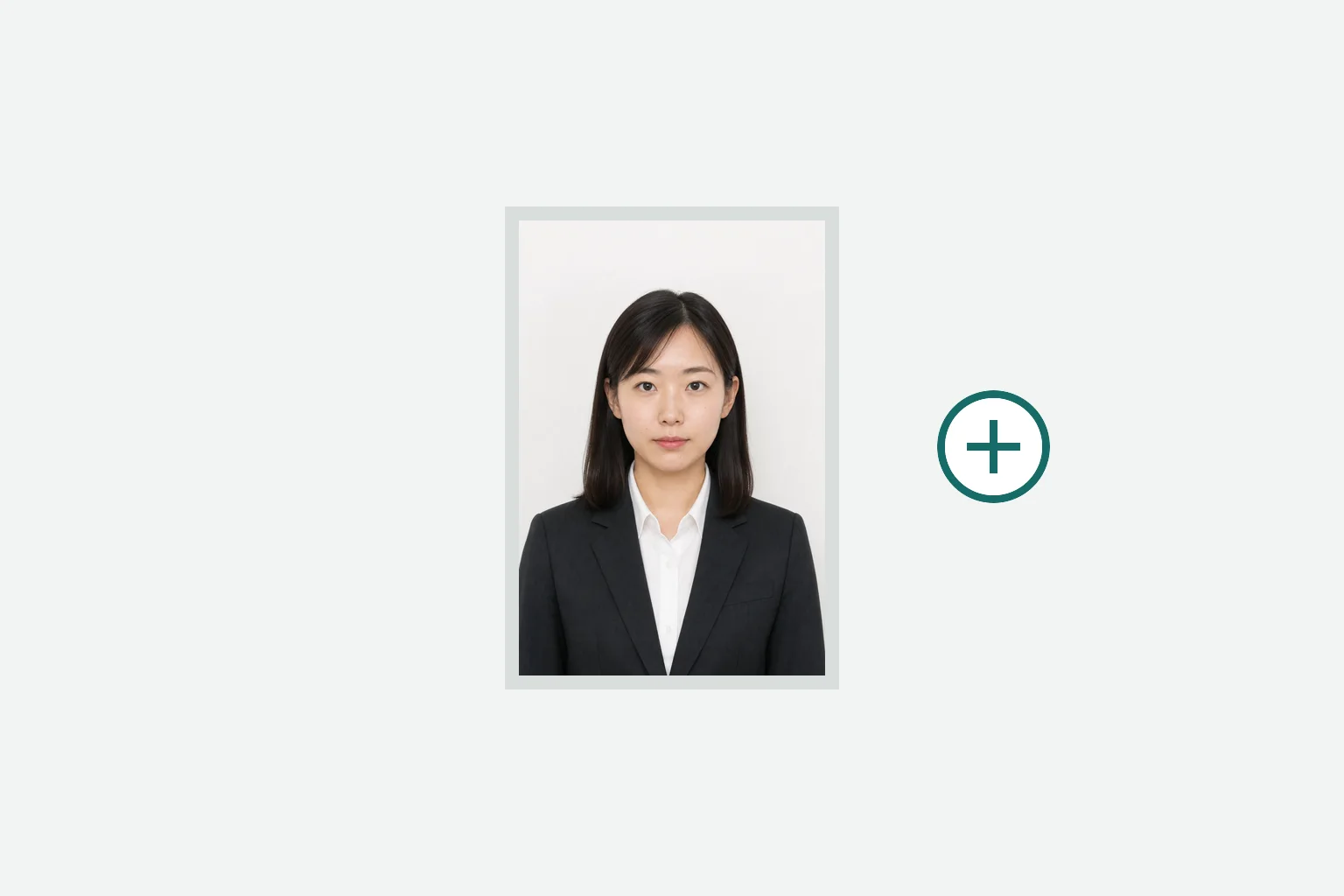
Take a front-facing formal photo or choose one from your device.
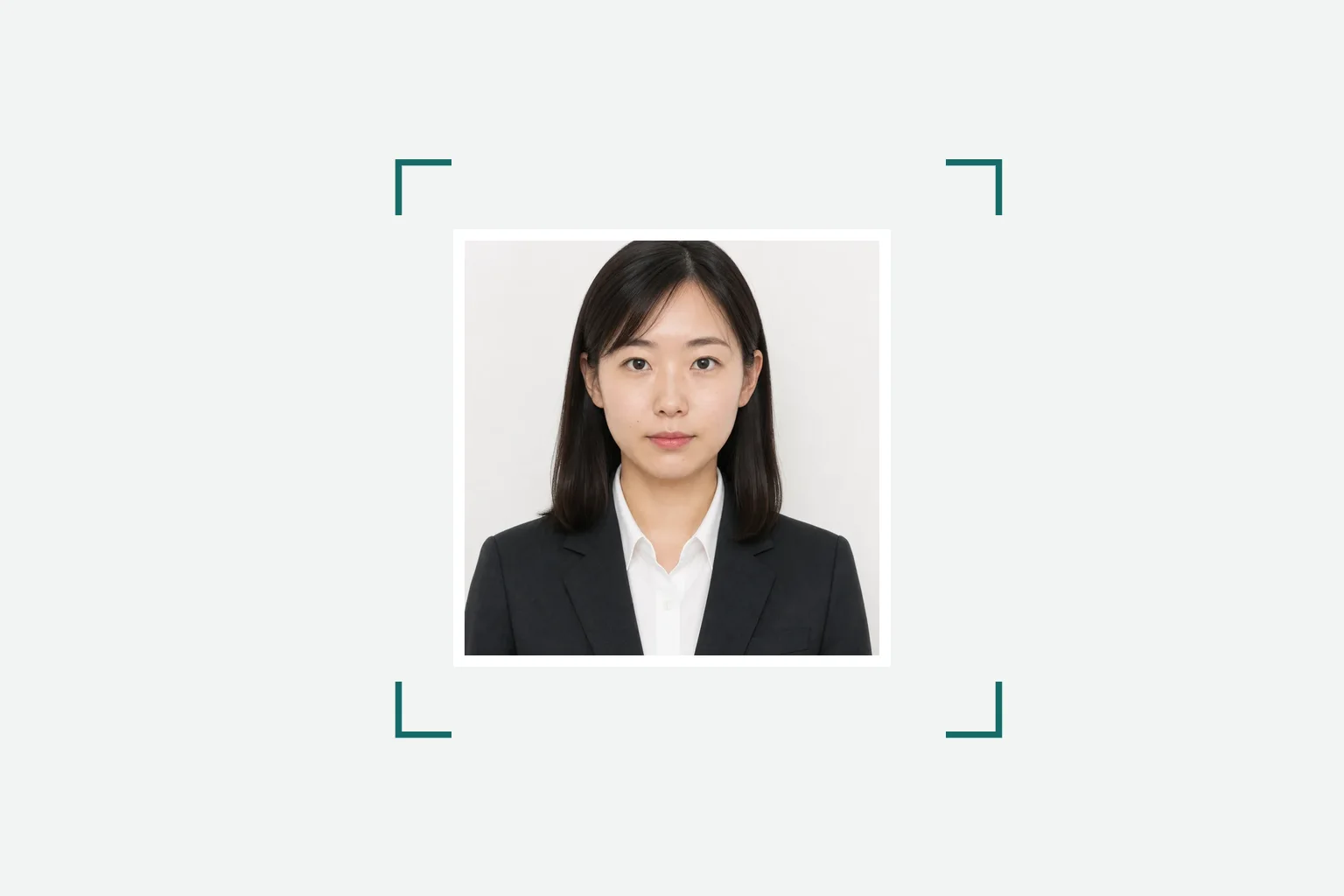
Check the photo ratio and the number and arrangement of copies on the paper.
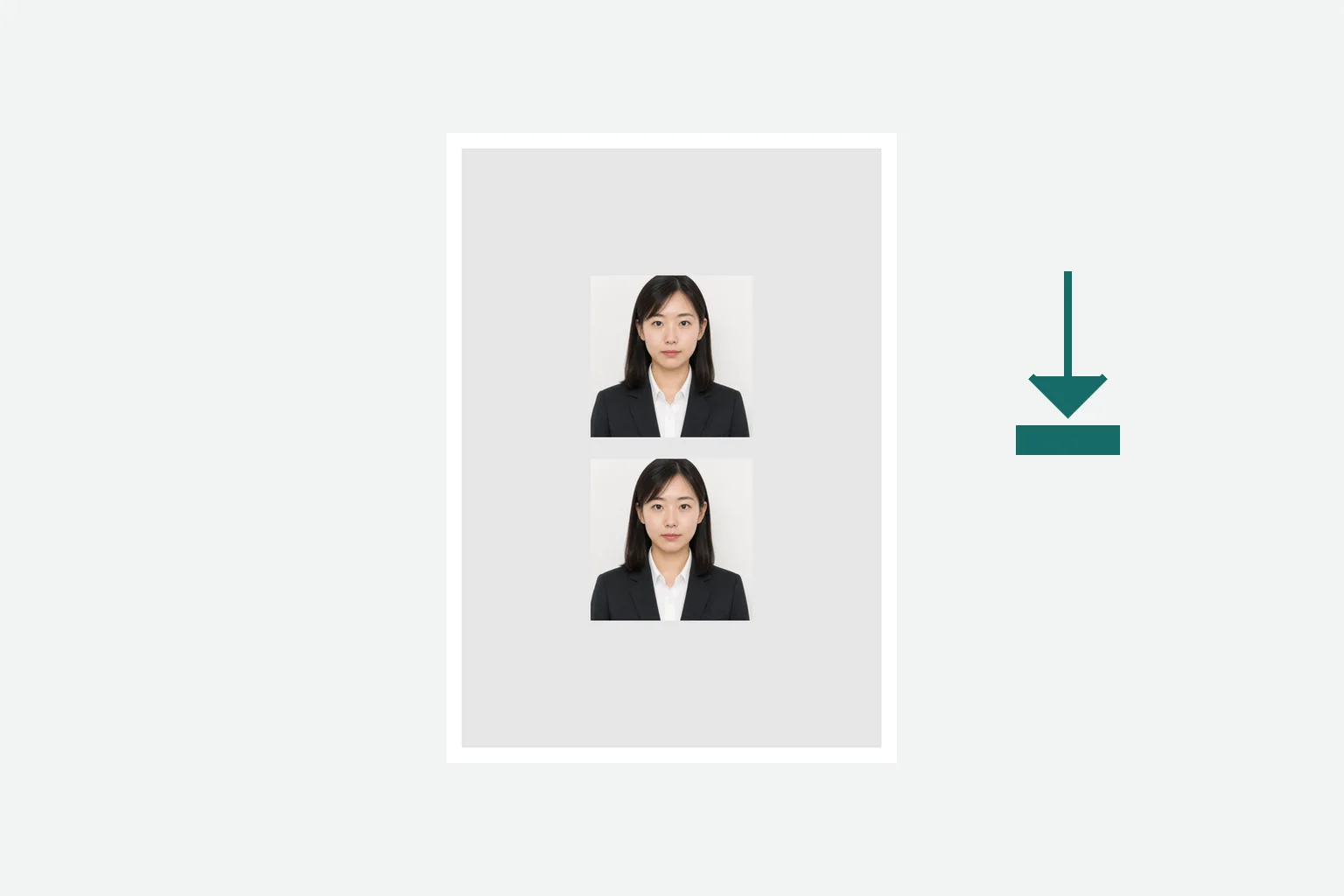
Review the result, pay once, and save the finished print data.
Official submission conditions are shown separately from the output specifications generated by this tool.
東京司法書士会会則(令和5年11月8日認可) · Checked: 2026-08-20
Photo processing happens in your device browser.
Creating and reviewing are free. You pay once when saving the finished file.
¥500This page prepares the square photo for judicial scrivener registration, not the examination application.
Three photos are officially required, while each product print sheet contains two copies. Print enough sheets to obtain the required number.
Official requirements are set by the application authority. Output specifications are the file size, format, dimensions, or print layout generated by the tool to support those requirements.
Yes. Add a photo in a phone or computer browser.
Creating and reviewing are free. You pay once when saving the finished file.
Photo processing happens in your device browser.
Create the 50×50 mm photo and two-photo print sheet in your browser.
Create the application photoAn iPhone app is also available for preparing qualification and examination photos.
See the iPhone app →