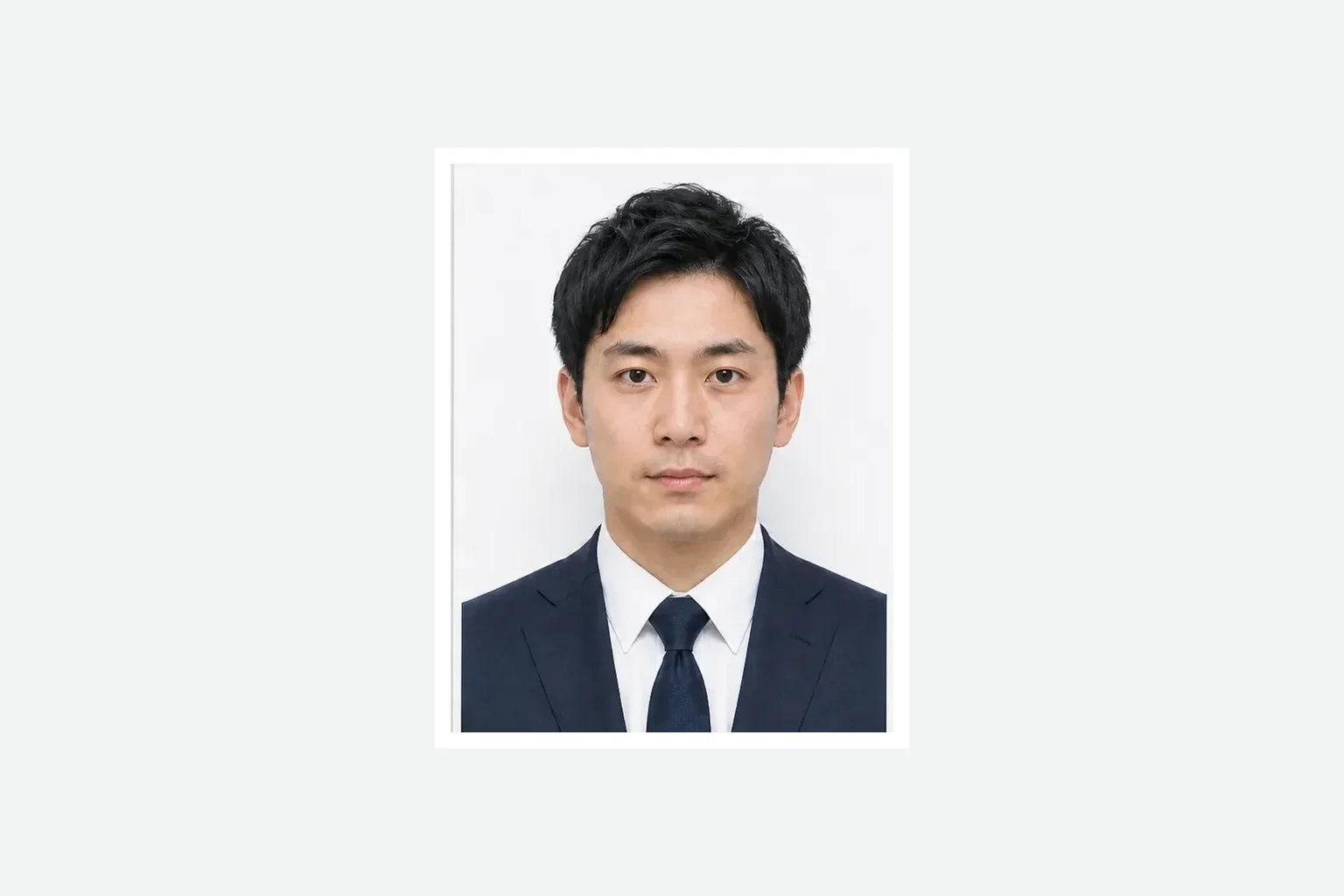
JPEG
Single application photo
A finished single photo prepared at the application aspect ratio.
Add a photo, prepare it at the application size, and save a print-ready file.
Passport print fileJPEG
Create a passport print fileCreating and reviewing are free. You pay only when saving the finished file. ¥500
A finished single photo prepared at the application aspect ratio.
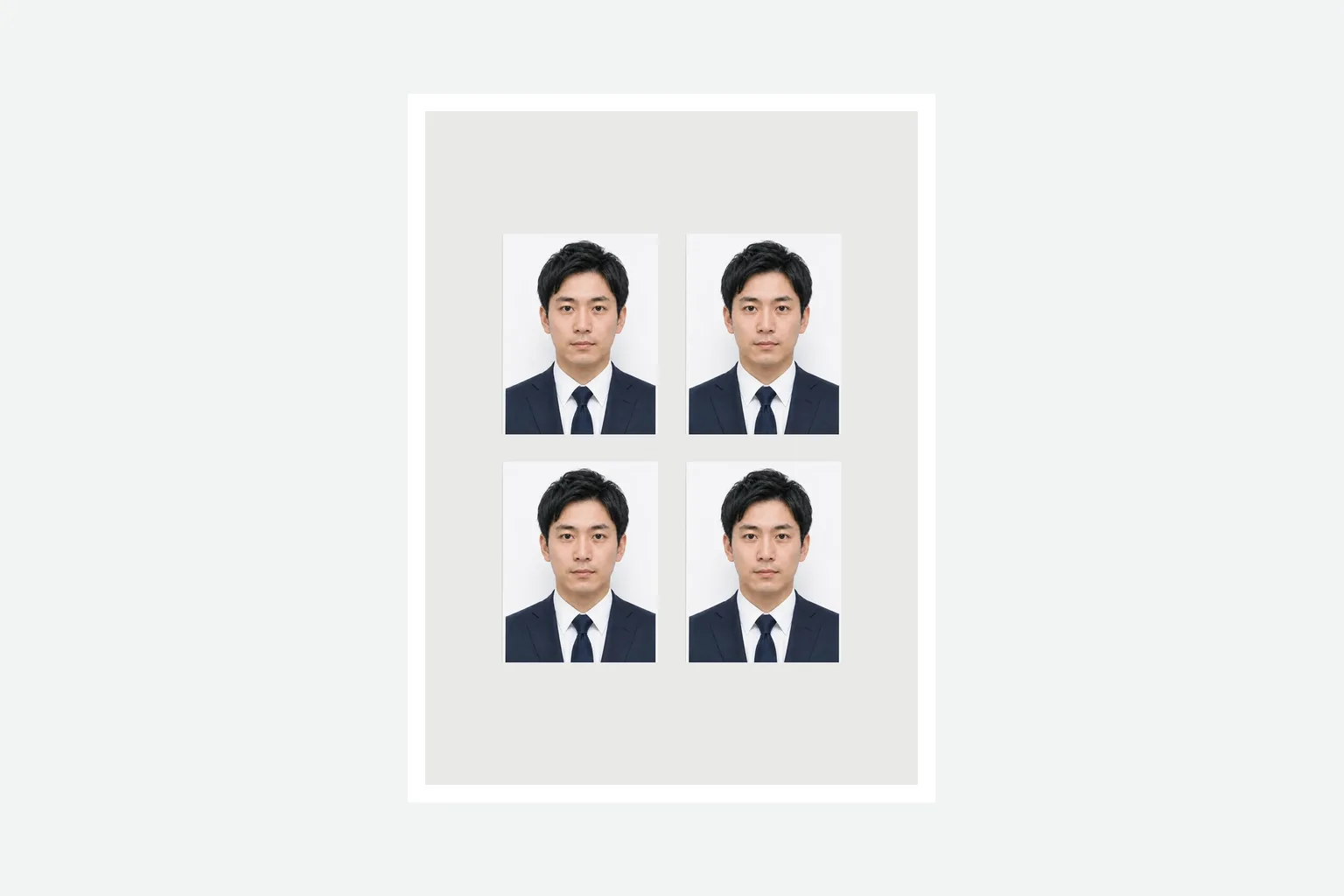
A print-ready file with four copies arranged in two columns and two rows.
Add a photo, review the result, then save the print file.
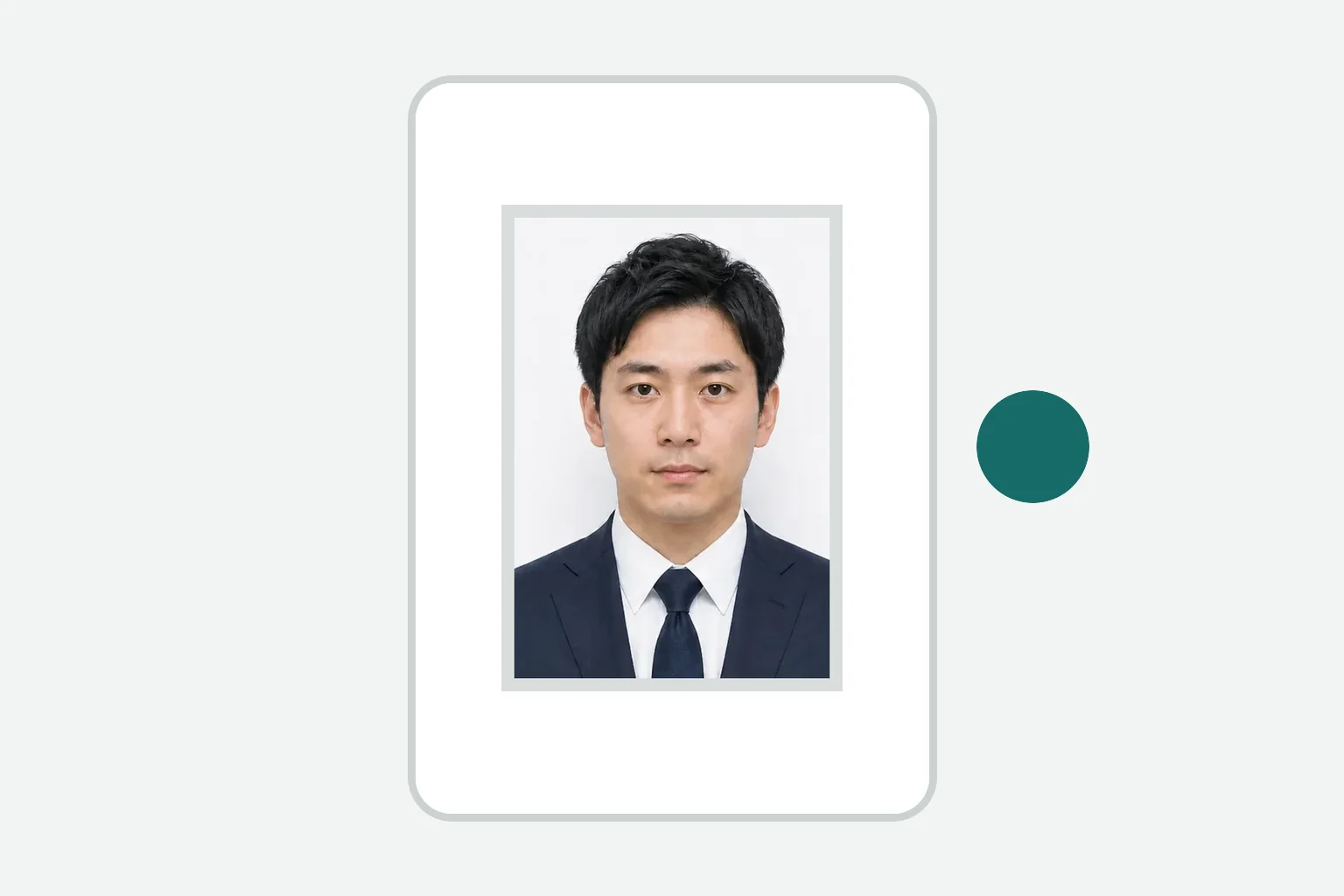
Take a photo with your phone or choose one from your device.
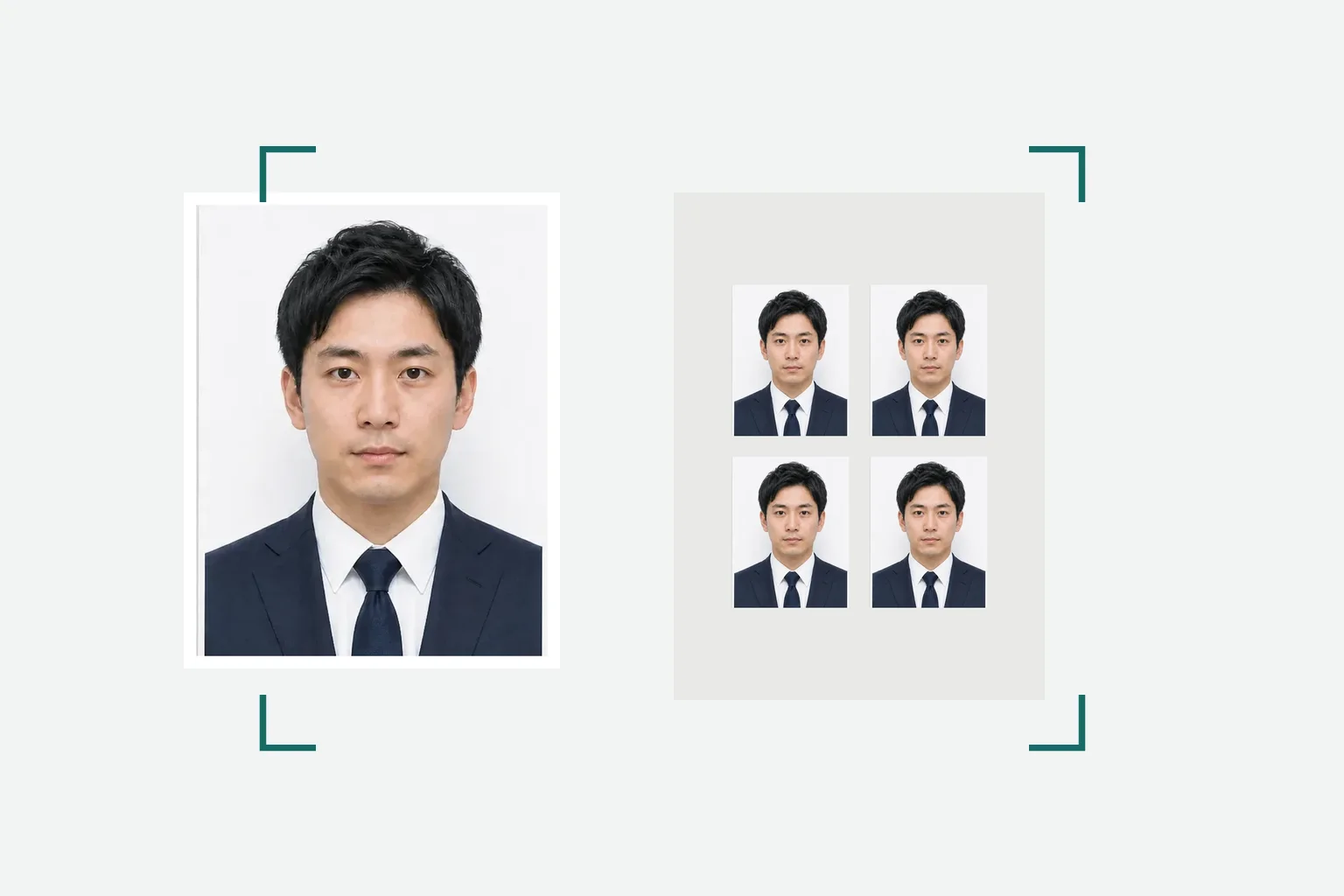
Check the 35×45 mm photo size and print file.
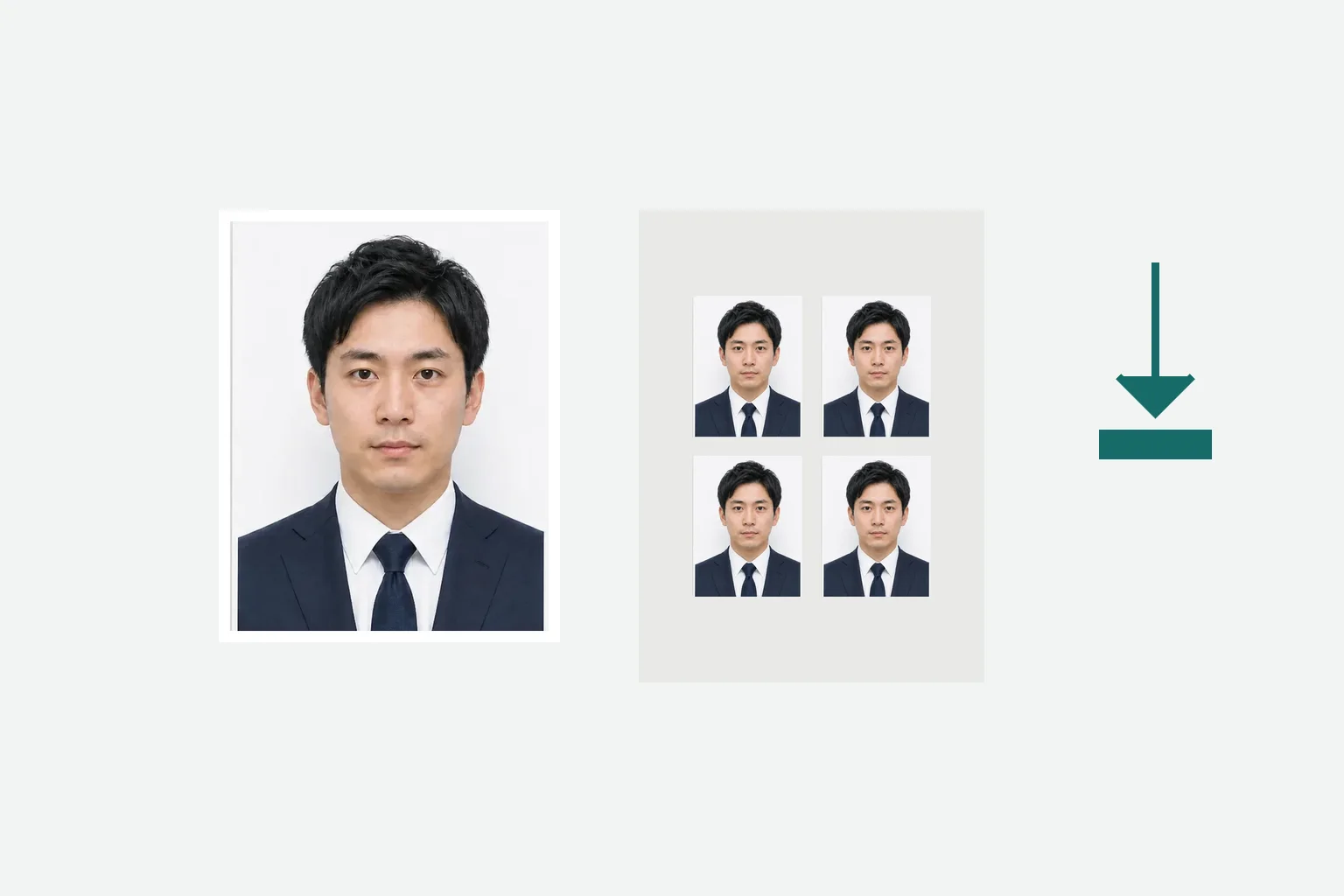
Review the file, pay once, and save the JPEG to your device.
Review the official passport photo conditions separately from this tool’s print output.
東京都生活文化スポーツ局 - パスポート写真の規格と見本 · Checked: 2026-08-20
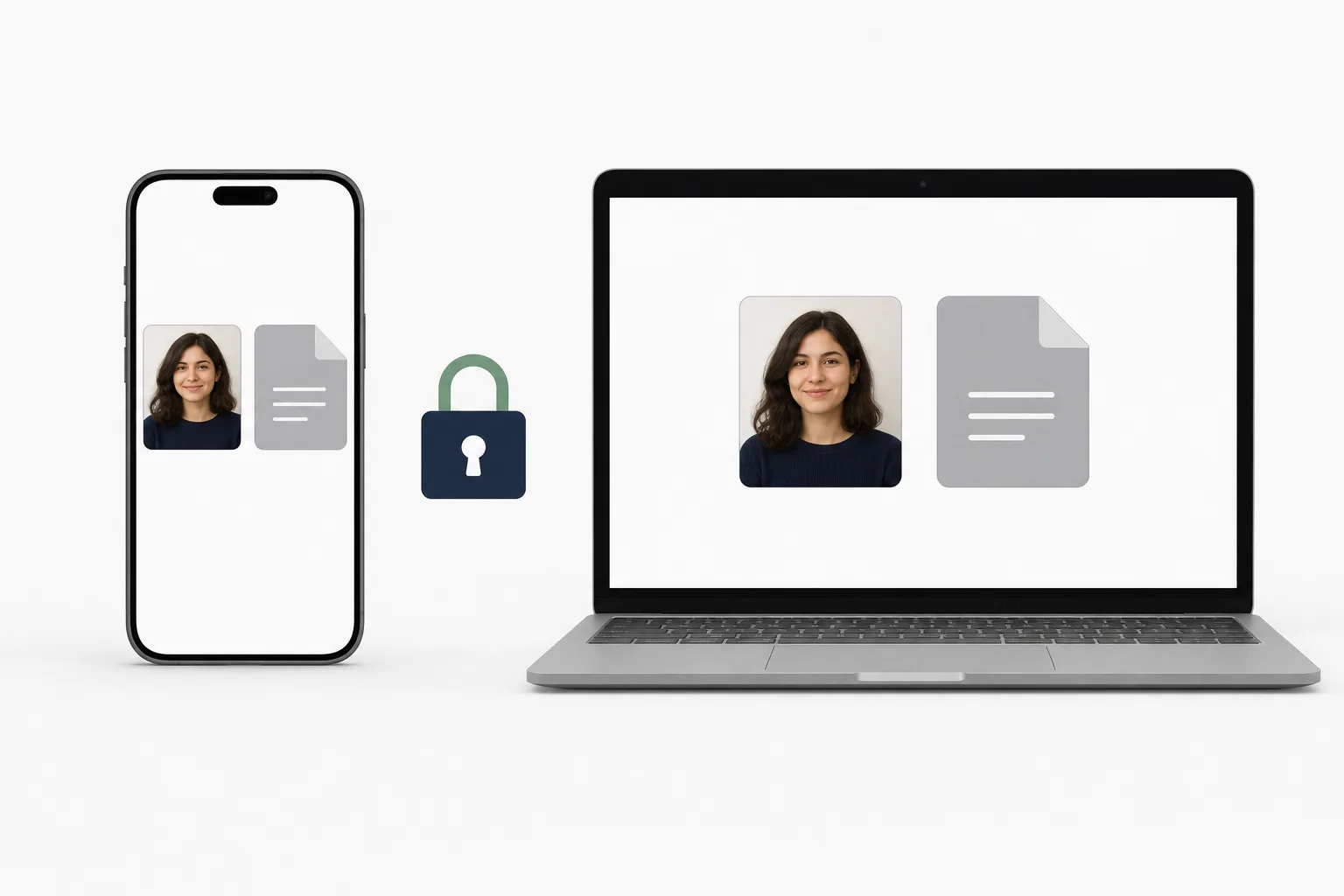
Photo processing happens in your browser. Save the finished print file directly to your device.
Creating and reviewing are free. You pay once when saving the finished file.
¥500Yes. Use it in a phone or computer browser.
No. You can create the files directly in your browser.
Creating and reviewing are free. You pay once when you save the finished files.
No. It helps prepare application files and does not submit, review, or guarantee an application.
Photo processing happens in your device browser.
Create a print-ready passport photo file in your browser.
Create a passport print fileThe Japanese passport photo app is available if you prefer an installed workflow.
See the iPhone app →